Usage & billing
Usage & billing shows what you pay Gemmein: one flat price for your whole account, the tier it's on, monthly or annual billing, and your storage packs. Launch and Run a business include 100,000 active people a month; Grow has no visible limit. The meters show the count for information, never a limit. The meters count the environment you're in — Development and Live each keep their own usage — but the bill is shared.
Steps
Before you go live
Open Settings, then Usage & billing, before your app is live to see Development's own meters and what you pay while you build: nothing.
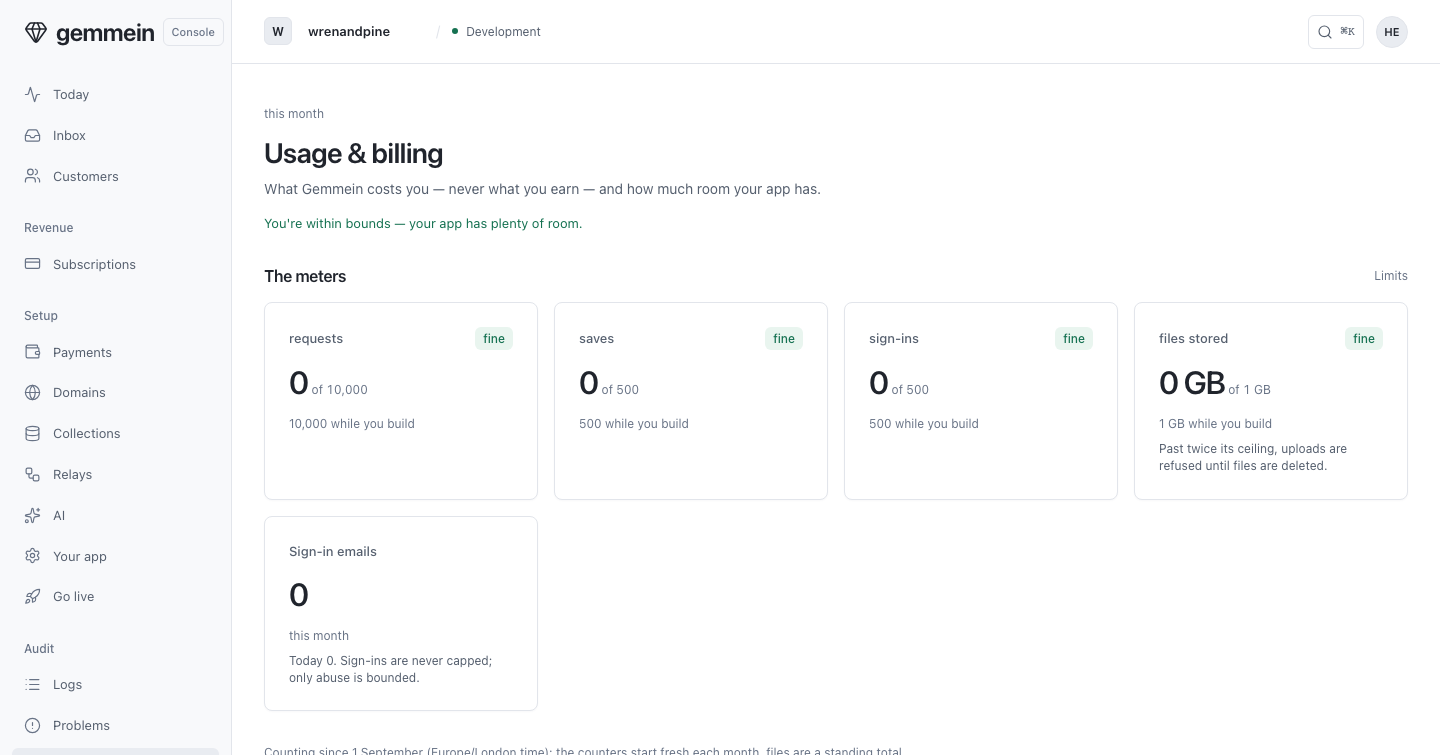
After you go live
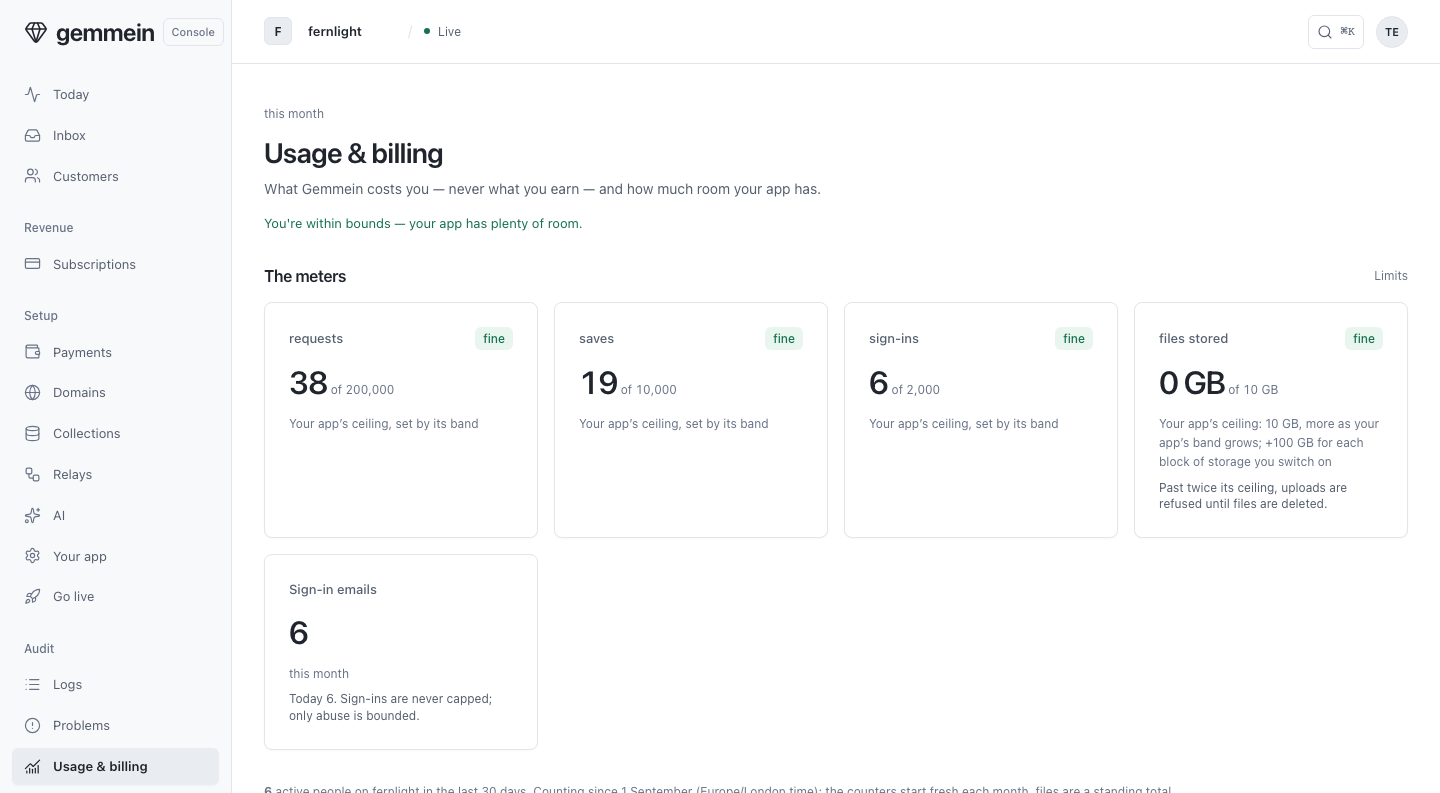
After you go live, the meters show your active people for information. Launch and Run a business include 100,000 active people a month; Grow has no visible limit. What you pay is flat for your account.
What you pay shows your account's tier and what it costs, your Live apps on it, every tier beside it, how often you're billed and your storage.
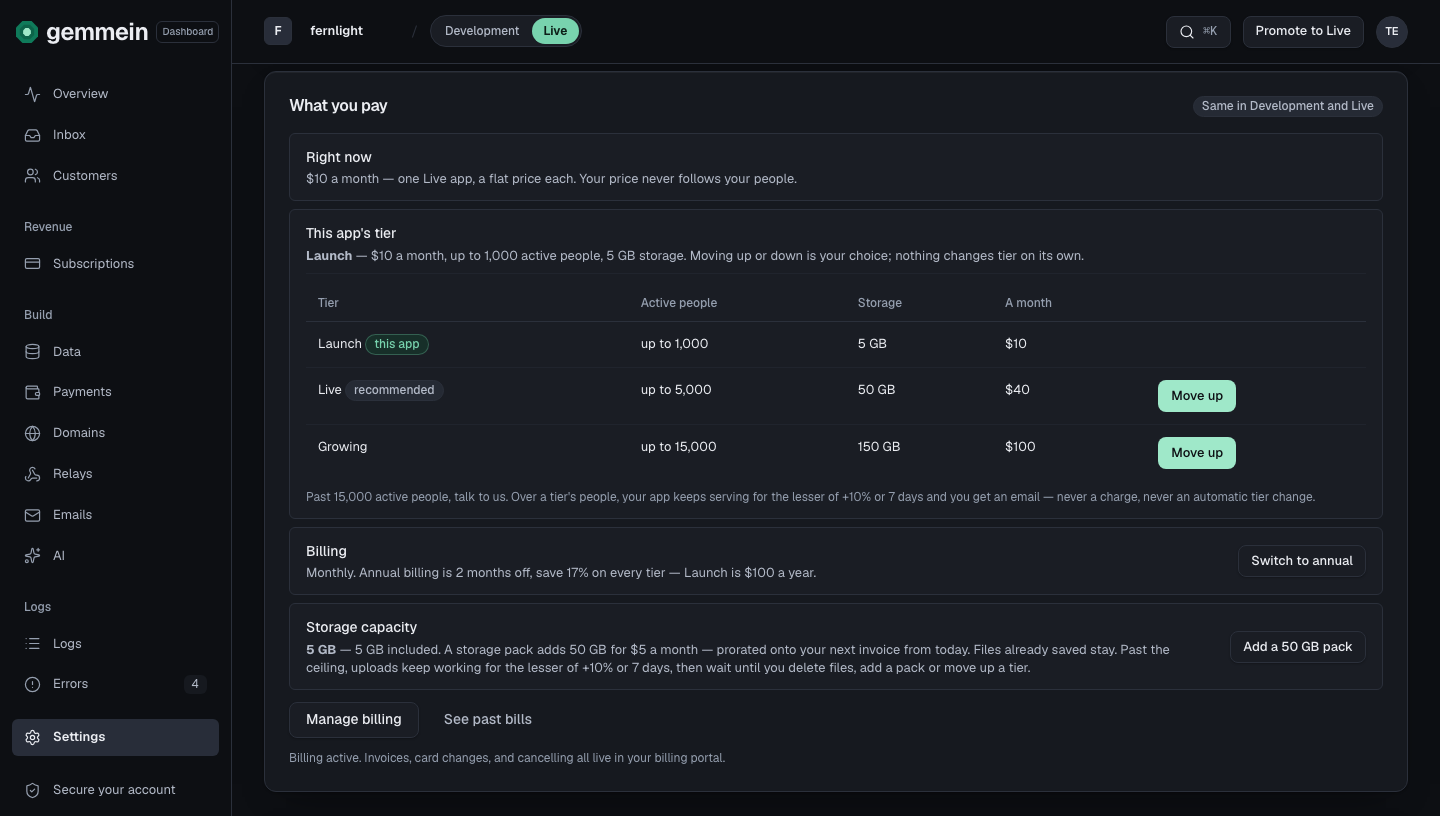
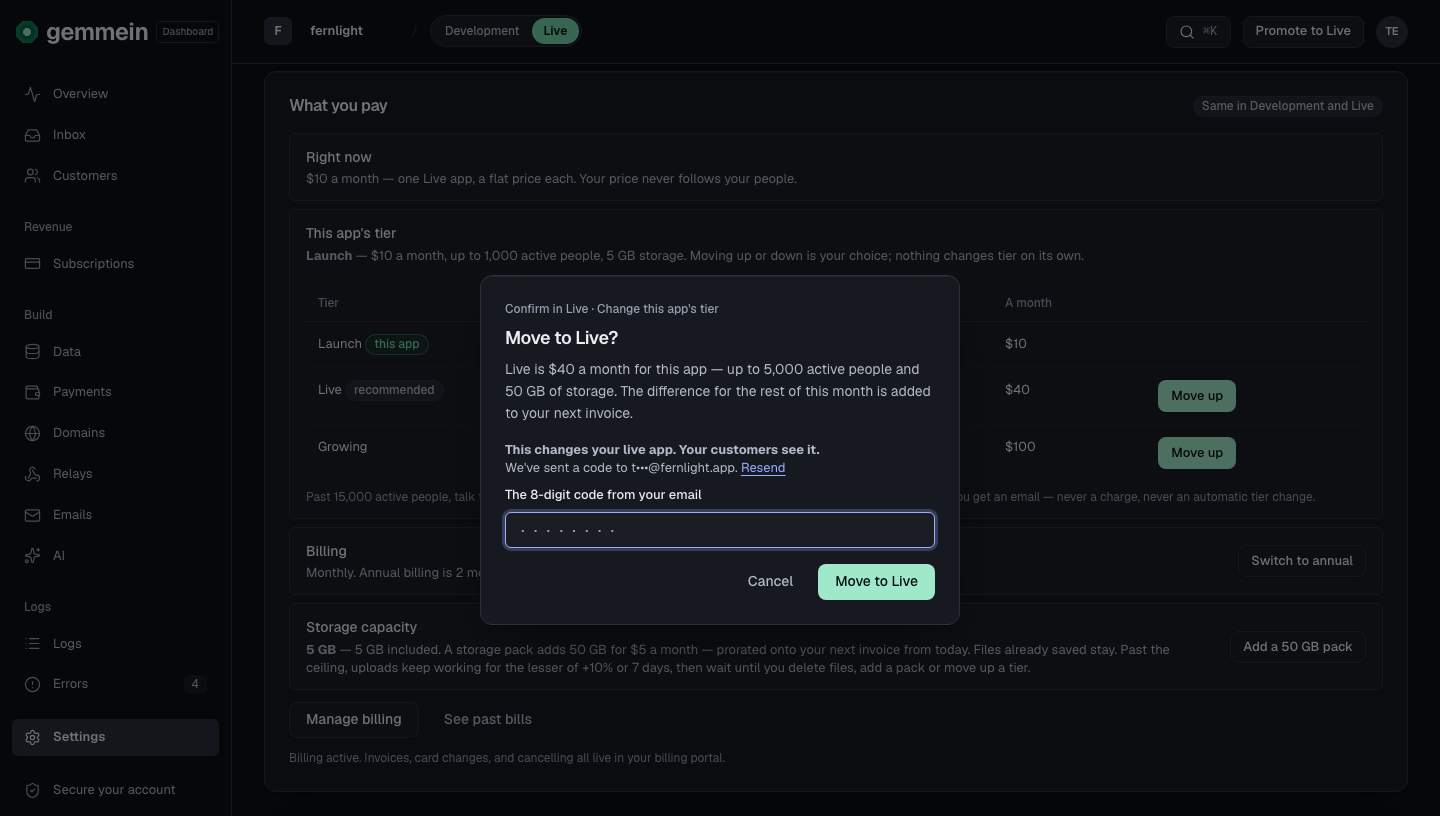
Choose Move up or Move down beside a tier to change your account's tier. Up is charged pro rata from today; down applies at once, with no refund of the period already paid.
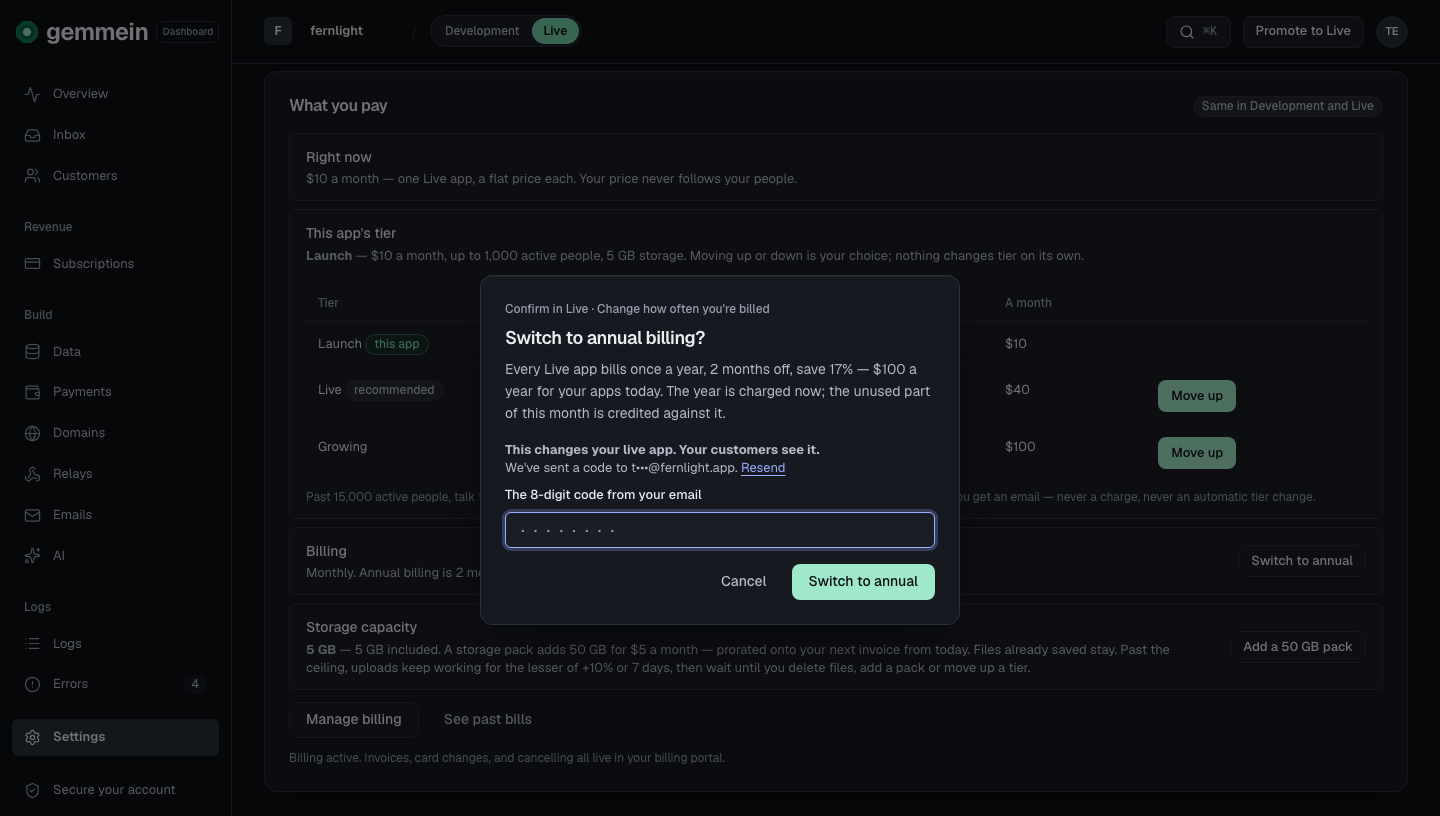
Choose Switch to annual for 2 months off. In the last 30 days of a paid year you can switch back to monthly.
Choose Manage billing for your invoices, your card and cancelling, in your billing portal.
Storage packs
Each tier includes its storage: 50 GB on Launch, 200 GB on Run a business, 500 GB on Grow. Once you're live, choose Add a 50 GB pack to add more: $5 a month, or $50 a year on annual billing.
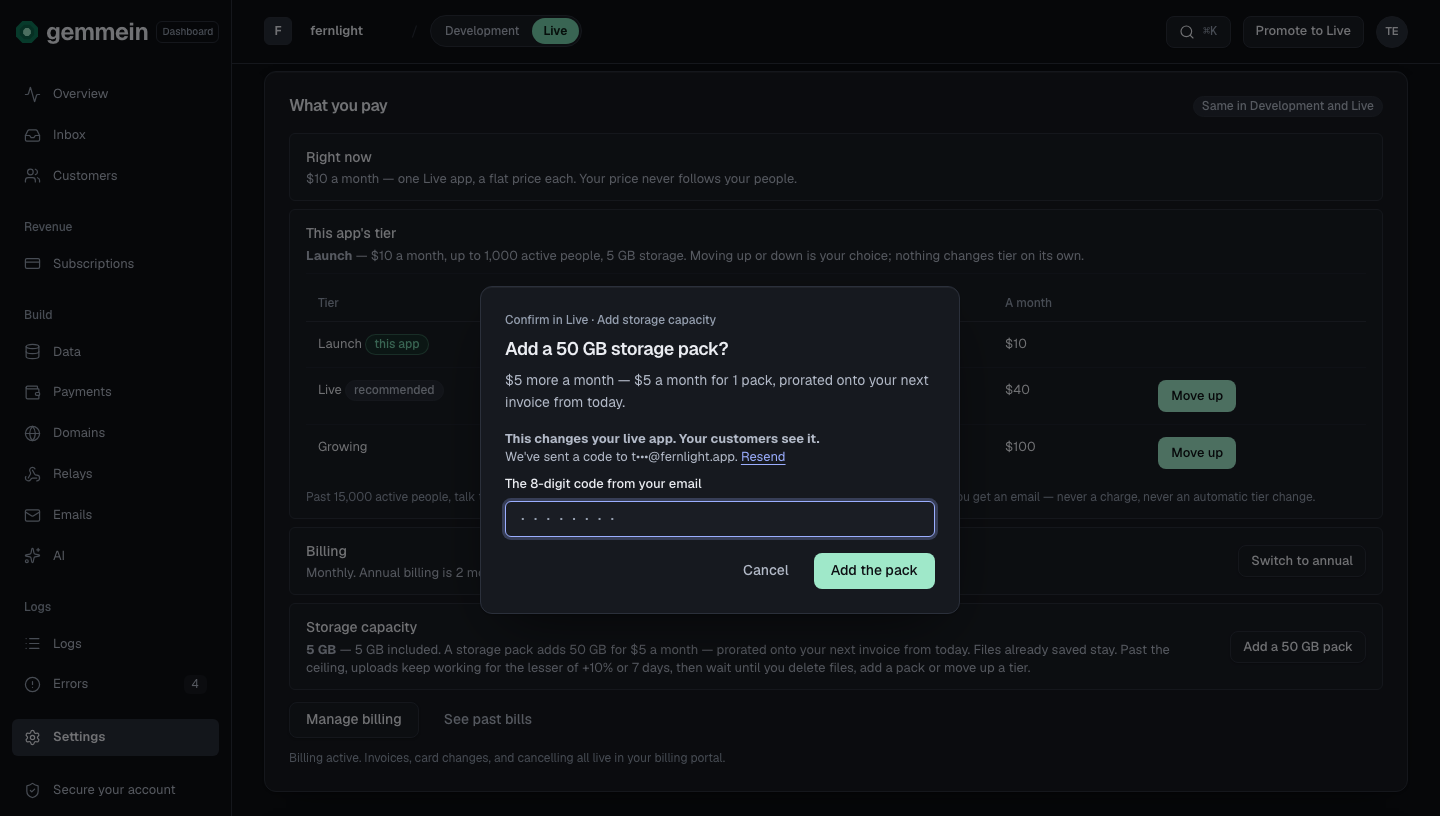
Choose Remove a pack to turn it back down. Files already saved stay. Past your storage, uploads keep working for the lesser of 10% over or 7 days, then wait until you delete files, add a pack or move up a tier.
Limits
Every limit, per tier. One plan per account — every app on it shares the same limits.
| Limit | Launch | Run a business | Grow |
|---|---|---|---|
| Price for the account | $29 a month or $290 a year | $79 a month or $790 a year | $199 a month or $1,990 a year |
| Apps | up to 5 | up to 10 | up to 25 |
| Active people | 100,000 | 100,000 | No visible limit |
| Pooled file storage | 50 GB | 200 GB | 500 GB |
| Downloads | fair use | fair use | fair use |
| Pooled emails sent a month | 10,000 | 24,000 | 70,000 |
| Logs & audit history | 30 days | 90 days | 365 days |
| Support | We reply within 1 business day. | We reply the same business day. | Priority — we reply first, same business day, with a named contact. |
| "Powered by Gemmein" branding | shown | shown | removable |
Apps: Any app may go live under the one plan. Beyond 25 apps: talk to us.
Active people: Launch and Run a business include 100,000 active people a month; Grow has no visible limit.
Pooled file storage: Shared across every live app on the account. Plus 50 GB for each storage pack you add ($5 a month, or $50 a year on annual billing). Past it: the lesser of +10% or 7 days of grace and an email to the owner; then new uploads wait until files are deleted, a pack is added or the account moves up a tier. Files already stored stay. Never a charge.
Downloads: Downloads are fair use on every plan — there's no download allowance or limit; we meter them per app for your own information only.
Pooled emails sent a month: Shared across every live app. Fair use: past it, an owner email — never refused, never charged.
Beyond 25 apps: talk to us.
What your app receives when storage is full: Errors.
Thanks for telling us.
Thanks for telling us.
Last updated