Subscriptions
Subscriptions lists who pays you and which plan each person is on. Stripe takes the payments. Here you read every subscription, correct the access a plan gives someone, and put a person on a plan without payment (a comp).
Steps
Overview
Open Subscriptions to see everyone on a plan: who they are, which plan, and since when.
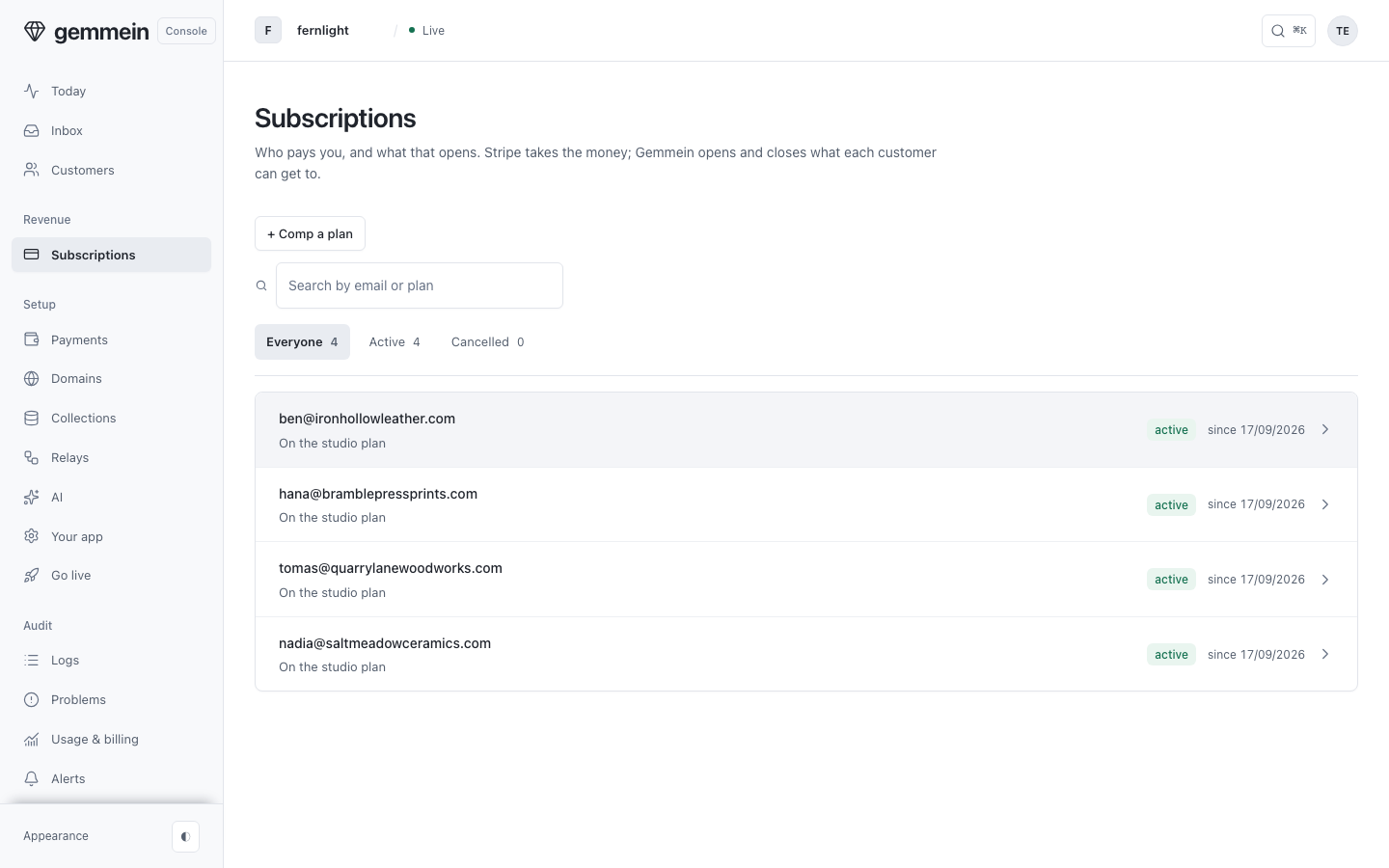
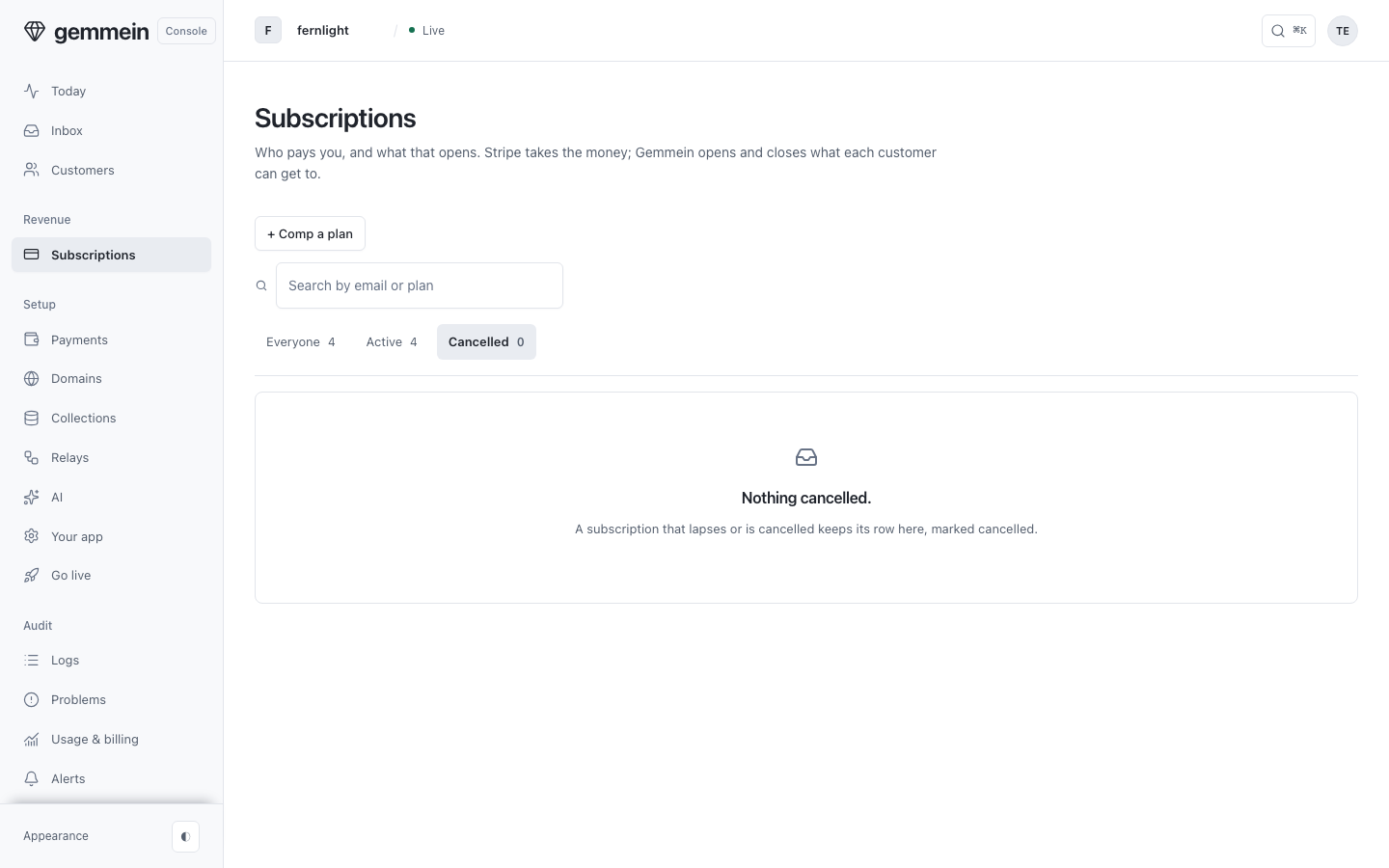
Choose Active or Cancelled to see only the subscriptions in that state. A cancelled subscription keeps its row here, marked cancelled.
One subscription
Open a subscription to see its plan, its status, and how they pay: billed by Stripe, comped by you, or granted by a relay.
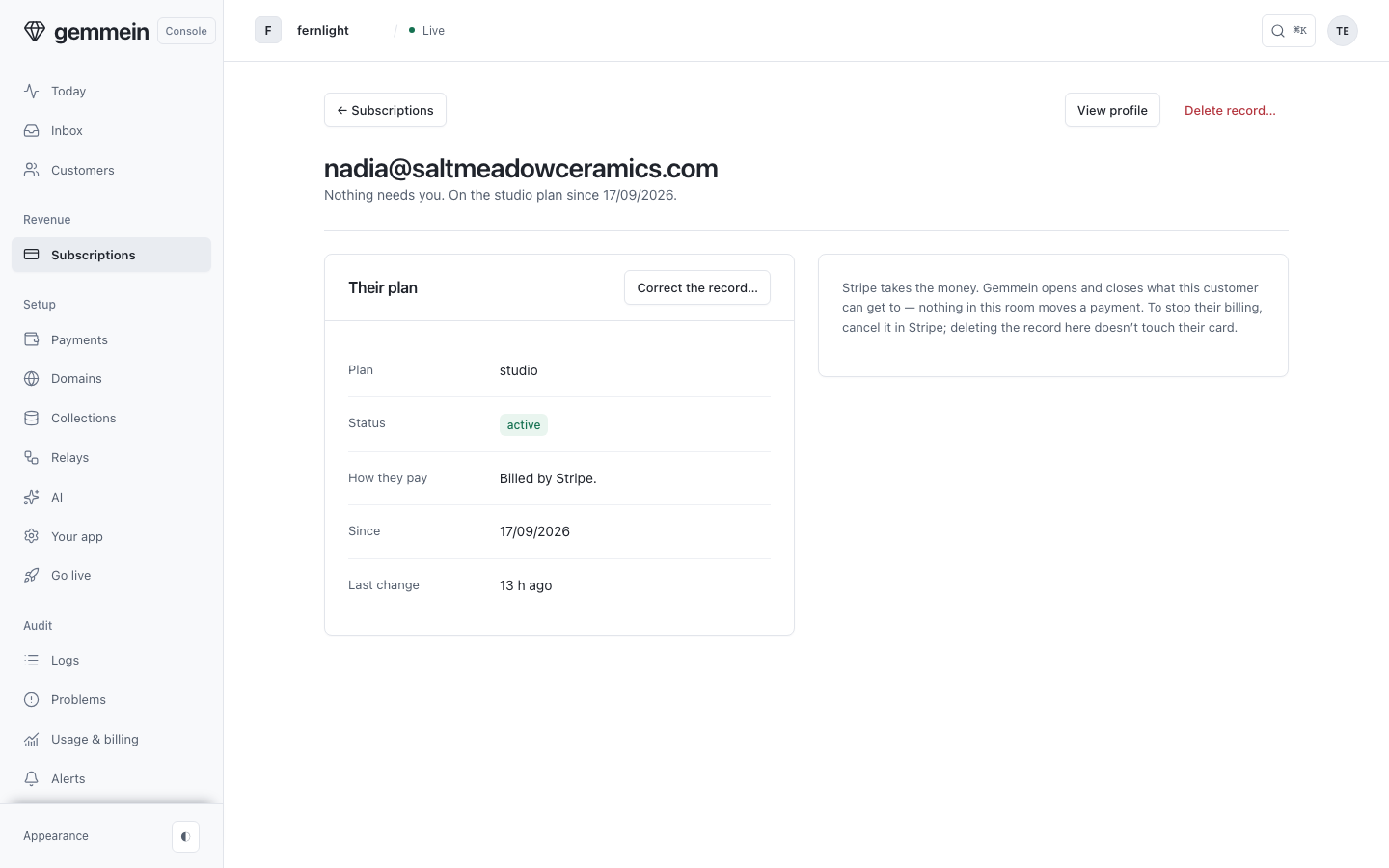
Choose Correct the record… to change their plan or status. This changes what they can access. Their billing stays as it is.
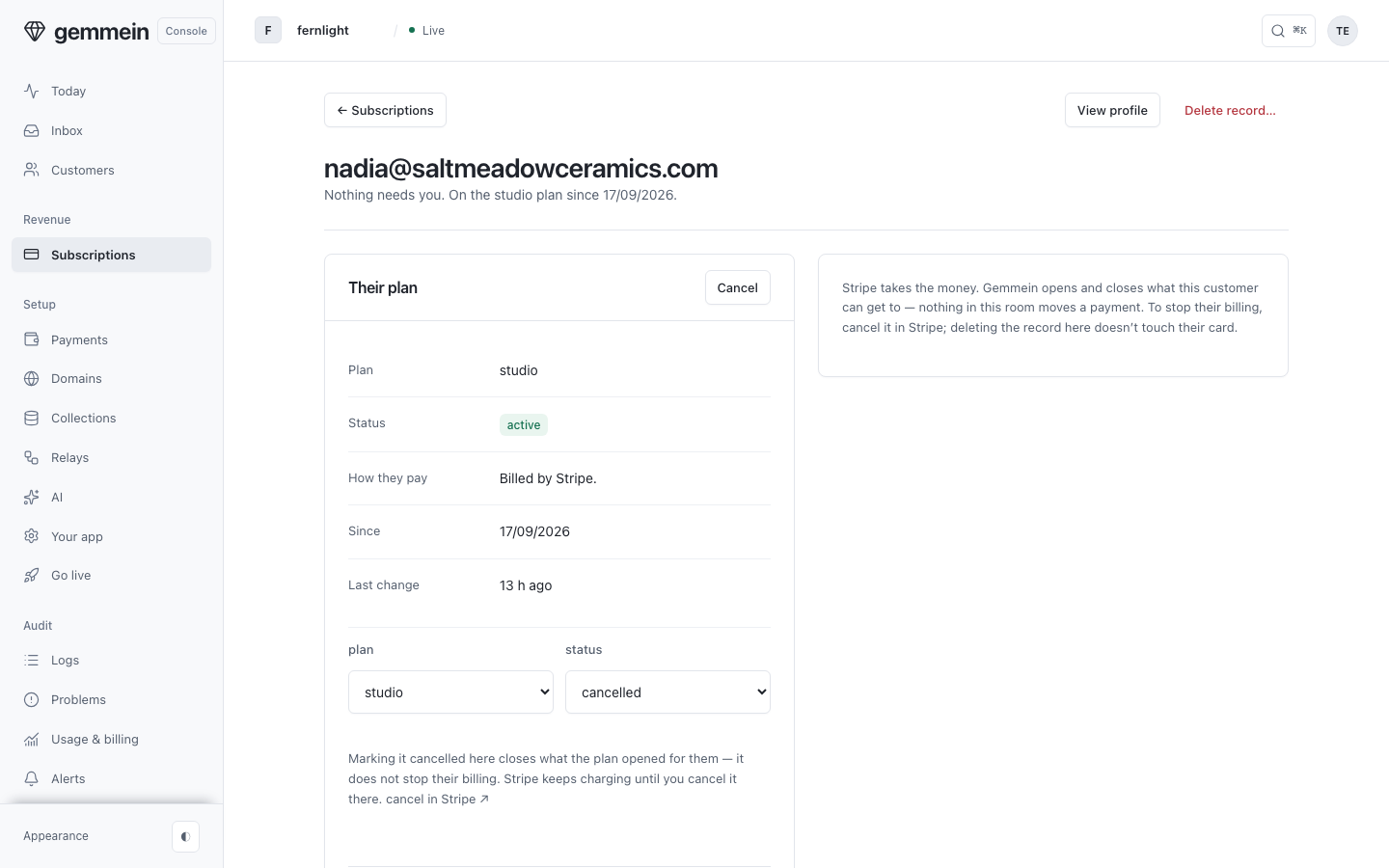
To stop someone's billing, cancel the subscription in Stripe. Nothing on this page moves a payment.
Comp a plan
Choose Comp a plan to give someone a plan without payment: enter the email they sign in with, and pick the plan.
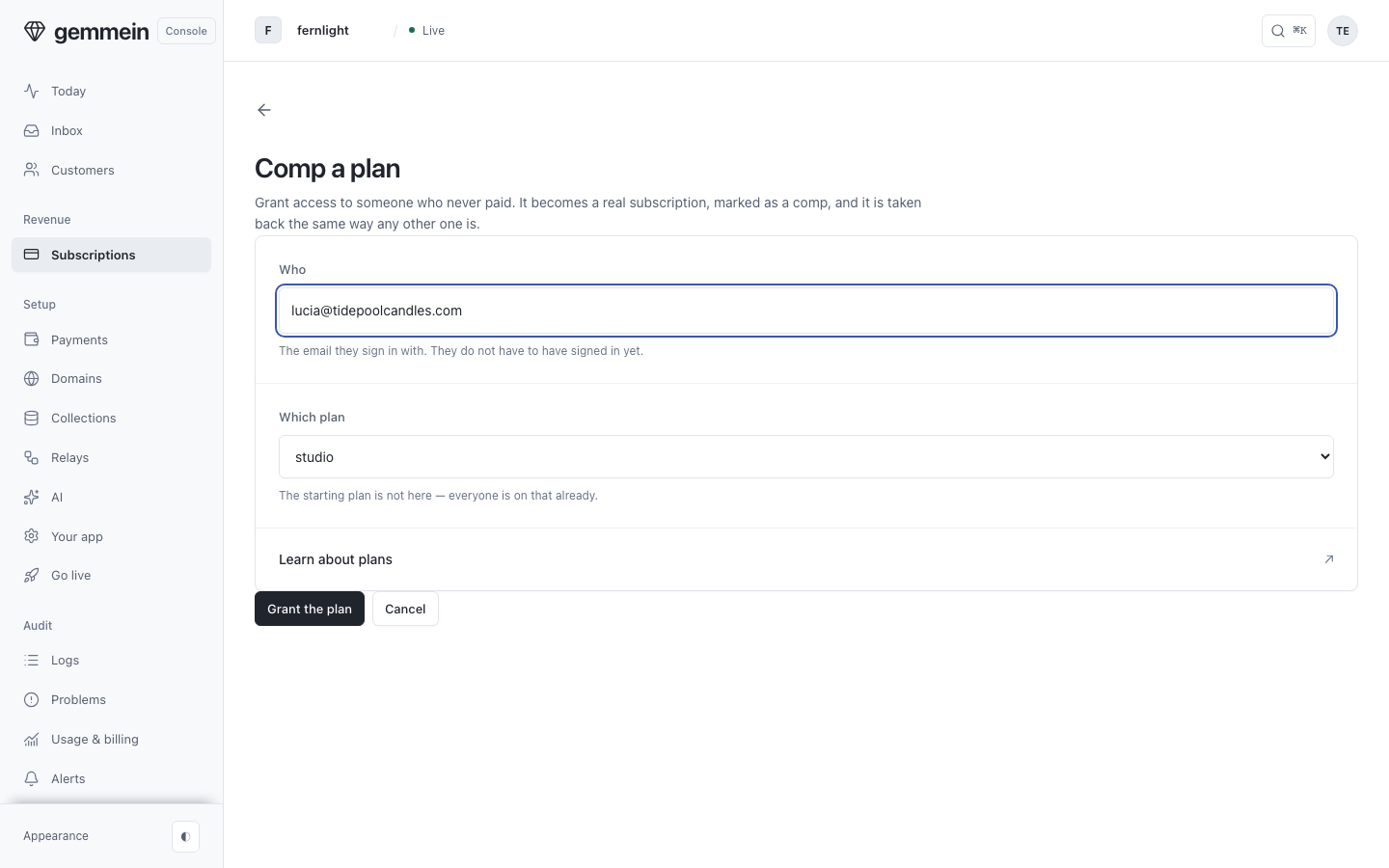
Choose Grant the plan. It becomes a subscription like any other, tagged comp in the list, and it ends the same way.
Errors
a valid email is required
A comped plan is tied to the email the person signs in with, so it has to be an address they can receive mail at.
How plans are sold and what they open: Payments.
Thanks for telling us.
Thanks for telling us.
Last updated