Relays
Relays lists the relays your app runs, each written as one sentence: what starts it and what it does. Start one from a template, see every time it fired, and pause it when you need it to wait.
Steps
Overview
Open Relays to see every relay your app runs, each written as a sentence.
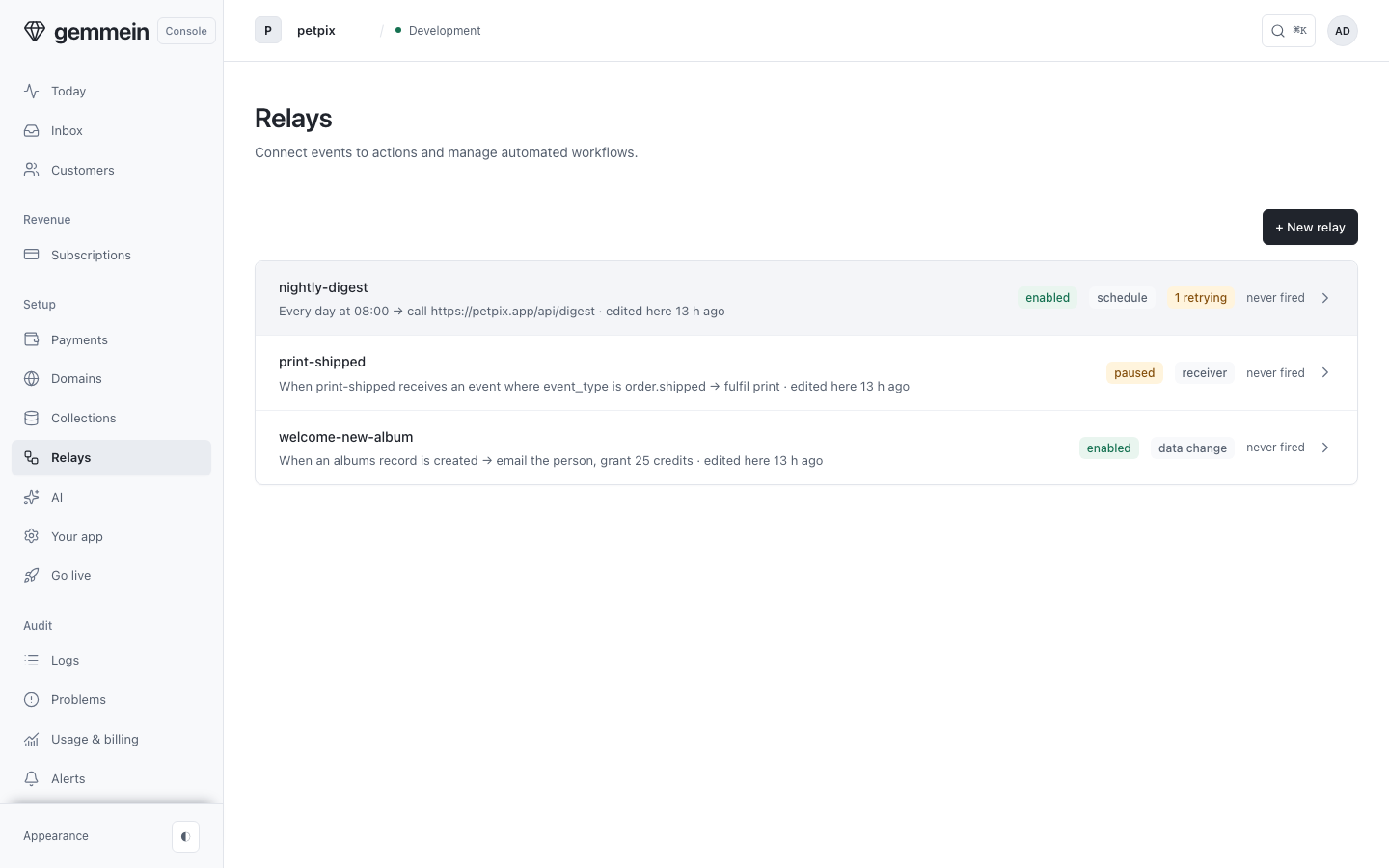
A new relay
Choose New relay and start from a template: pick what should happen, and the definition fills in.
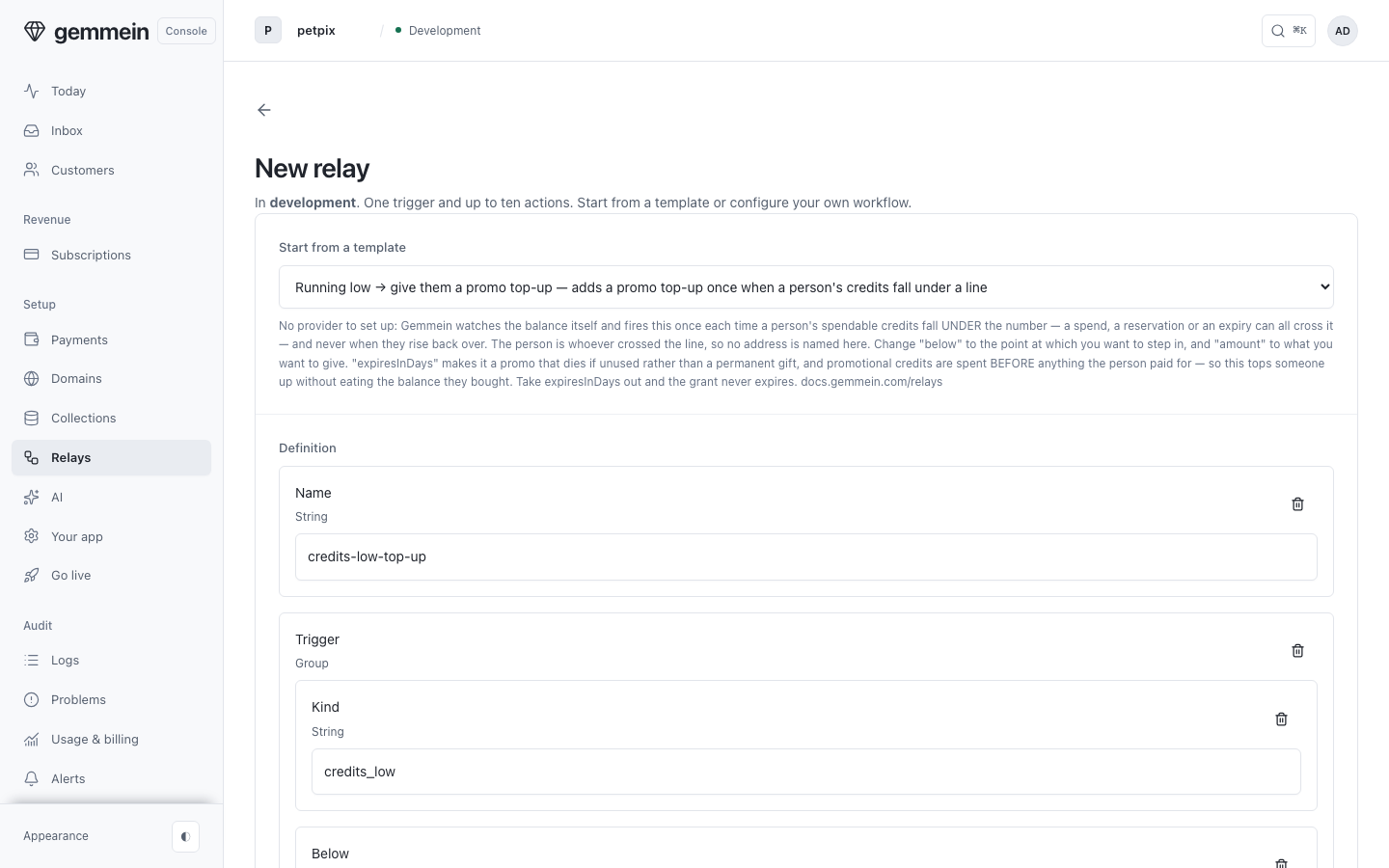
Edit the definition to fit your app and choose Create relay. Copy the secrets it shows; they are shown only once.
One relay
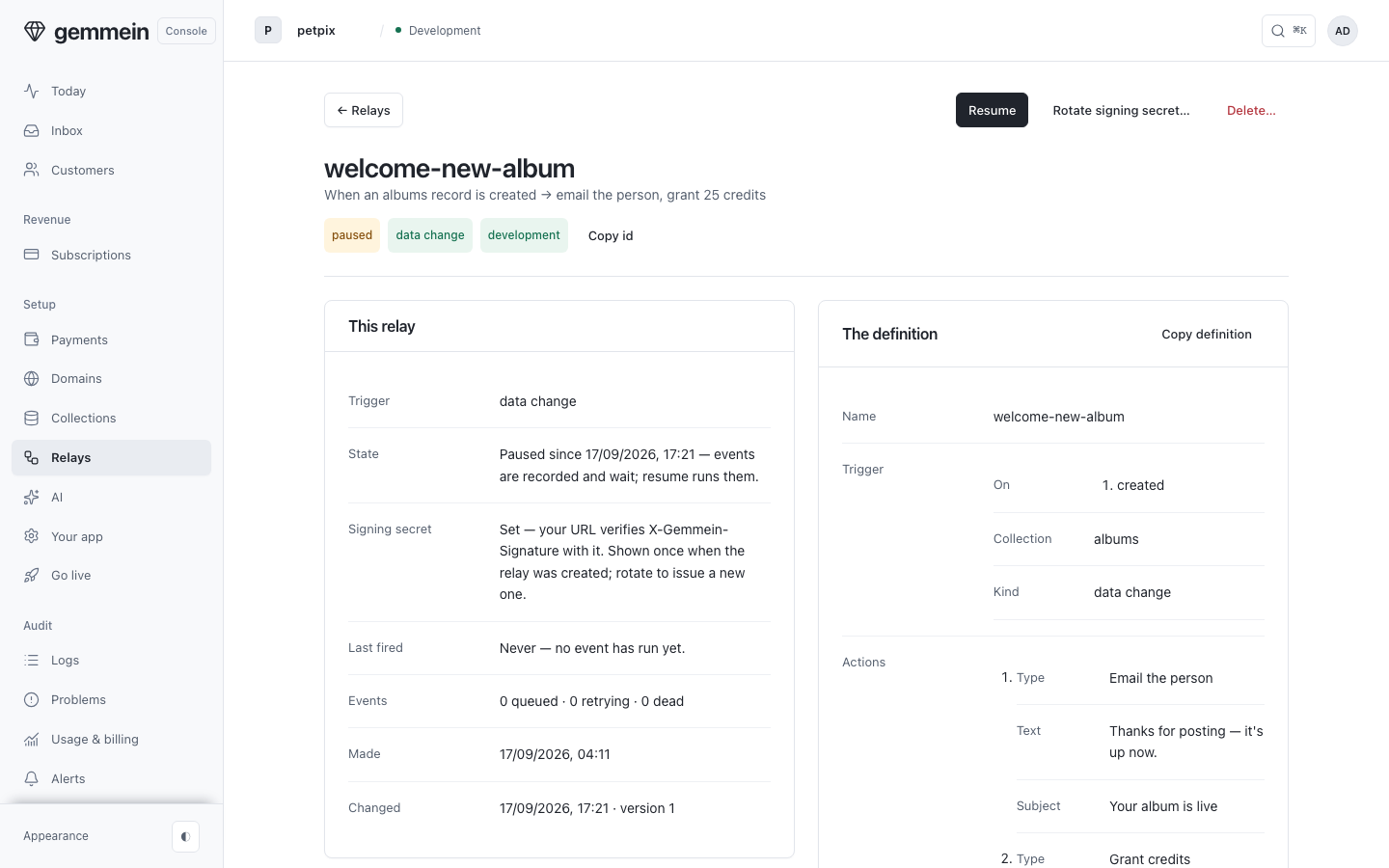
Open a relay to see its sentence, whether it is running, and when it last fired.
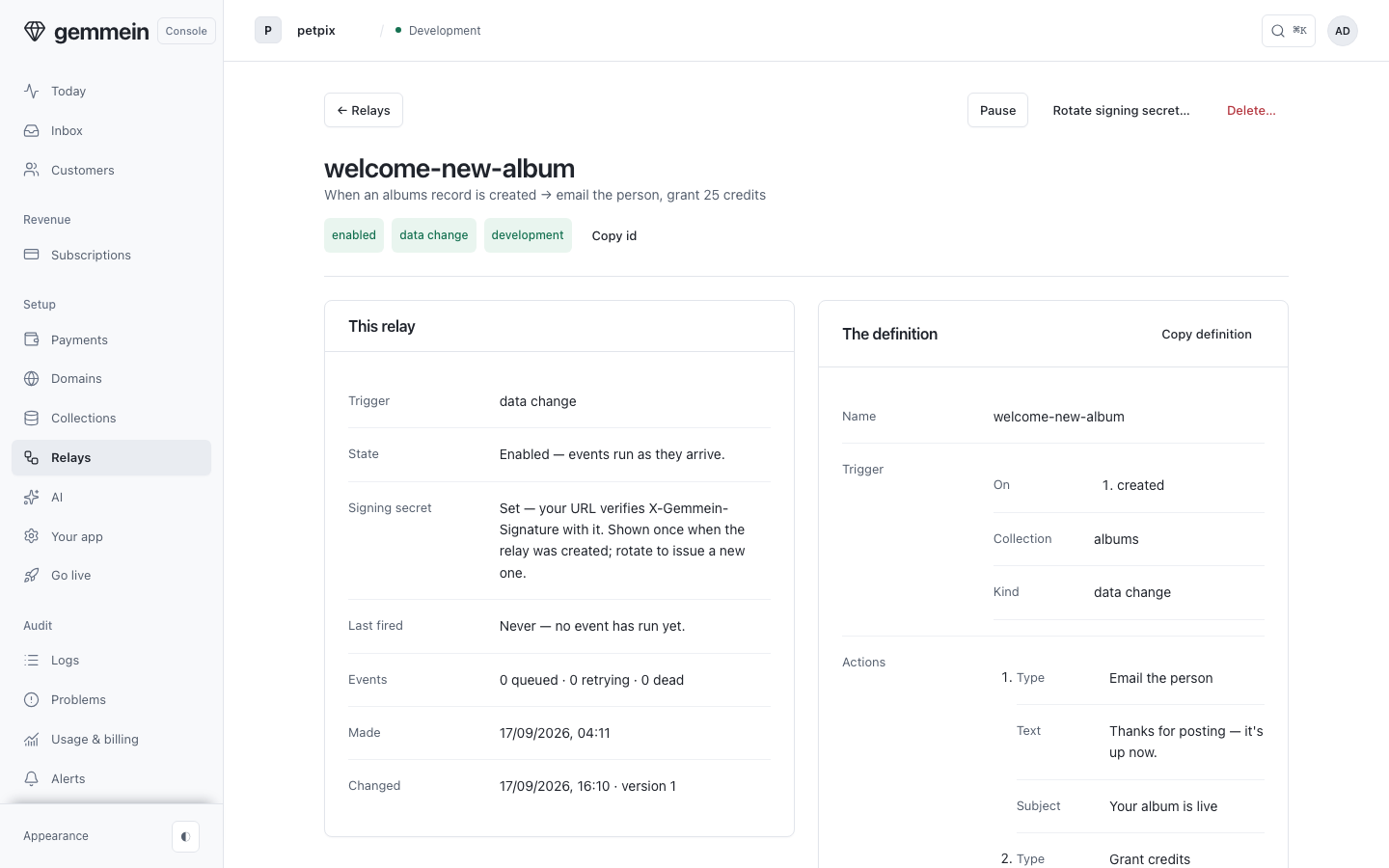
Scroll to Events: each time the relay fires adds a row, with how each of its actions went.
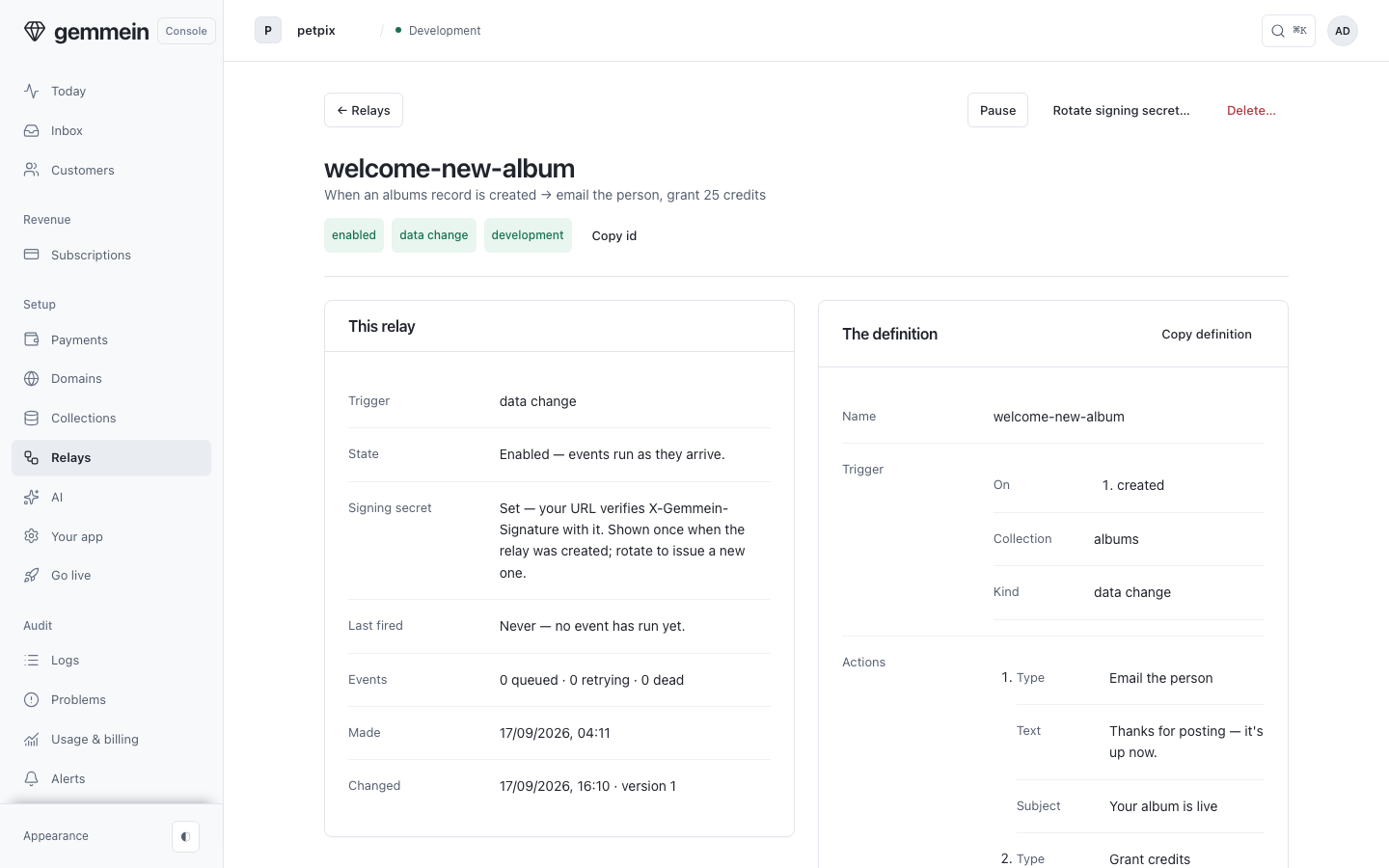
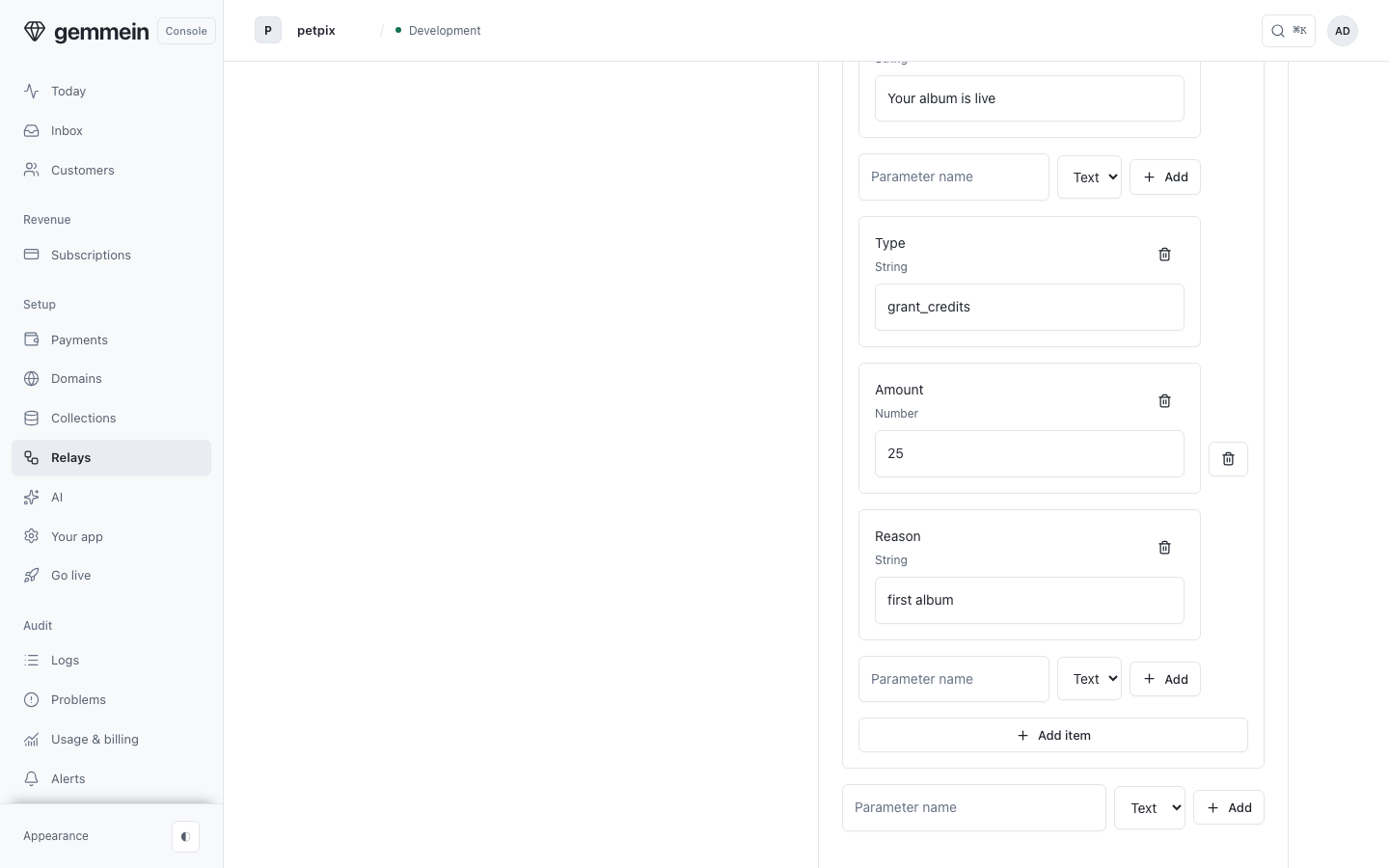
Choose Edit definition to change its fields in the card. The relay uses the new definition from its next trigger.
Choose Pause to hold it. Its events are still recorded, and they wait until you resume.
Errors
This definition can’t be saved: action 2’s amount must be a whole number from 1 to 10,000 credits.
One relay action grants at most 10,000 credits. A grant made by hand on Customers goes up to 100,000.
What relays can do, with every trigger and action: Relays.
Thanks for telling us.
Thanks for telling us.
Last updated