Errors
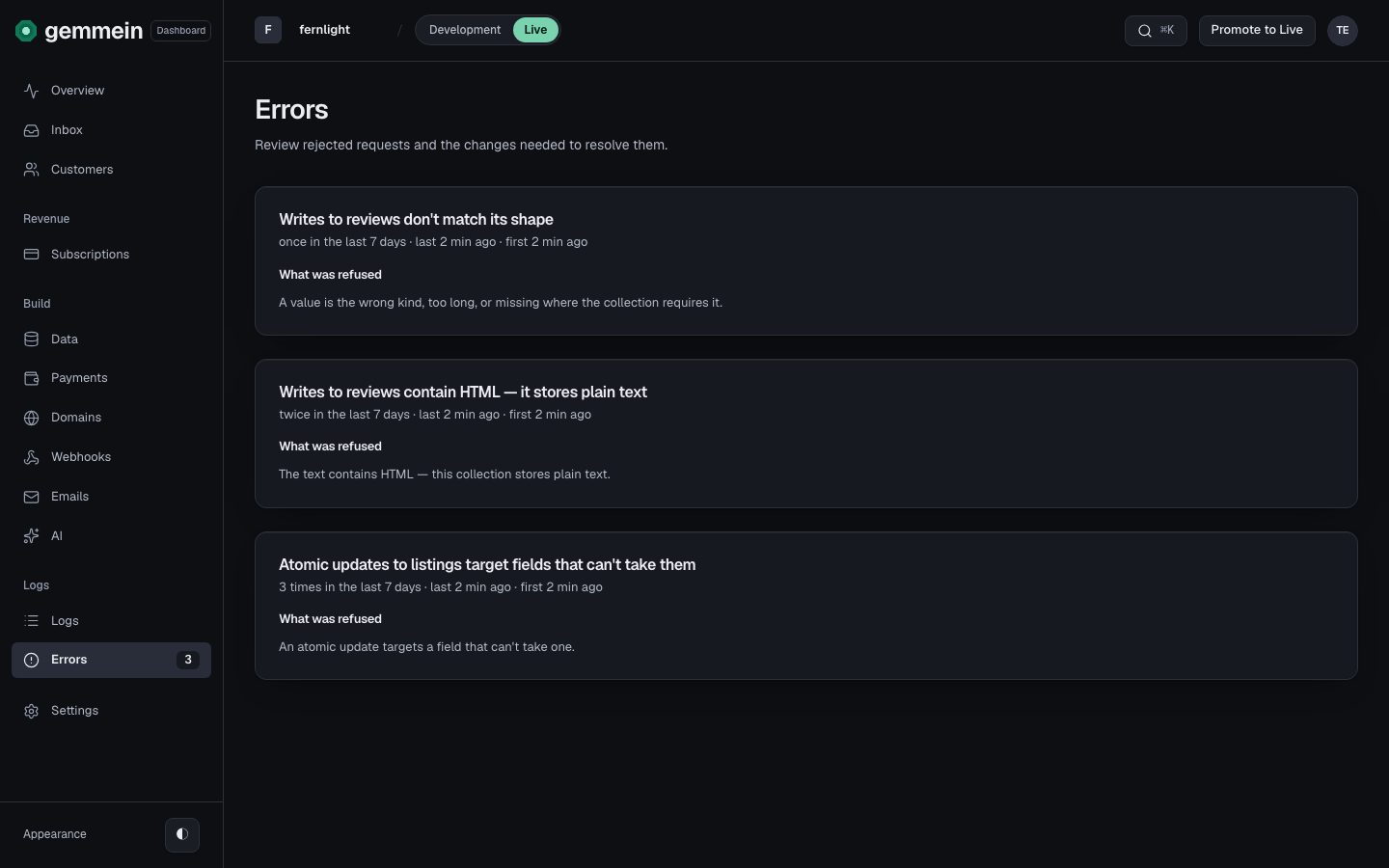
Errors lists every write Gemmein refused, grouped by error, for the environment you're in — Development's problems and Live's are kept apart. Each group shows how often it happened and the exact error your app received, so you know what to change.
Steps
Before you go live
Before your app is live, Development is the only environment there is: open Errors there to see anything your testing sent that Gemmein refused.
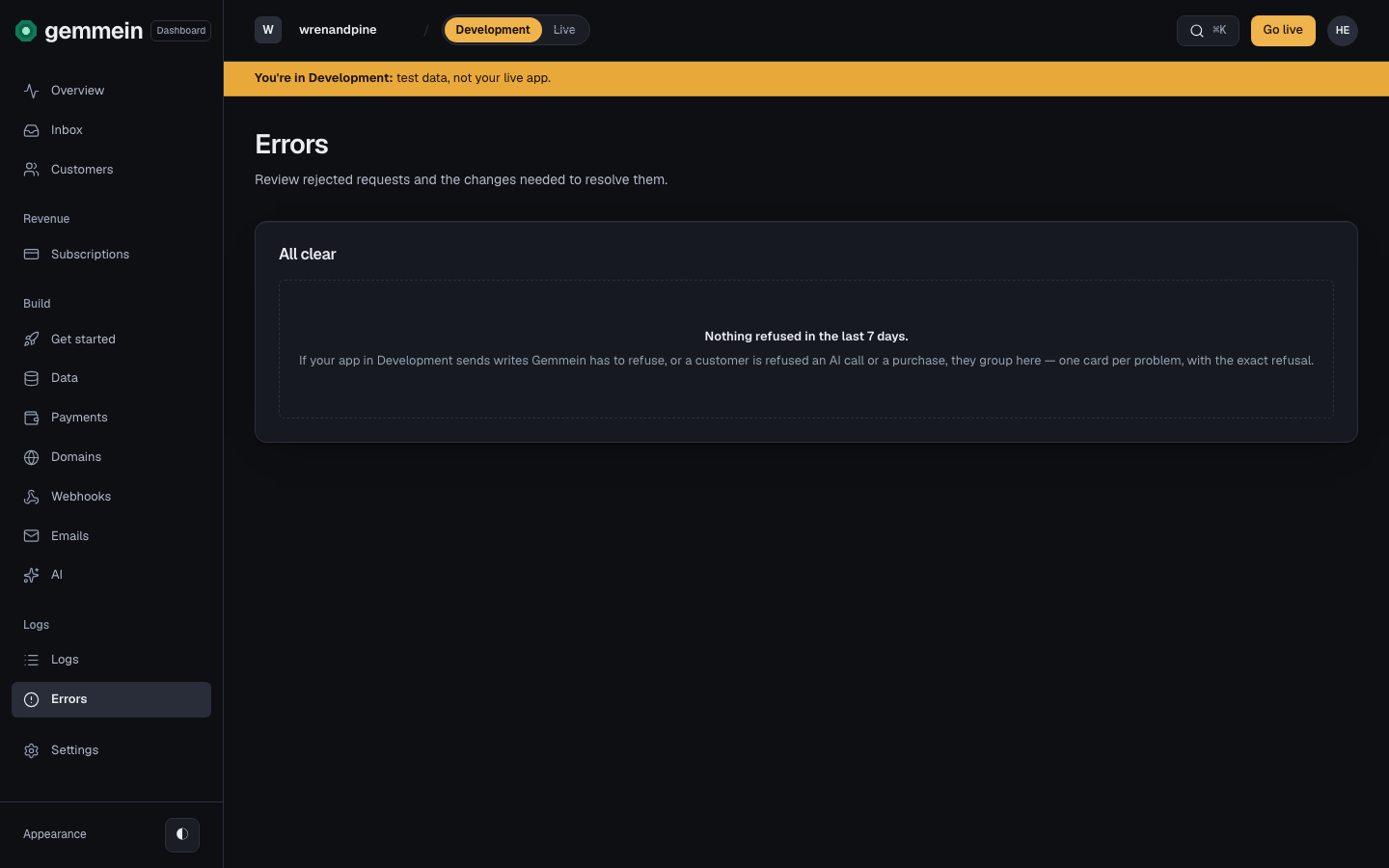
After you go live
After you go live, open Errors in Live to see what kept going wrong there, how often and how recently, and the exact error your app received. Switch to Development to see its own problems separately.
Change the write in your app's code. A refused write saved nothing, so there is nothing to undo.
Open Logs to see each refused write as it happened, and who sent it.
What happens if…
If a relay's events in your live app wait more than 30 seconds to run → Errors shows relays_delayed, naming the relay, how long its events waited and how many are waiting. They are kept and run in order. When the cause is your own relays already running at their limit, the message says so; otherwise Gemmein's operators are alerted too. Nothing to undo.
If a relay's event waits more than 60 seconds behind an earlier event for the same record or person → Errors shows relays_held, naming the relay it waits behind and why: paused, retrying a failed run, still running, or not run yet. Resume the paused relay, or replay or fix the failing one on the Webhooks page, and the waiting event runs next.
If a Development app passes 120 immediate relay runs in an hour (300 across your account) → Errors shows relays_dev_capped. The rest wait their turn and run within minutes; none is dropped. Live has no such limit. For volume, run your app on npx gemmein dev.
Every error code, and what your app should change: Errors.
Thanks for telling us.
Thanks for telling us.
Last updated