Go live
Go live shows what's left to do before you go live, what goes live with your app, and what it costs. You go live by paying in a secure Stripe window, with no code to type. After you go live, the dashboard always opens in Live, and you promote new collections and fields from Development here.
Steps
Before you go live
Choose Go live at the top right to see what's left before you can go live. Each item names what's missing and opens the page that fixes it.
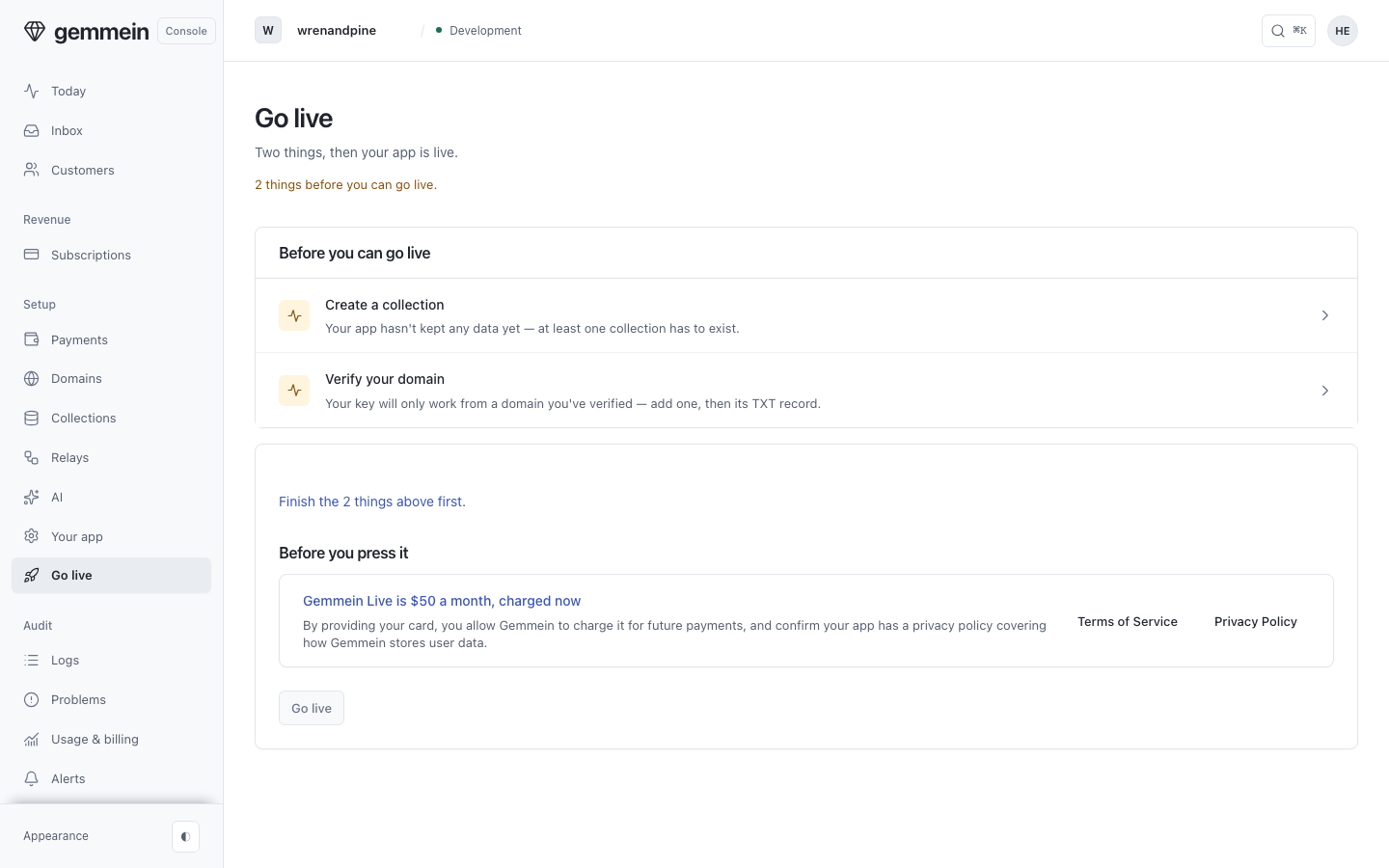
When nothing blocks you, Go live says so. A warning, such as plans and products that need Stripe connected in Live, is listed above the button and doesn't block it.
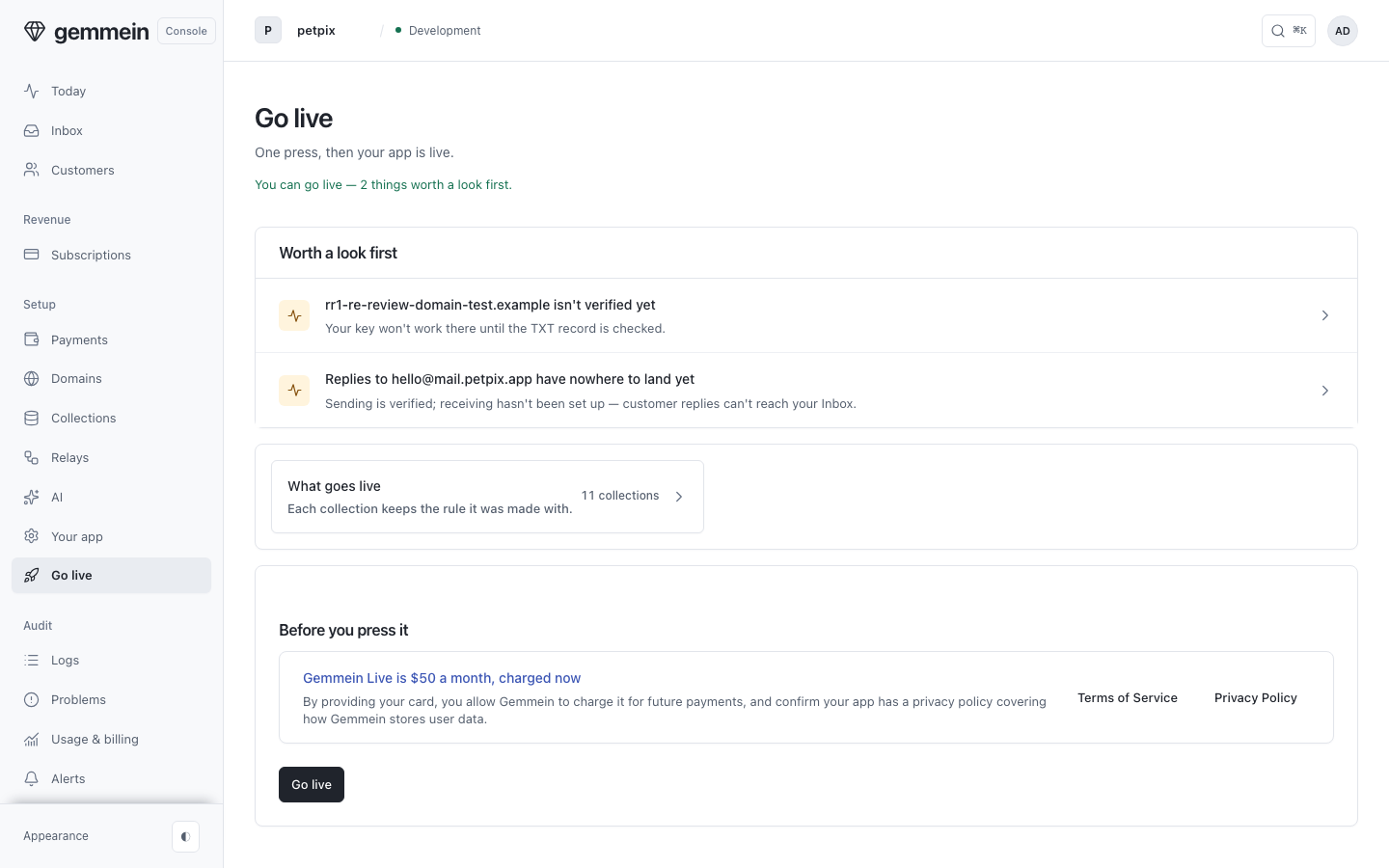
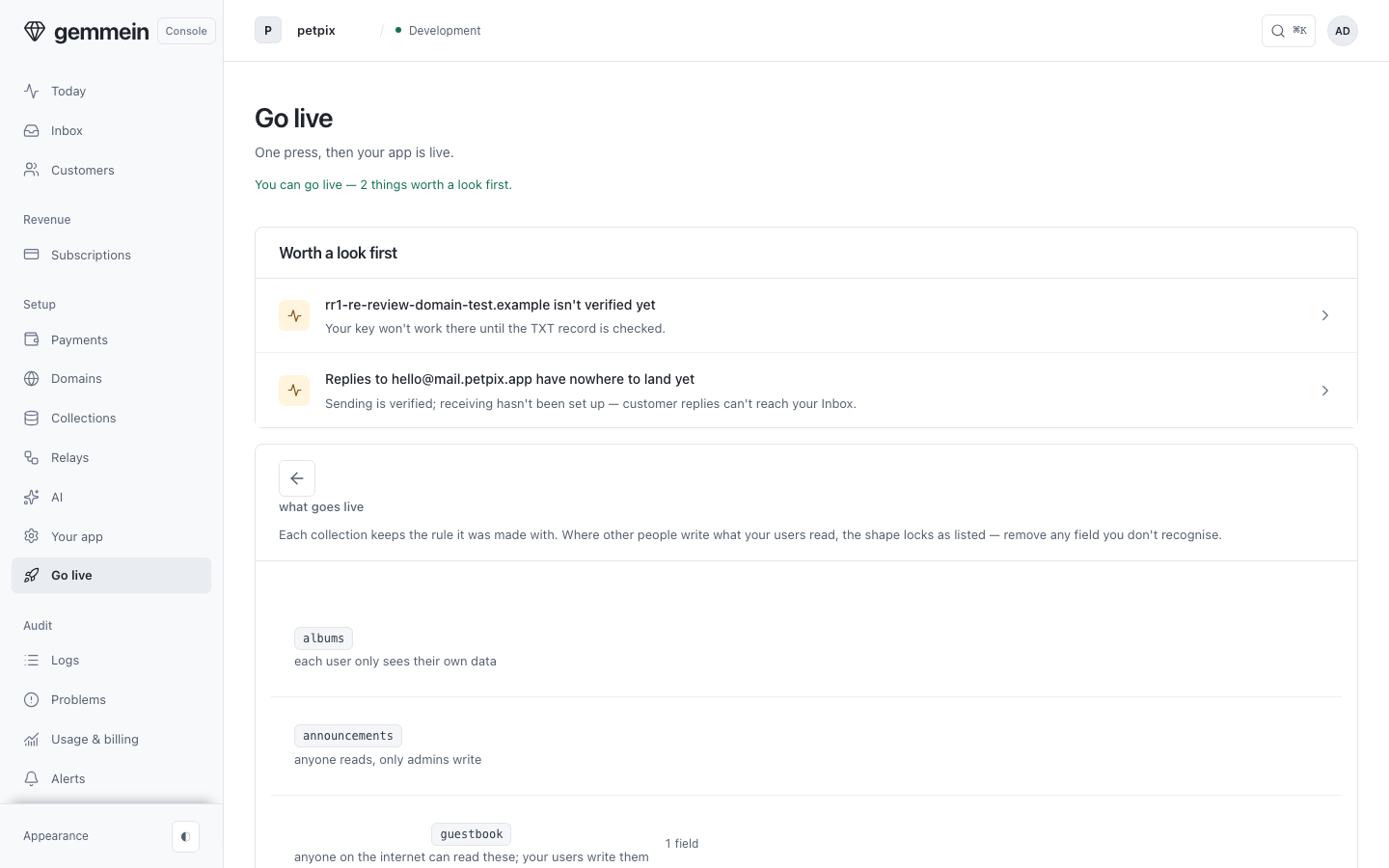
Open What goes live to see every collection that goes live with your app, and the safety rule each one keeps.
Going live
Under Before you press it, choose your account's tier — Launch $29, Run a business $79 or Grow $199 a month — and monthly or annual, at 2 months off. It shows exactly what you pay now and then each month. Going live accepts the Terms of Service.
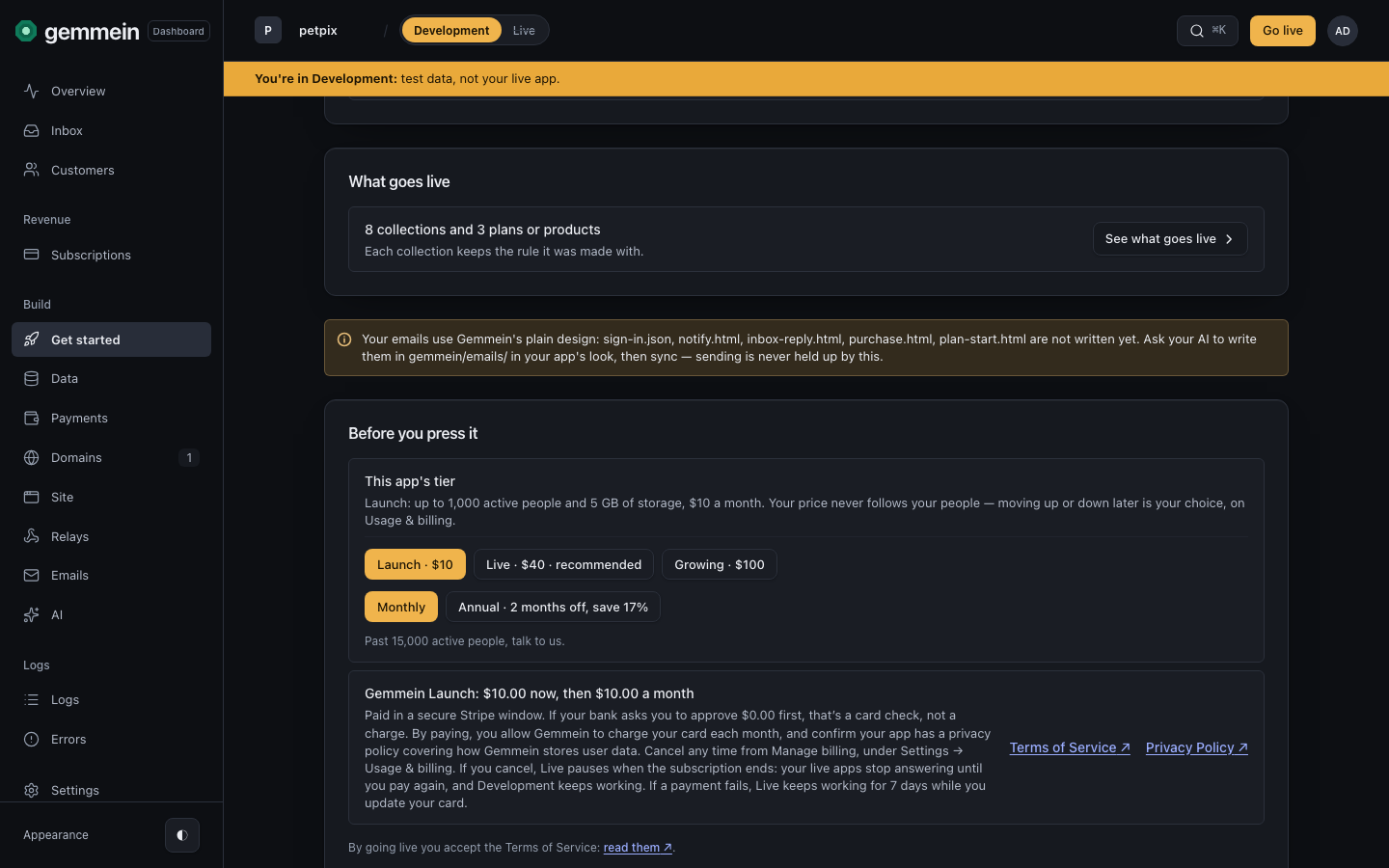
Choose Go live. A secure Stripe window opens with the charge, and you pay there with your card. Paying is your approval: no emailed code is asked. Have a discount code? Apply it here first.
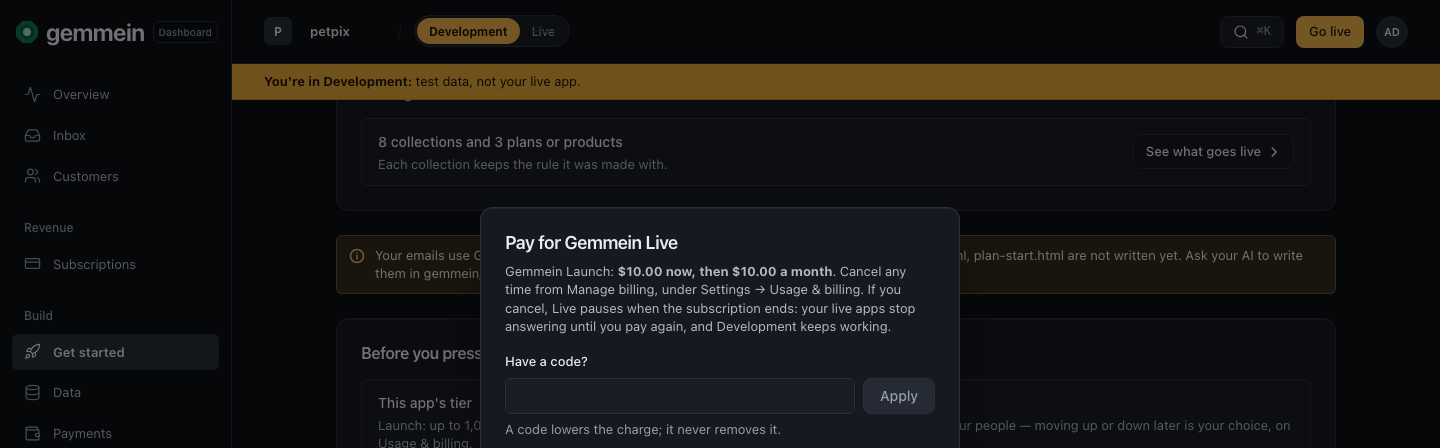
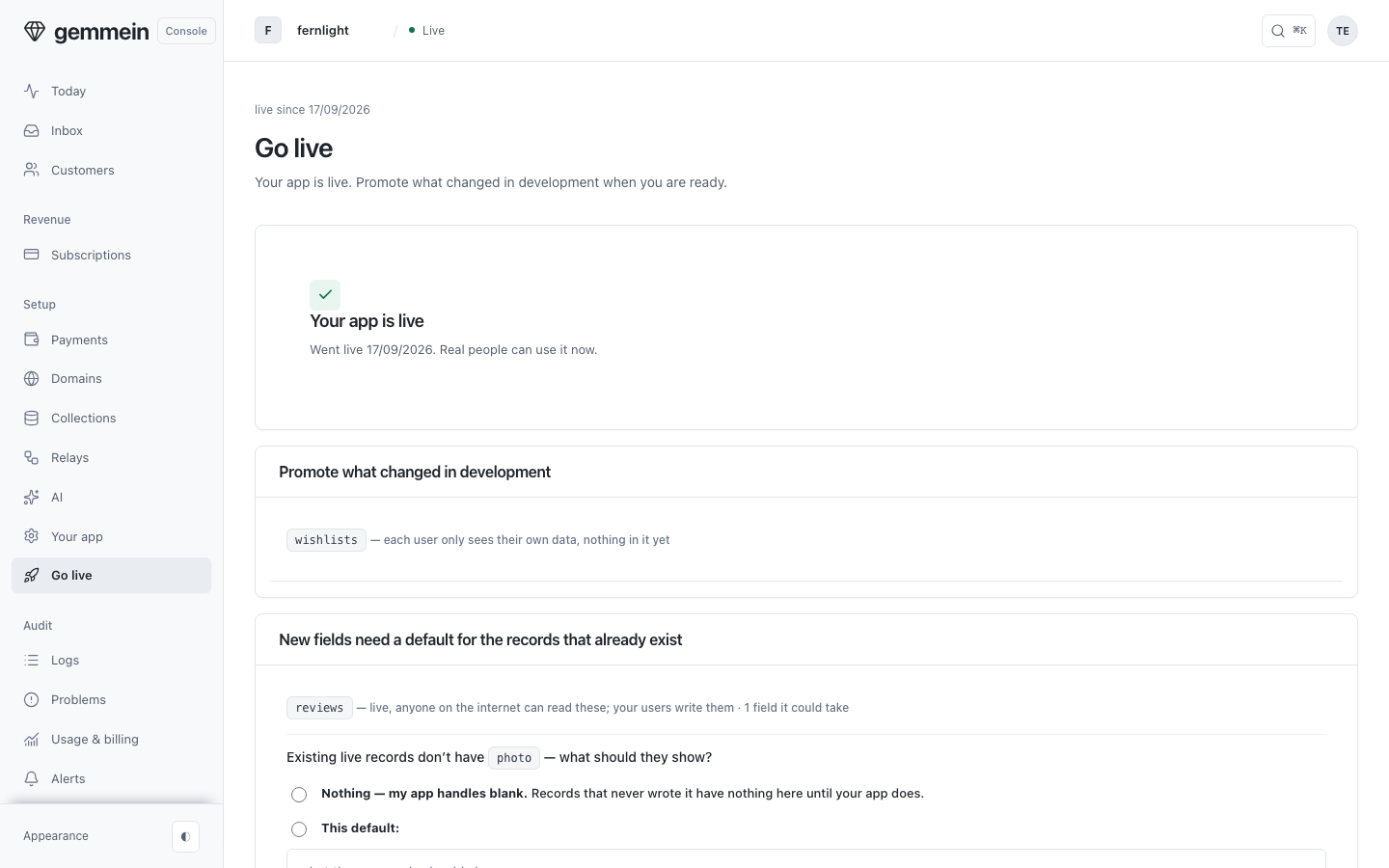
Once the payment goes through, your app is live and the dashboard opens in Live. Welcome to Live lists what went live, and what is still to do with who does it.
Then ask your AI to switch your app to its live key. It saves the key in your project, with nothing to copy.
Development stays open after you go live — switching to it from Live asks you to confirm every time, so you're never a stray click from editing test data while believing it's your live app. New collections reach your live app by promotion, from this same page.
After you go live
After you go live, Go live shows when it happened and lists what you've built in development since: new collections and new fields.
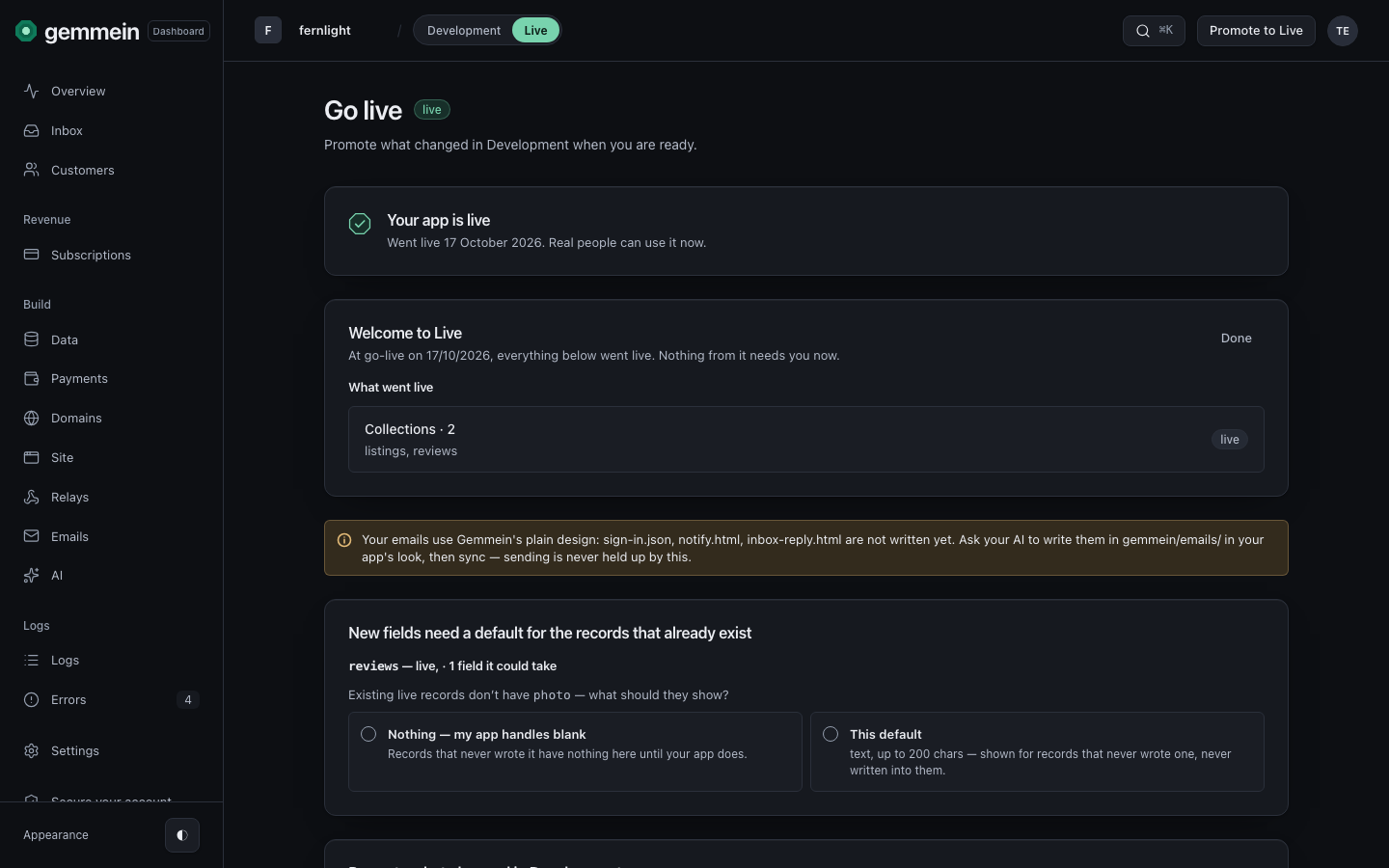
For a new field, choose what records already live should show: nothing, or a default that is served to them but not written into them.
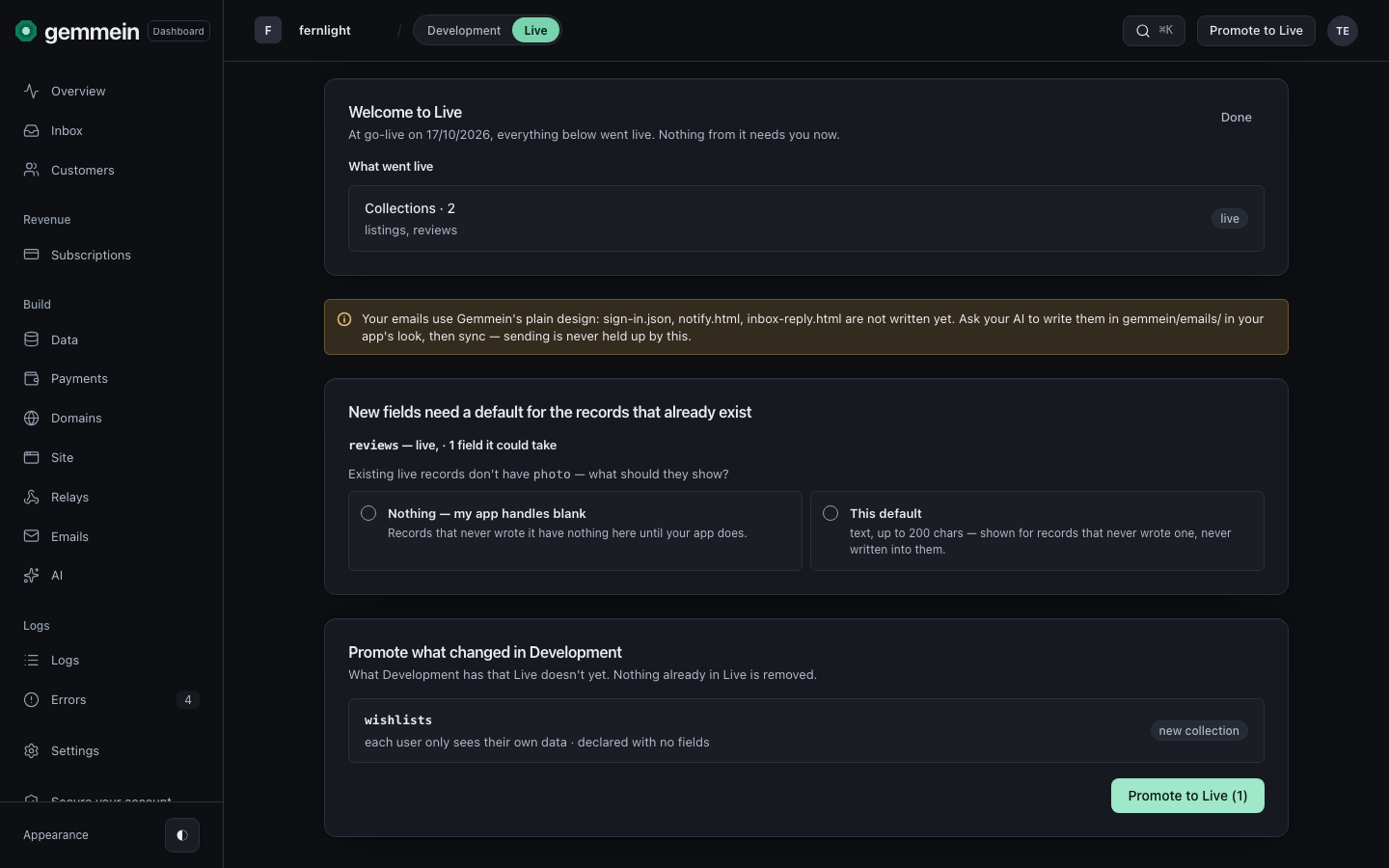
Choose Promote to Live. New collections arrive empty with their fields fixed, and nothing already live changes.
Errors
Create a collection
Your app needs at least one collection to hold the data of the people who use it.
Verify your domain, or tell us it's a mobile app
Your live key works only from a verified domain, so no other site can use it. An app that lives only on mobile needs no verified domain.
How a collection's fields are fixed when you go live, and how promotion adds to them: Data & safety rules.
Thanks for telling us.
Thanks for telling us.
Last updated