Domains
Domains holds the domain people open your app on, and the one domain its email comes from. Add a domain, publish the DNS records it lists, and see each one found.
Steps
Overview
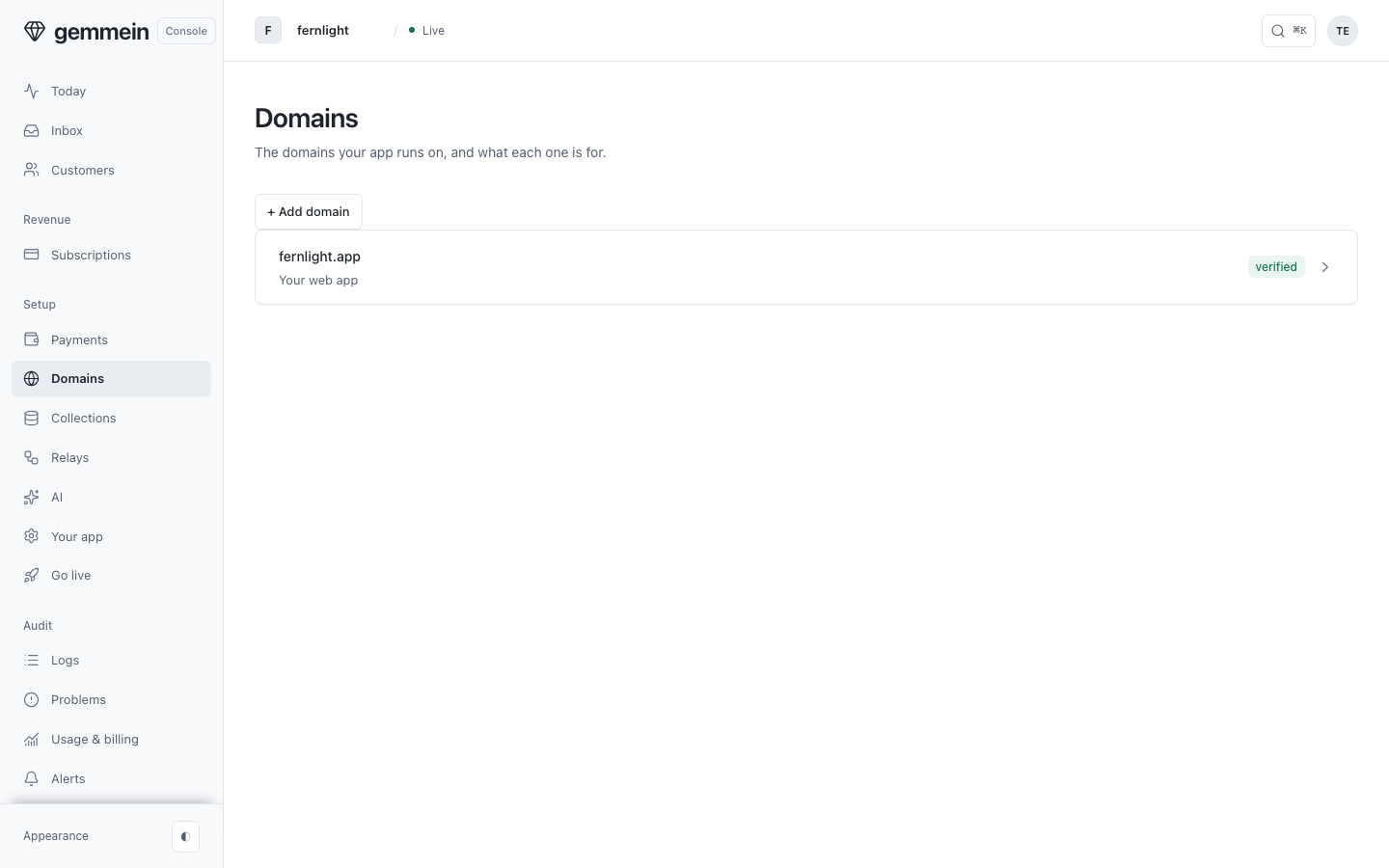
Open Domains to see the domains your app runs on, what each one is for, and its status.
One domain
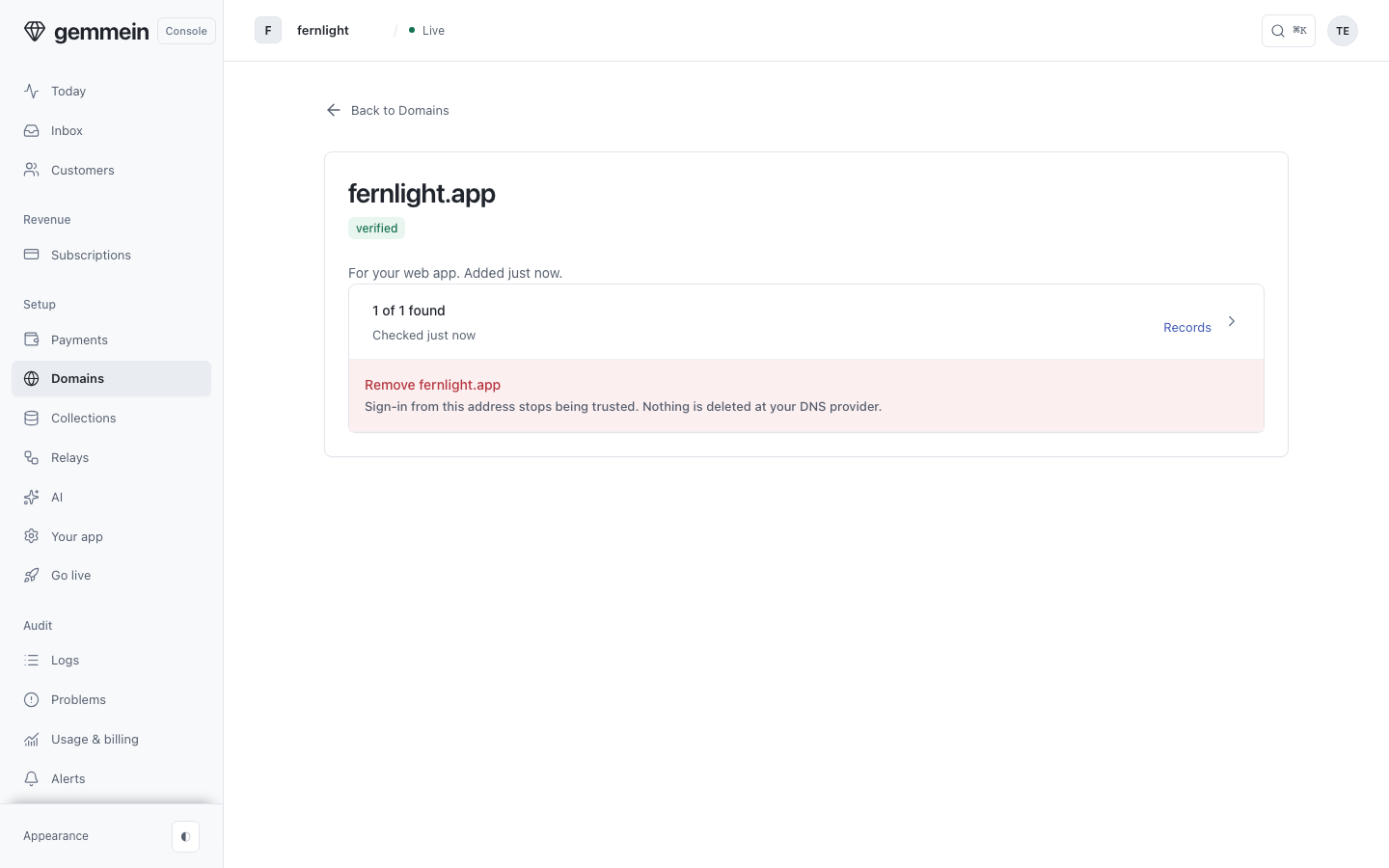
Open a domain to see whether it's verified, how many of its DNS records were found, and what it's for.
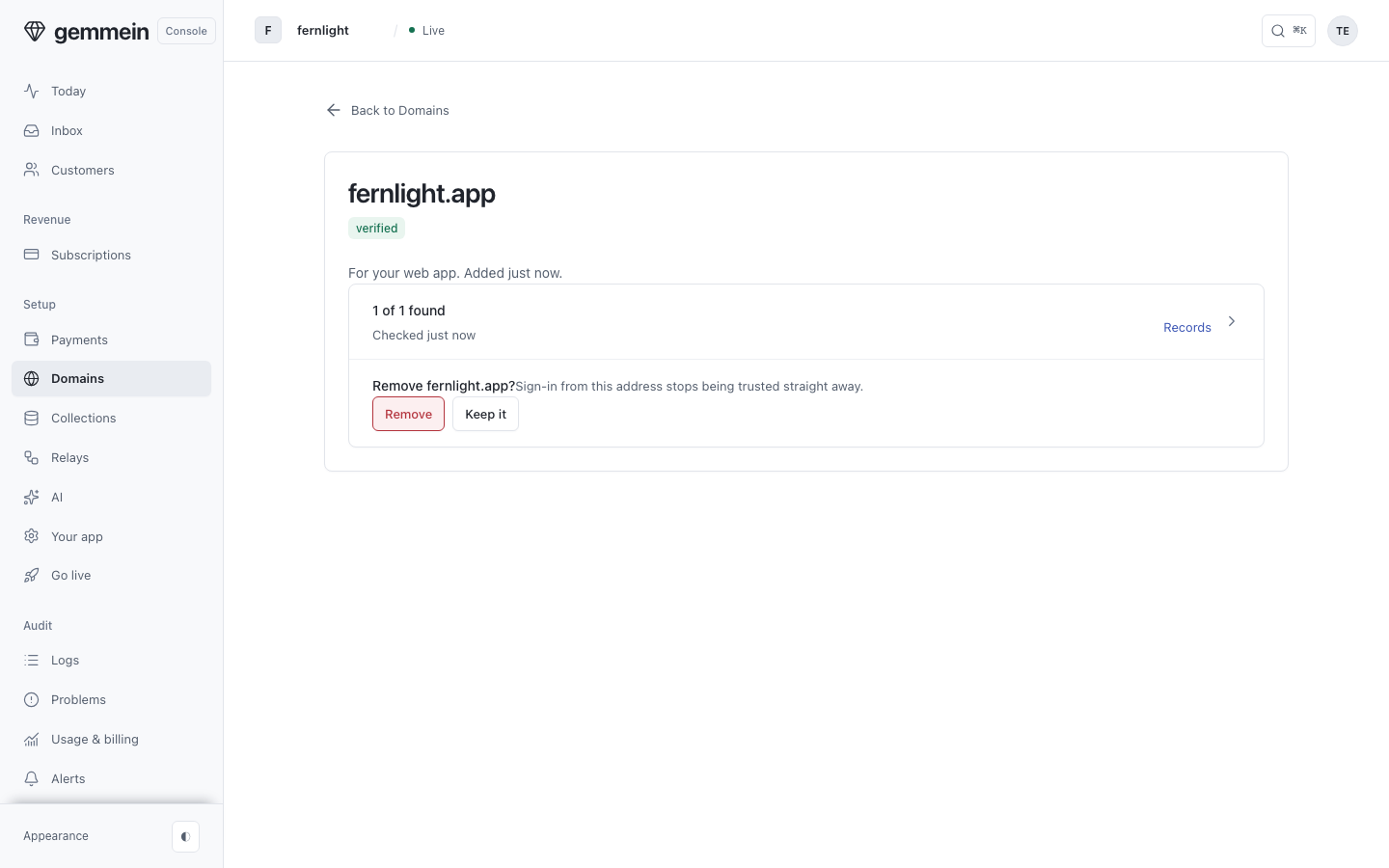
Choose Remove to take a domain off your app. It asks first, and nothing is deleted at your DNS provider.
DNS records
Open Records for every DNS record the domain needs, with its name, the value to copy, and whether it was found.
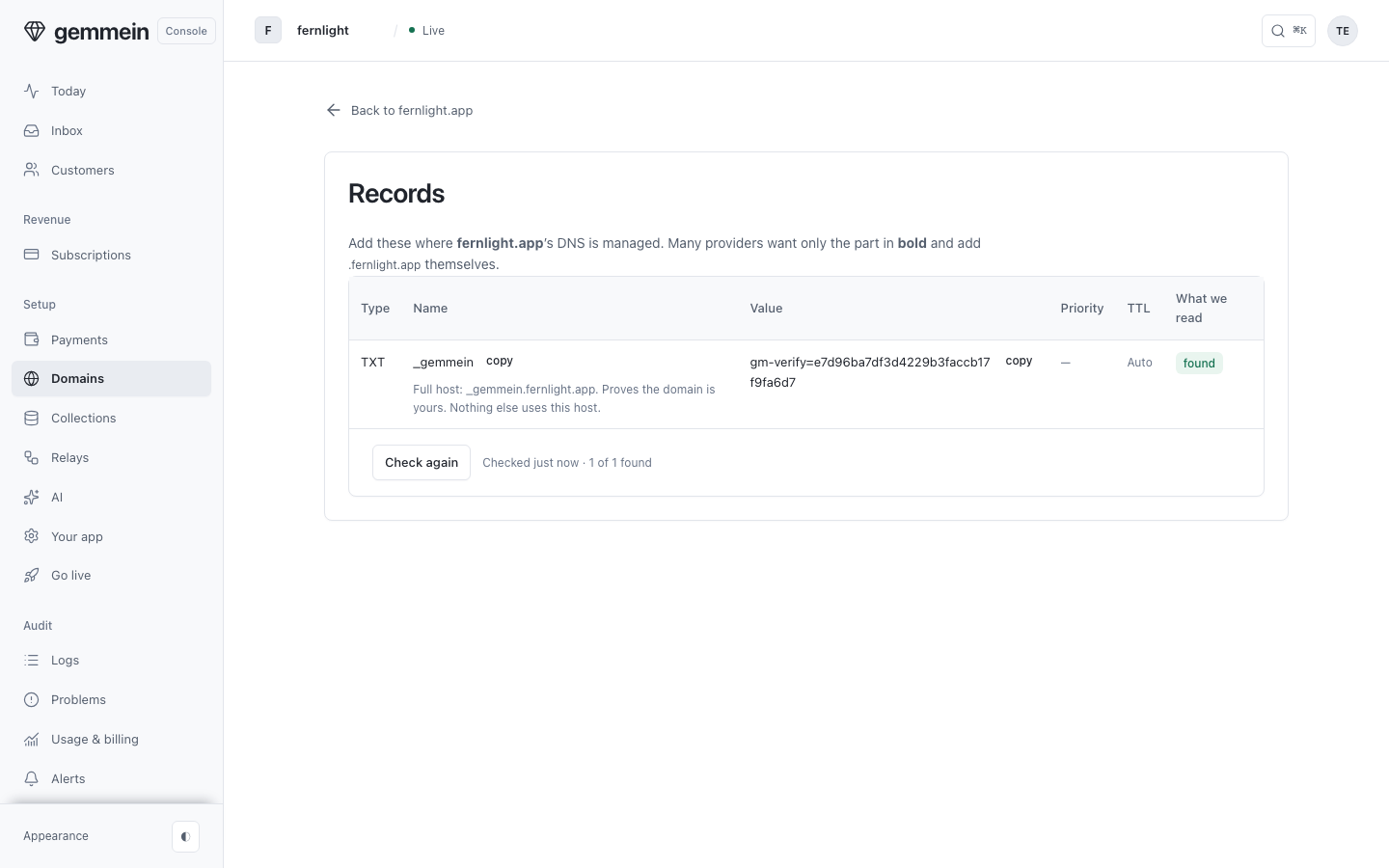
Add them where your domain's DNS is managed, then choose Check again. Each record shows found as soon as DNS answers.
Add a domain
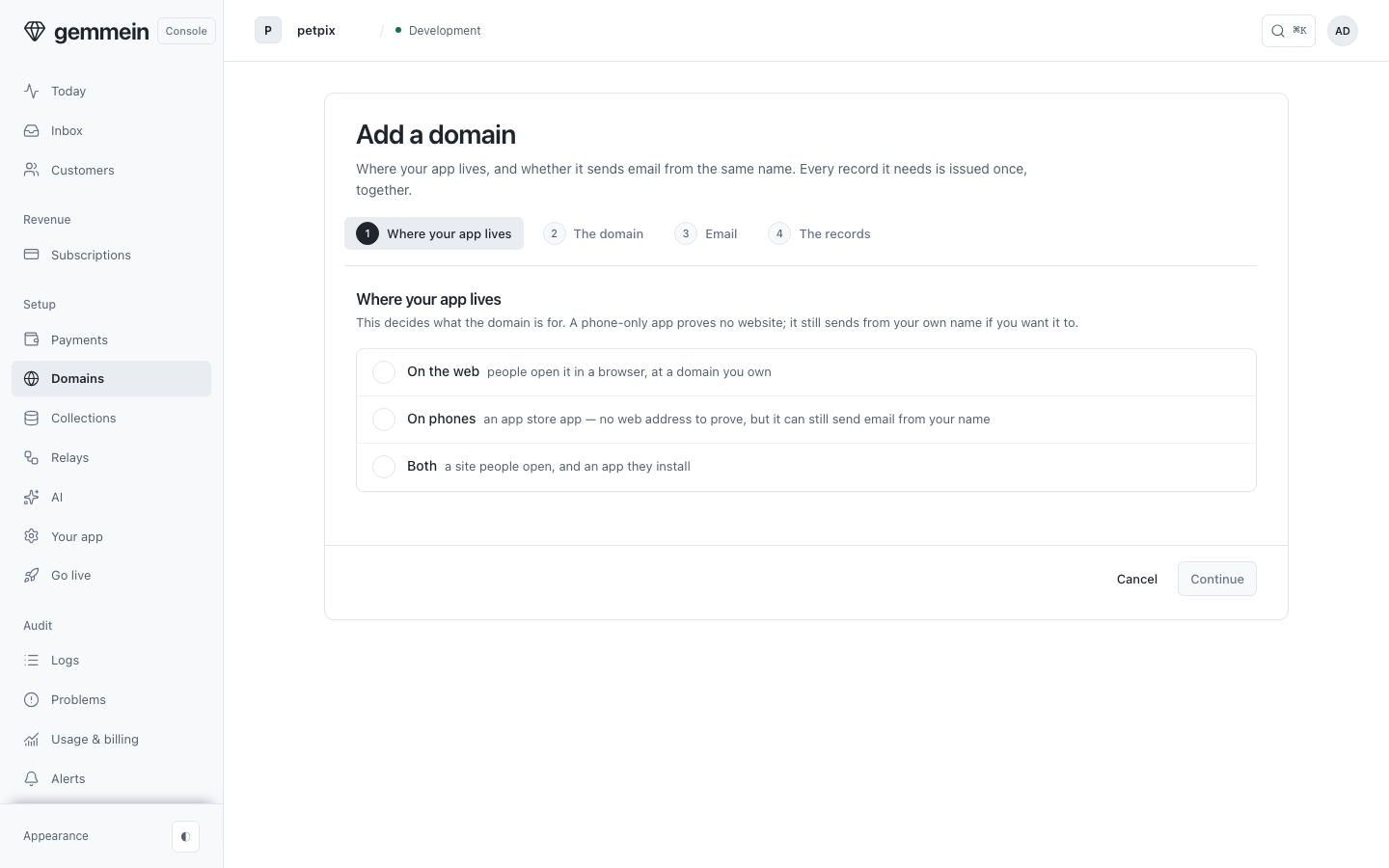
Choose Add a domain and say where your app lives. An app that lives only on a phone has no web address to verify, and can still send email from your own domain.
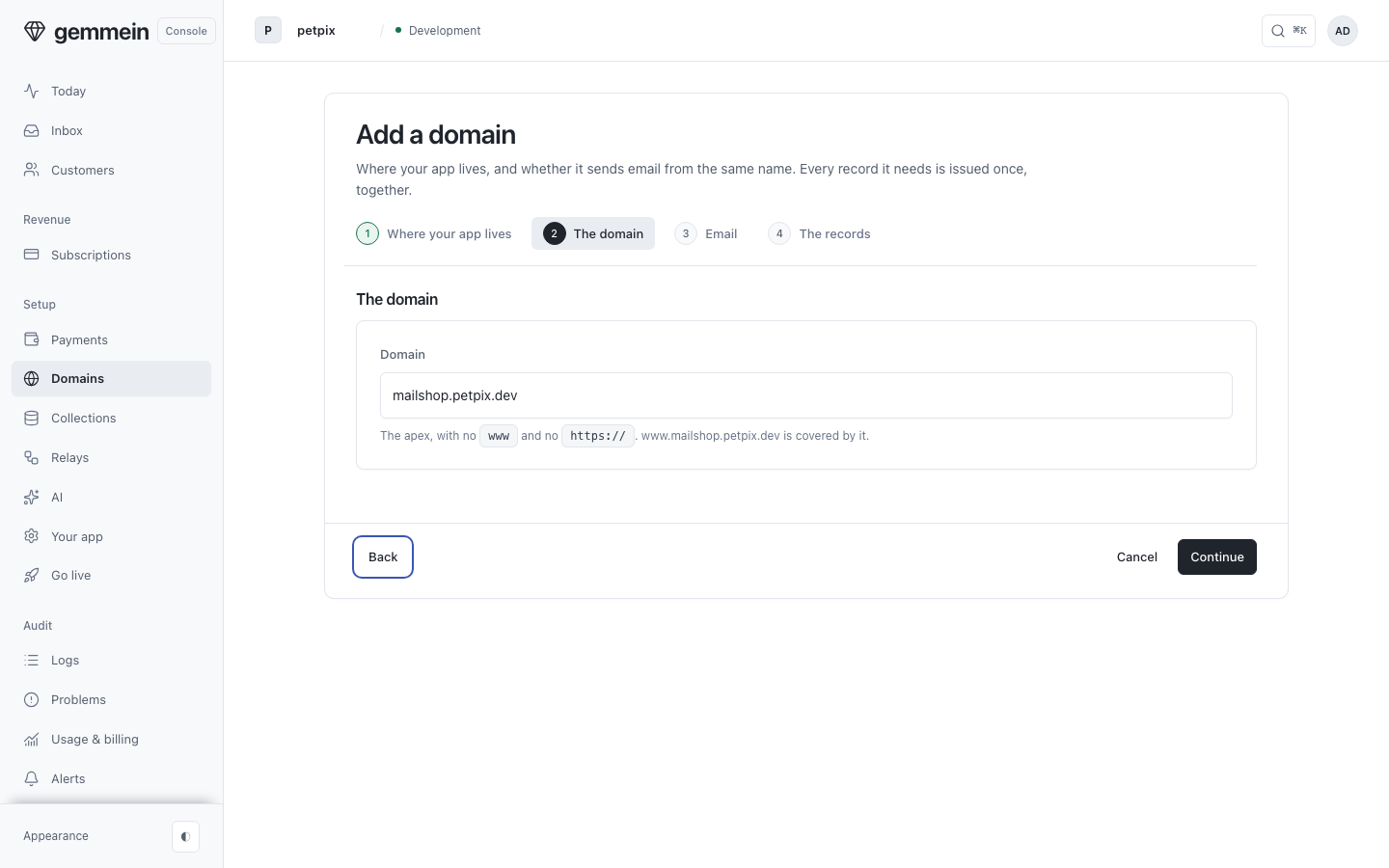
Type the domain without www: the apex covers the www form, and Gemmein checks its records while you carry on.
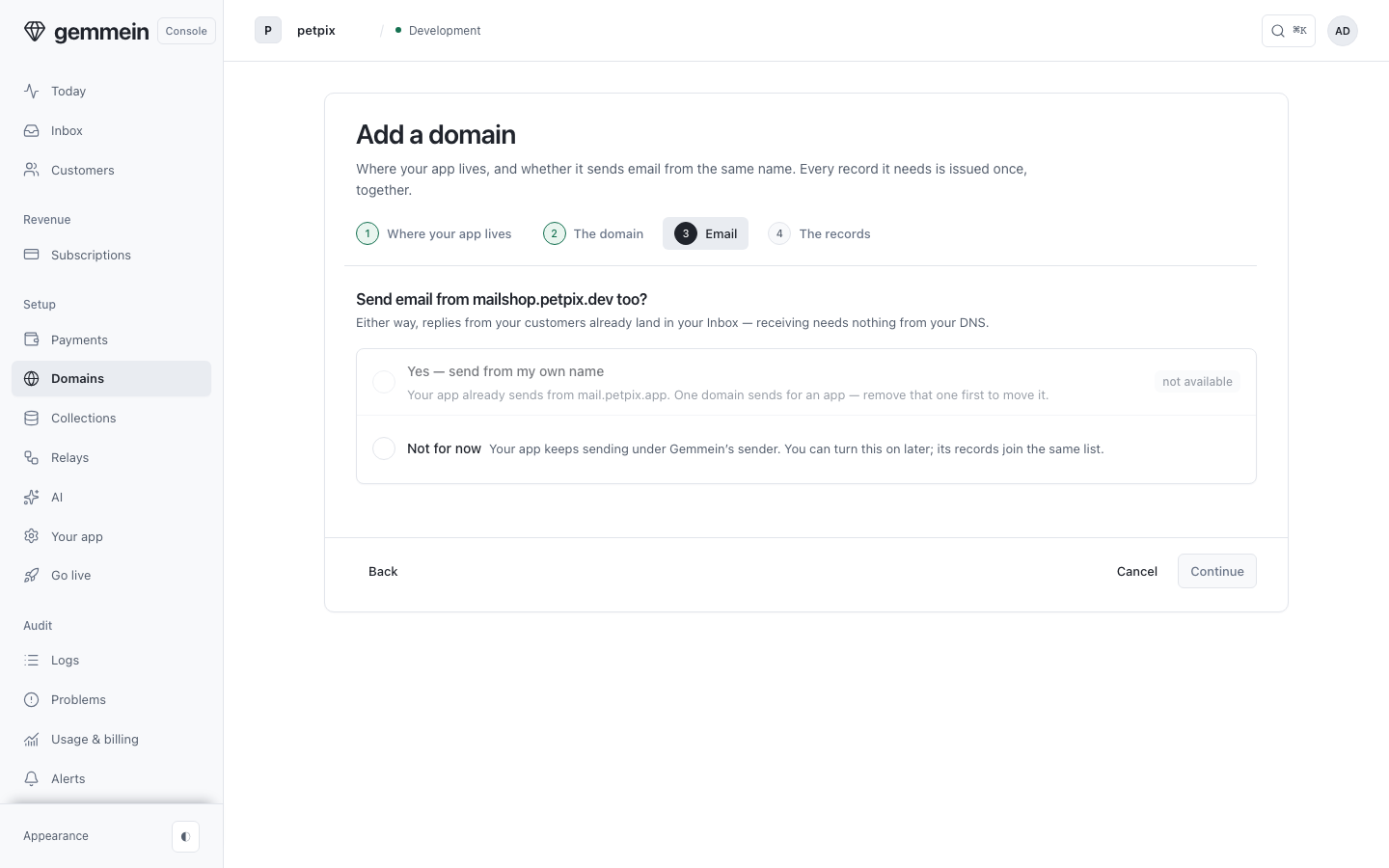
Say whether it also sends your app's email. Replies already land in Inbox and receiving needs nothing from your DNS. An app sends from one domain, so an app that already has one is offered Not for now.
What happens if…
If your DNS provider does not support Connect automatically → the Records list shows every record to add by hand, with the exact name your provider wants, whether each one is found, missing or has the wrong value, and a Copy all button.
If you cancel at your DNS provider → nothing is added and nothing changes in Gemmein. The records stay on the list, and you can connect again or add them by hand.
If your provider has not approved Gemmein's template yet → the button does not show for that domain, and the Records list is the way to add them.
If a record conflicts with one you already have → your provider shows every change before you approve it. TXT records are only added, never replaced, and the SPF rule is merged into an SPF record already at that name. The one thing replaced is an MX record at the mail names Gemmein asks for (send.mail and mail under your domain, or send when your domain sends itself).
If the records are added but not verified yet → choose Check again when you come back; the page also checks every minute while a record is still waiting. A domain is verified only when Gemmein finds the records, never because a provider said so.
If your app's Live site is hosted by Gemmein and you add a domain → Gemmein shows your Live site there only when you choose Show my Gemmein site here. A domain whose site is hosted somewhere else is left alone, and its page reads Hosted elsewhere: it points at another service, so there is nothing to change. To show your Gemmein site there instead, choose Show my Gemmein site here.
If you choose Stop showing my site here → one press shows what happens, and the second does it. Your site stops answering at that address, the domain stays verified, and sign-in and email keep working. You can show it again any time. On a Live app either press asks the code Gemmein emails, and your authenticator code when you set one up. Your AI and
npx gemmein domains show|hidehave the same switch.If someone sends you a Connect link you did not start → do not approve it. The link adds records that prove your domain to the Gemmein app that made it. Your provider's screen names Gemmein and lists every record before anything changes.
Where your app's email comes from, and its three sender addresses: Email.
Thanks for telling us.
Thanks for telling us.
Last updated