Payments
Payments holds your app's connection to Stripe, the plans a person can be on, and the products they can buy. Choose how each one is sold, what credits it grants, and what a buyer receives.
Steps
Connect Stripe
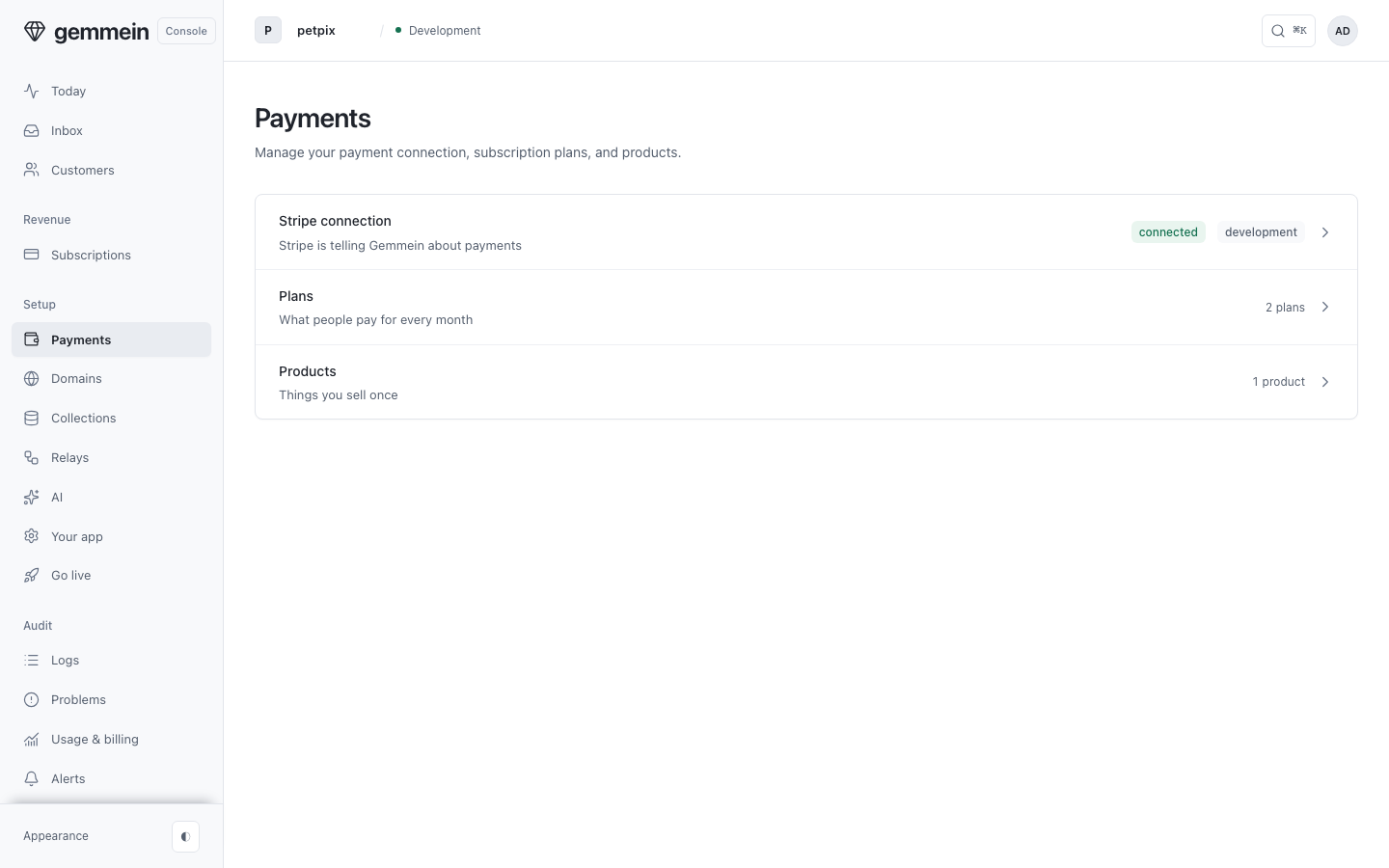
Open Payments to see your Stripe connection, your plans and your products, for the environment you're in.
Open Stripe connection and create a restricted key in Stripe with only the permissions listed: five, plus two if you sell plans. When Stripe asks how you'll use the key, choose “Powering an integration you built”, then “Choose your own”.
Choose Add key, paste the key and choose Connect Stripe. Gemmein checks the permissions your app needs and registers the webhook in Stripe itself.
Choose Check now to ask Stripe about the key and the webhook again. Once connected, the card shows the key, the 11 events Stripe sends to Gemmein, and that payments are on.
Choose Replace key to swap in a new key from the same Stripe account. The same steps open, and the webhook and your Payment Links stay as they are.
Plans
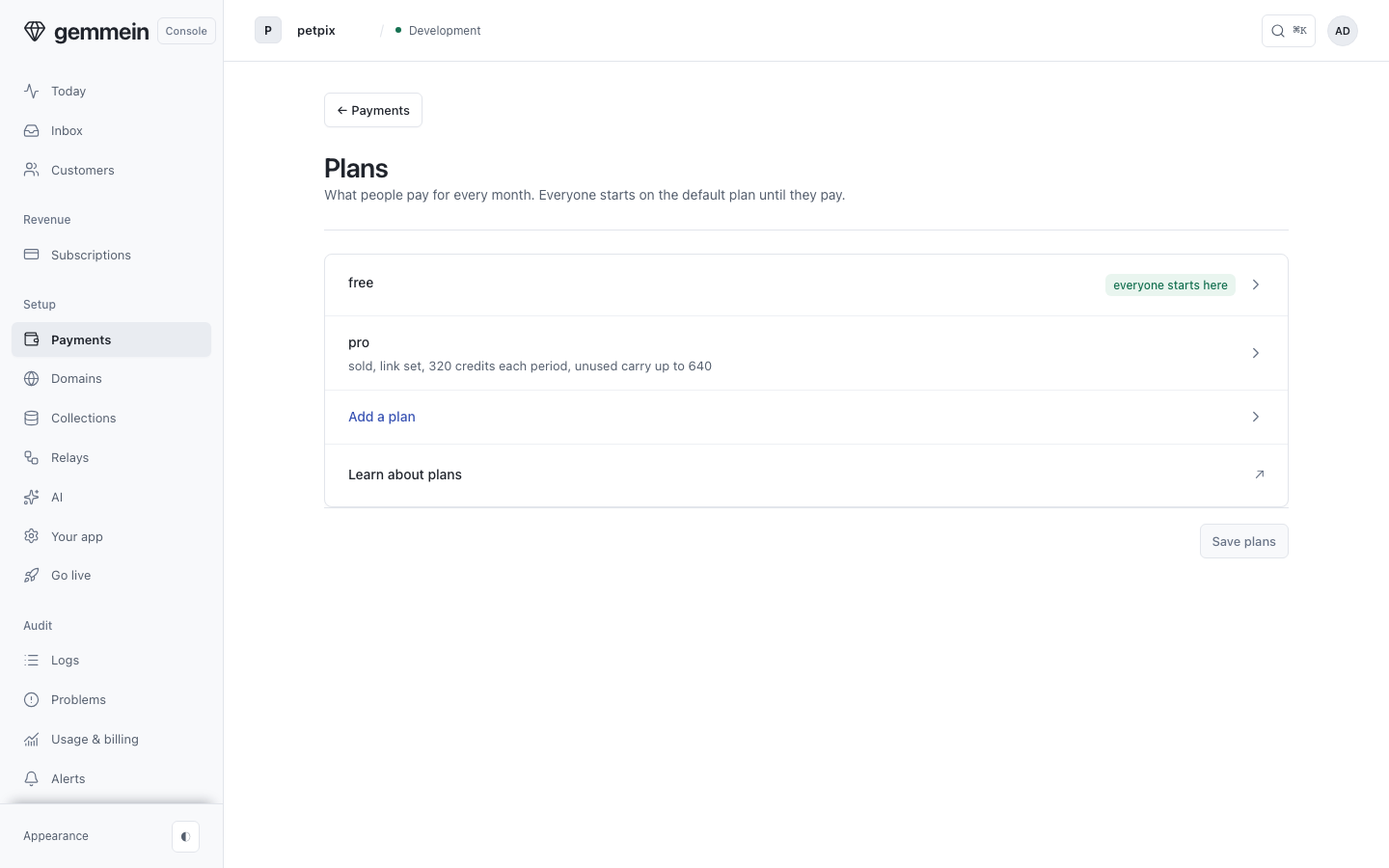
Open Plans to see the plans a person can be on and how each one is sold.
Add a plan
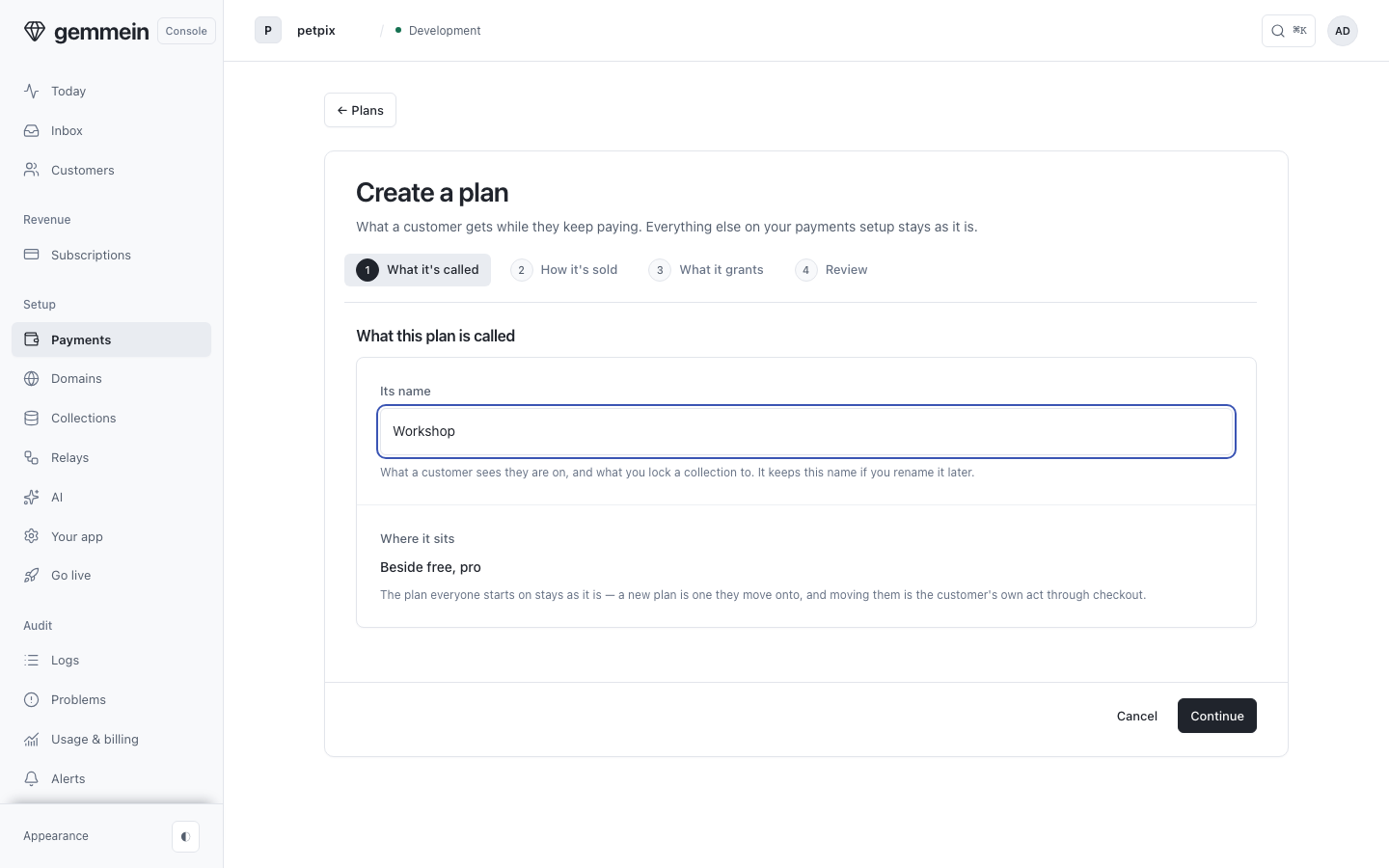
Choose Add a plan and name it. It takes four questions and changes nothing else in your payments setup.
Choose Stripe and set the price. Gemmein makes the plan's price and Payment Link in Stripe, so there is no link to paste.
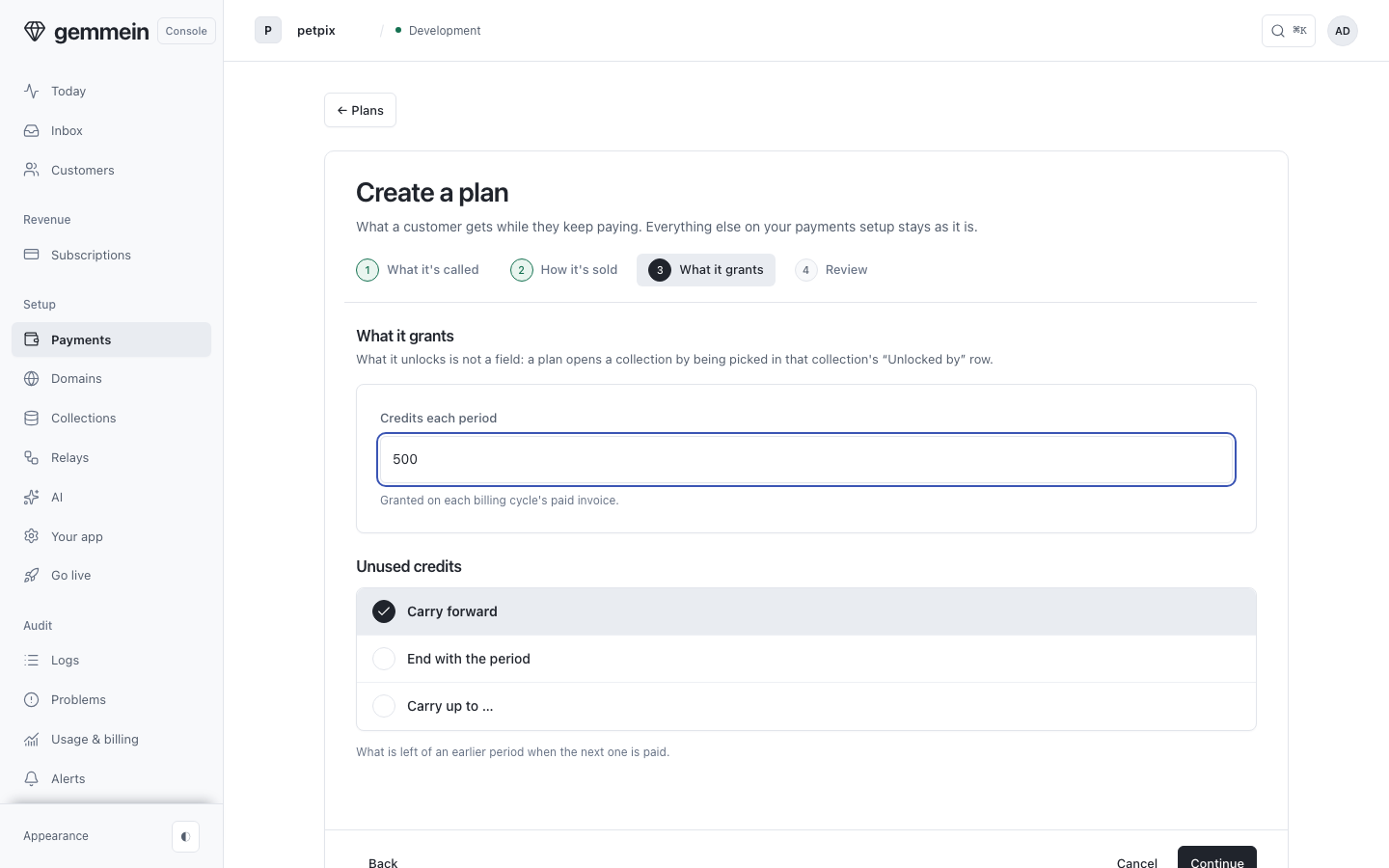
Set the credits it grants each period, and what happens to unused credits when the next period is paid.
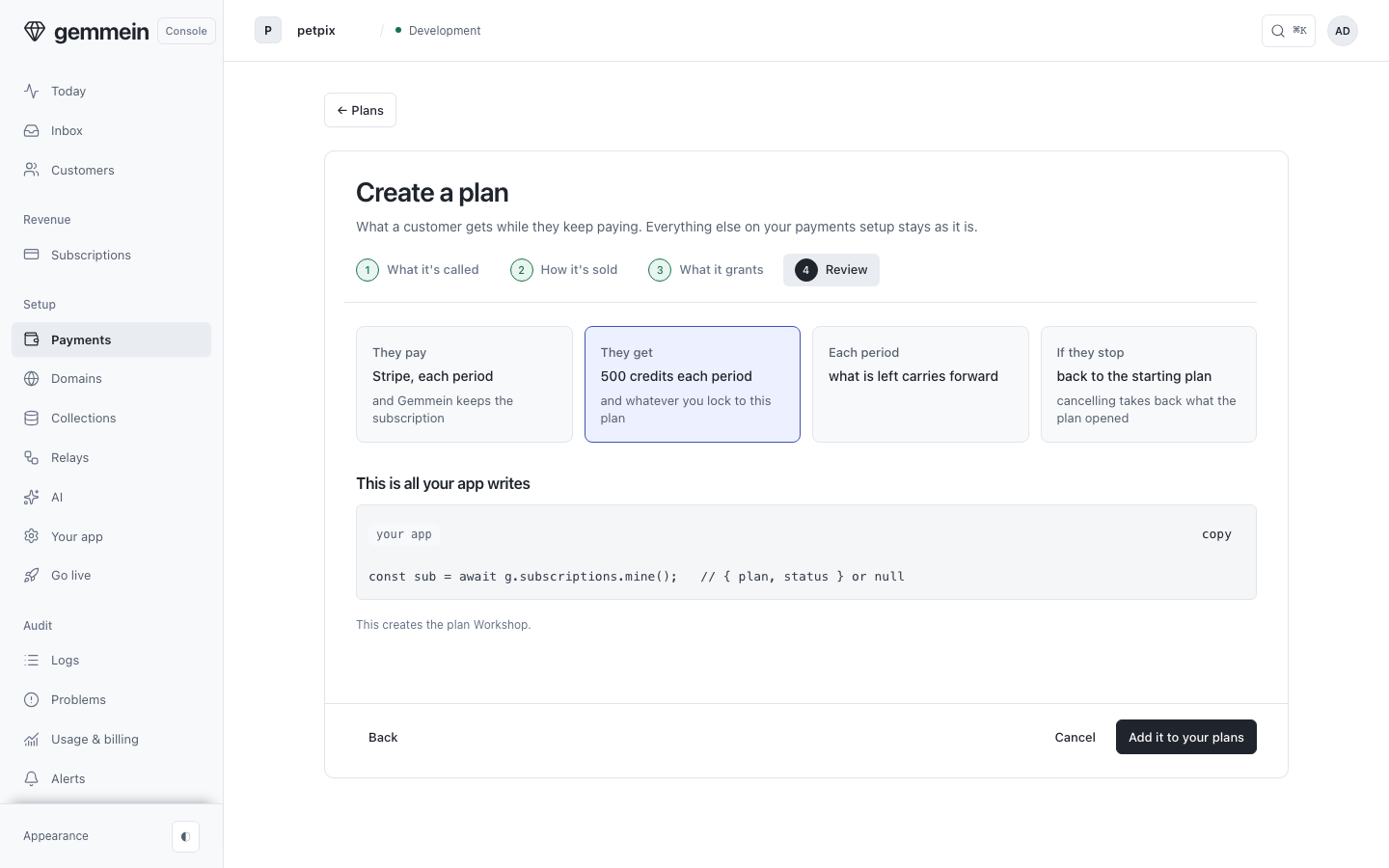
Review shows what a person pays, what they get, and what happens if they cancel, before the plan is created.
Choose Add it to your plans. Gemmein makes the Payment Link in Stripe and the plan appears in your list, marked on sale.
Change a plan
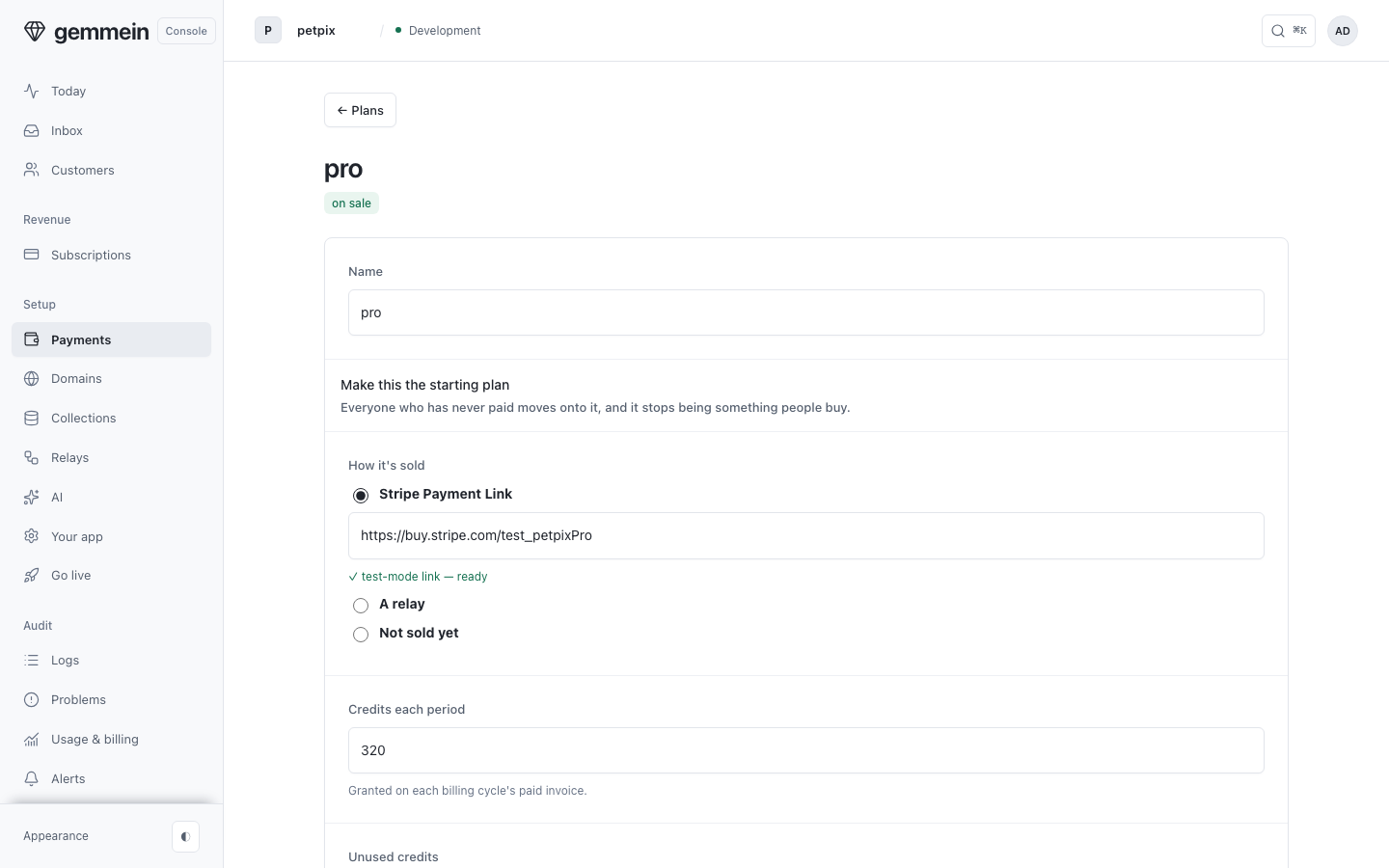
Open a plan you already have to change how it's sold: through Stripe, by a relay, or not sold yet.
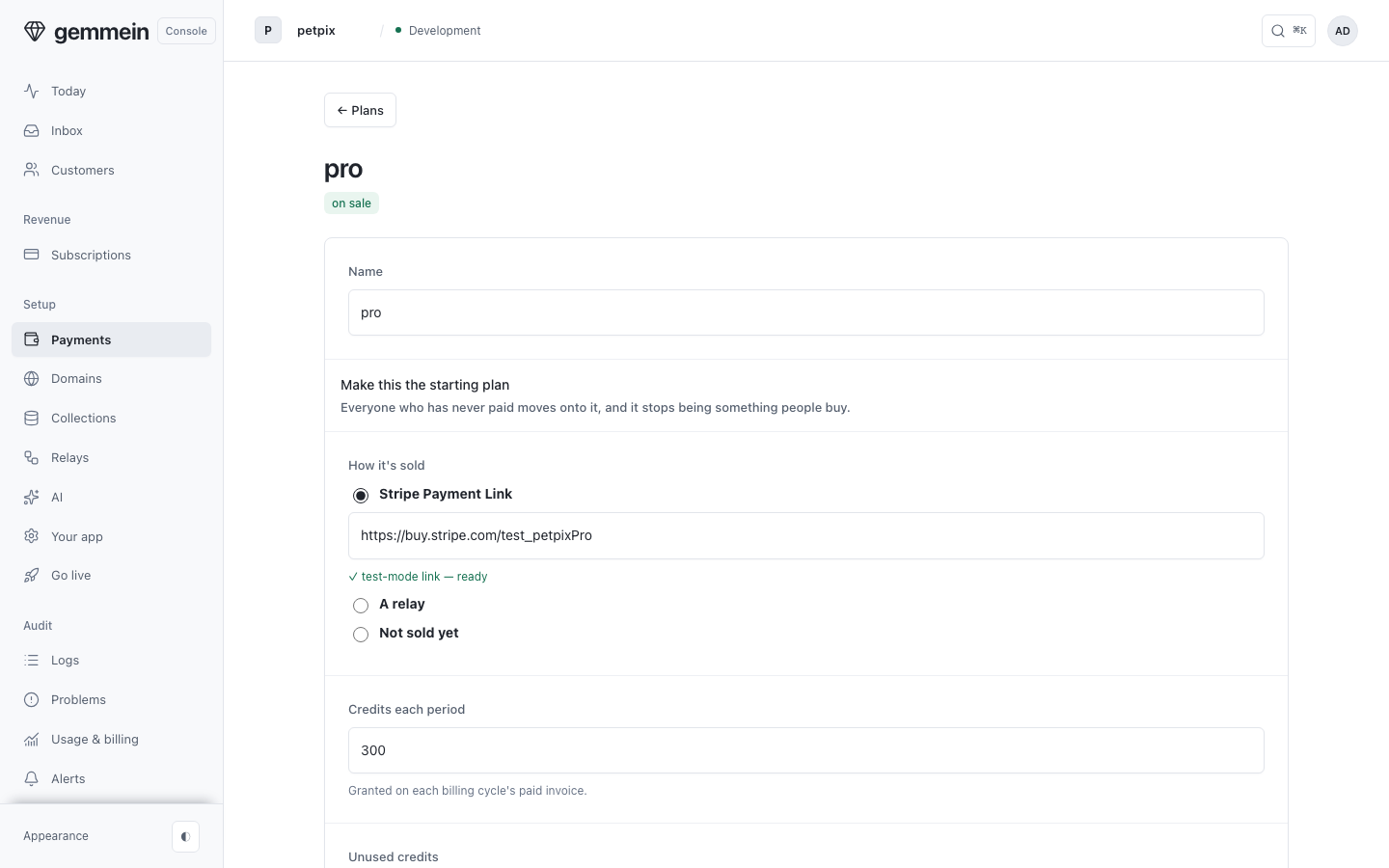
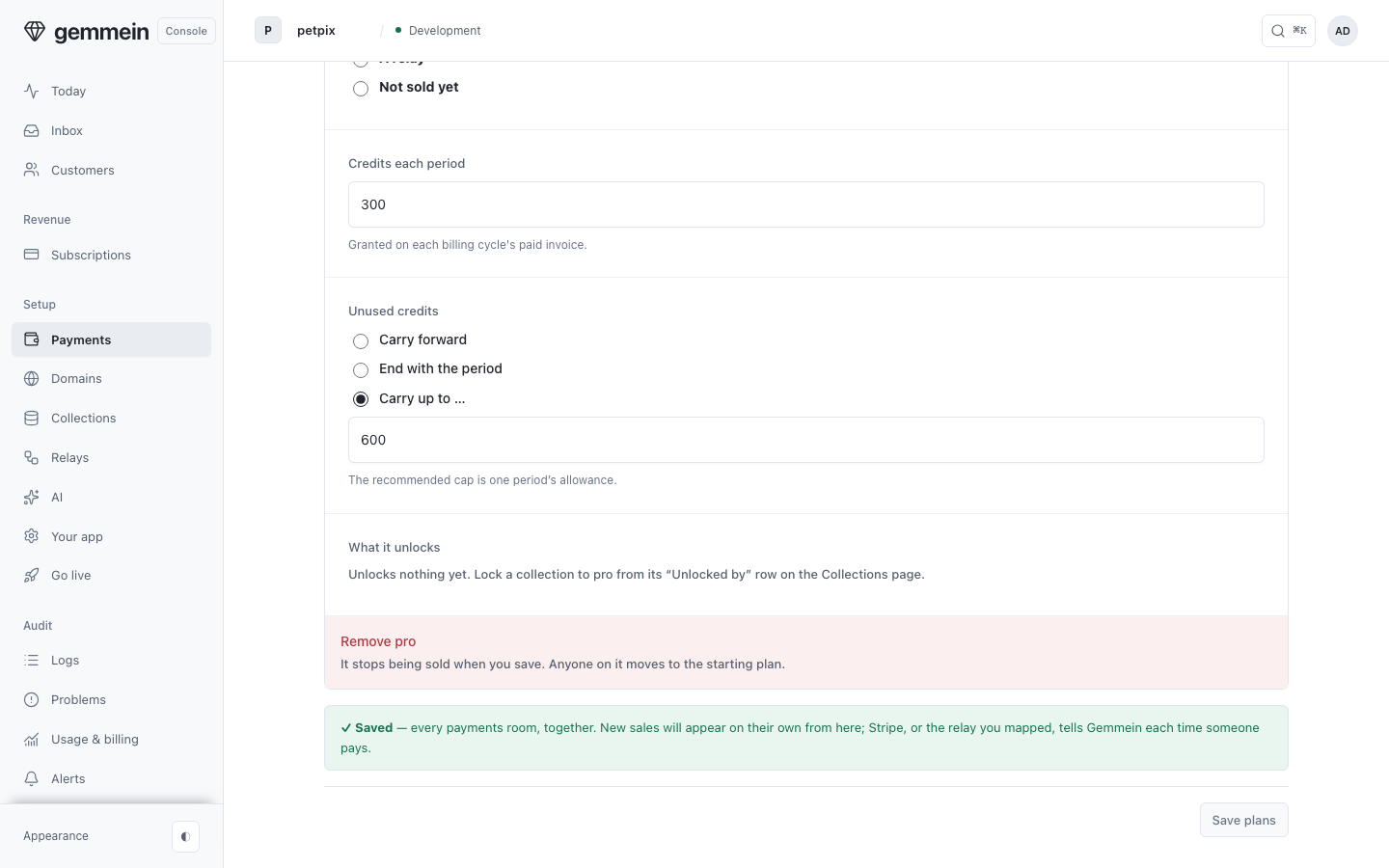
Set Credits each period to grant credits with every paid period, and choose what happens to credits left unused.
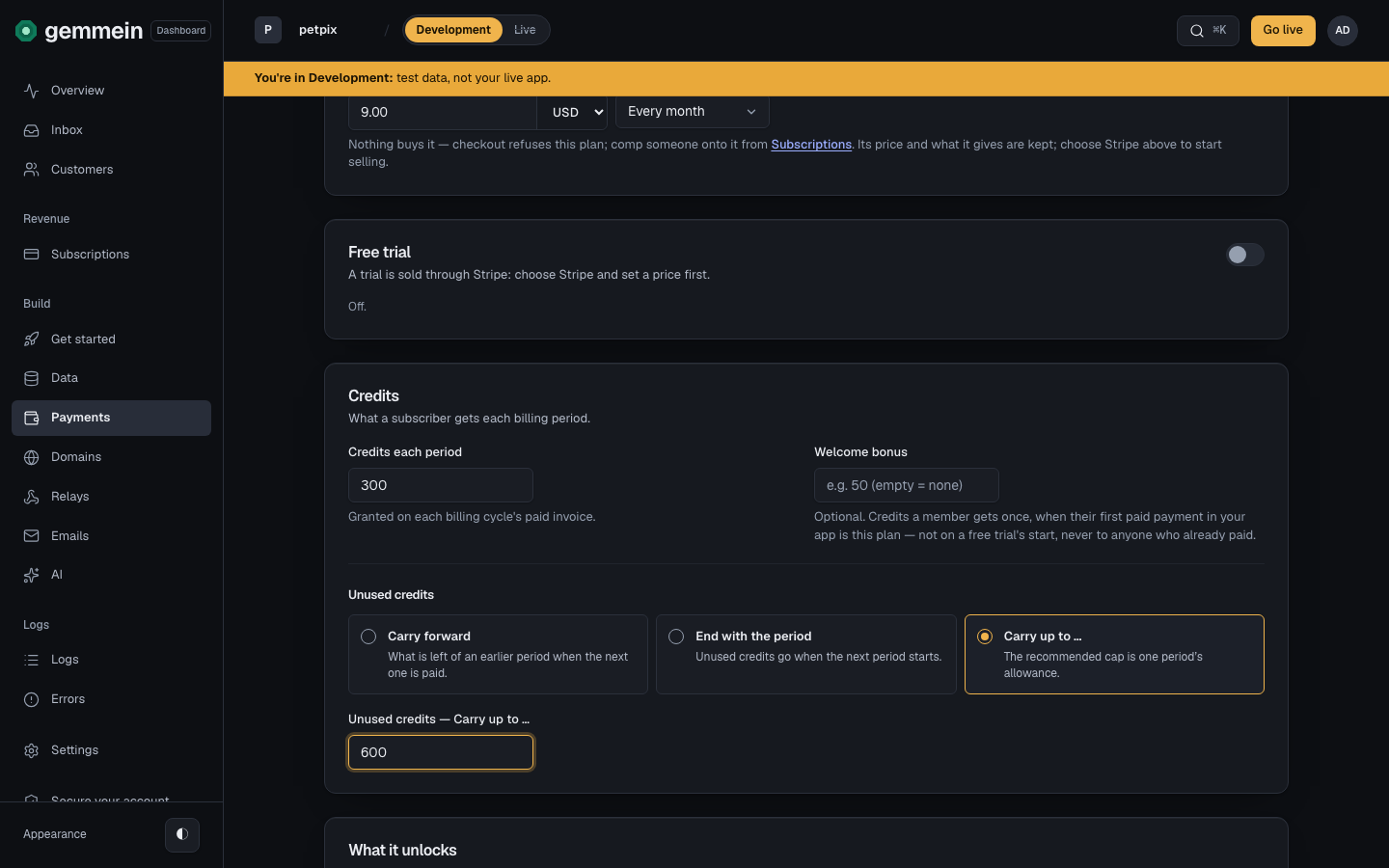
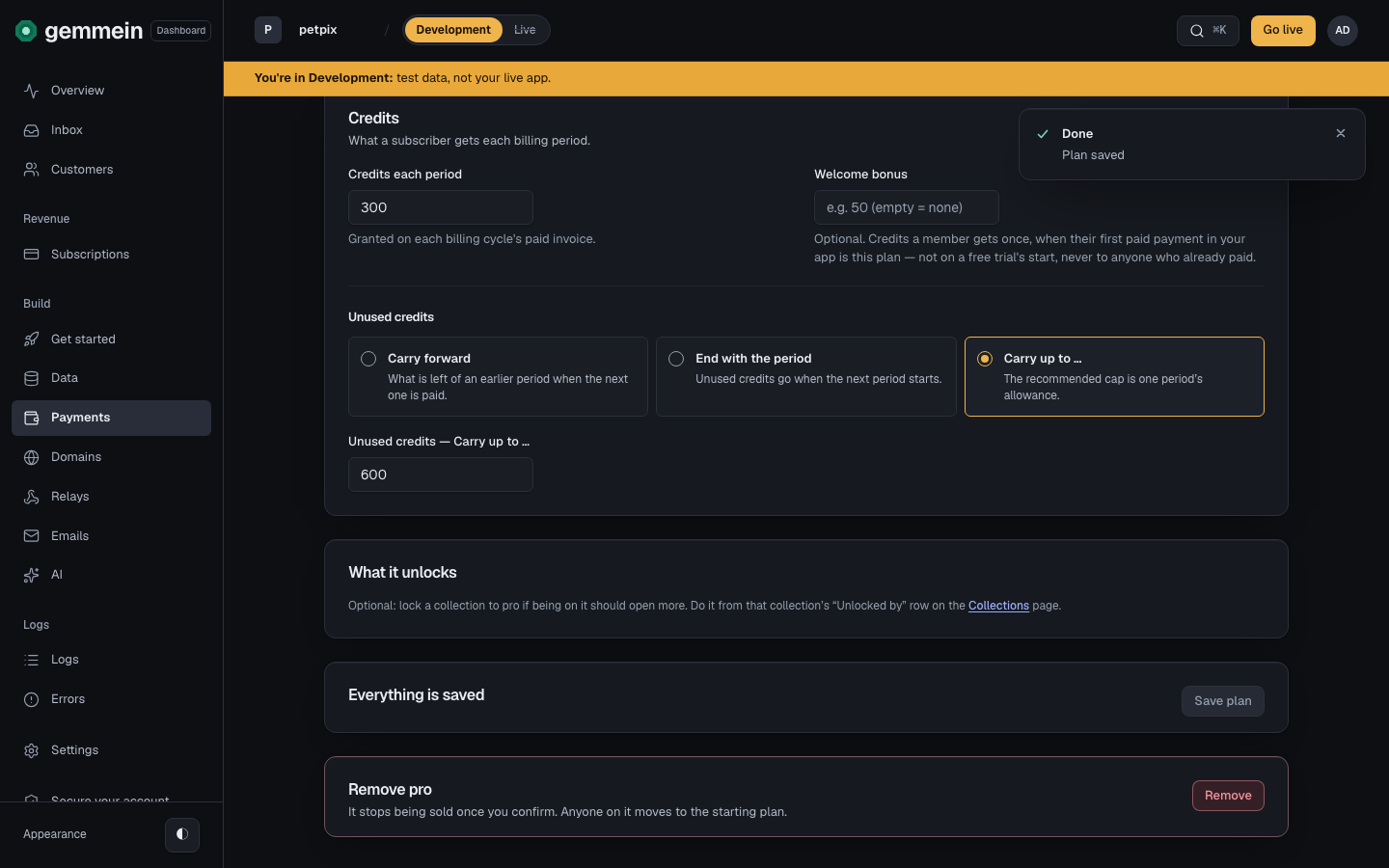
Choose Save plan to save this plan. Each plan saves on its own, and leaving it unsaved keeps what it was.
Products
Open Products to see the one-off things people can buy, like a pack of credits.
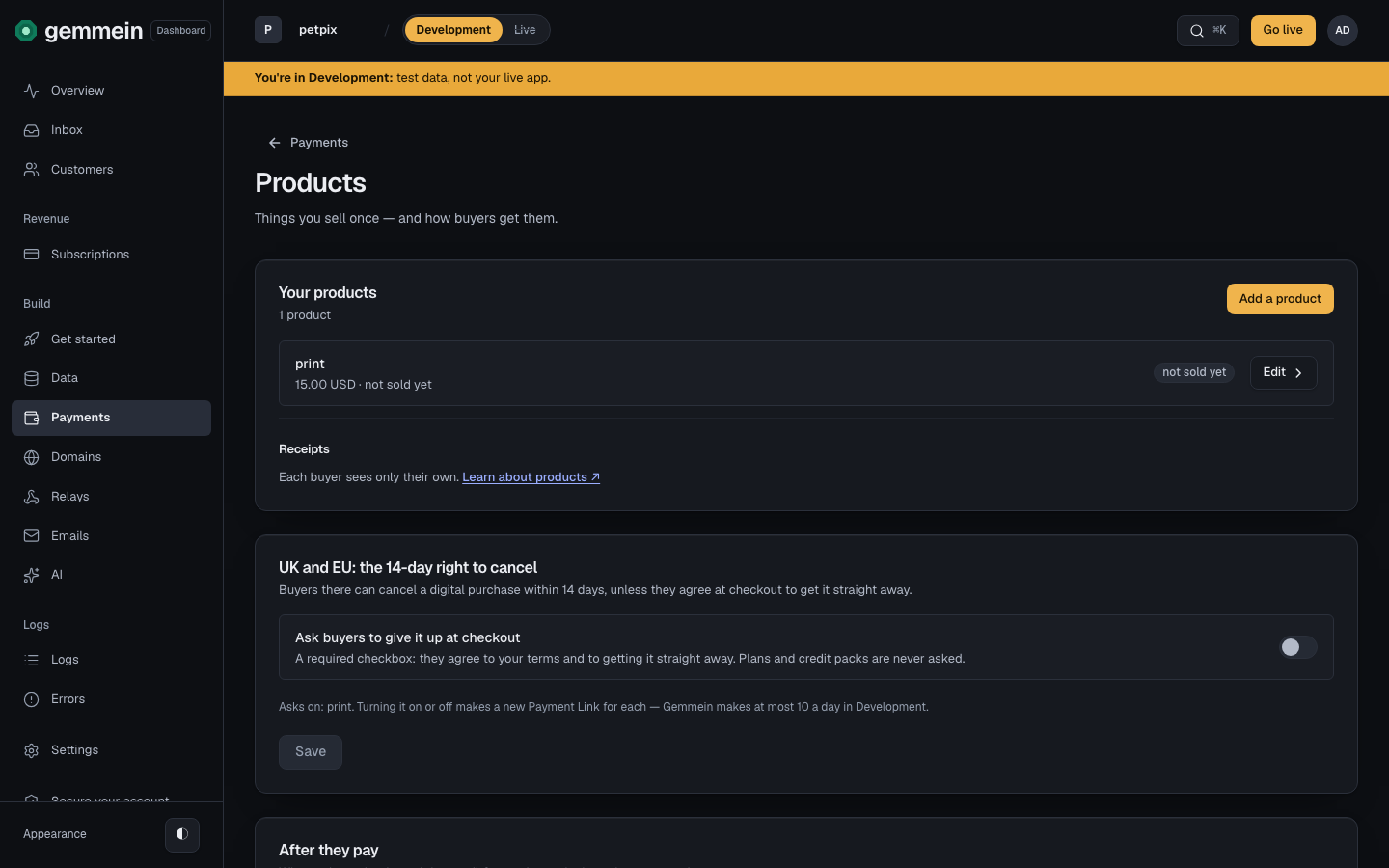
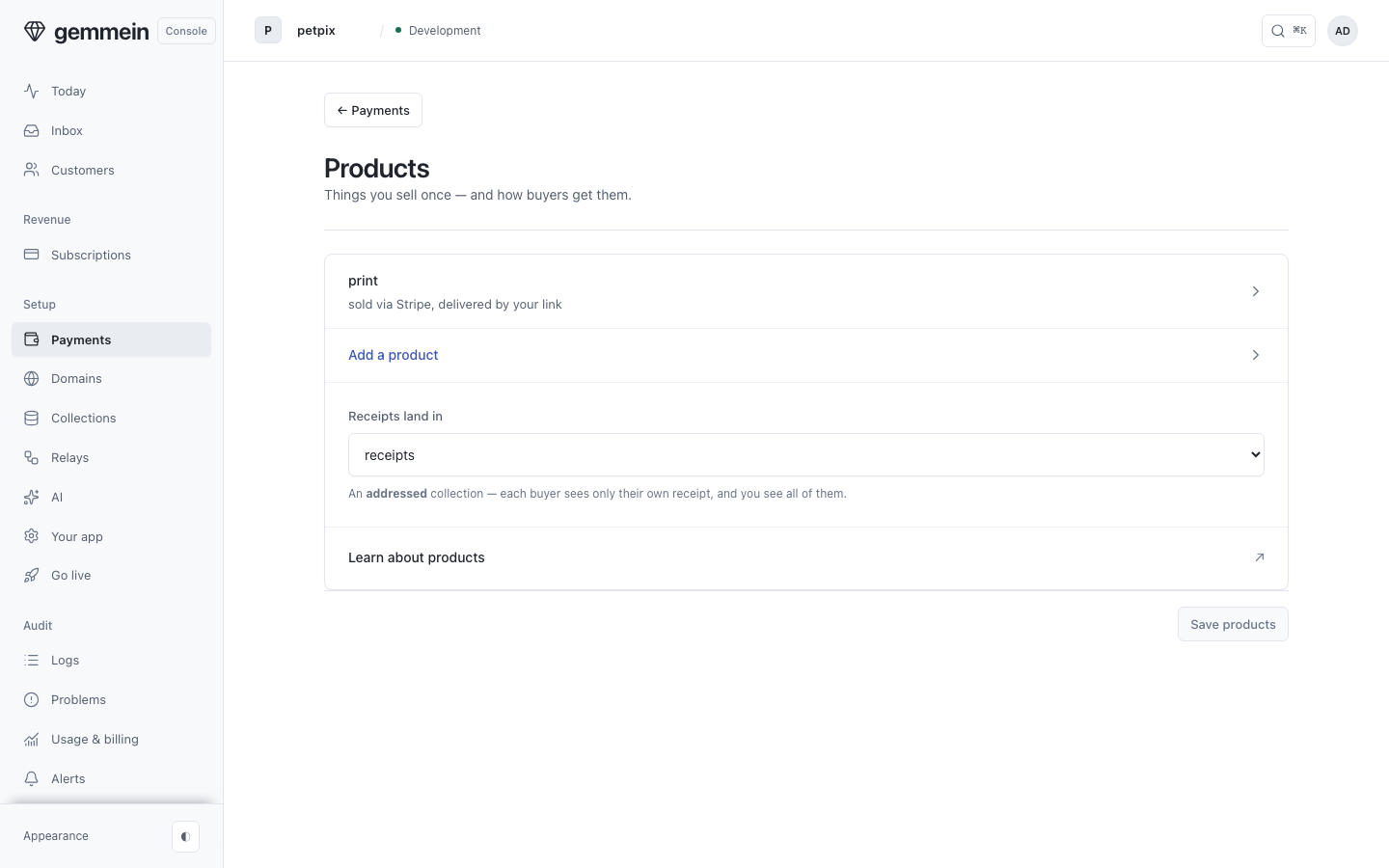
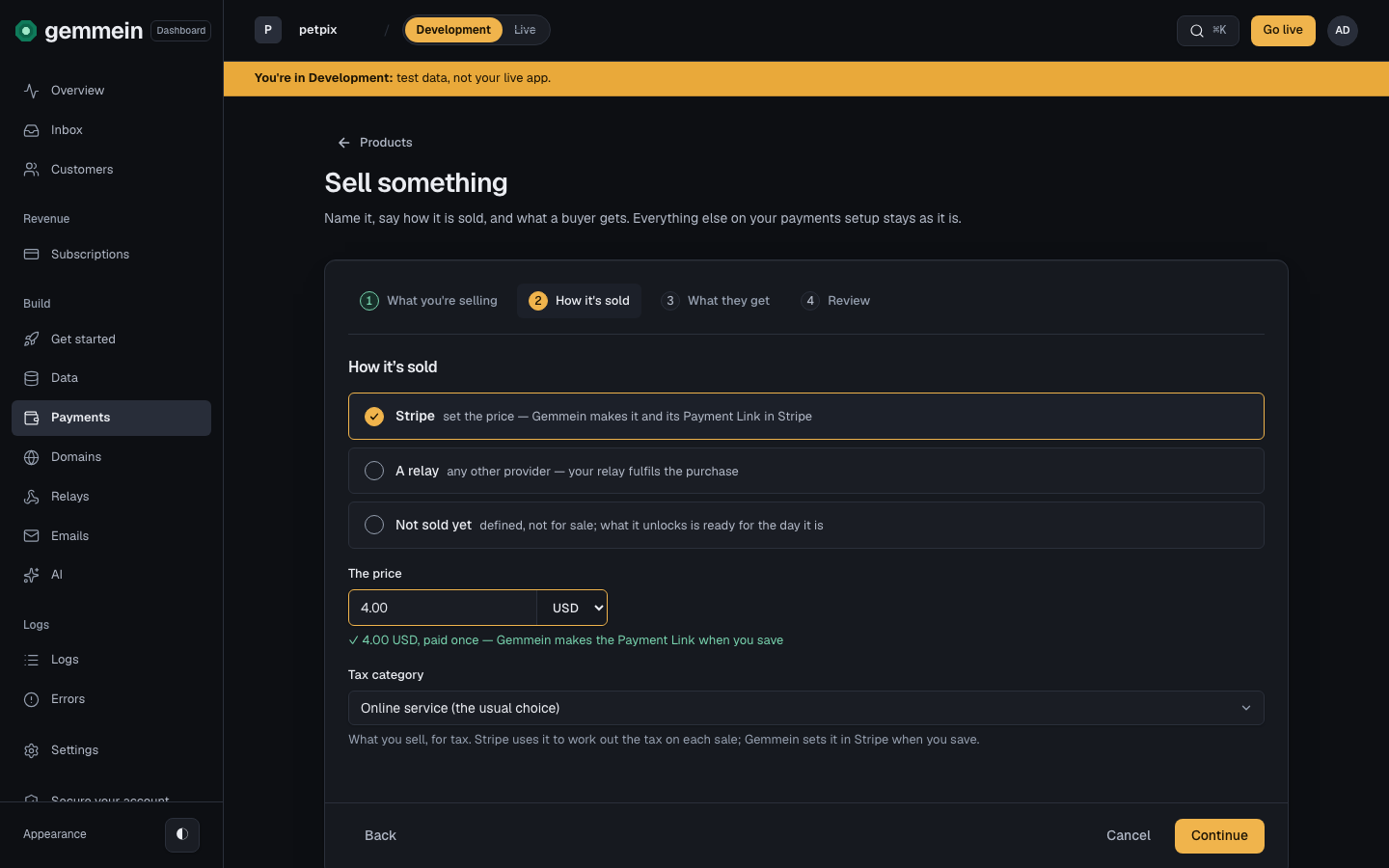
Choose Add a product, then Stripe, and set its price. Gemmein makes its price and Payment Link in Stripe.
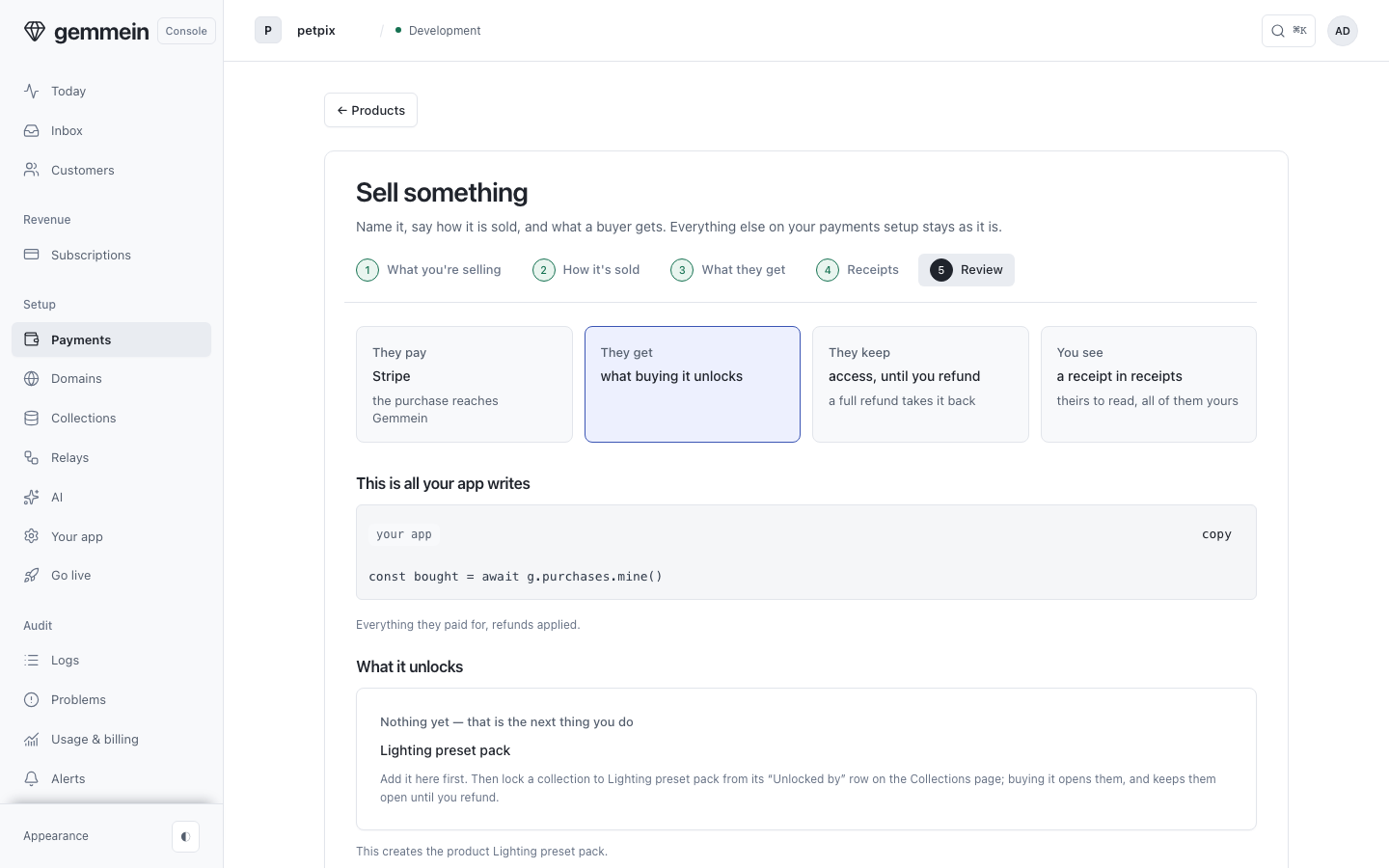
Review shows the price, where receipts go, what the buyer keeps, and the code your app uses to show what they bought.
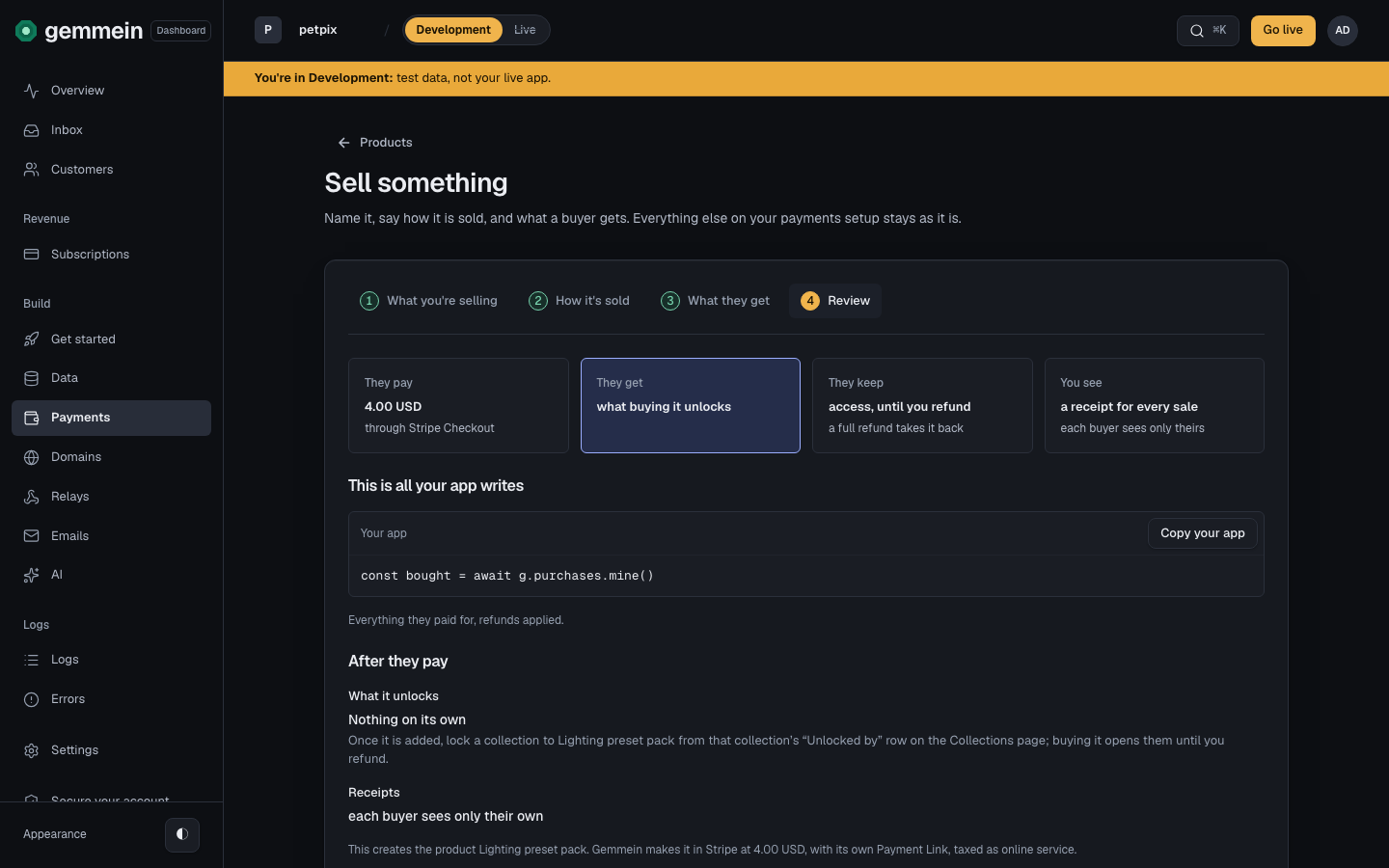
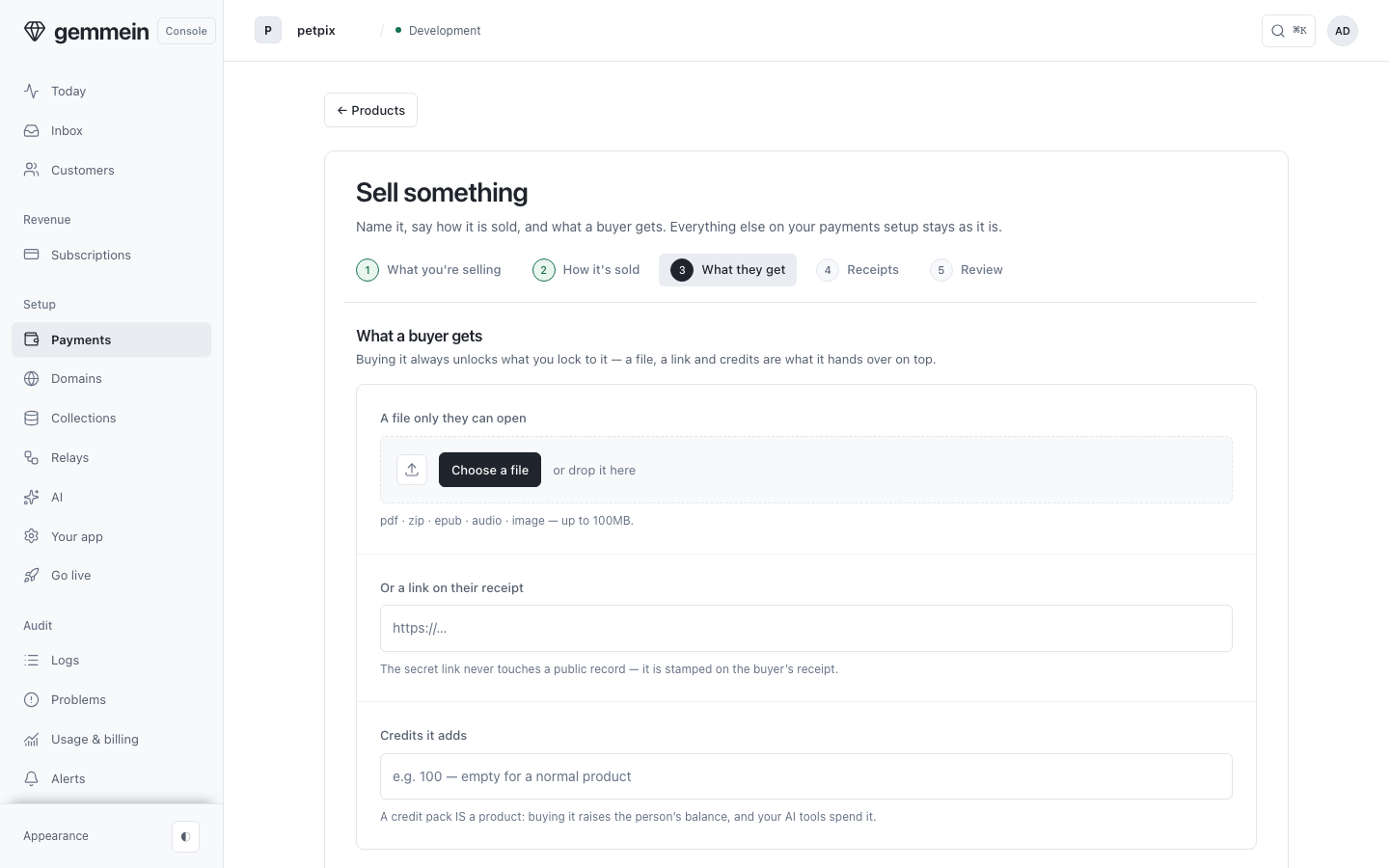
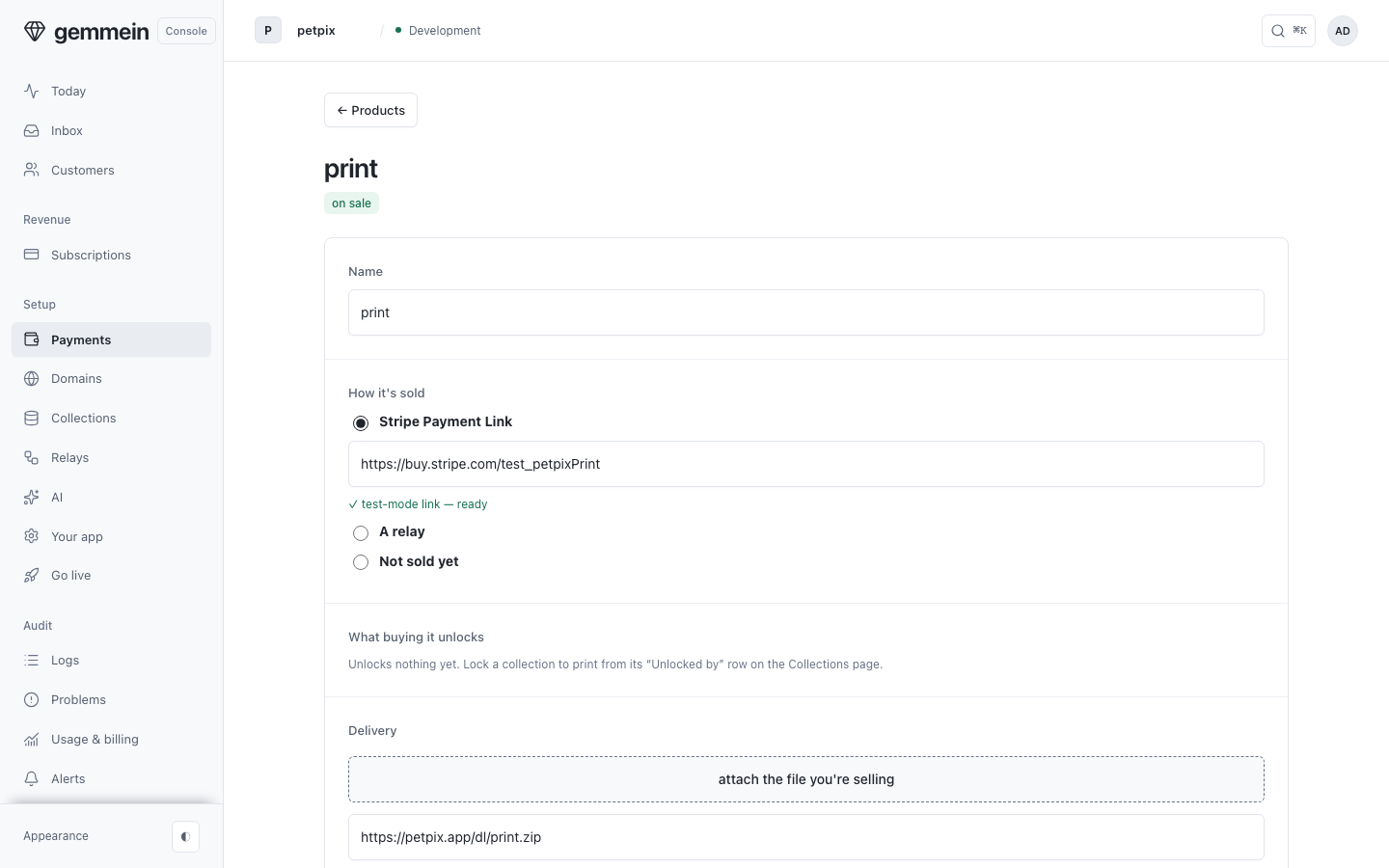
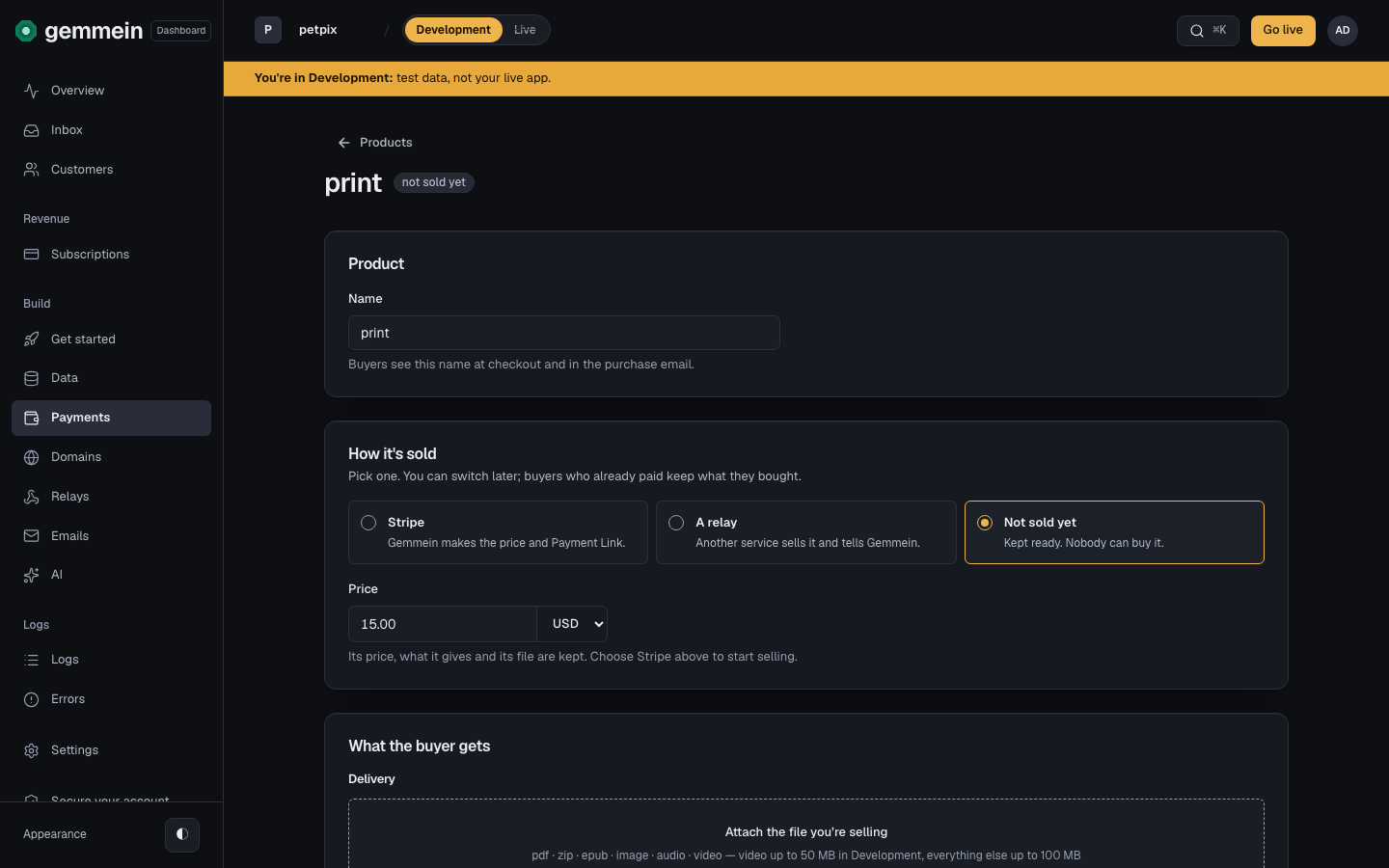
Open a product you already sell to change how it's sold and what the buyer receives: a file, a link, or credits.
Turn payments off or disconnect
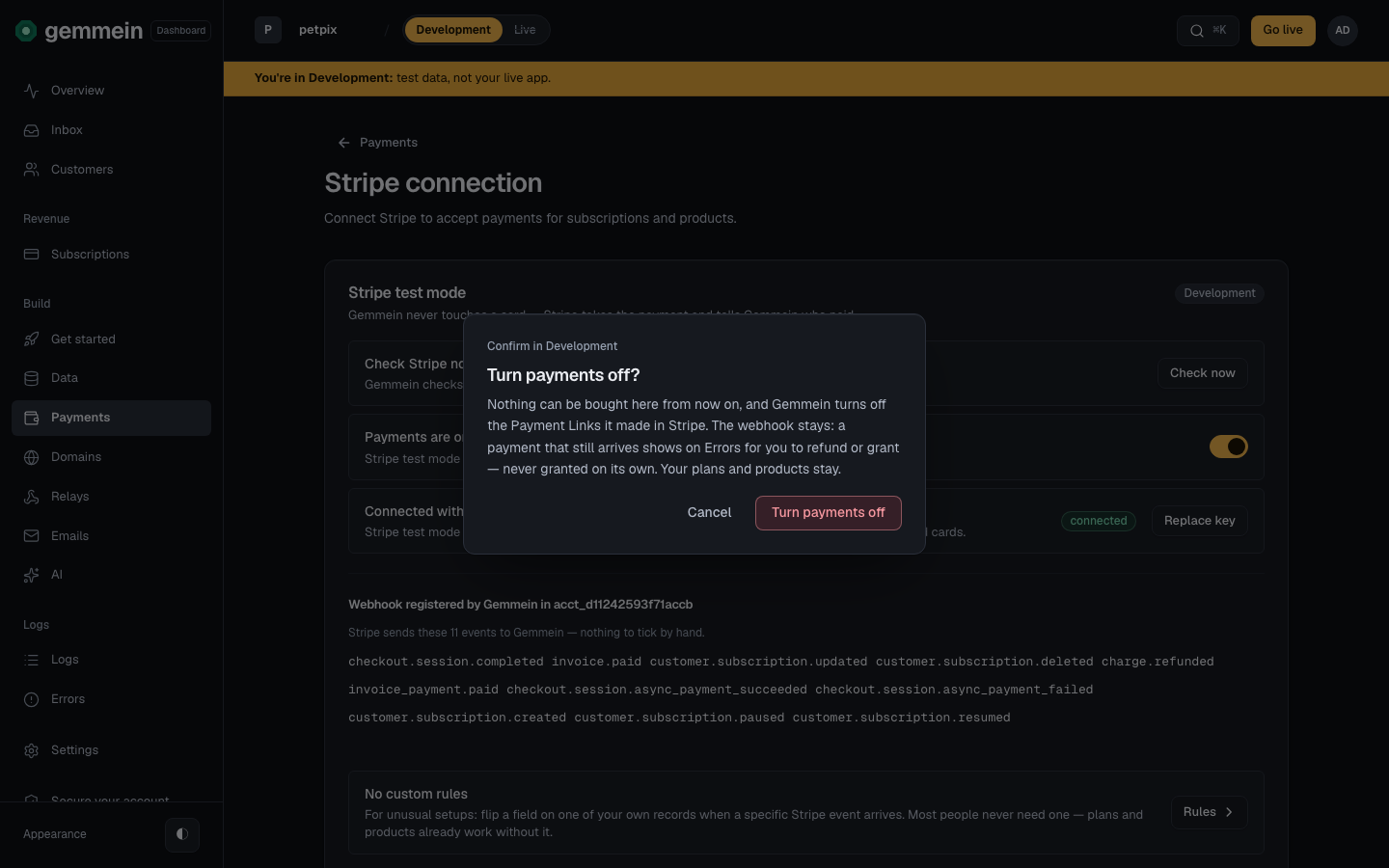
Choose the Payments switch to turn payments off. Nothing can be bought here, and Gemmein turns off the Payment Links it made in Stripe.
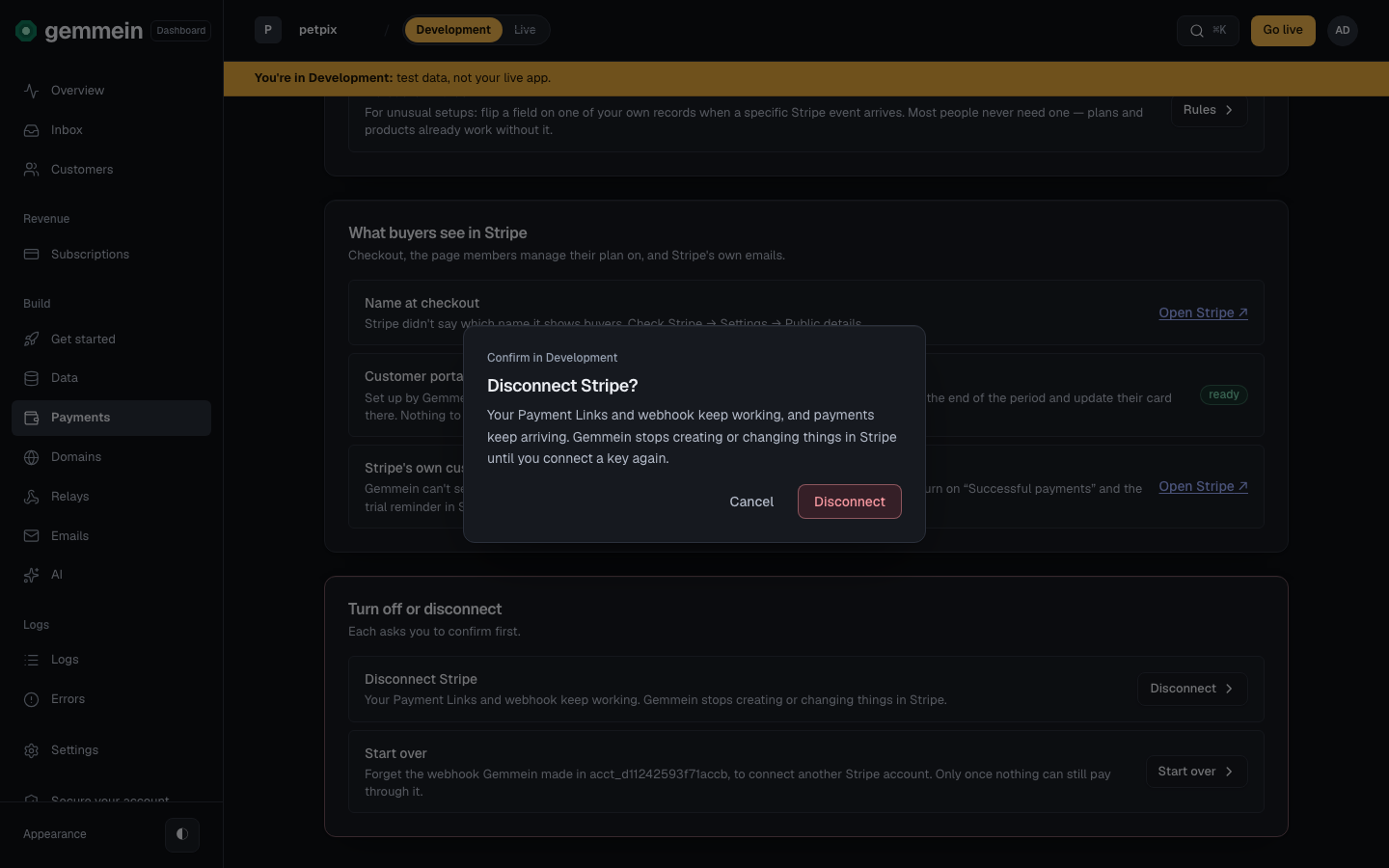
Choose Disconnect Stripe to stop Gemmein creating or changing things in Stripe. Your Payment Links and webhook keep working, and payments keep arriving.
Errors
connect Stripe first
Selling through Stripe needs the Stripe connection: Gemmein makes each price and its Payment Link with your restricted key.
That's a live-mode key. Development takes a test-mode key (rk_test_…). Use it in Live.
Development connects Stripe's test mode, and Live connects its live mode.
This key can do far more than Gemmein needs.
Gemmein refuses a key that can do more than the permissions listed: five, plus two if you sell plans. Set every other permission to None.
a number, such as 15 or 15.00
A price is an amount in the currency you choose.
the price must be more than zero
A plan's price is what Stripe charges each period, so it is more than zero.
a whole number of credits each period, or empty
A plan grants a whole number of credits, in full, each paid period.
How plans, products and payment links work: Payments.
Thanks for telling us.
Thanks for telling us.
Last updated