Records
Records shows every record your app has stored in a collection, as your app wrote it. Search it, filter it to the records that matter, add up a number field, and open any record to change it by hand.
Steps
Overview
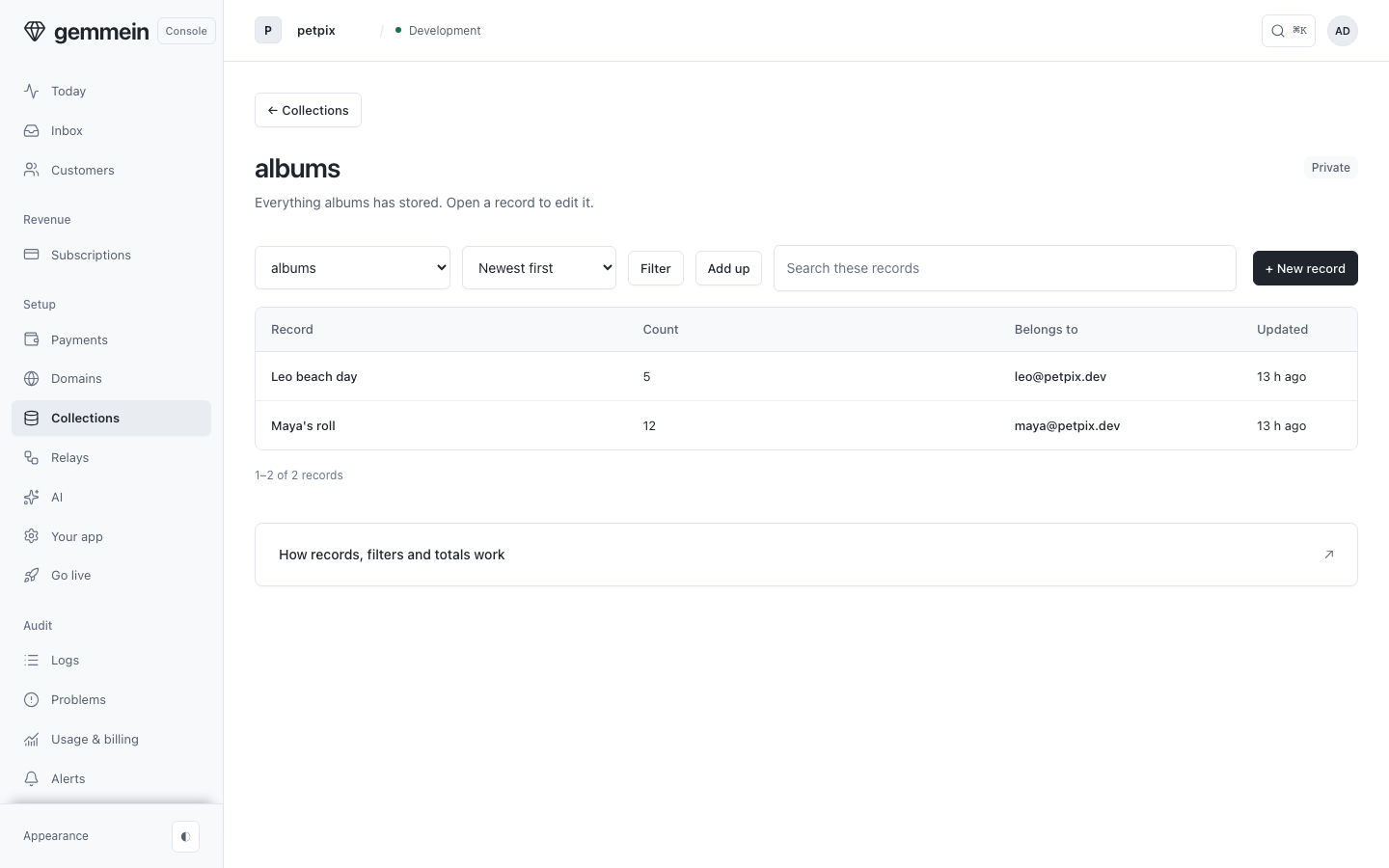
Open Records to see everything your app has stored in a collection, newest first.
Search and filter
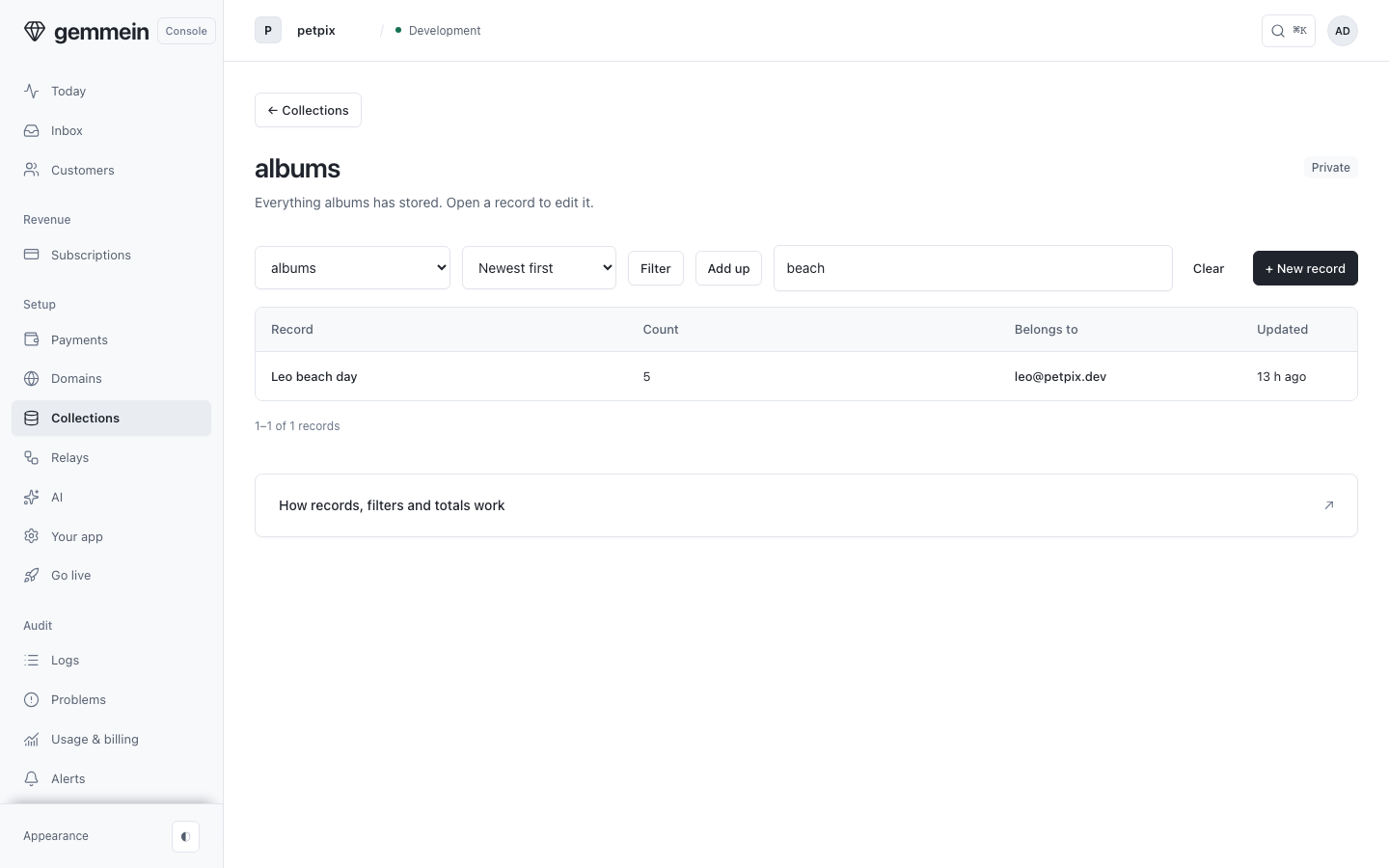
Type in Search and press Return to search every record in the collection. The search is in the URL, so you can share the view.
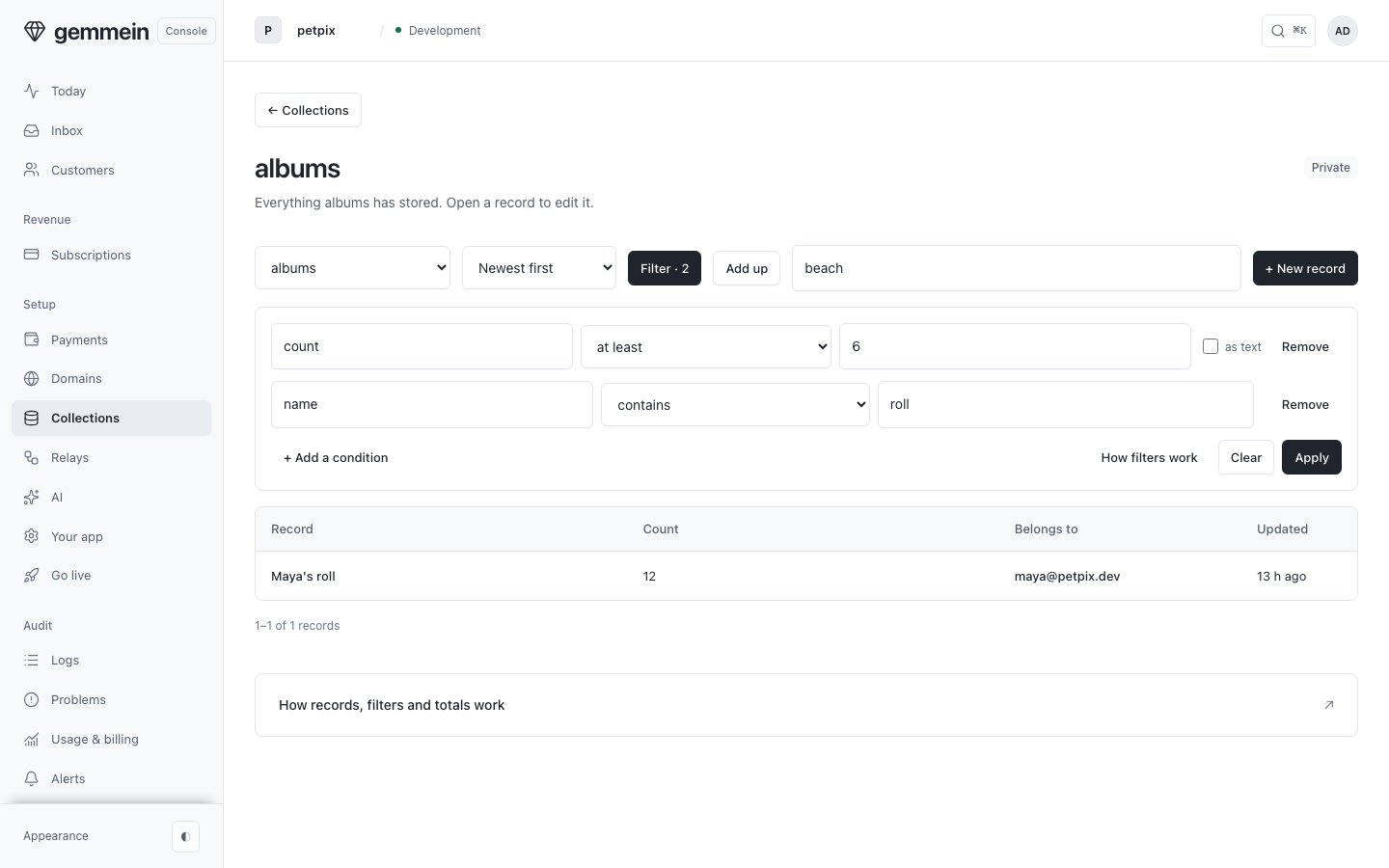
Choose Filter, then pick a field, how it compares and a value.
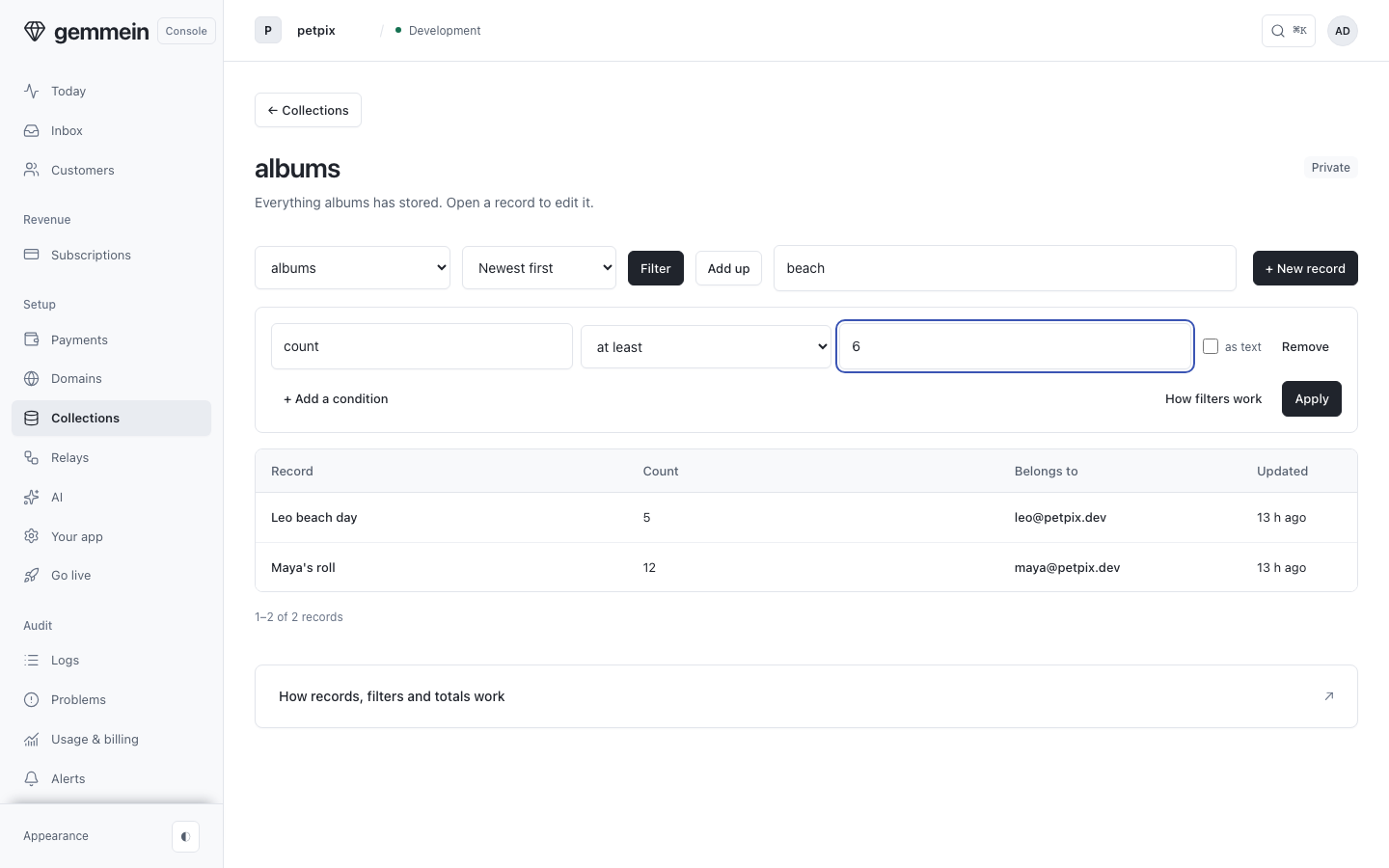
Choose Apply. The list narrows, and the count above the table shows how many records match.
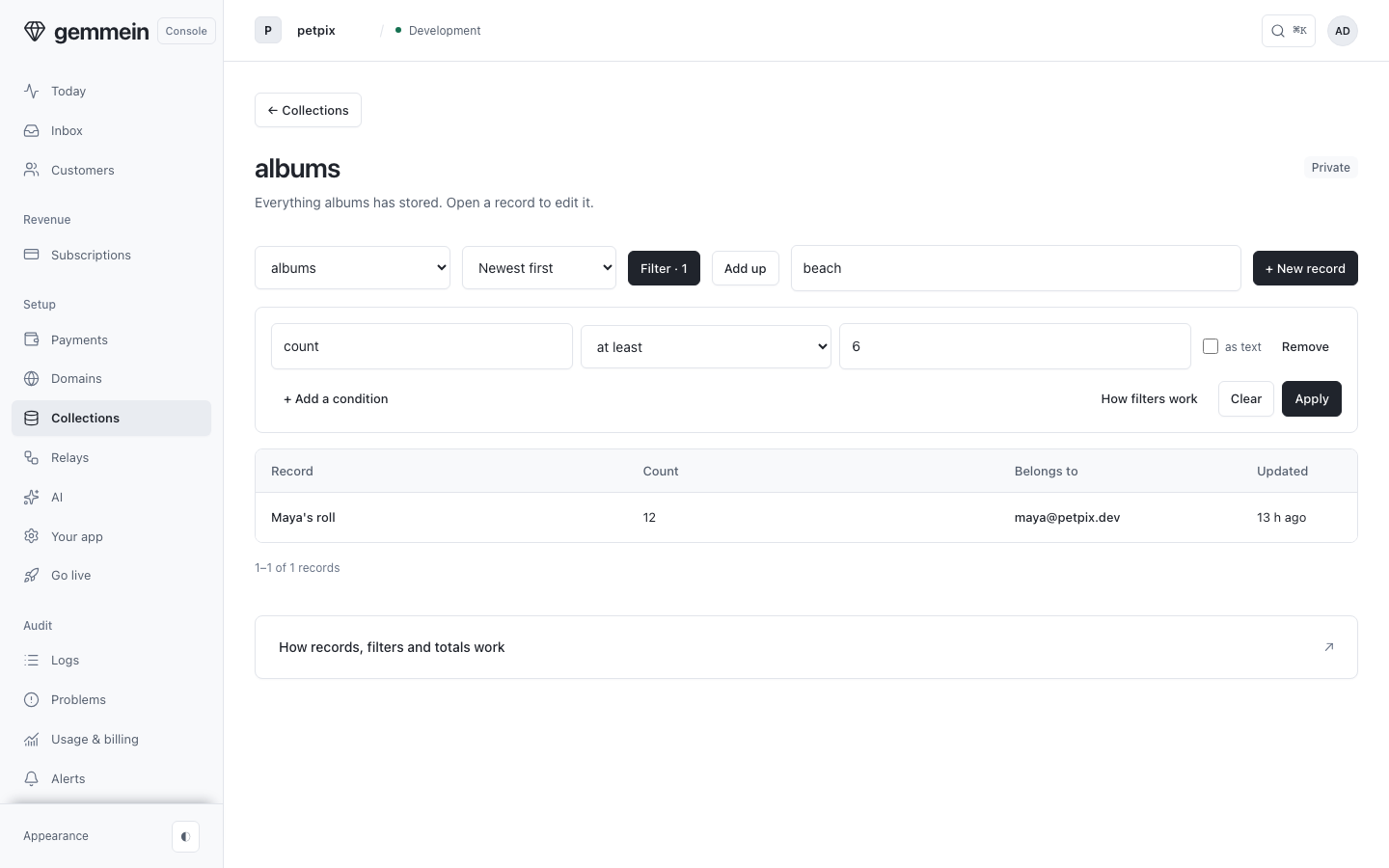
Add another condition to narrow it further. A record has to meet every condition.
Totals
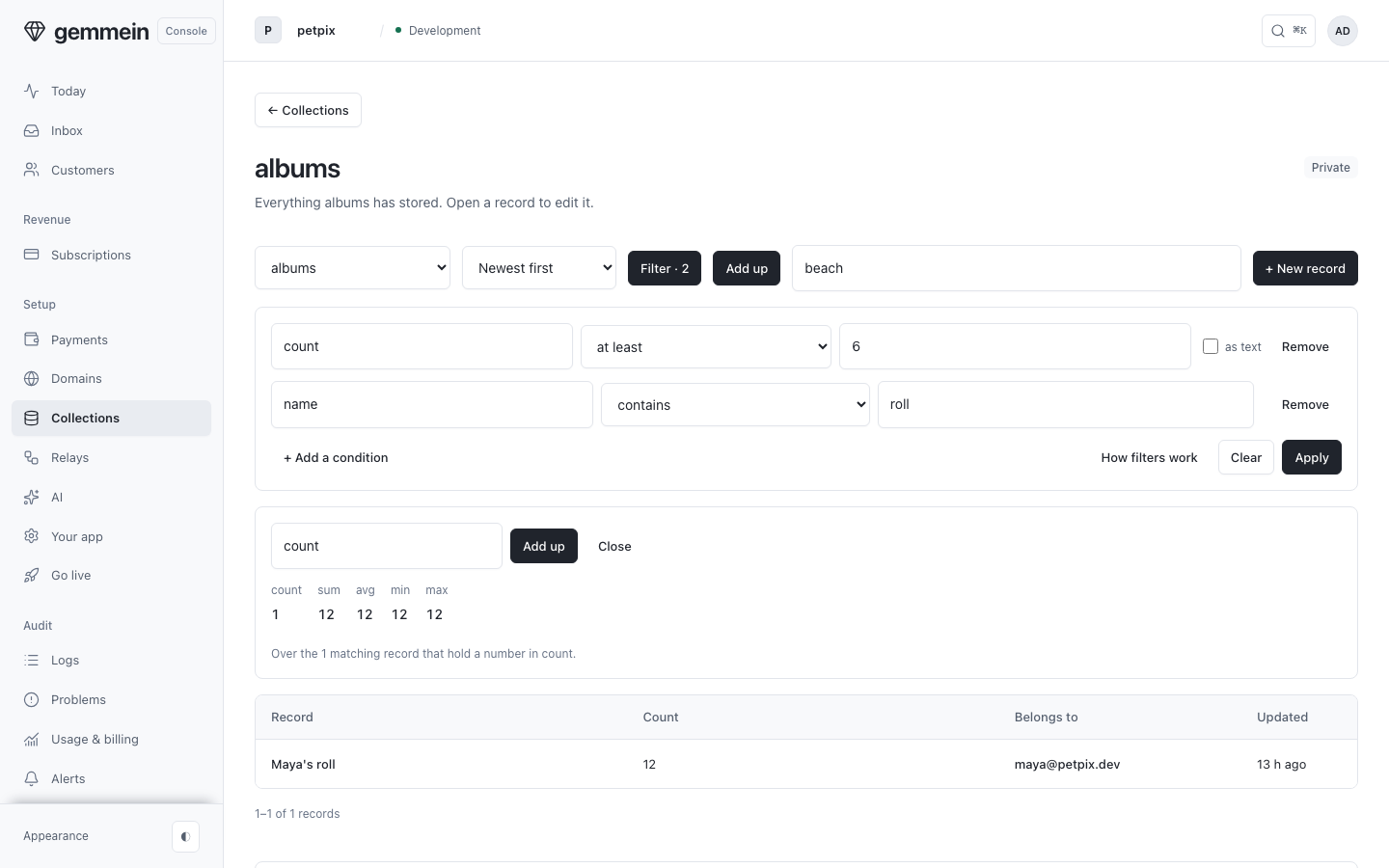
Choose Add up and name a number field for the count, sum, average, lowest and highest of the records that match.
One record
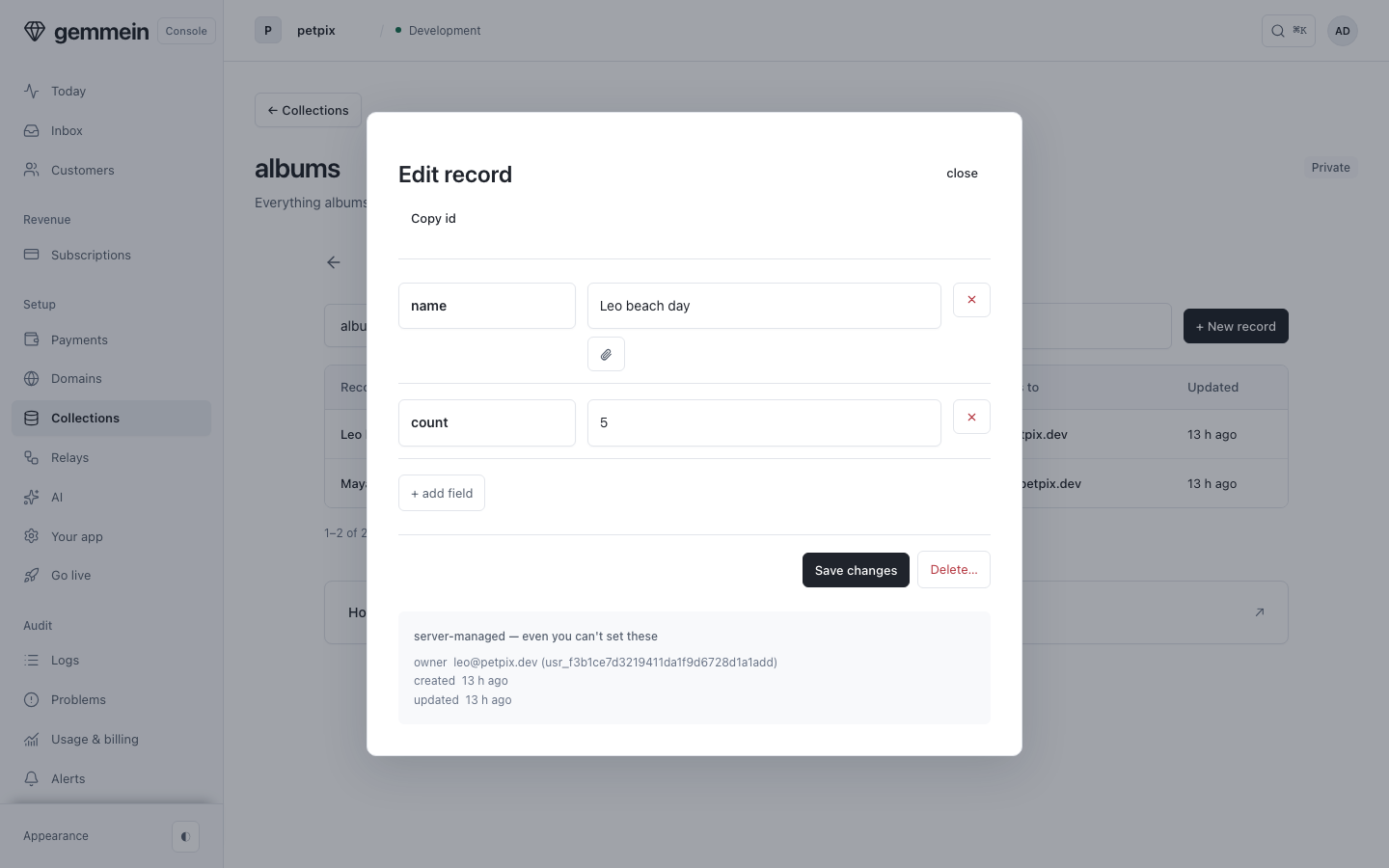
Open a record to change its fields by hand, or delete it.
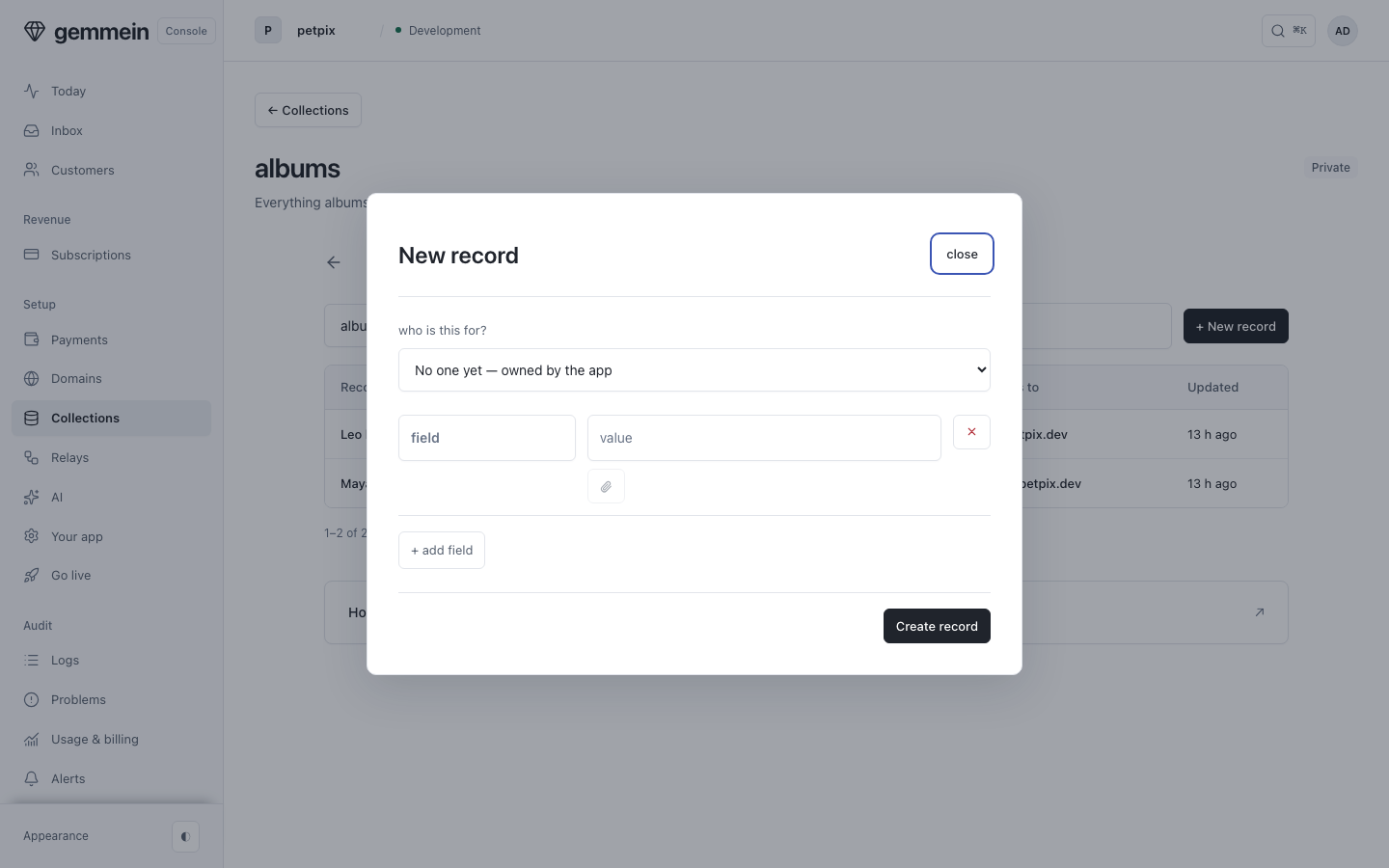
Choose New record to add one yourself. The fields your records already have are offered, and Add field adds another.
Errors
where.count.gt must be a number, or a string (compared as text — an ISO date orders correctly)
“Greater than” compares numbers as numbers and text as text. True and false have no order.
field must name one of the collection's data fields (a letter, then up to 62 letters, digits or underscores) — the numeric field to sum, average and bound
Totals add up one field of your data, named the way your app writes it.
"createdAt" is server-managed — the server sets it, always.
Gemmein records when each record was created and last changed, so those fields can't be written by hand.
How collections, safety rules and filters work: Data & safety rules.
Thanks for telling us.
Thanks for telling us.
Last updated