Emails
Emails holds what your app may email your customers: account notices and the updates your app asks Gemmein to send. It is the same in Development and Live. What each person was actually sent is on their page in Customers.
Steps
Overview
Open Emails under Build. Sending holds what your app may email, and Where it sends from leads to your own address.
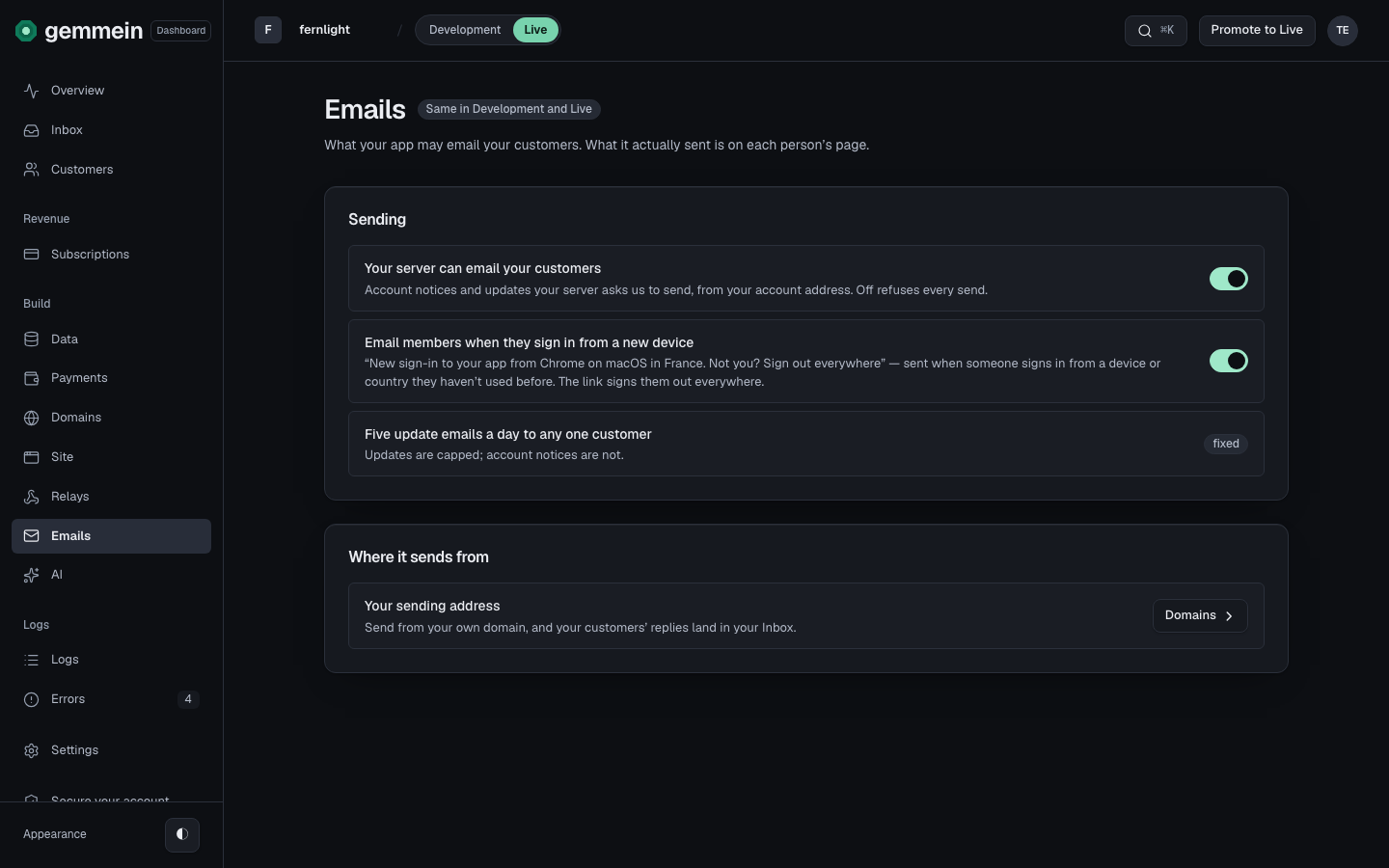
Sending
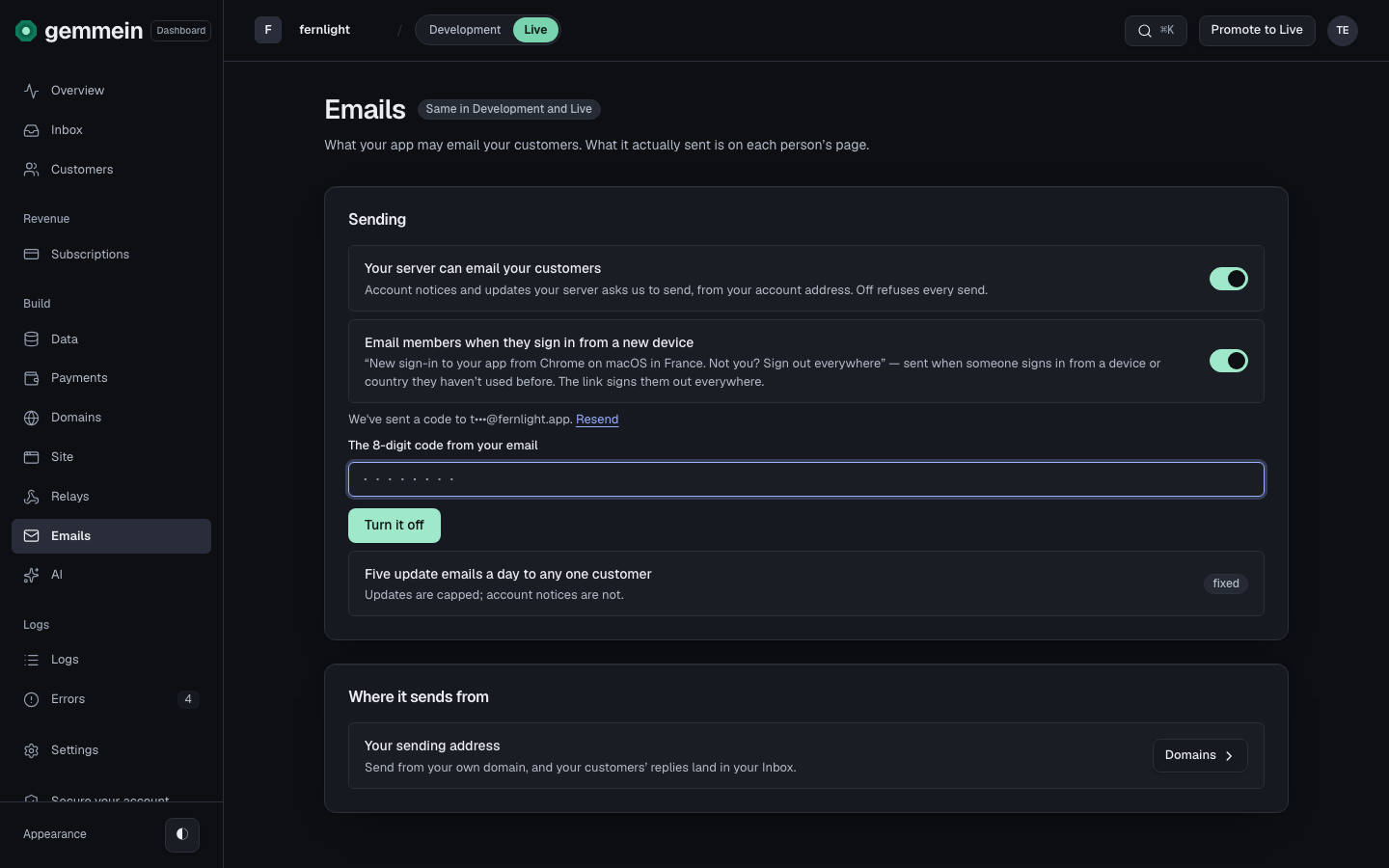
Turn off Your server can email your customers to refuse every email your app asks Gemmein to send. Once your app is live, enter the code we email you, then choose Turn it off.
Email members when they sign in from a new device sends each person a short note when they sign in from a device or country they haven't used before, with a link that signs them out everywhere.
Each customer gets at most five update emails a day. Account notices, such as sign-in codes, are never capped.
Where it sends from
Choose Domains beside Your sending address to send from your own domain. Your customers' replies then land in your Inbox.
Errors
invalid or expired code
A change to a live app takes the newest code we emailed you. Type it again, or ask for a new one.
How your app sends email, and from which address: Email.
Thanks for telling us.
Thanks for telling us.
Last updated