Data
Data lists your collections, the folders your app's records live in, and the safety rule each one follows for who may read and write it. Create one for each kind of thing your app stores, and lock one to a plan or product when only people who pay should reach it.
Steps
Overview
Open Data under Build to see each collection and its safety rule.
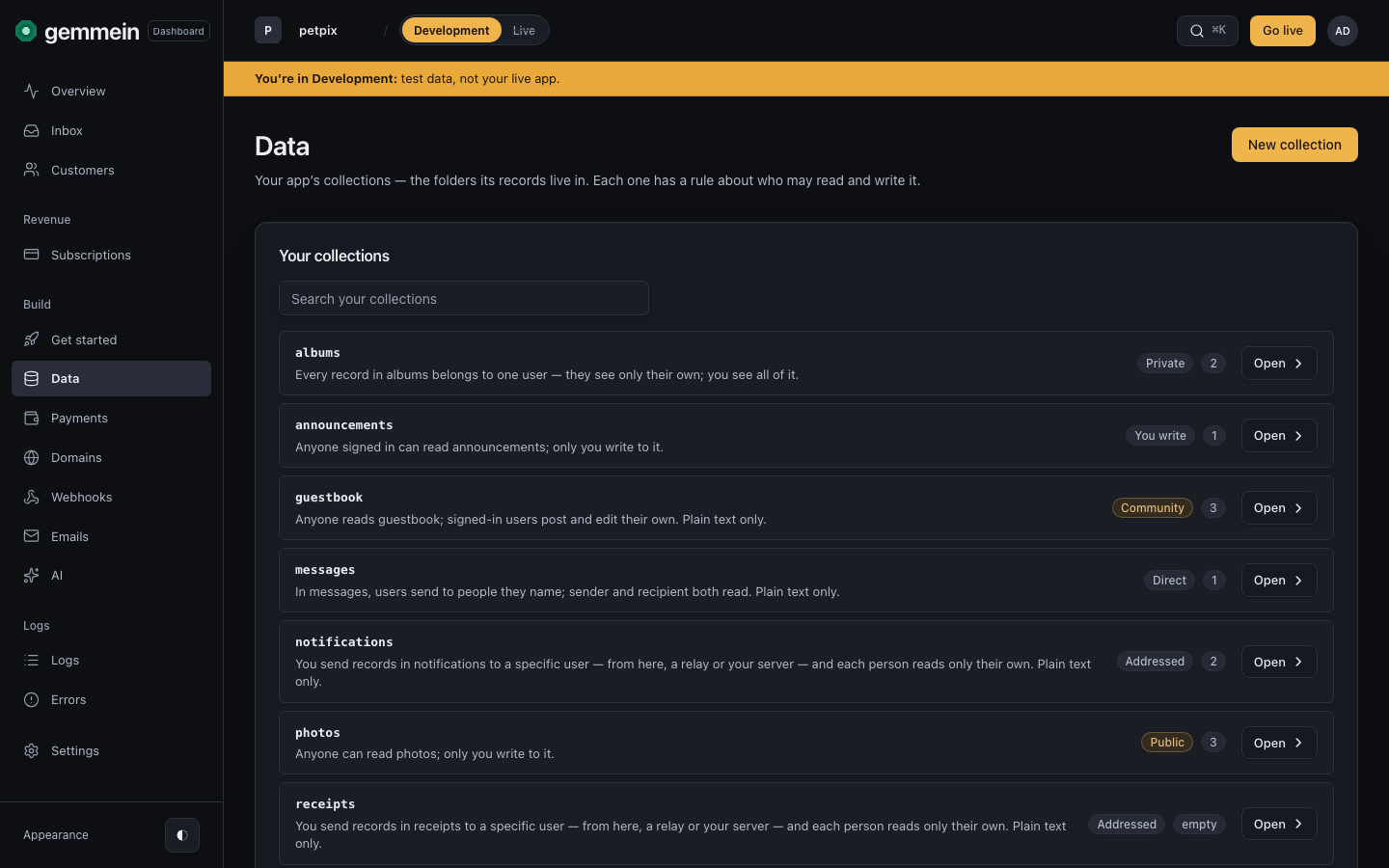
A new collection
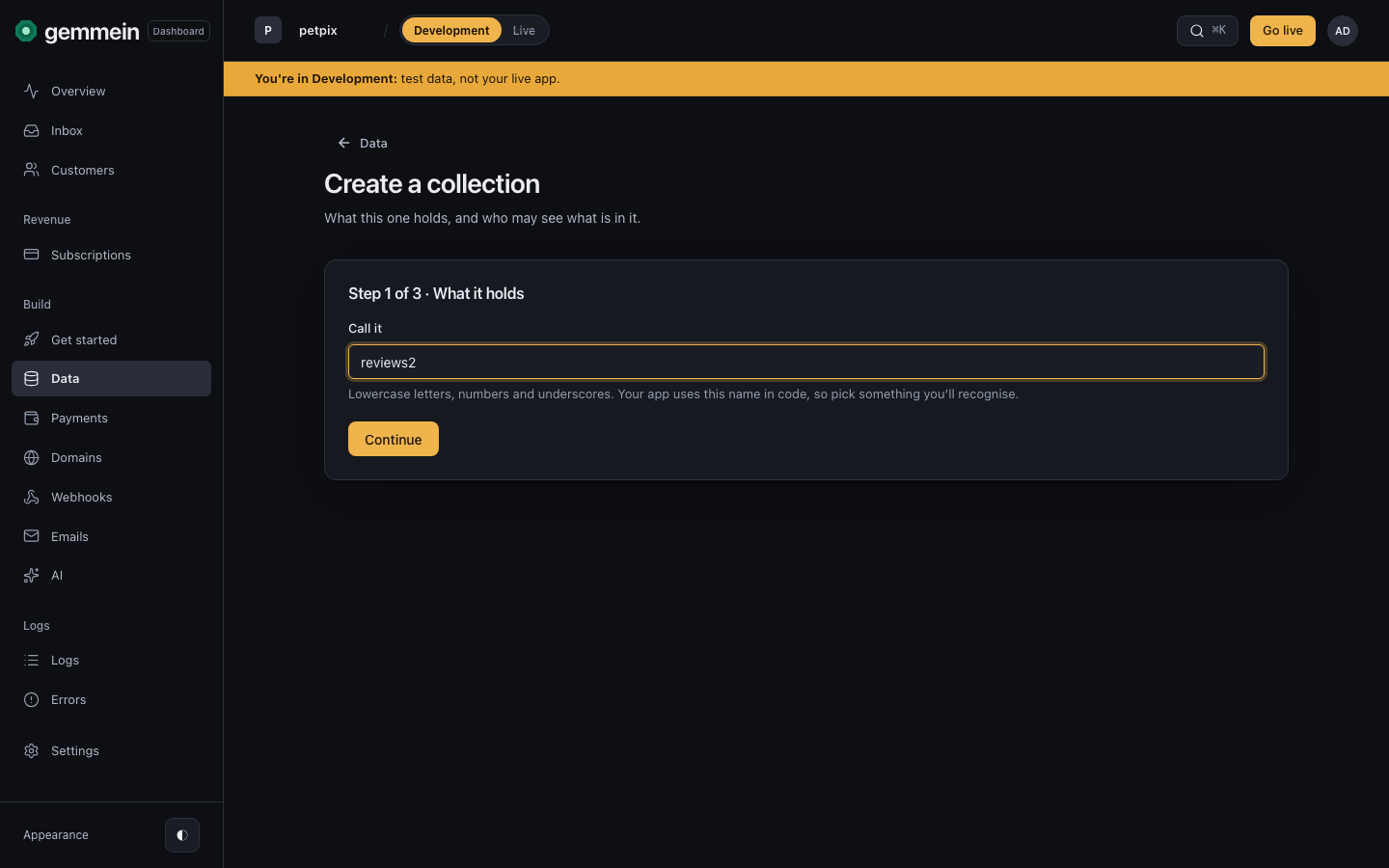
Choose New collection and name it. Your app reaches it by this name, so it is lowercase letters, numbers and underscores.
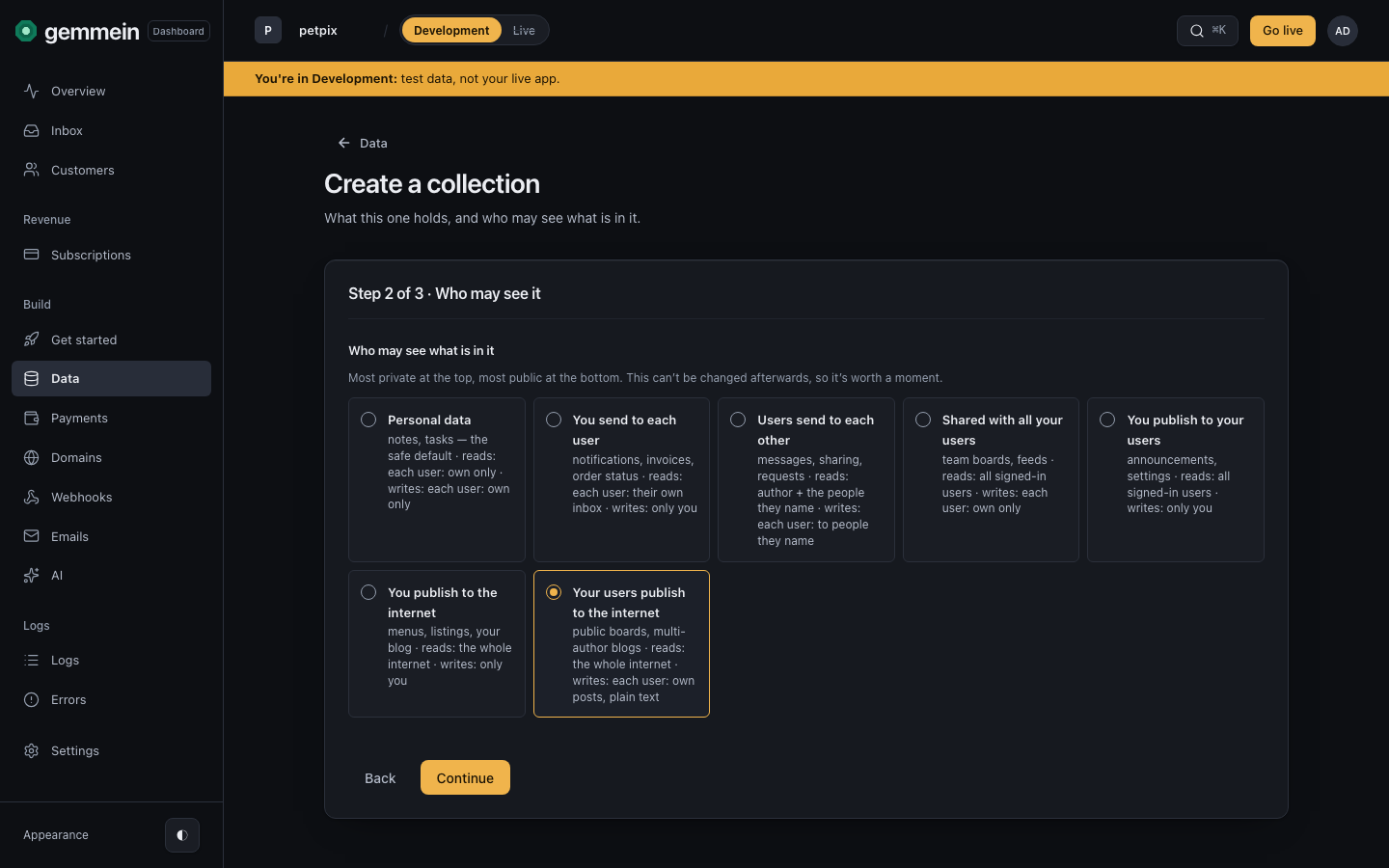
Pick the safety rule: who may read and write what is in it. The most private is at the top and the most public at the bottom.
Review shows who can reach it, the code your app uses, and the one setting you can't change later: the safety rule.
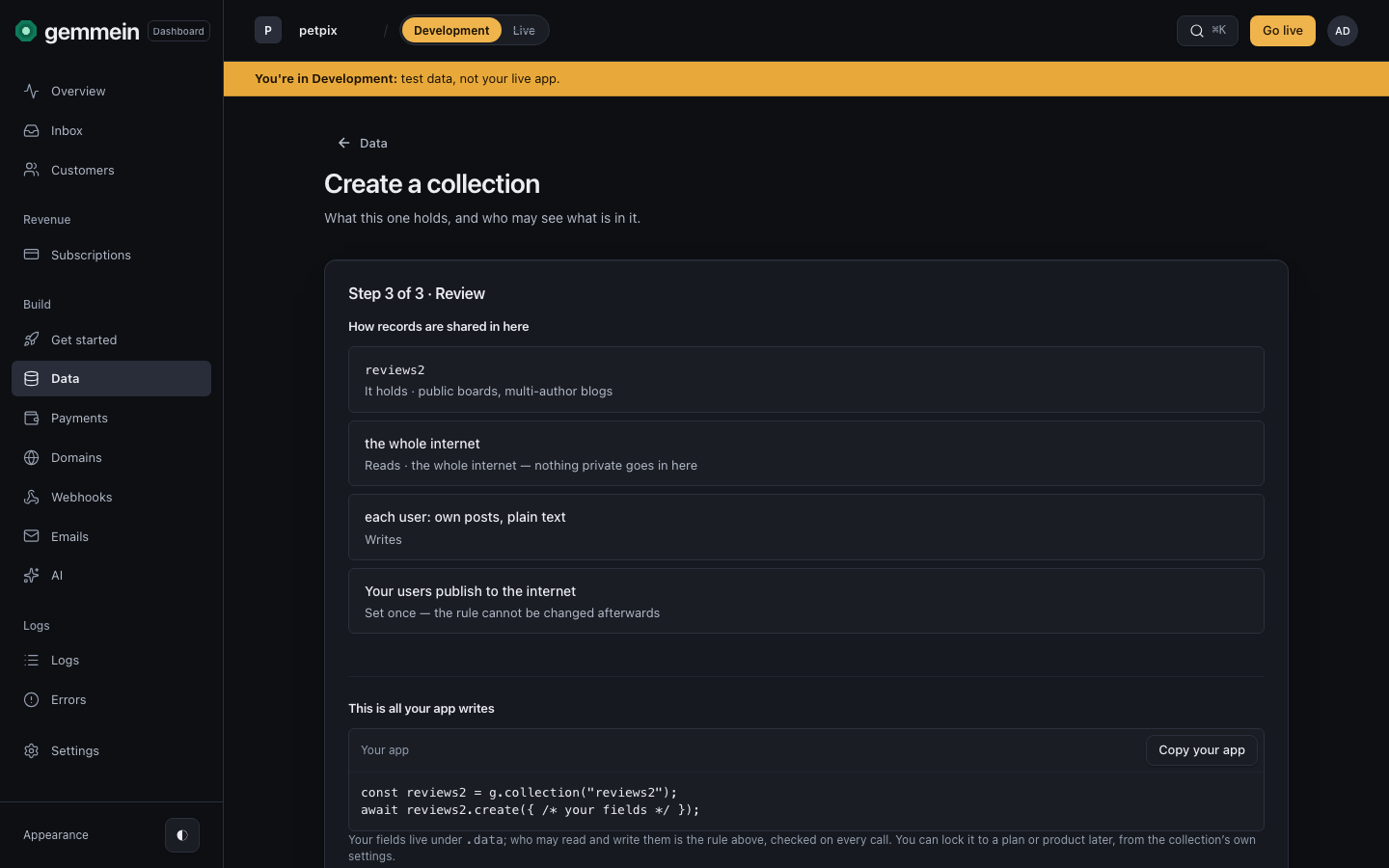
Choose Create the collection.
One collection
Open a collection to see how its records are shared, who may reach it, and what's inside.
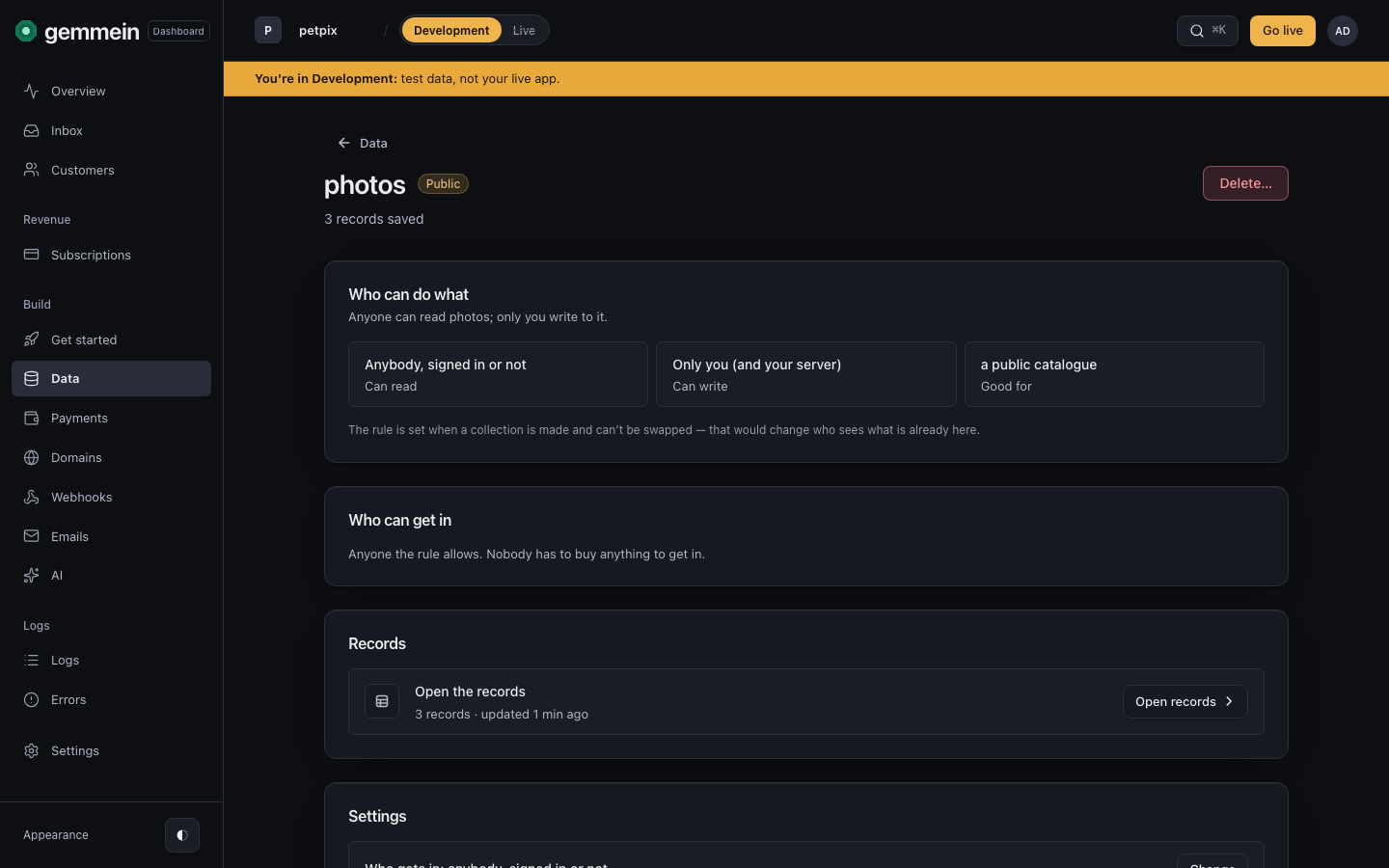
Under Settings, choose Change beside Who gets in and tick the plans or products that unlock it, so only people on one of them can get in.
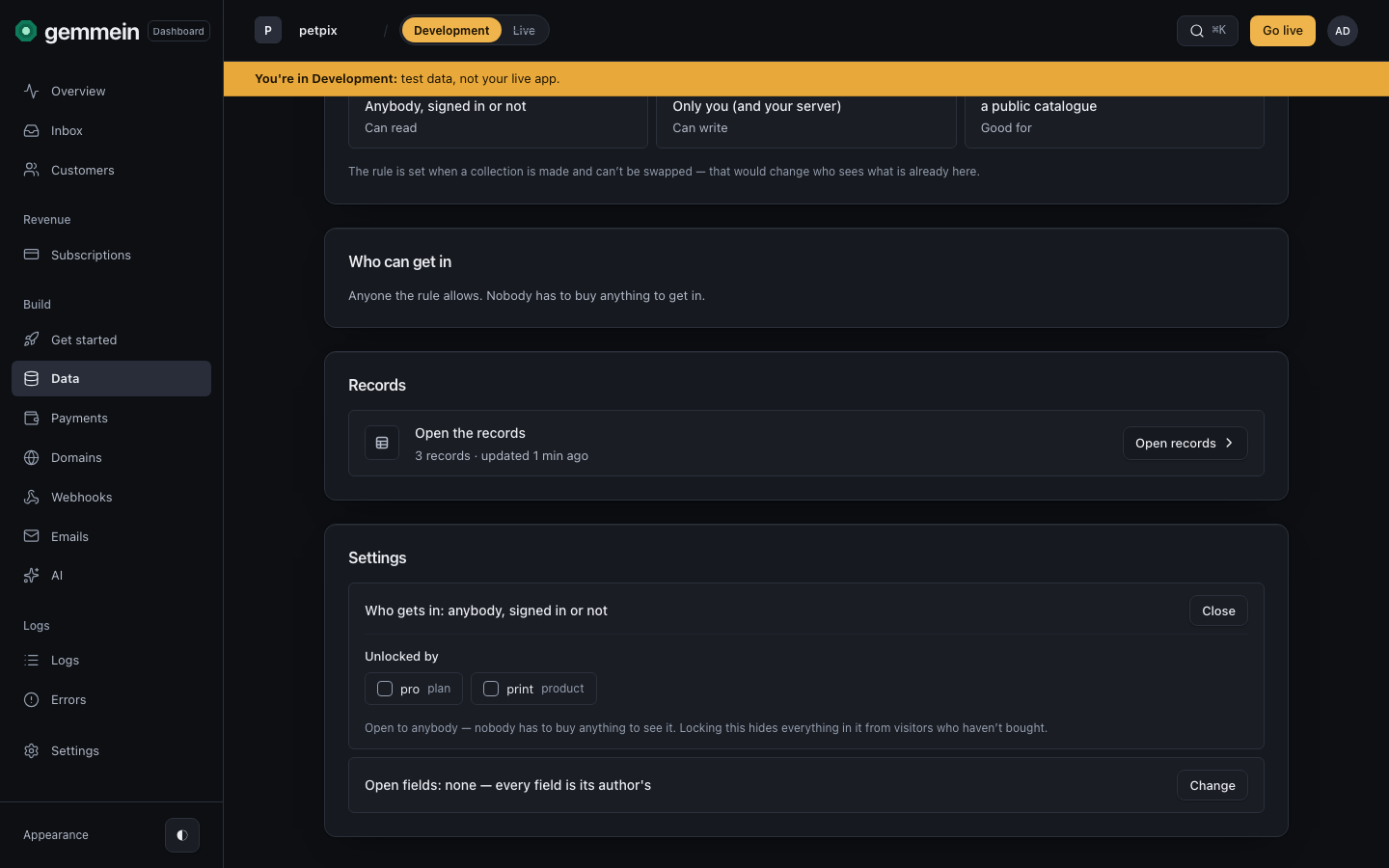
Choose Open the records to browse and edit what's inside, as the Records guide shows.
Errors
Collection name must be at least 2 characters.
Your app uses this name in its code and in every request for the collection.
Lowercase letters, numbers, and underscores only. Must start with a letter.
The name goes into every request your app makes for the collection.
constructor
collides with a JavaScript built-in and can't be a collection name — pick another.A name JavaScript already uses is unsafe in your app's code.
What each safety rule allows, and how records are shared: Data & safety rules.
Thanks for telling us.
Thanks for telling us.
Last updated