AI
The AI page holds your provider keys, the AI tools you price in credits, the model aliases they run on, and a log of every run and call. Creating a tool takes five questions. Runs and calls are grouped by tool, so you can see what each person's AI use cost.
Steps
Overview
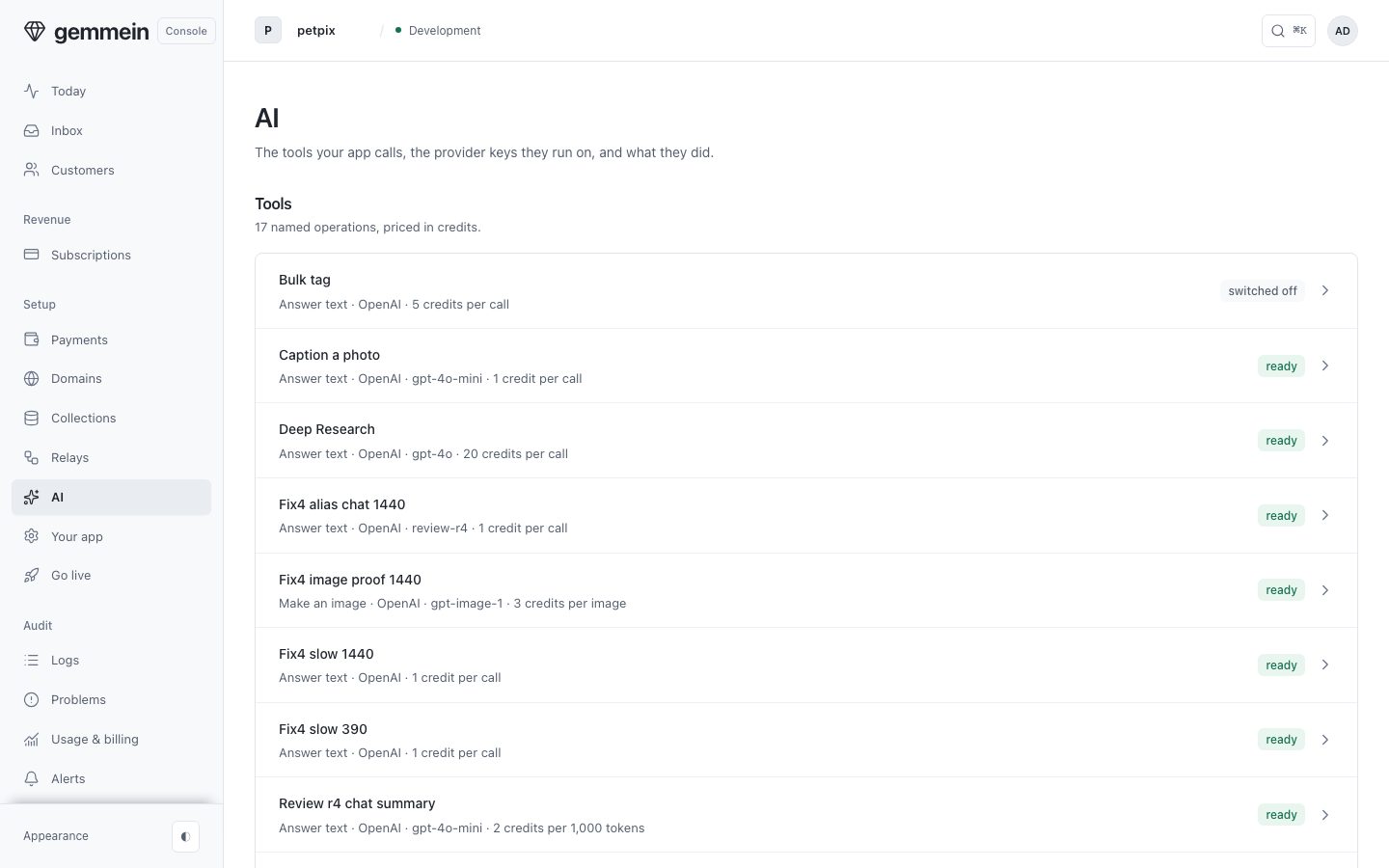
Open AI under Build. Tools, Provider keys and Aliases each have a card, with a row per item and a link to add one.
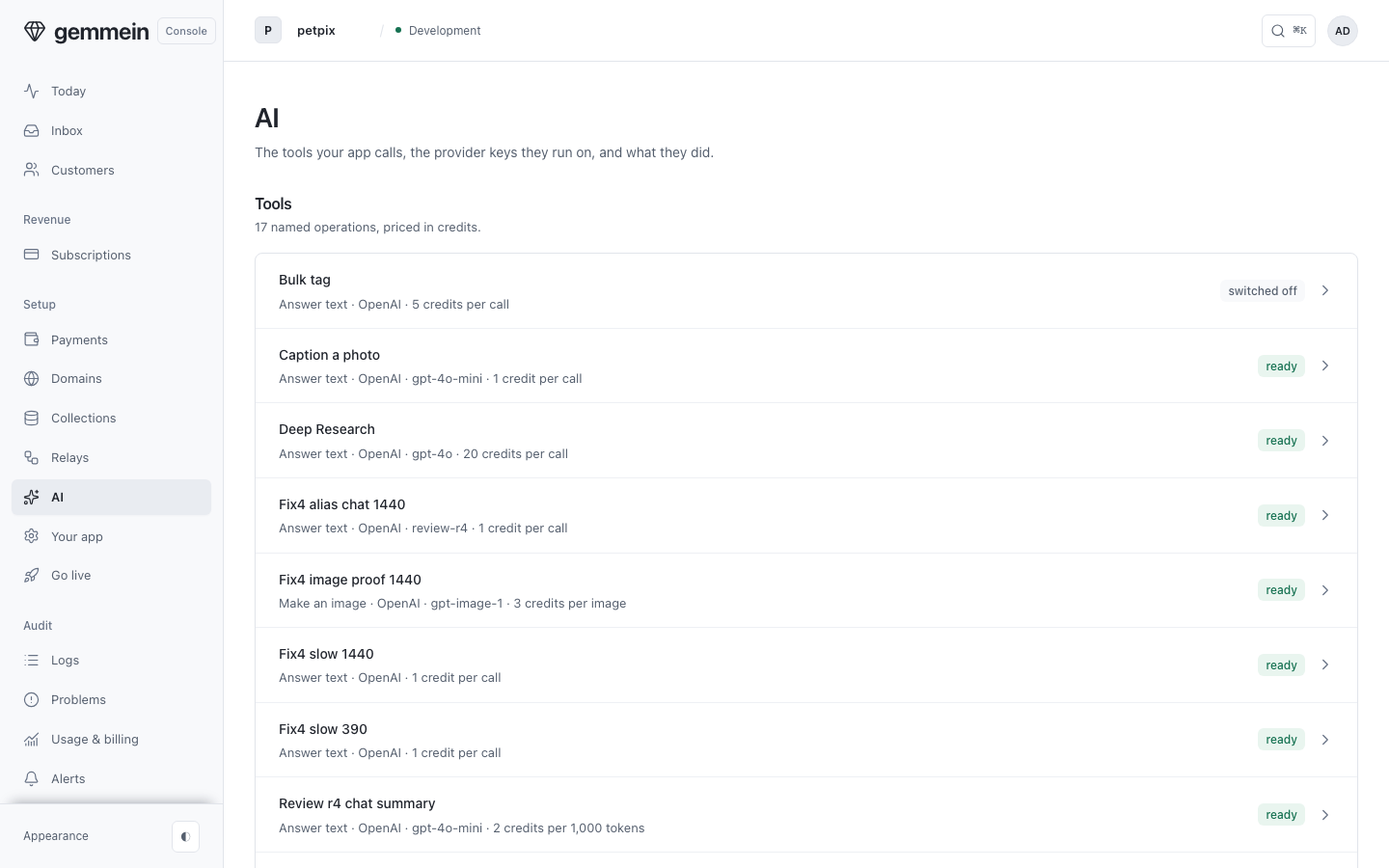
Provider keys
Provider keys lists the keys Gemmein holds for your app, when each was last used, and how many tools use it.
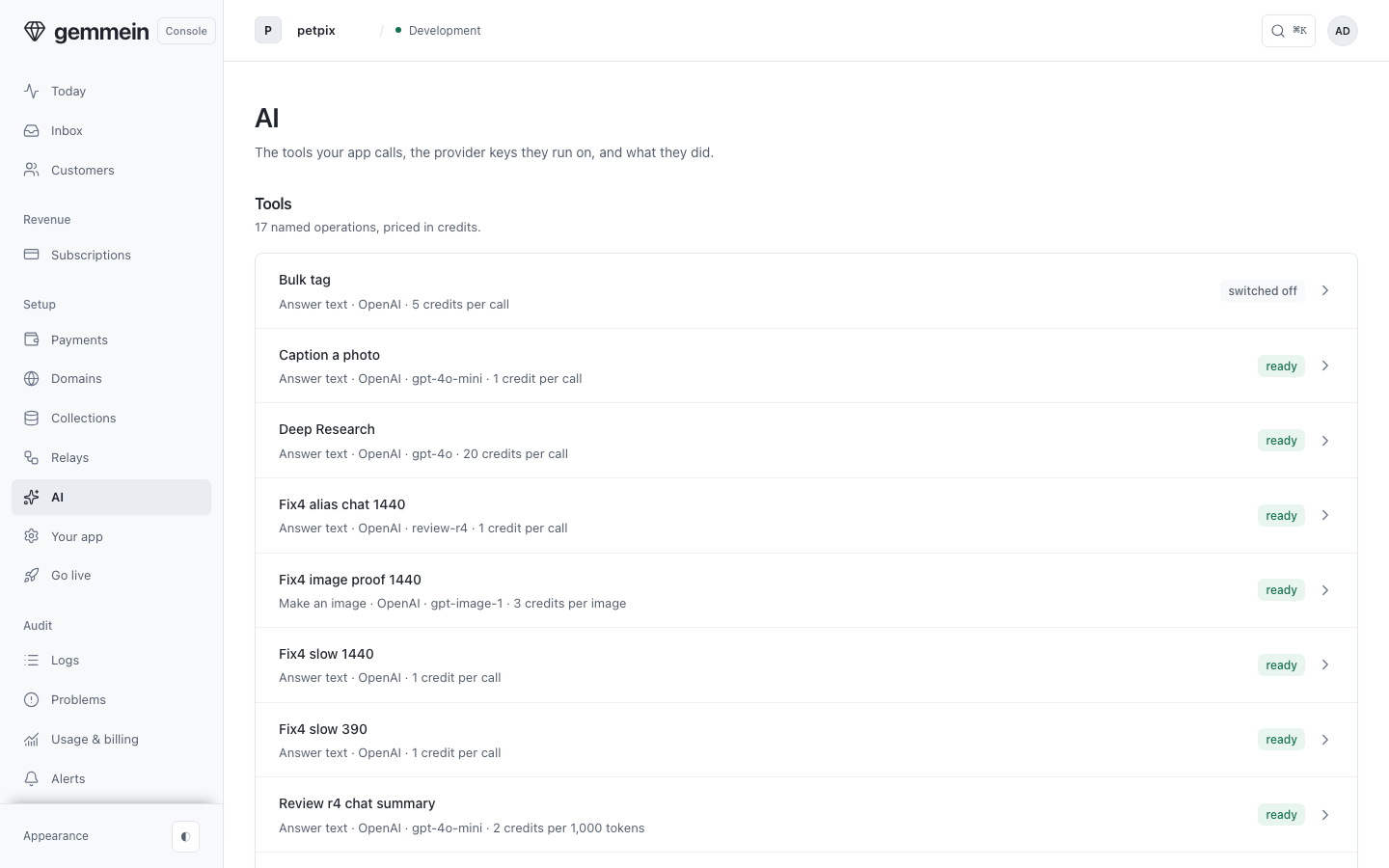
Choose Add a provider key to paste one. It is stored for your app and never shown again.
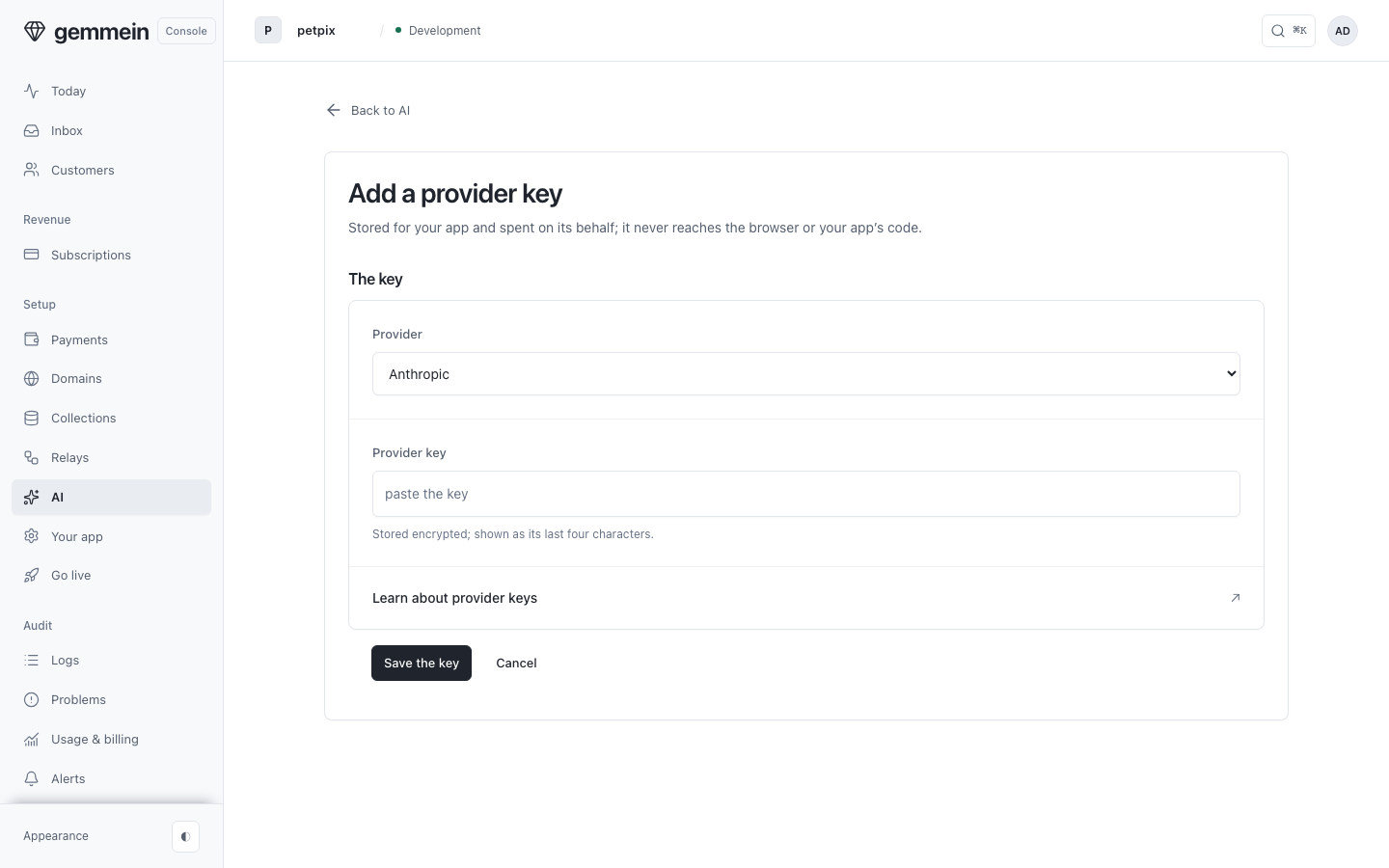
Tools
Open a tool to see the code your app uses to call it, how it runs, what it has done and what it depends on.
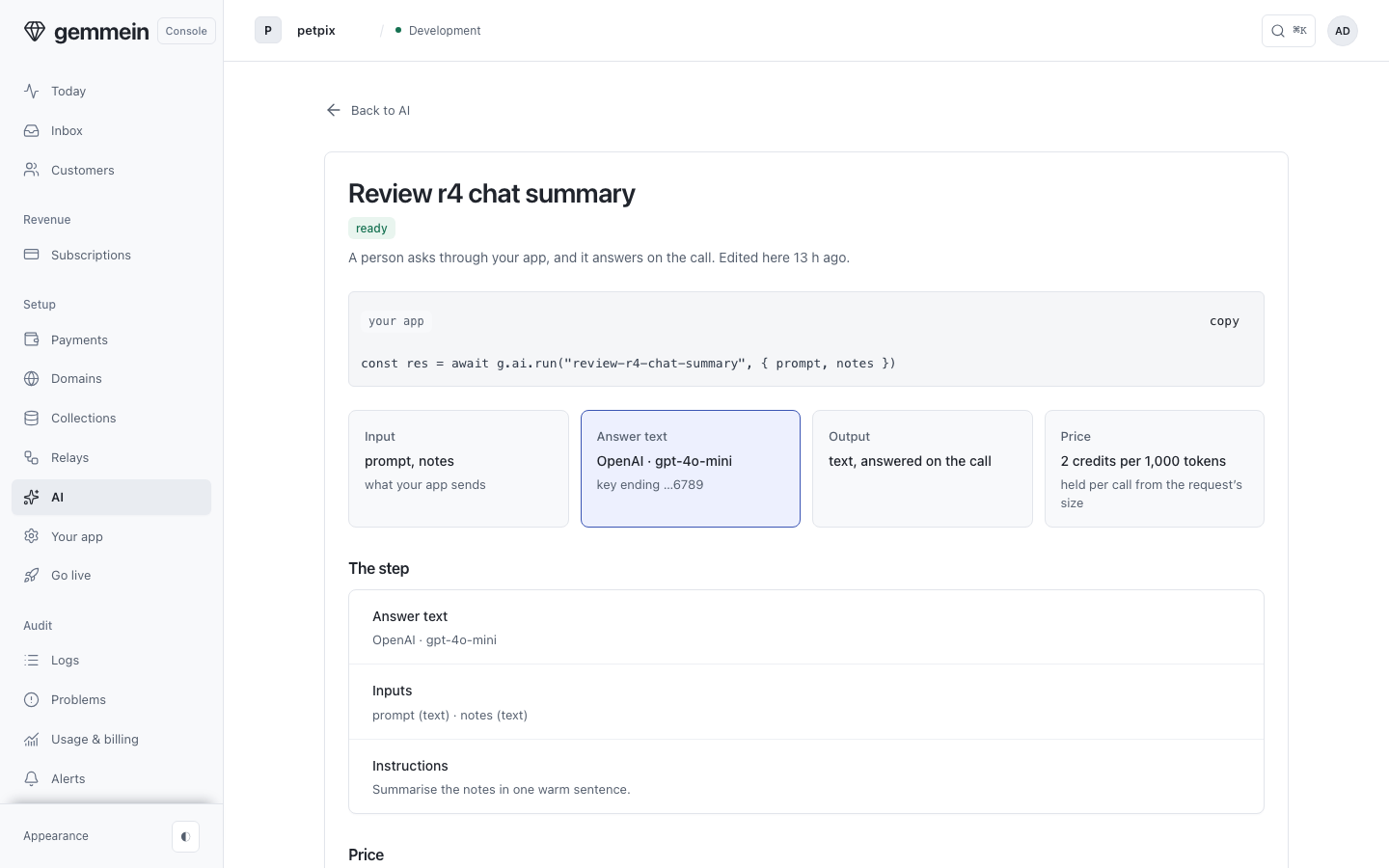
Choose Change this tool on that page to edit the tool's fields, the same fields your gemmein/ai/tools file holds.
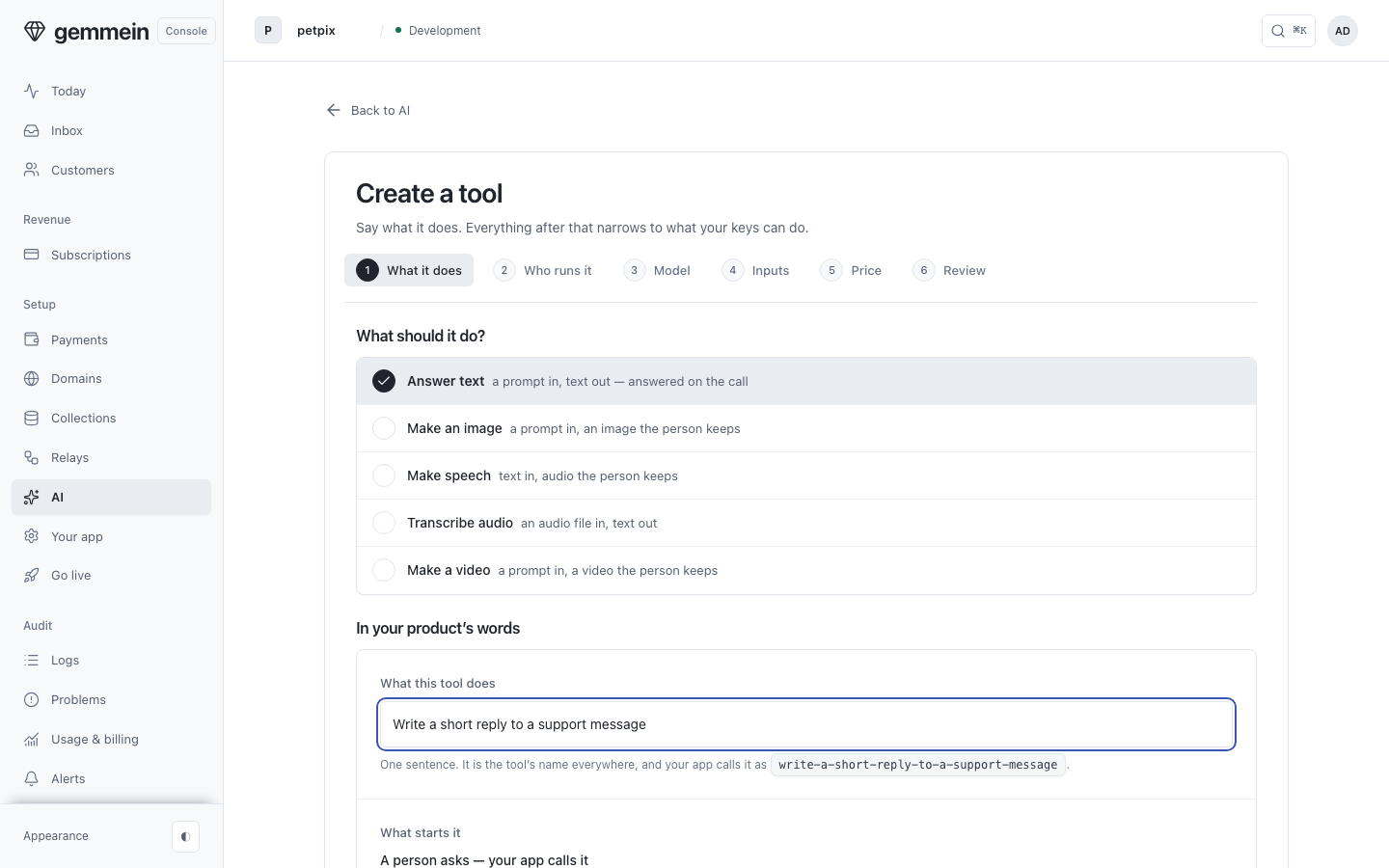
Choose Create a tool, describe what it does and pick the answer type. Your description becomes the tool's name everywhere, and the call your app makes.
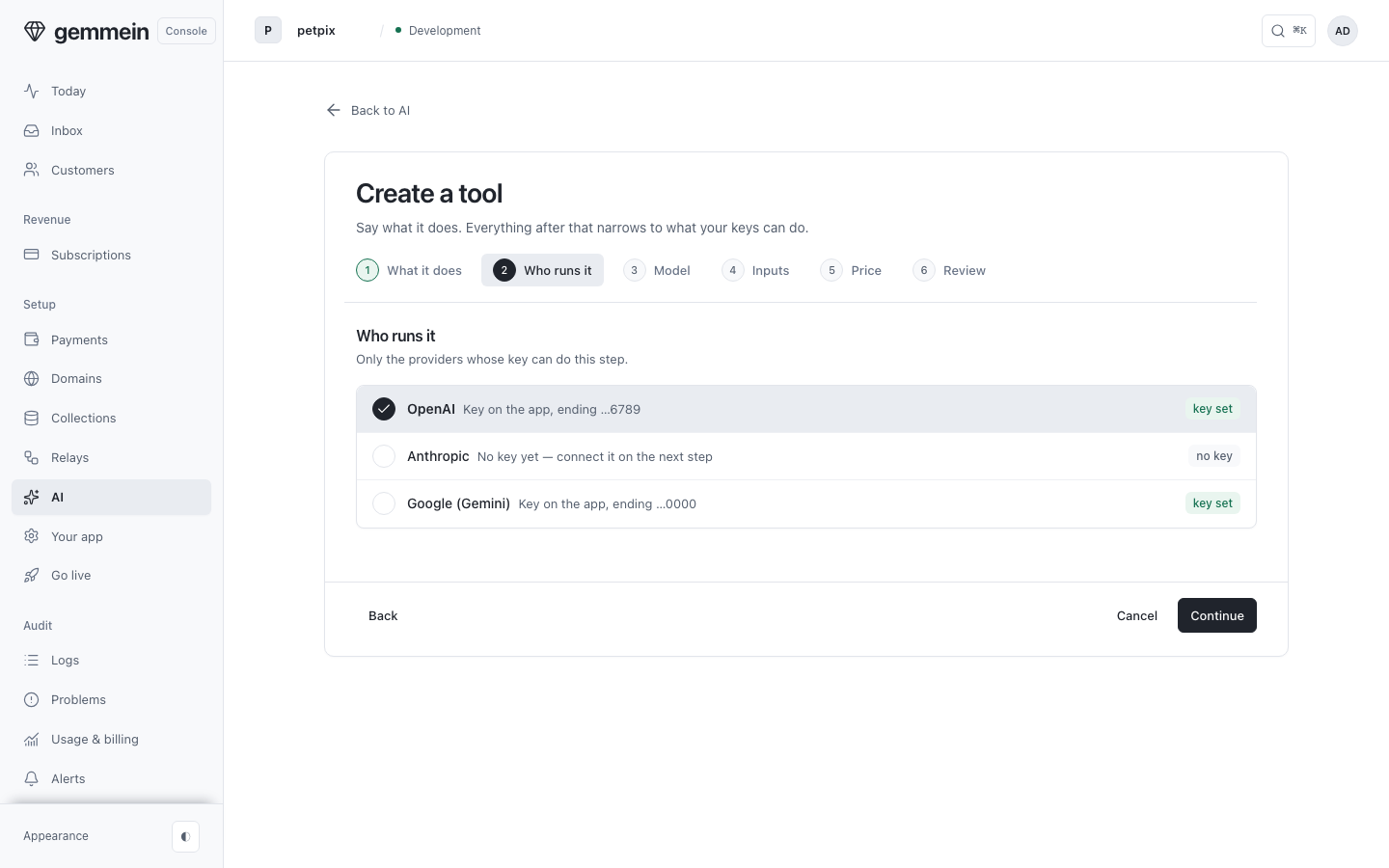
Who runs it lists only the providers whose key can do that step. You can pick one that has no key yet: it says so, and you add the key on the next step.
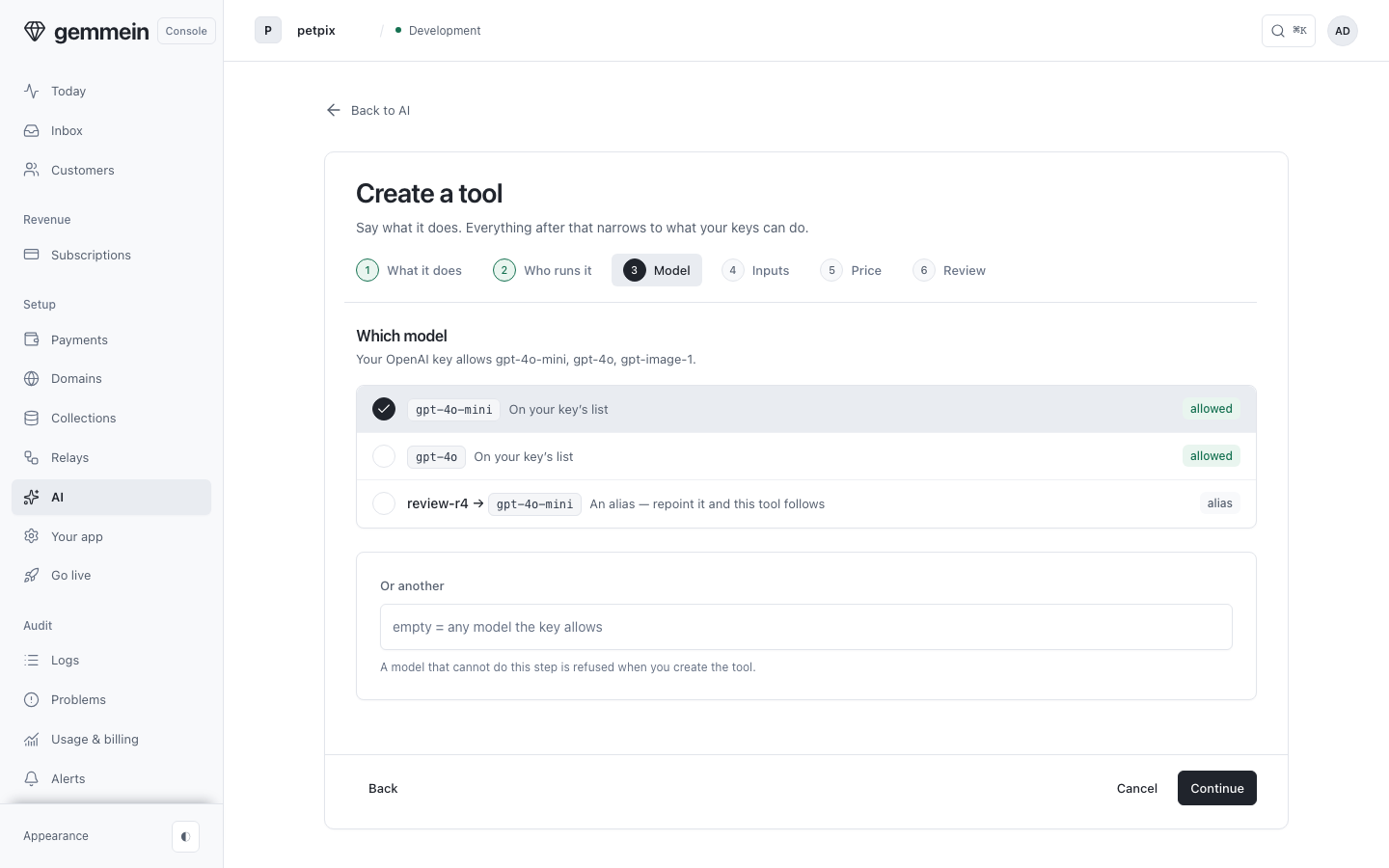
Choose the model: one of your key's own, an alias that moves every tool on it together when you repoint it, or another model name pasted in.
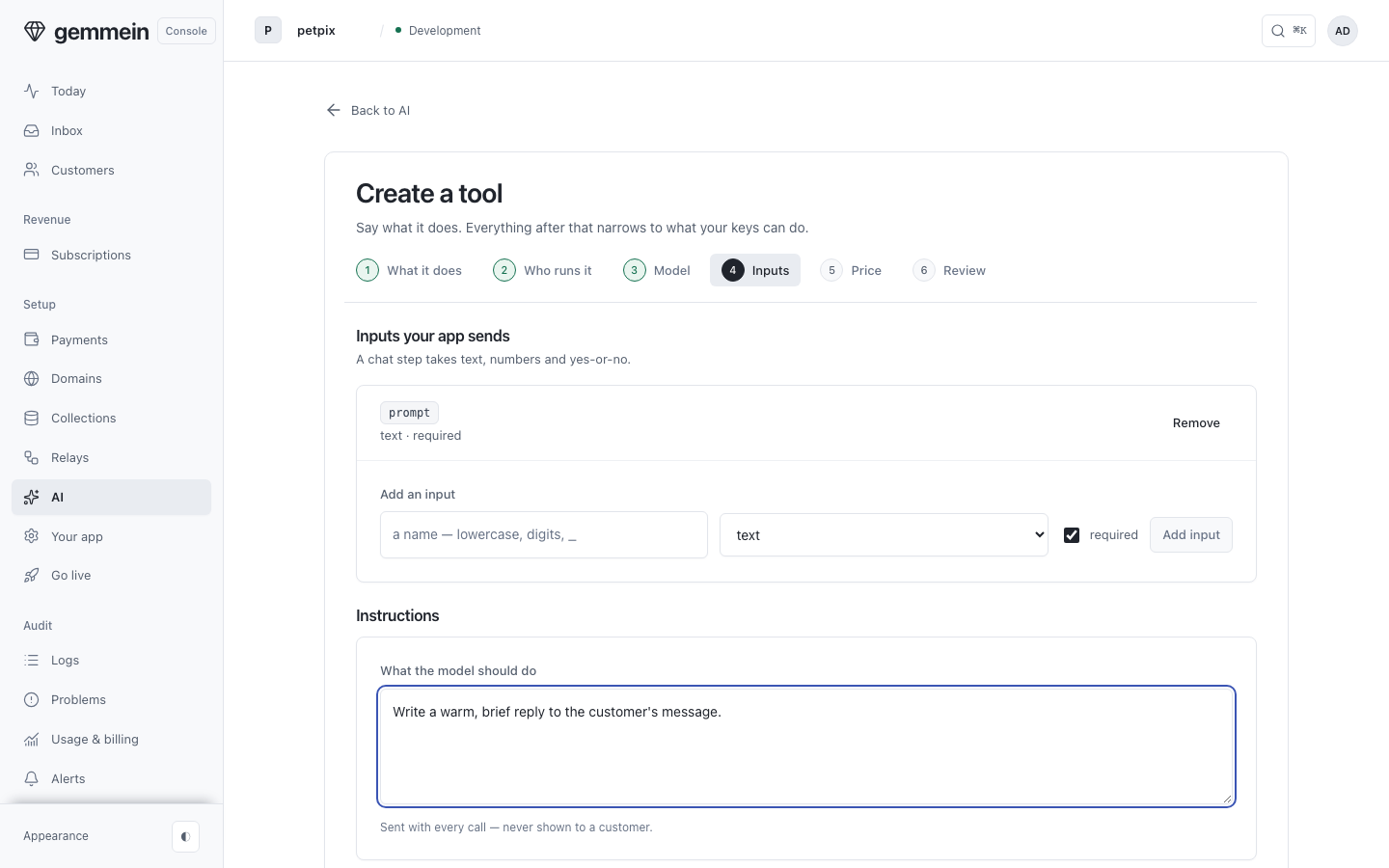
Say what the model should do. These instructions are sent with every call and never shown to the people using your app.
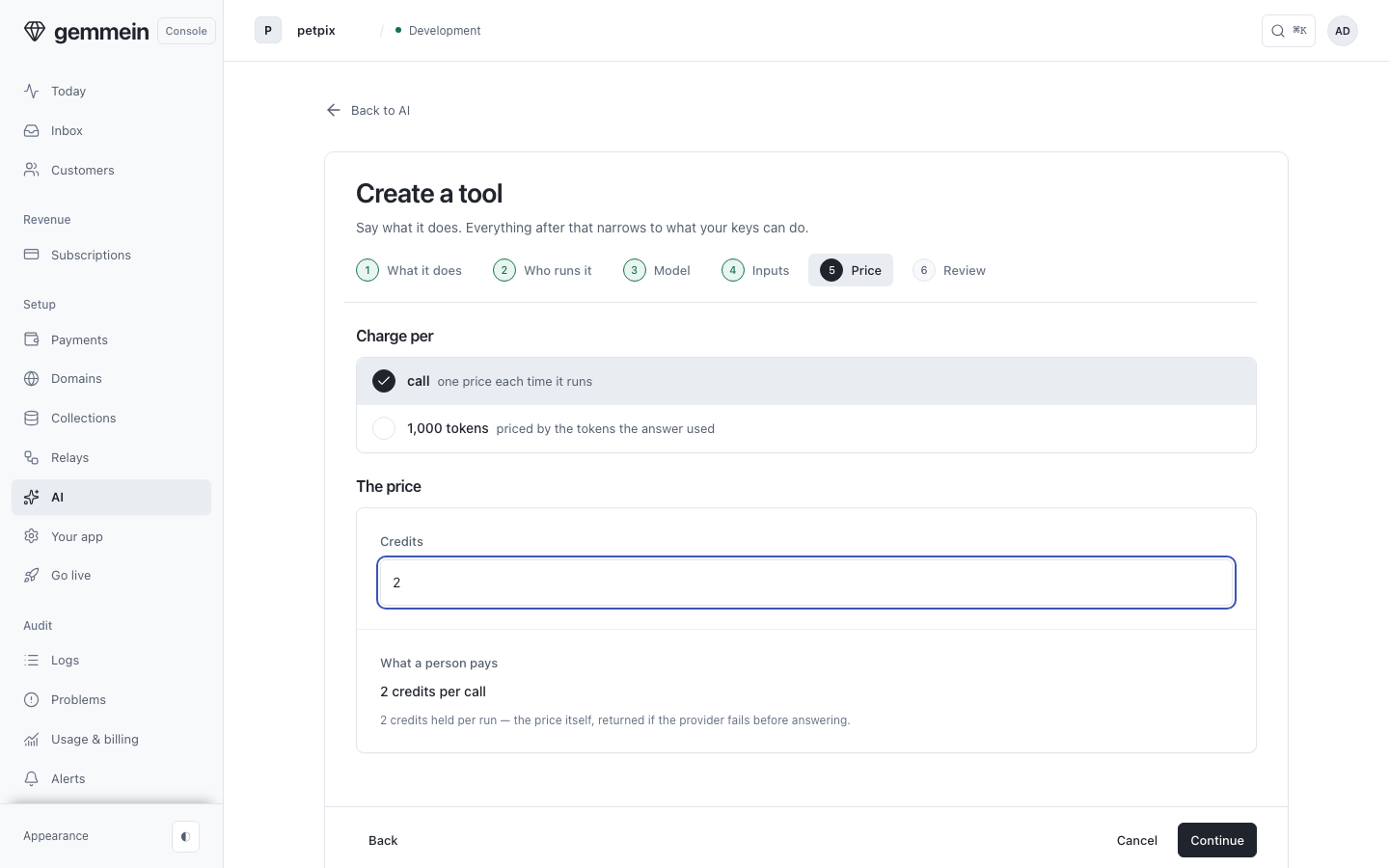
Price it in credits, per call or per thousand tokens. A per-token price is held when the call starts and settled at what the provider used.
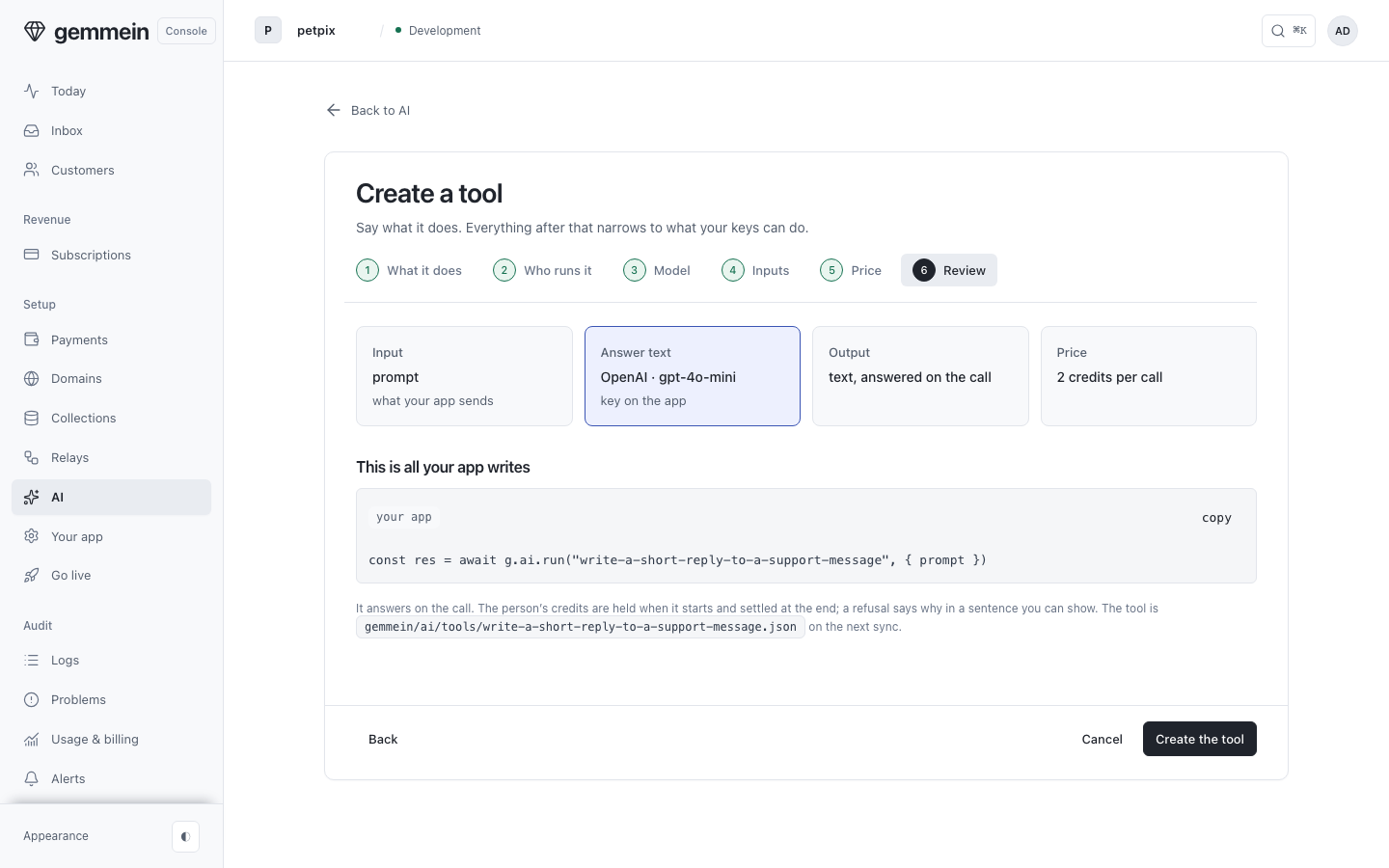
The last question is a review: what your app sends, what it gets back, and the code your app uses to call the tool. Create saves it to the same place as the tool form.
Aliases
Aliases lists the names your tools run on in place of a model, and how many tools use each one.
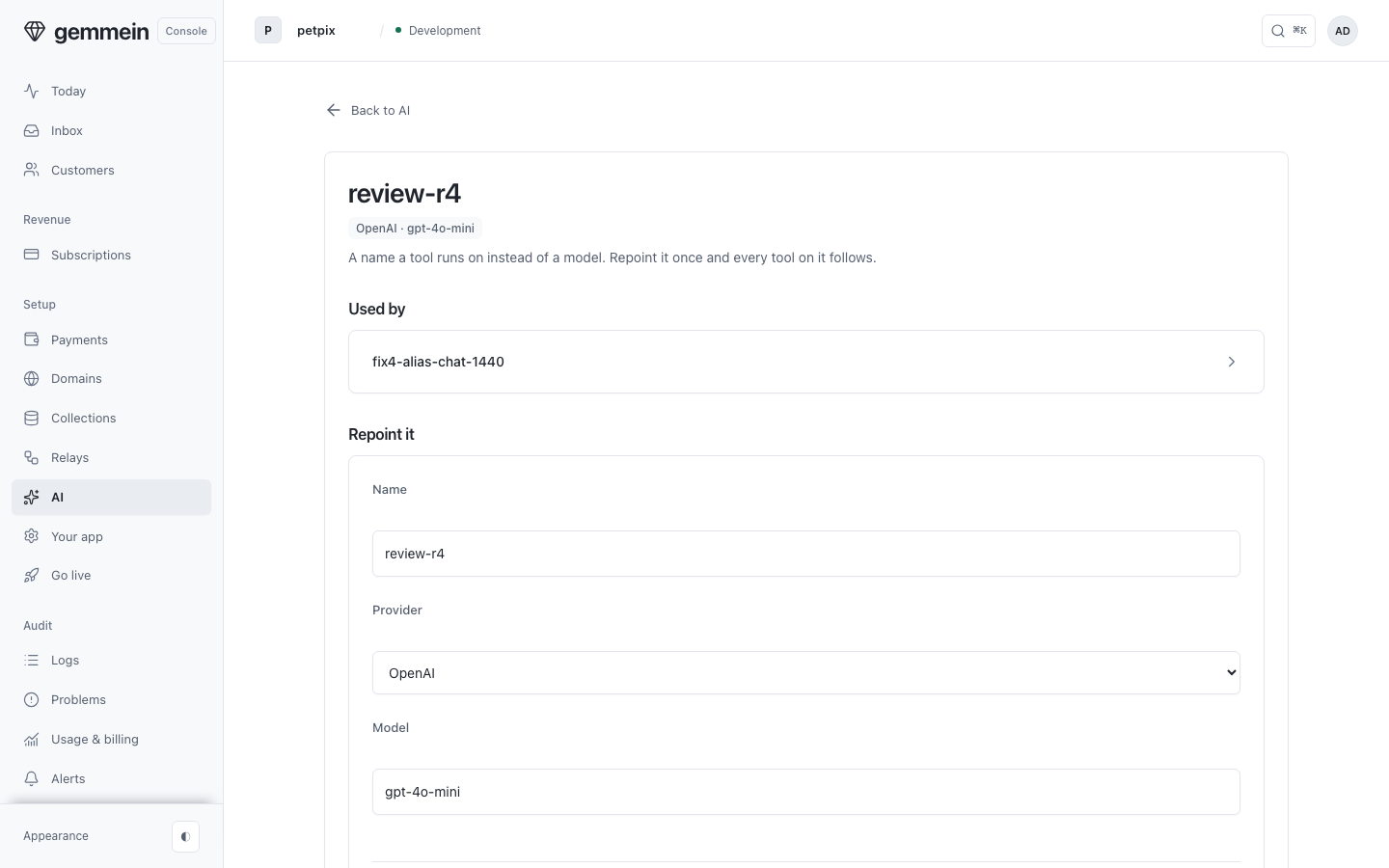
Open an alias and choose Repoint it to move every tool that uses it to another model in one change.
Runs
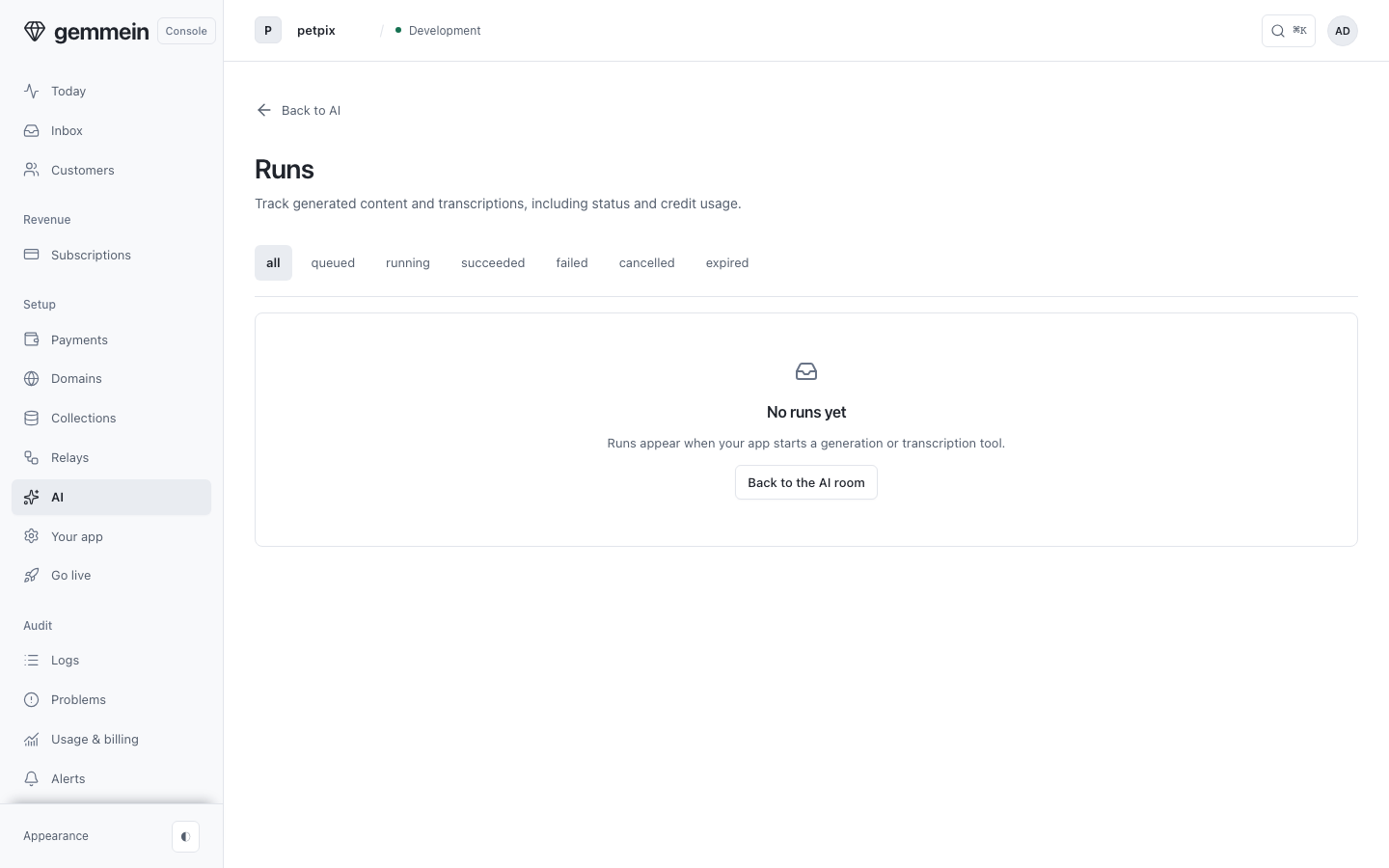
Open Runs to see every job a tool started, newest first, with how it ended and what it held and used. Until a tool has run, it shows No runs yet.
AI calls
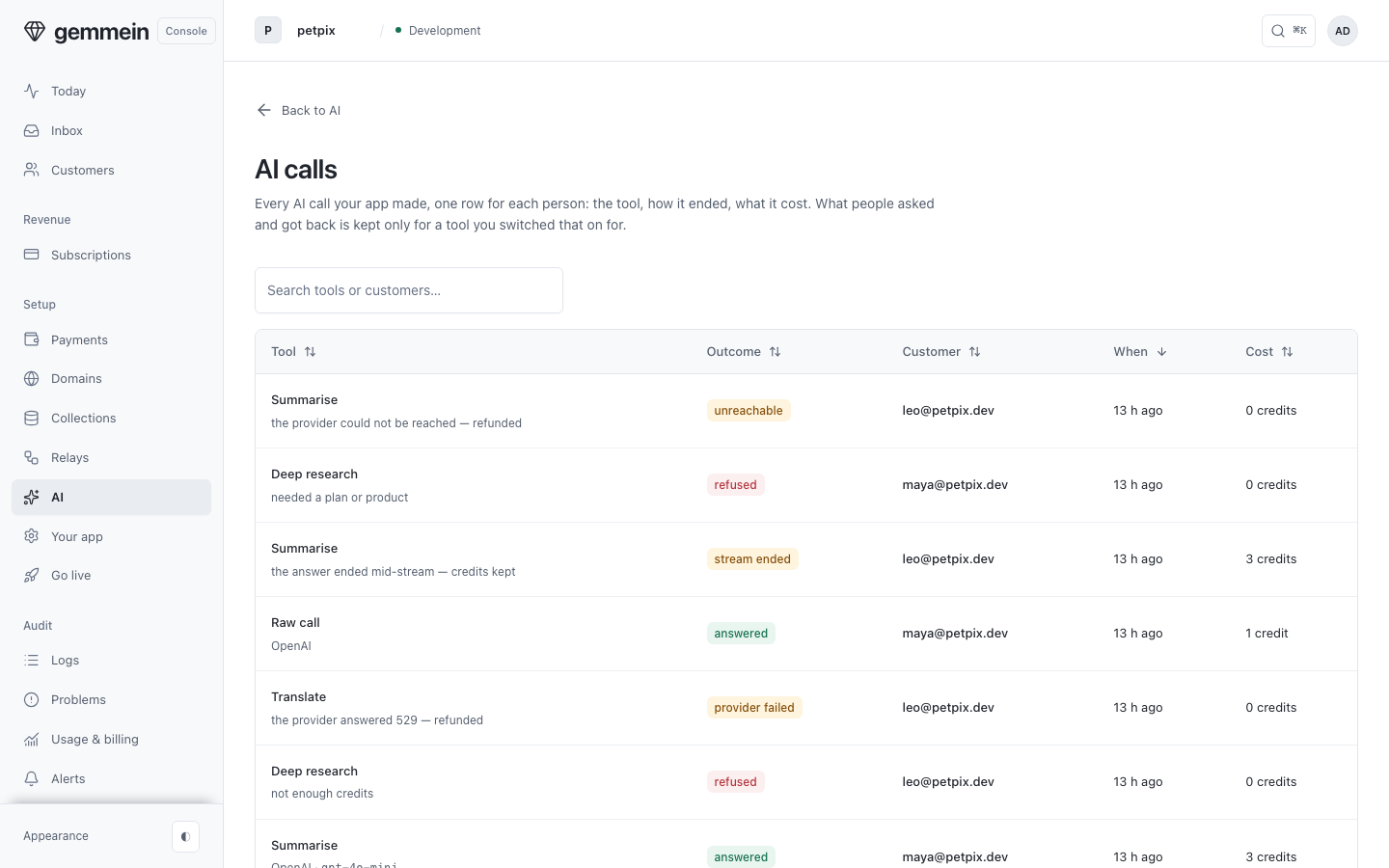
Open AI calls to see every call your app made, by tool, with what each tool answered, refused and cost.
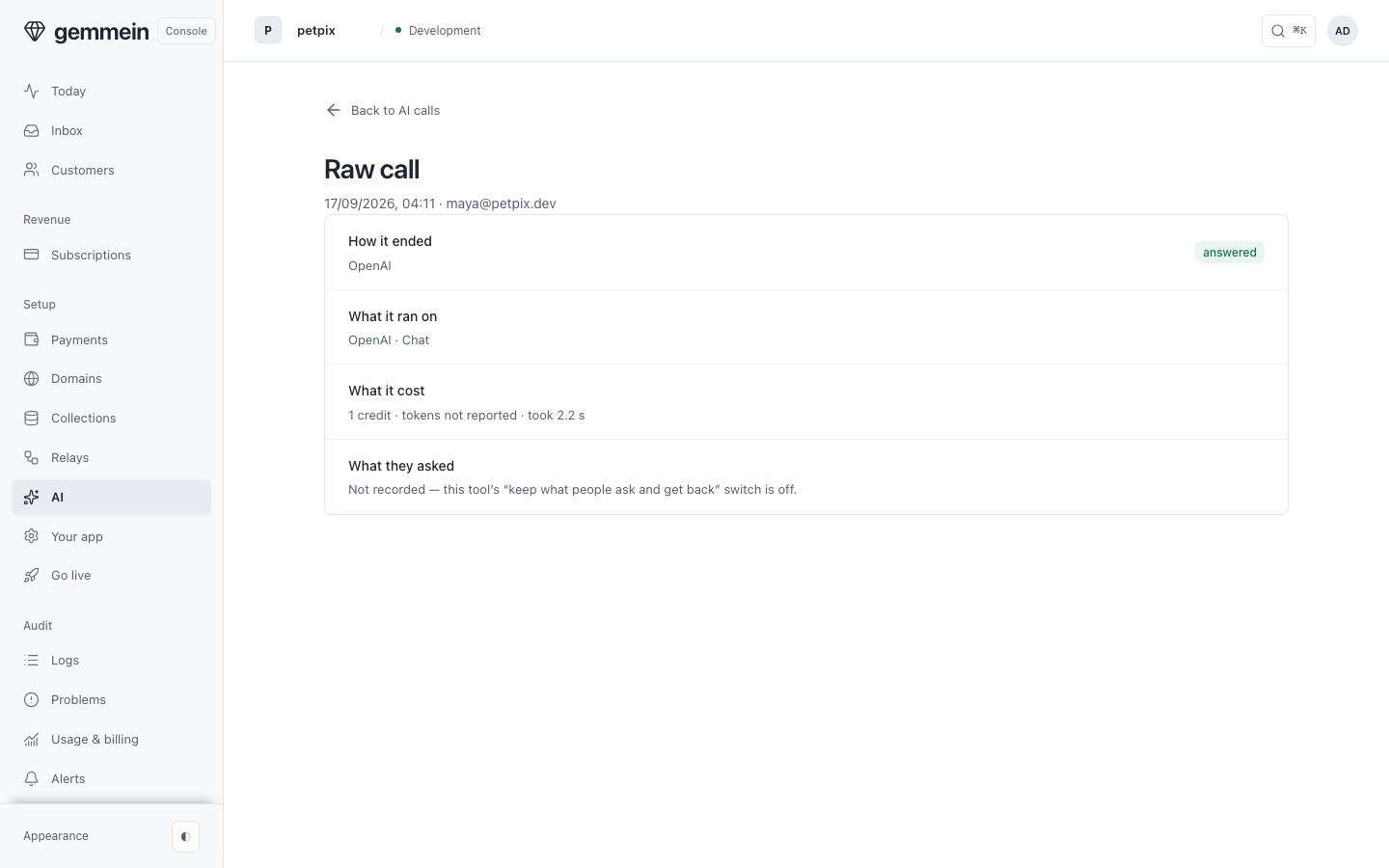
Open a call to read what was asked and what came back, for a tool set to keep them.
Errors
name must be 1-40 lowercase letters, numbers or hyphens, starting with a letter or number
Your app sends this name to call the tool.
Credits are a whole number from 1 to 10,000.
A tool priced in credits spends whole credits from a person's balance on every call. A tool with no charge is set to Included with a plan, and only people on the plans you pick can use it.
a tool runs on a pinned model OR an alias, not both — clear one
A tool runs on one model or one alias, so repointing an alias always moves every tool on it.
a generate or transcribe tool runs on replicate, fal, assemblyai, elevenlabs, runway or external (your own pipeline at a URL you name — it submits itself, no relay involved); a chat tool on openai, anthropic, google
Generate and transcribe tools run as jobs and chat tools answer straight away, so each kind uses providers built for it.
a metered generate or transcribe tool needs bounds.maxUnits — the ceiling one run may bill (its price is reserved when the run starts); a per-run tool (unit call) needs none
A metered run holds the price of its ceiling before it starts, so the tool needs one.
bounds.deadlineMinutes must be a whole number from 1 to 1,440 — how long a run on your own pipeline may take before it expires (60 when unset); a Gemmein-executed tool has no say in it
The deadline applies only to runs on your pipeline. Runs on other providers keep their own time limits.
"fast" is what alt-text, listing-copy run on — point them elsewhere first
An alias can't be deleted while tools run on it, so no tool is left without a model.
no replicate key is set for this app — paste one on the AI page (app.gemmein.com/live/ai)
You can save a tool before its key. Its runs start once the key is stored, and its row shows what it is waiting for.
What an AI tool is, and how your app calls one: AI tools.
Thanks for telling us.
Thanks for telling us.
Last updated