Customers
Customers lists everyone who has signed in to your app, with a page for each person. Open a person to see their access, what they've paid, their credits and their activity, and to give them credits or a plan by hand.
Steps
Overview
Open Customers to see everyone who has signed in to your app, with their access, plan and last sign-in. Choose a column heading to sort by it.
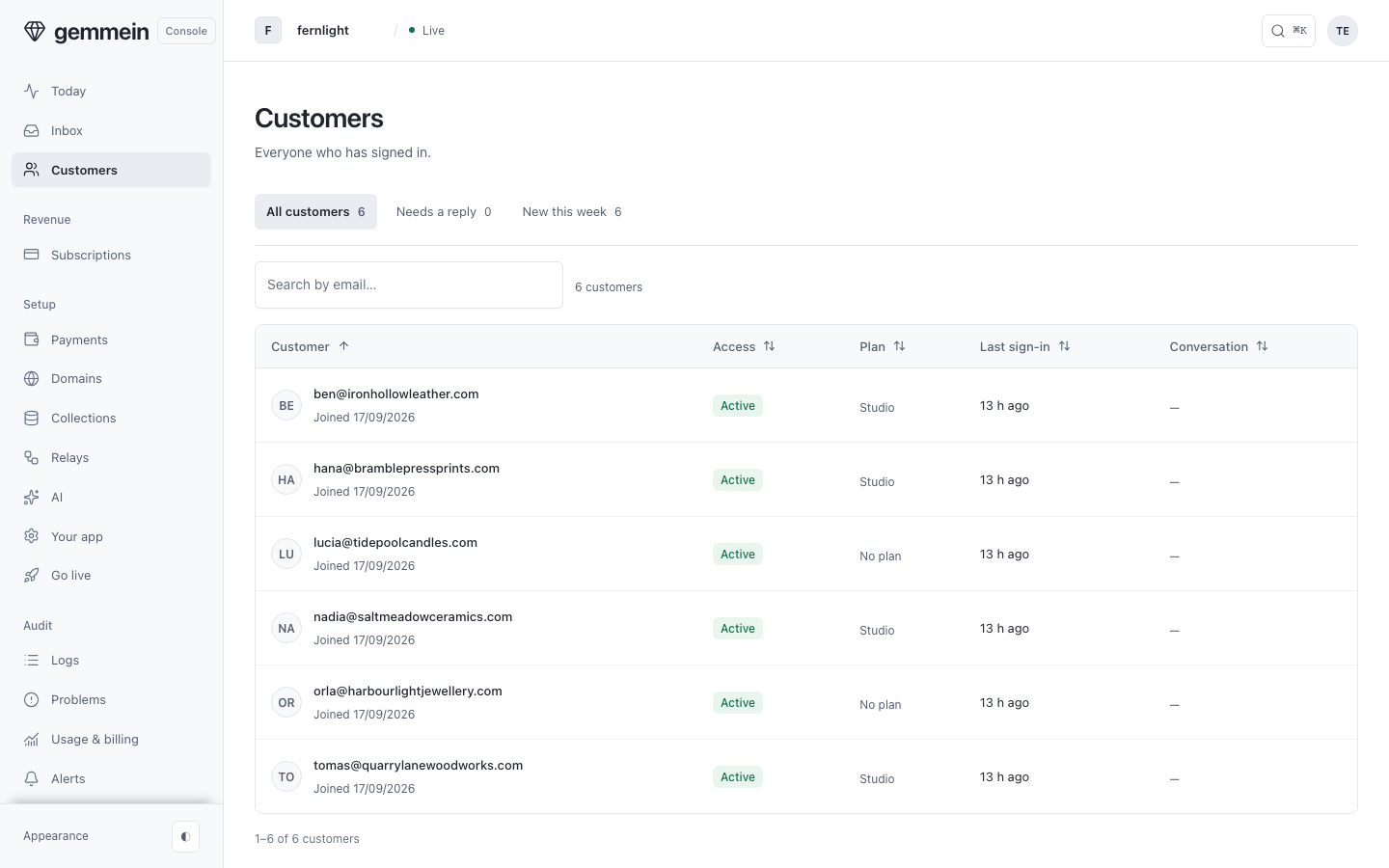
Search by email to find one person.
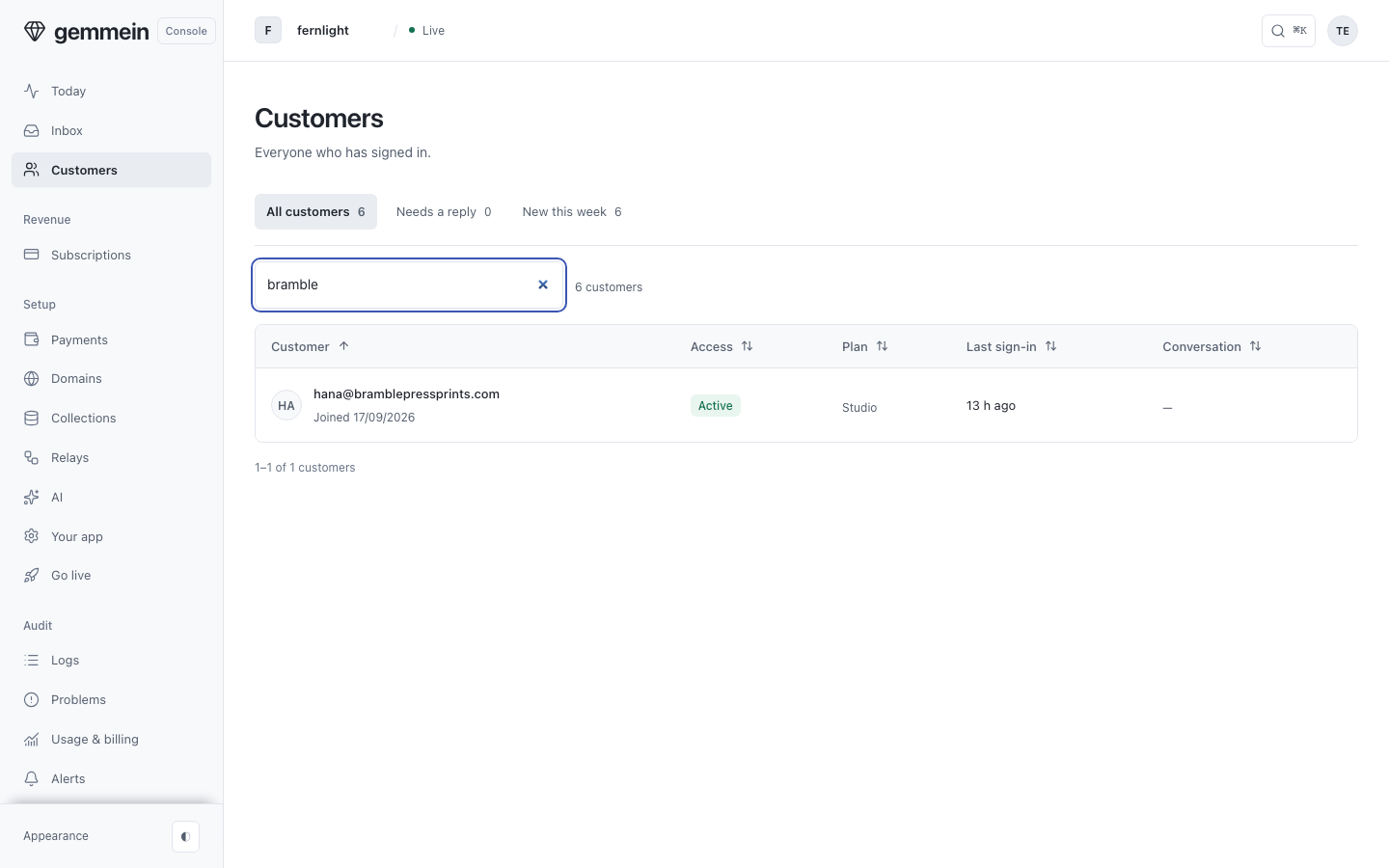
One person
Open a person to see their access, what they've paid, their credits and their activity, one row each.
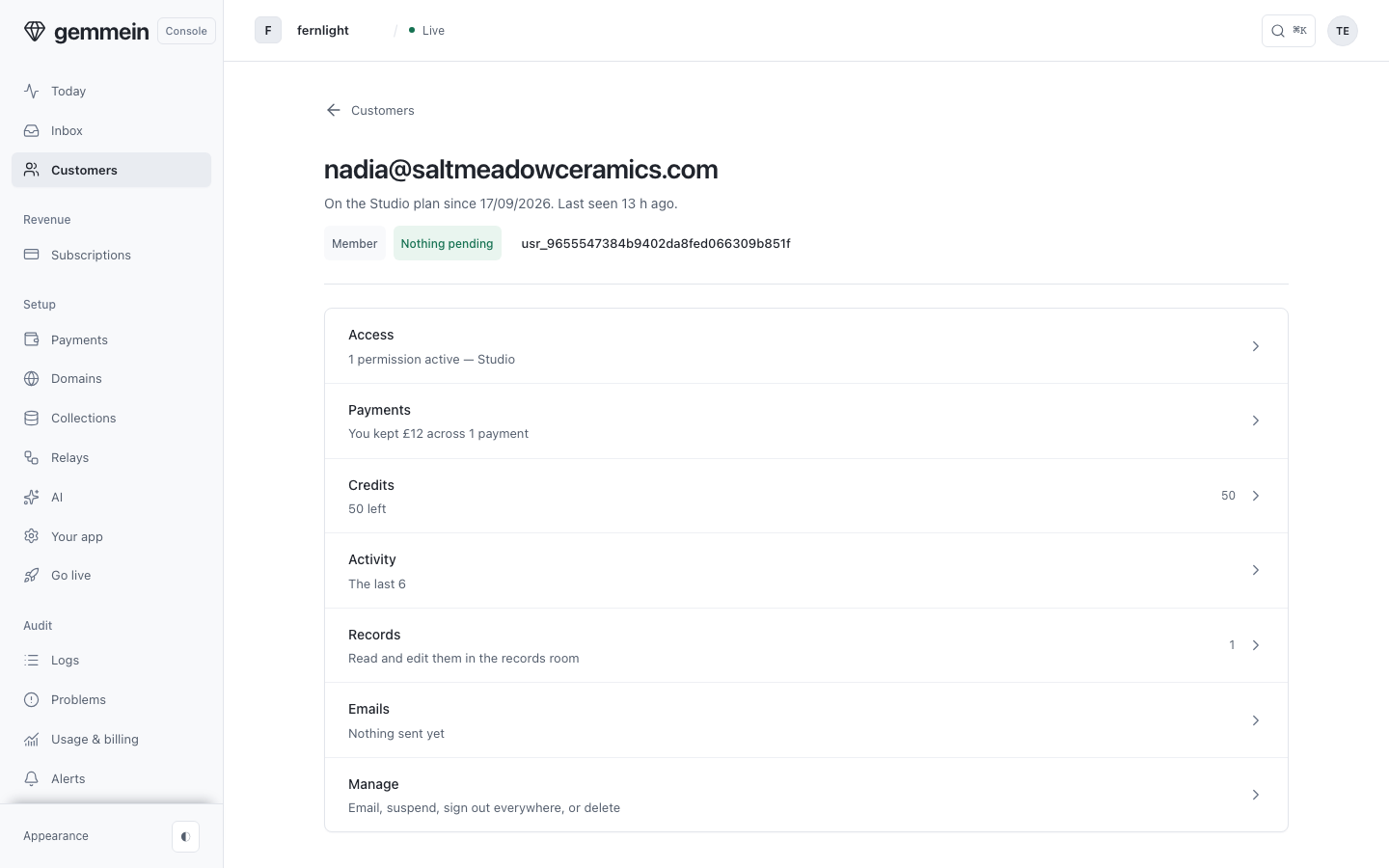
Credits
Open Credits to see their balance, and Grant credits to give them some by hand.
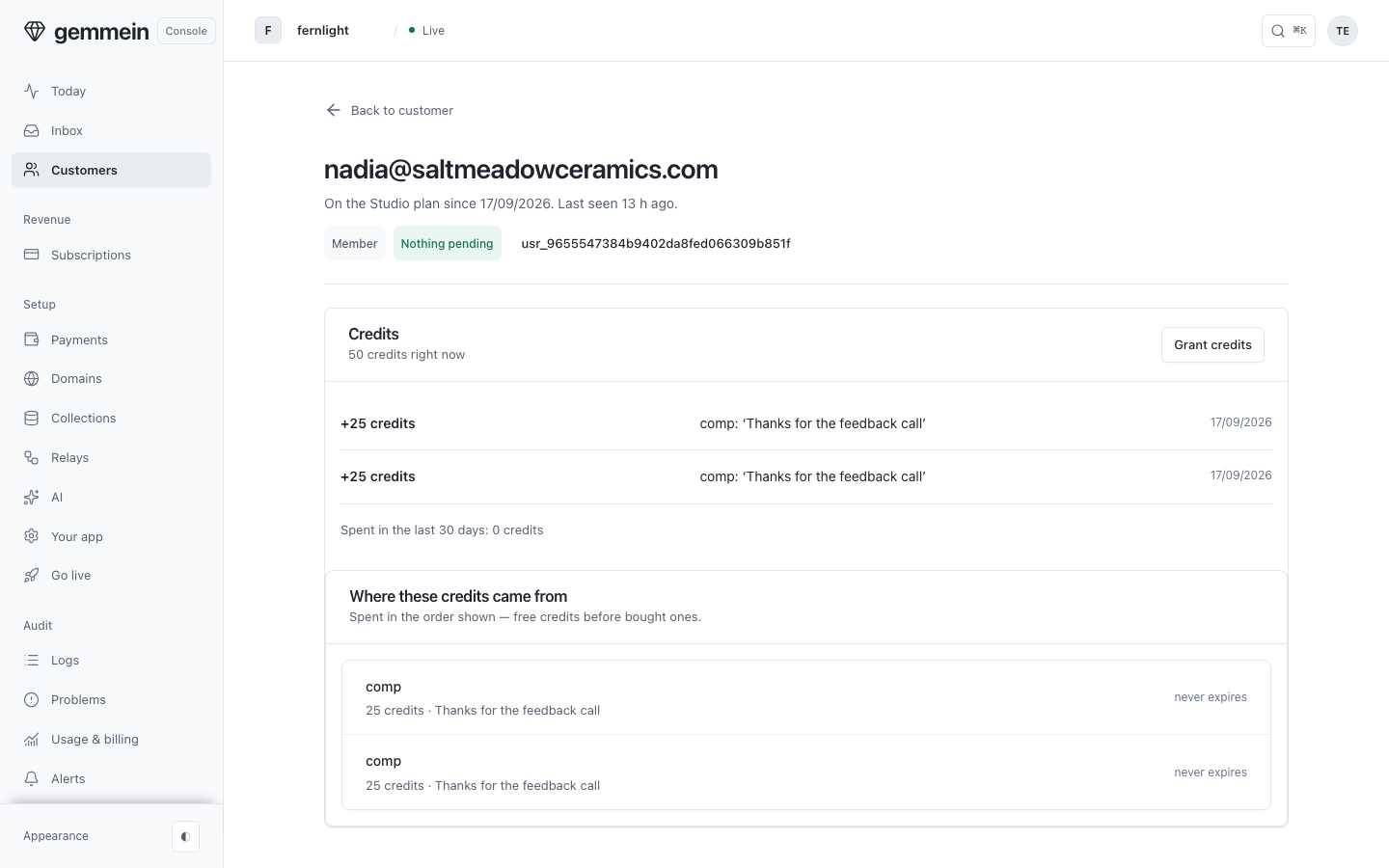
Choose Grant credits, enter how many and why, and set an expiry date if they shouldn't last forever.
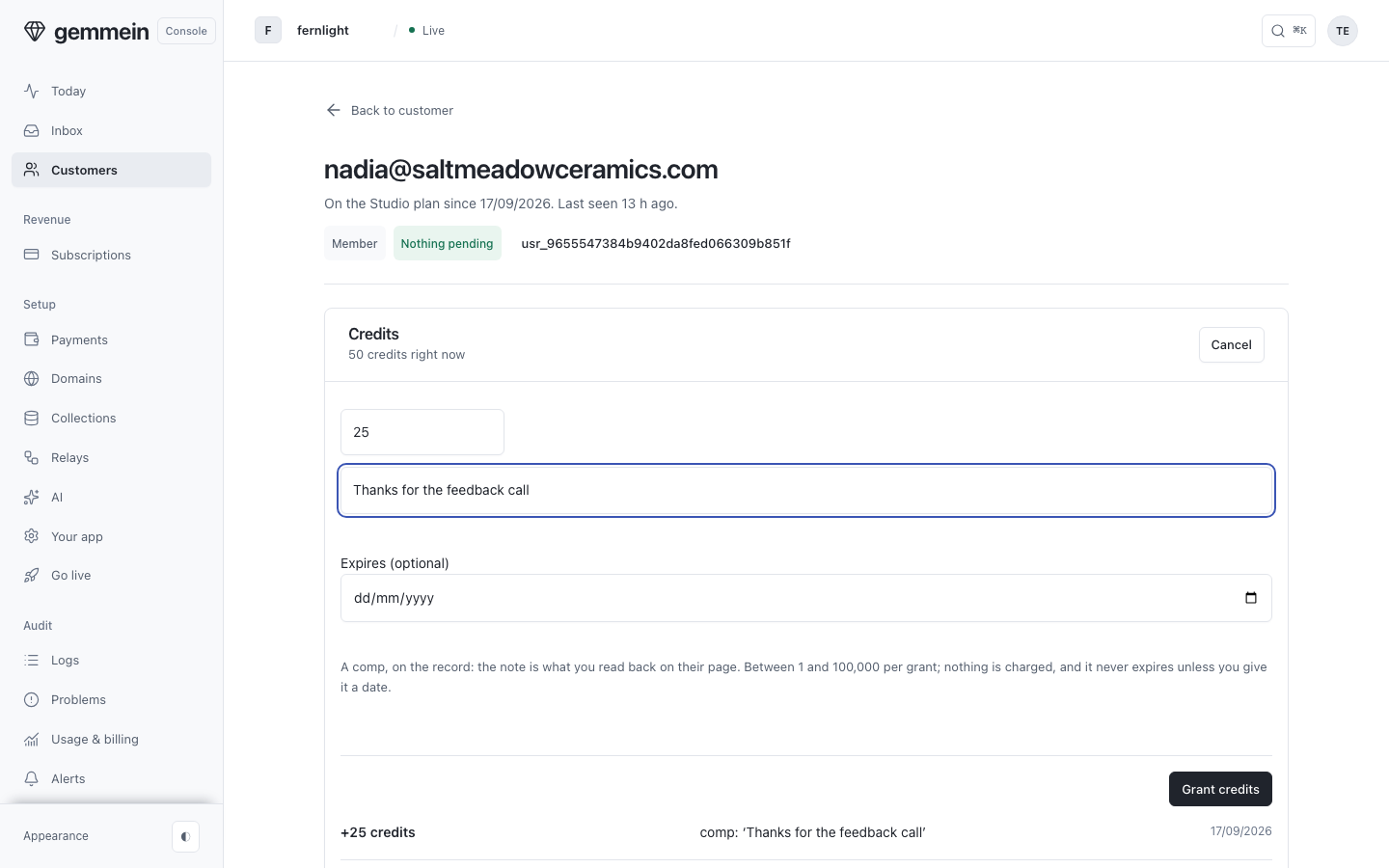
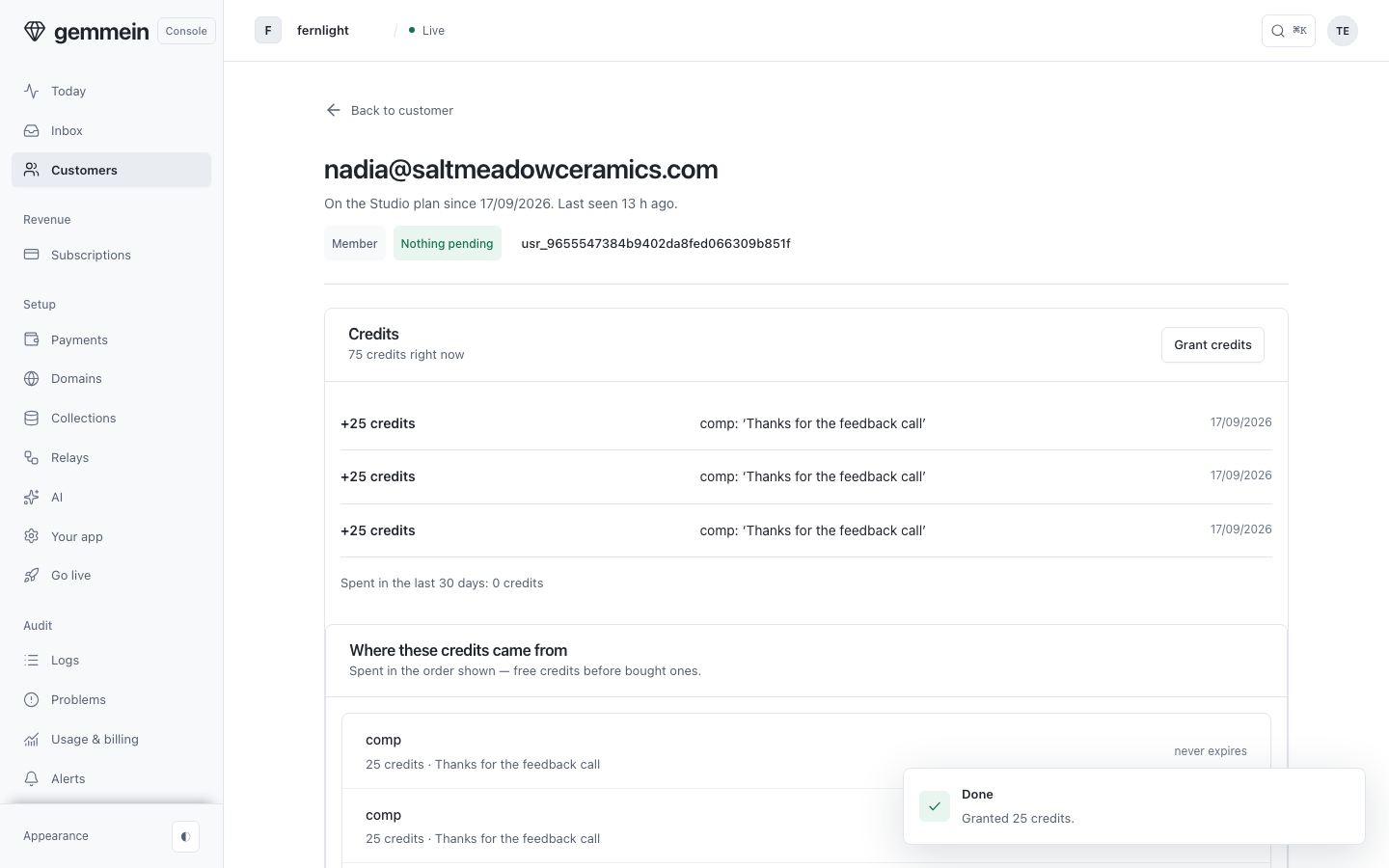
Choose Grant credits again to confirm. The new balance and the source of every credit show straight away.
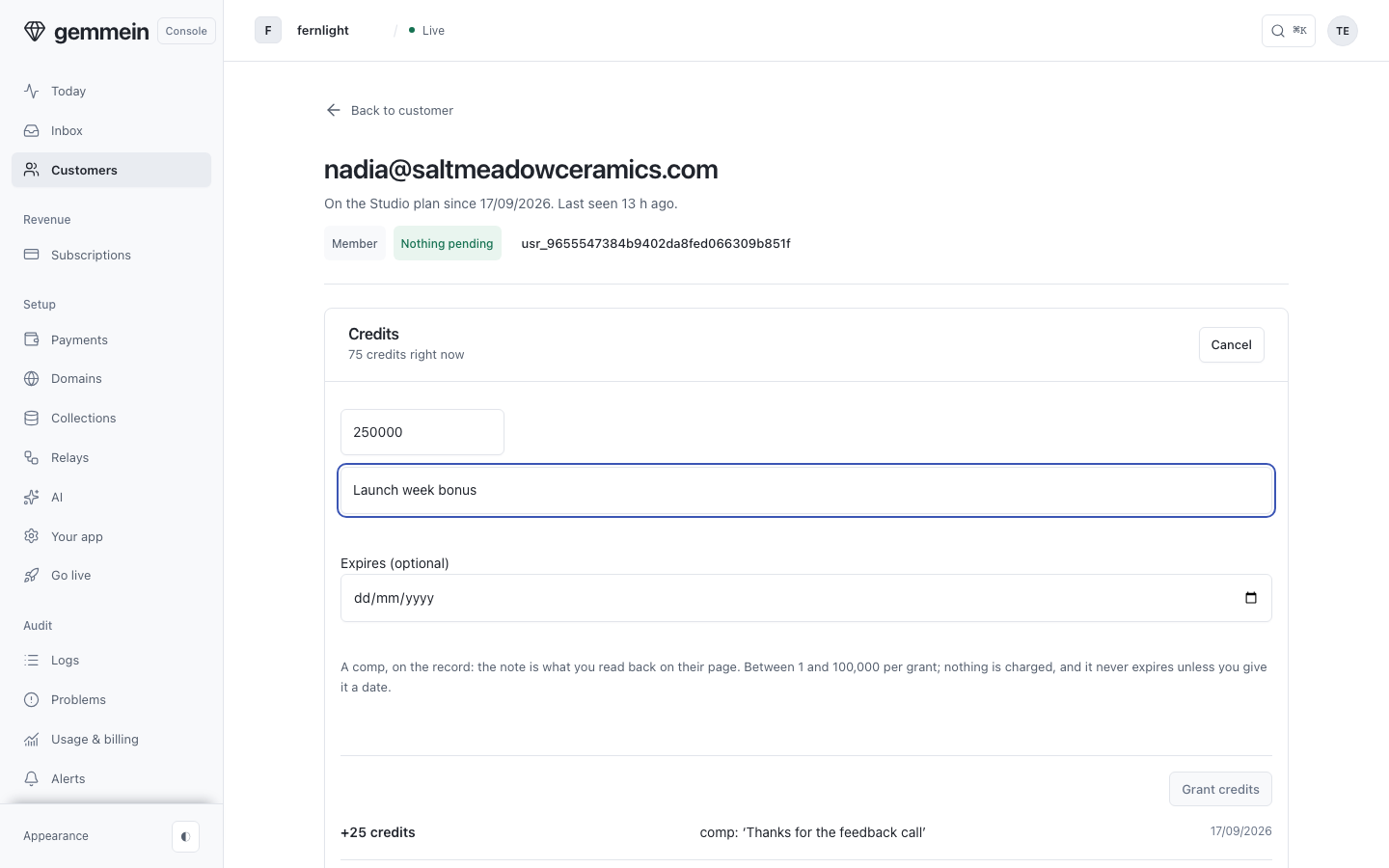
Grant credits is disabled until the amount is 1 to 100,000 and you've added a note.
Access
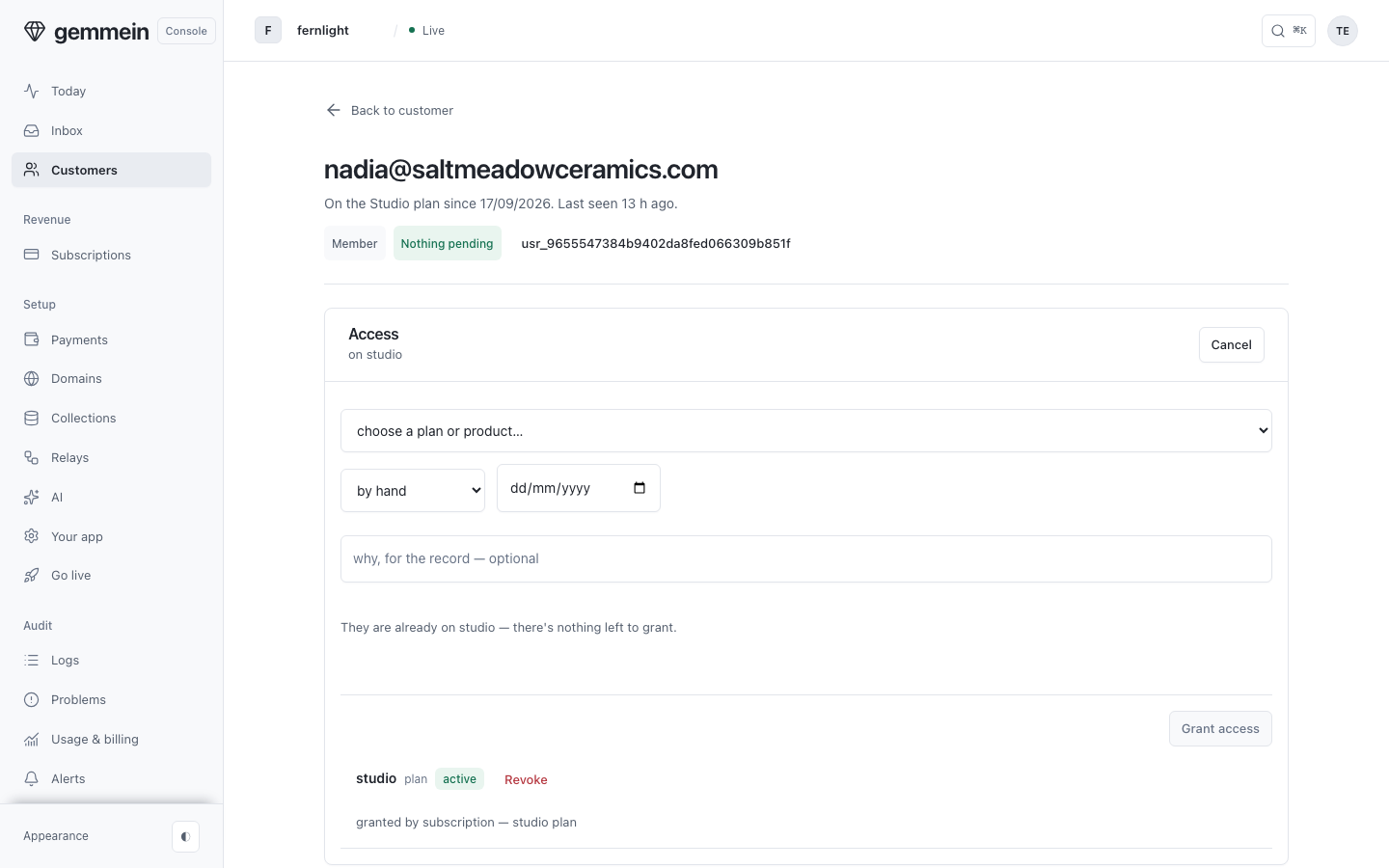
Open Access, then Grant access to put them on a plan by hand, with no payment recorded.
Activity
Open Activity to see their sign-ins and activity, newest first.
Manage
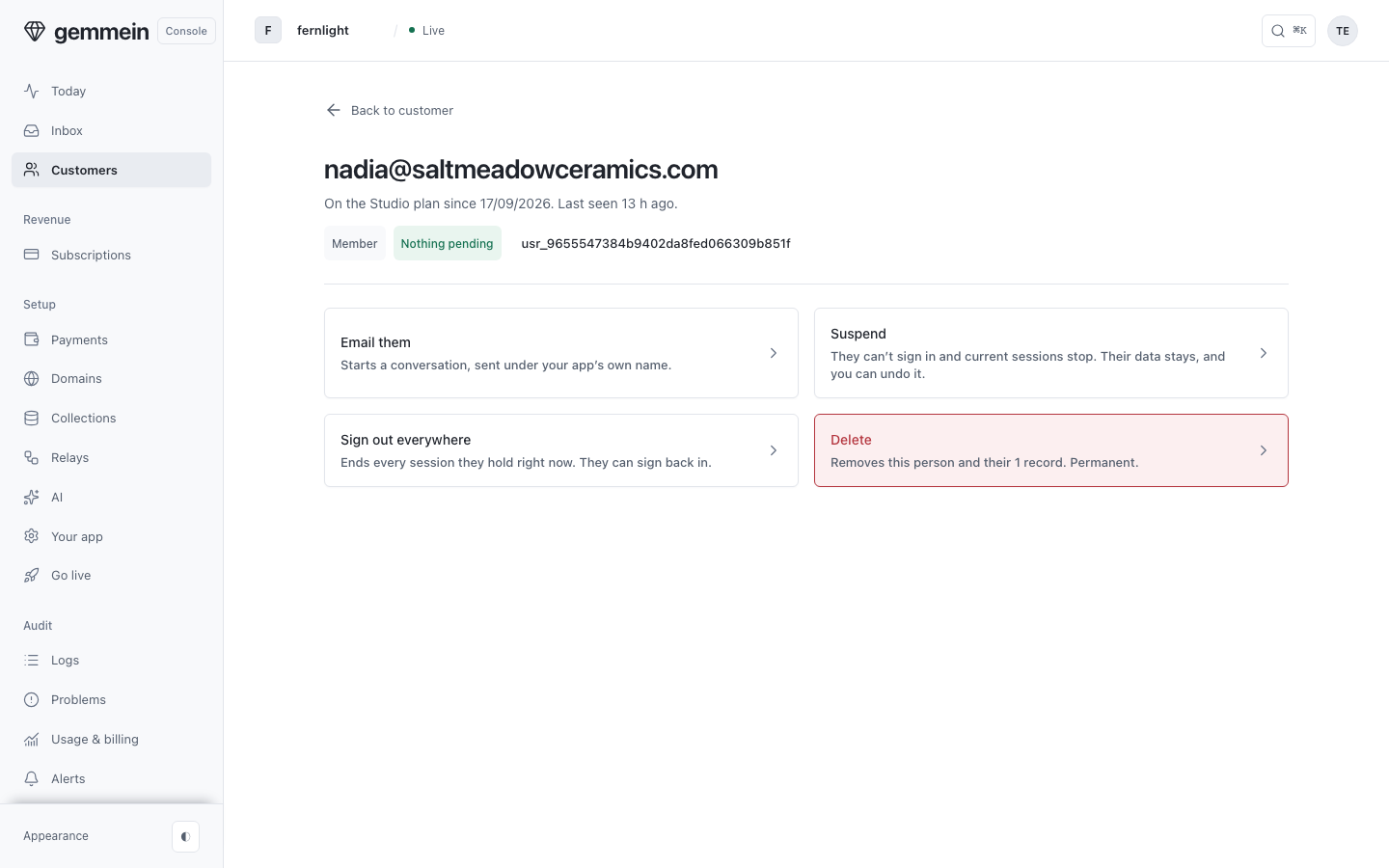
Open Manage for what you can do to their account. Anything that can't be undone asks you to confirm first.
How credits are granted, held and spent: Credits.
Thanks for telling us.
Thanks for telling us.
Last updated