Logs
Logs lists everything that happened in your app, one day at a time, newest first. It shows what you did, what Gemmein did on its own, what people did in your app, and what your AI app did on its own. Every event opens to show its full details.
Steps
Overview
Open Logs to see today's events, newest first.
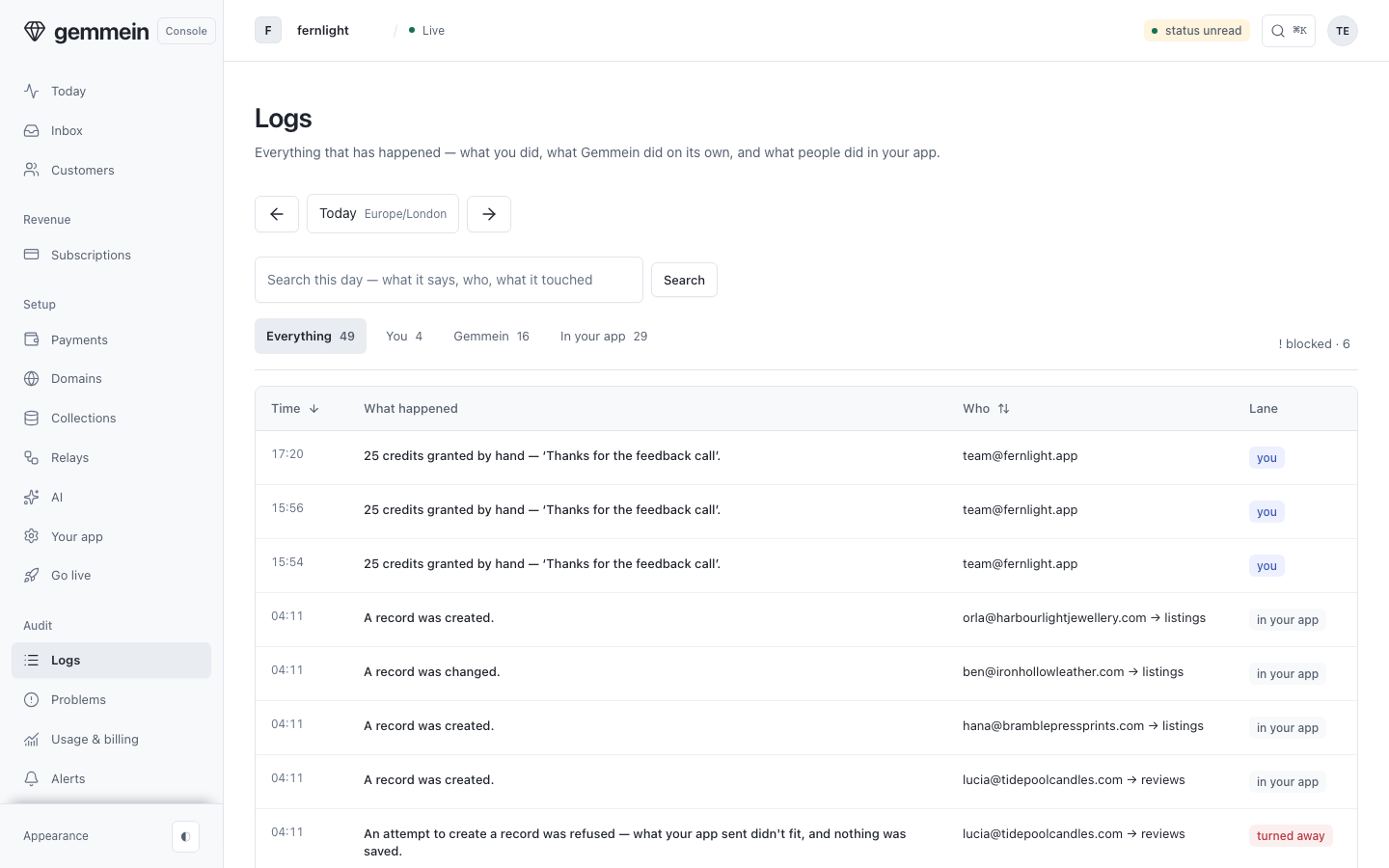
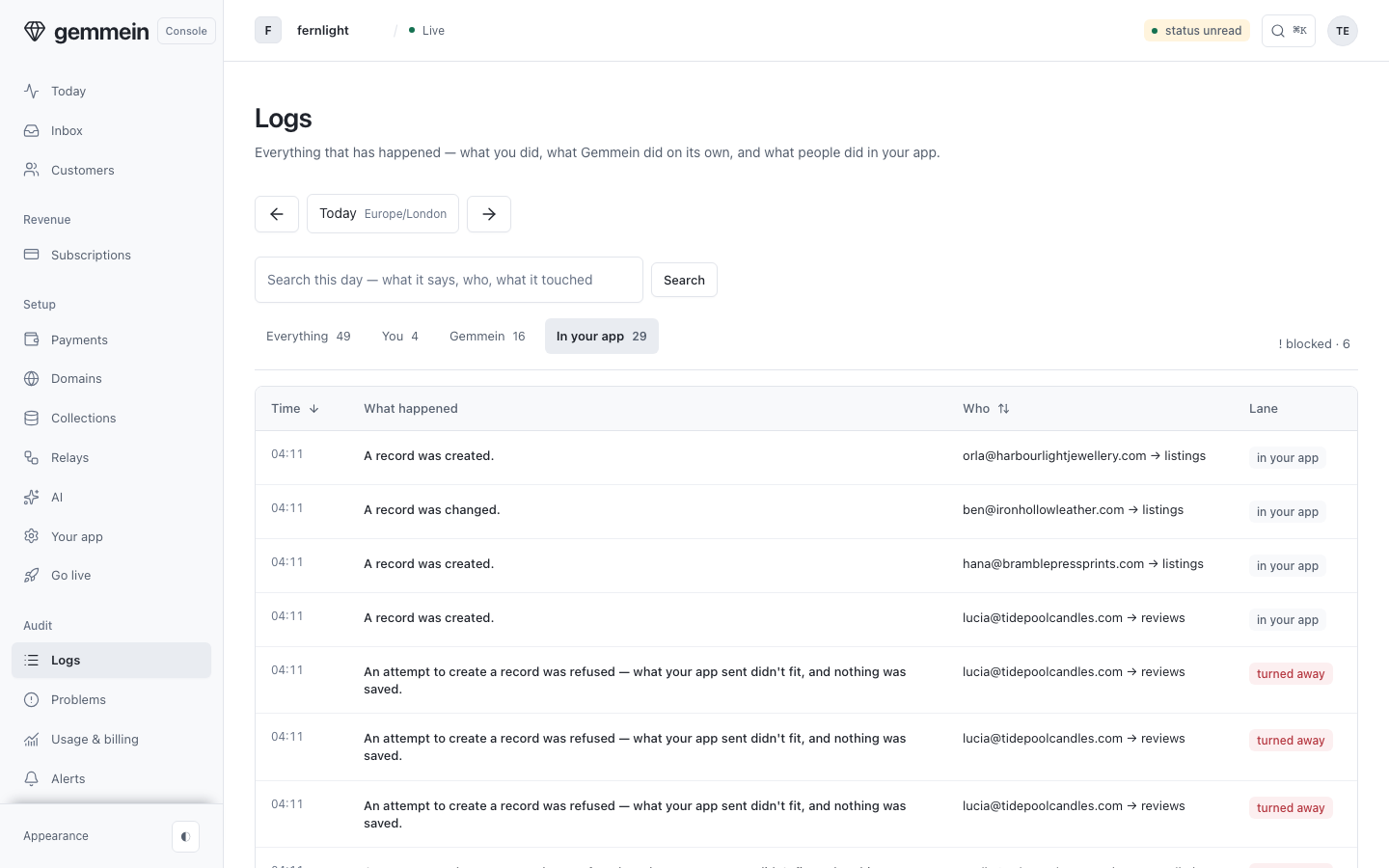
Choose You, Gemmein, In your app or Your AI app to see one kind of event.
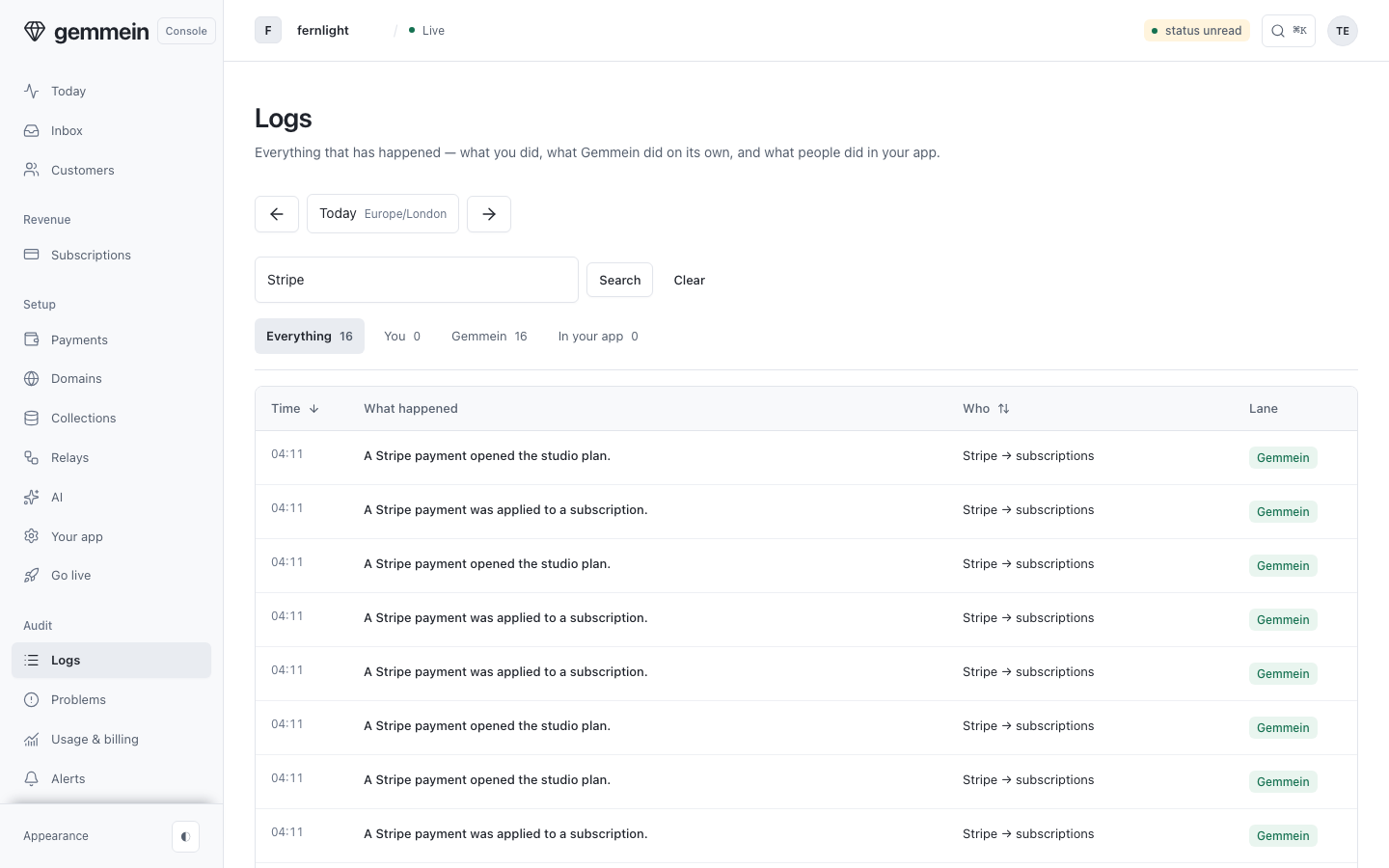
Type a search and press Return to narrow the day to the events that mention it or touched it. The search is in the URL, so you can share it.
Use the arrows beside the day to go back to earlier days that have records.
One event
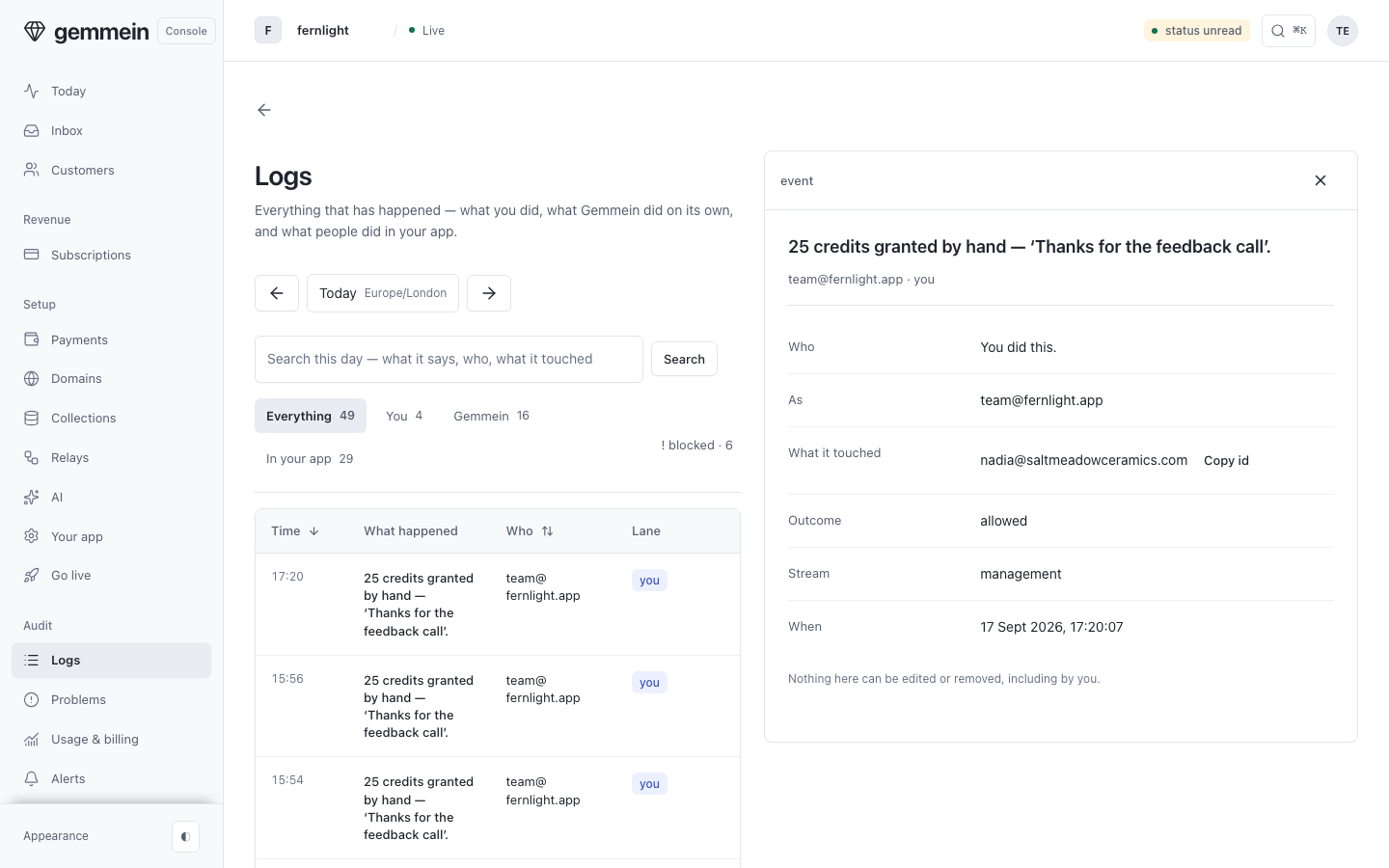
Open an event to see who did it, what it touched, and when. It opens beside the list, which stays where it was; the × or Esc closes it.
What each error means: Errors.
Thanks for telling us.
Thanks for telling us.
Last updated