Site
Site holds your app's pages. Your AI publishes every change to a private preview that only you can open, and your customers see the live site, which changes only when you put a version live. Every version is kept, so any of them can go back up.
Steps
Overview
Open Site under Build. The private preview and the live site each show the version they serve, with Open beside each to see it.
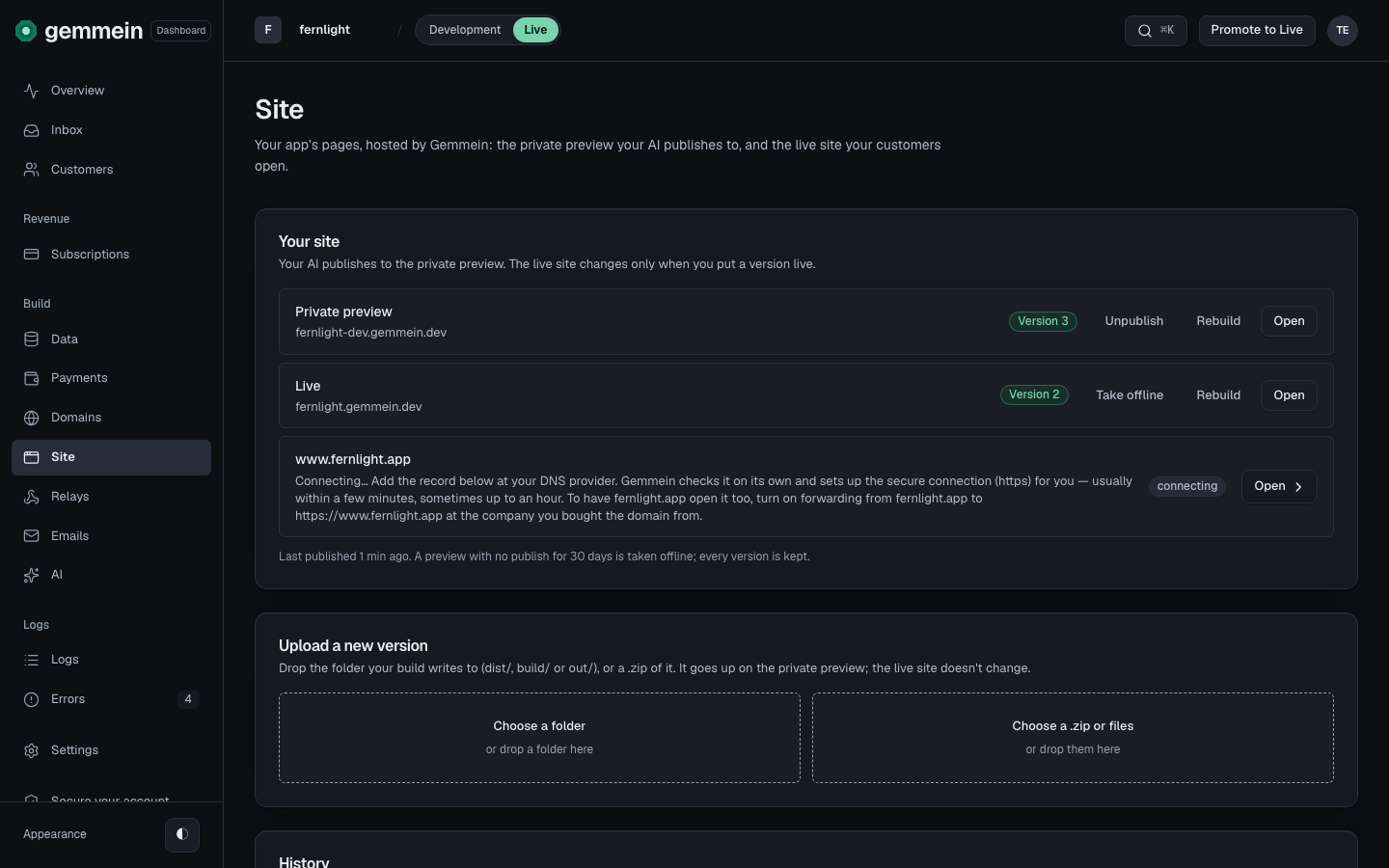
Your own web addresses are listed under Live, each with where it stands: connecting, live, needs attention, offline or not connected. Open one to finish it in Domains.
The private preview
Your AI publishes every change to the private preview. Only you can open it, while you're signed in here.
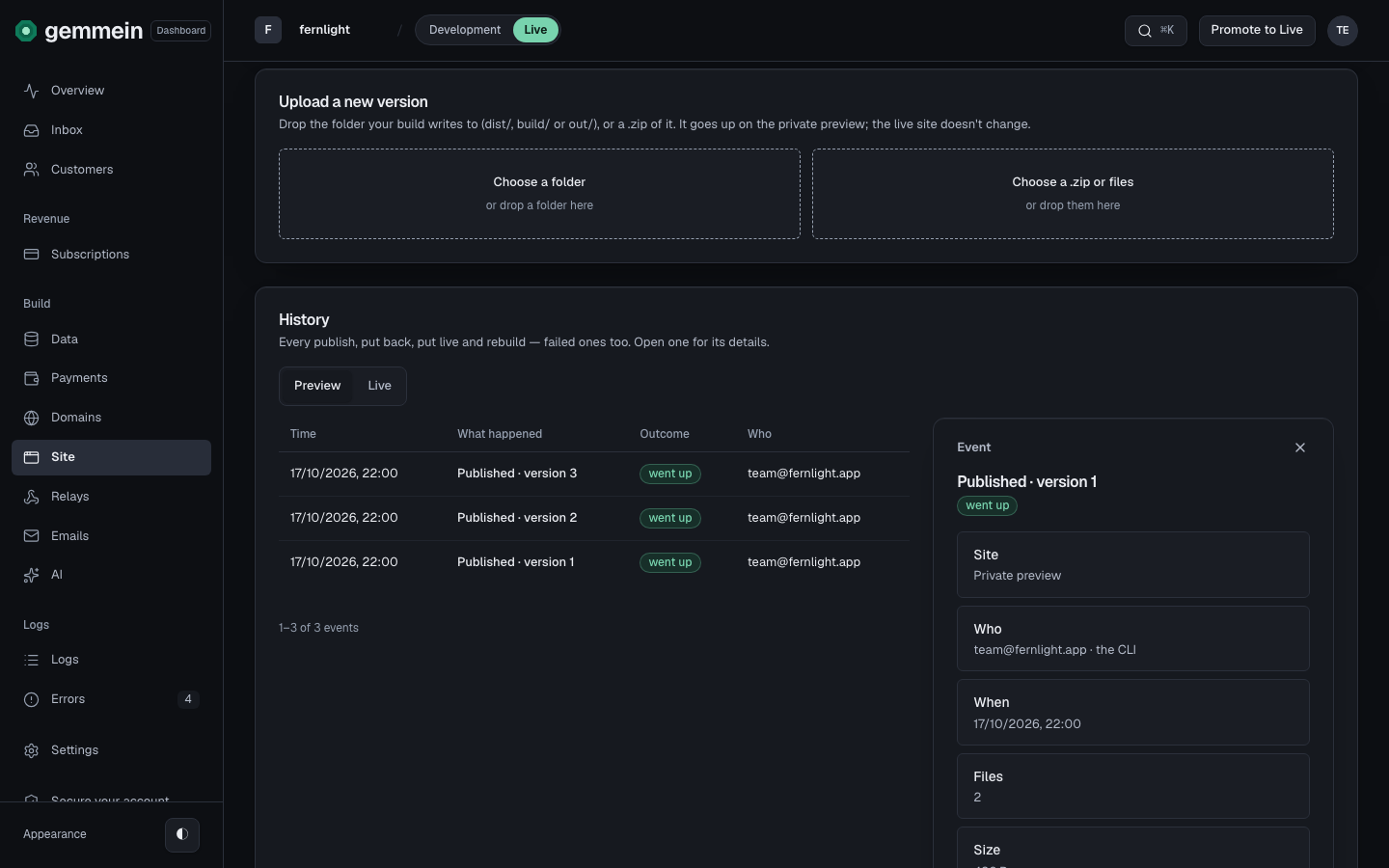
History lists every publish, newest first. Open one to see who published it, when, and how many files it held, with Put on preview, Put live and Download.
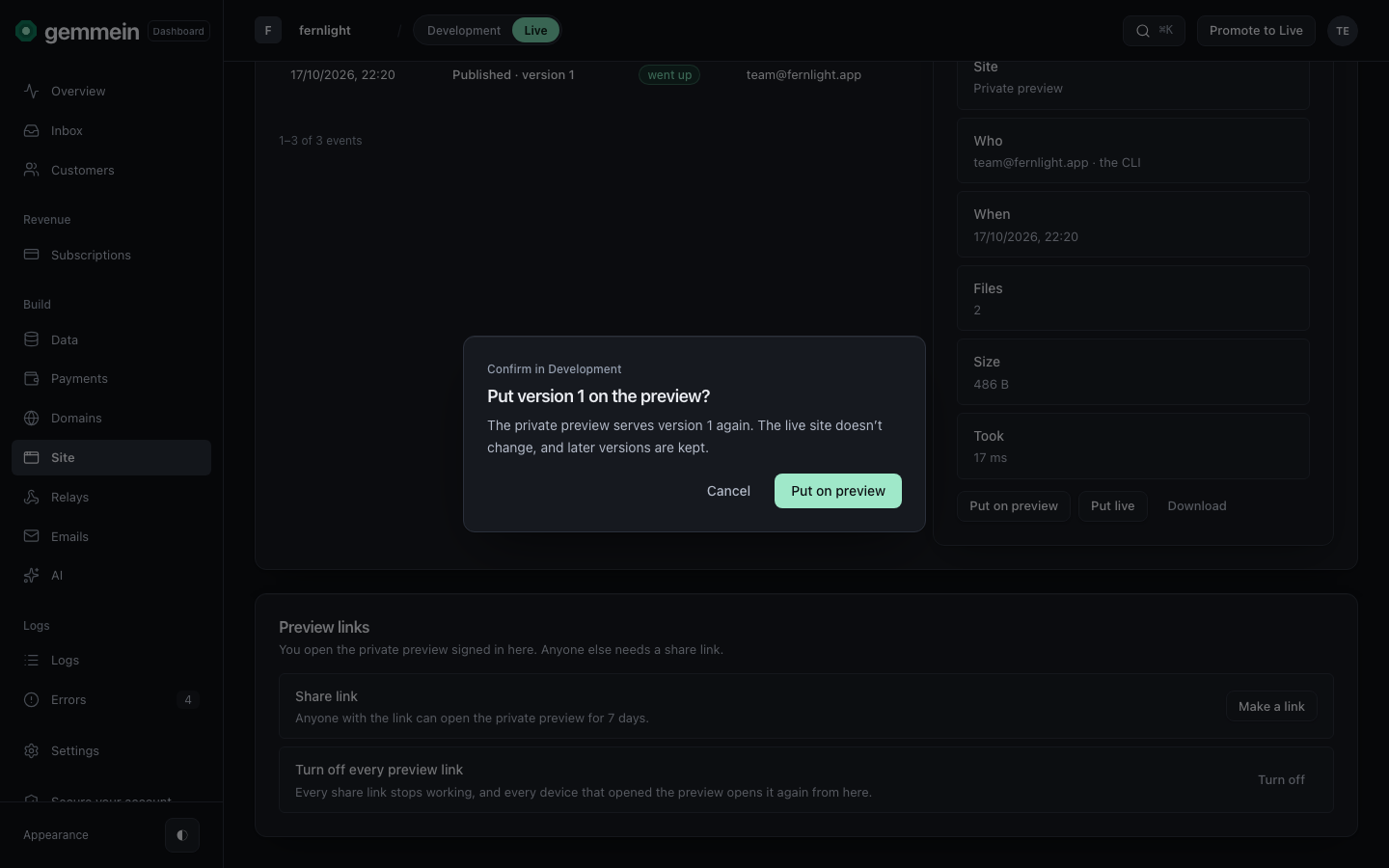
Choose Put on preview to show an older version on the private preview again. The live site doesn't change, and later versions are kept.
Choose Download to get a copy of any version's files.
Share links
Choose Make a link to let someone else open the private preview. Anyone with the link can open it for 7 days.
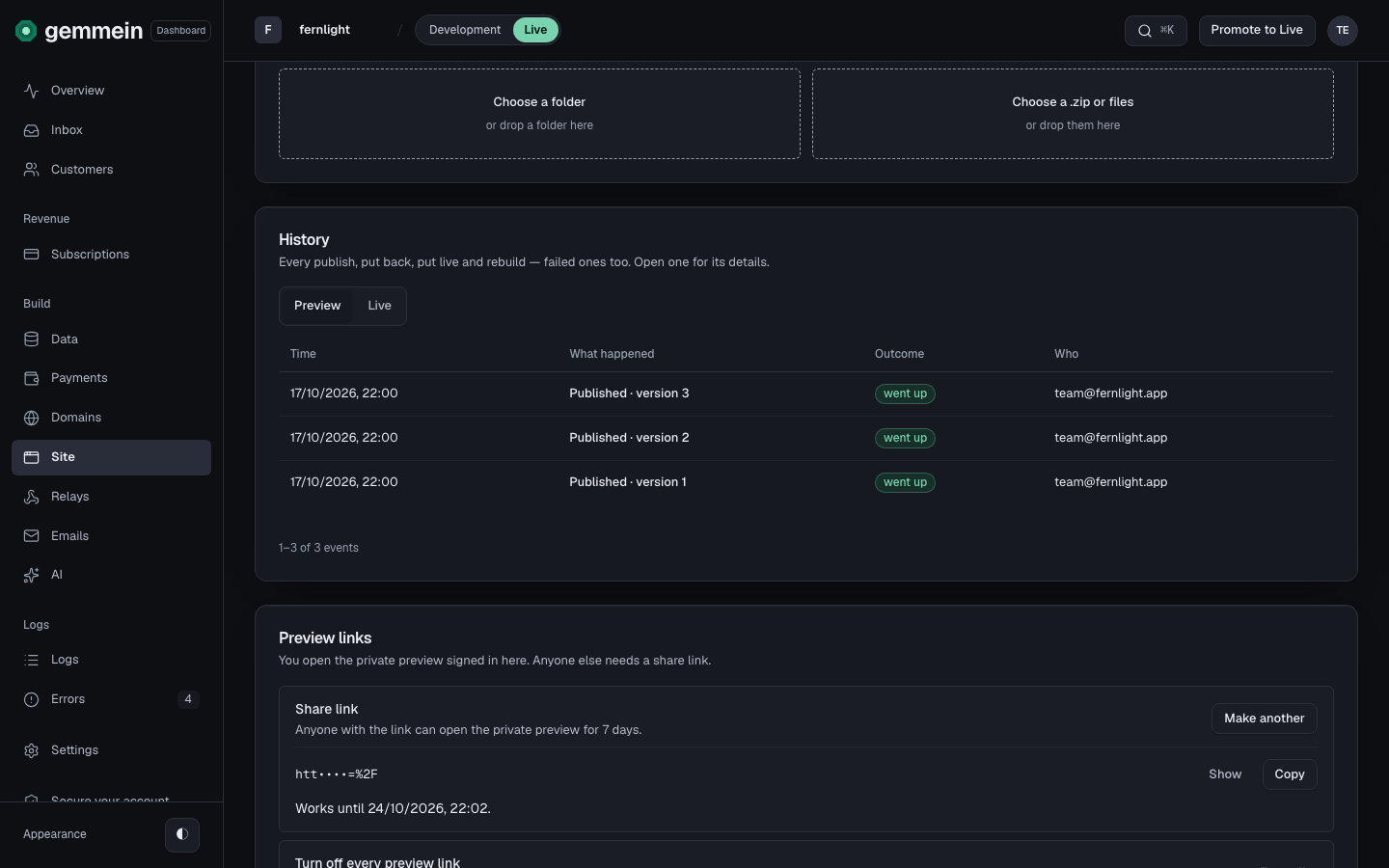
Choose Turn off to stop every share link at once. Your live site doesn't change.
The live site
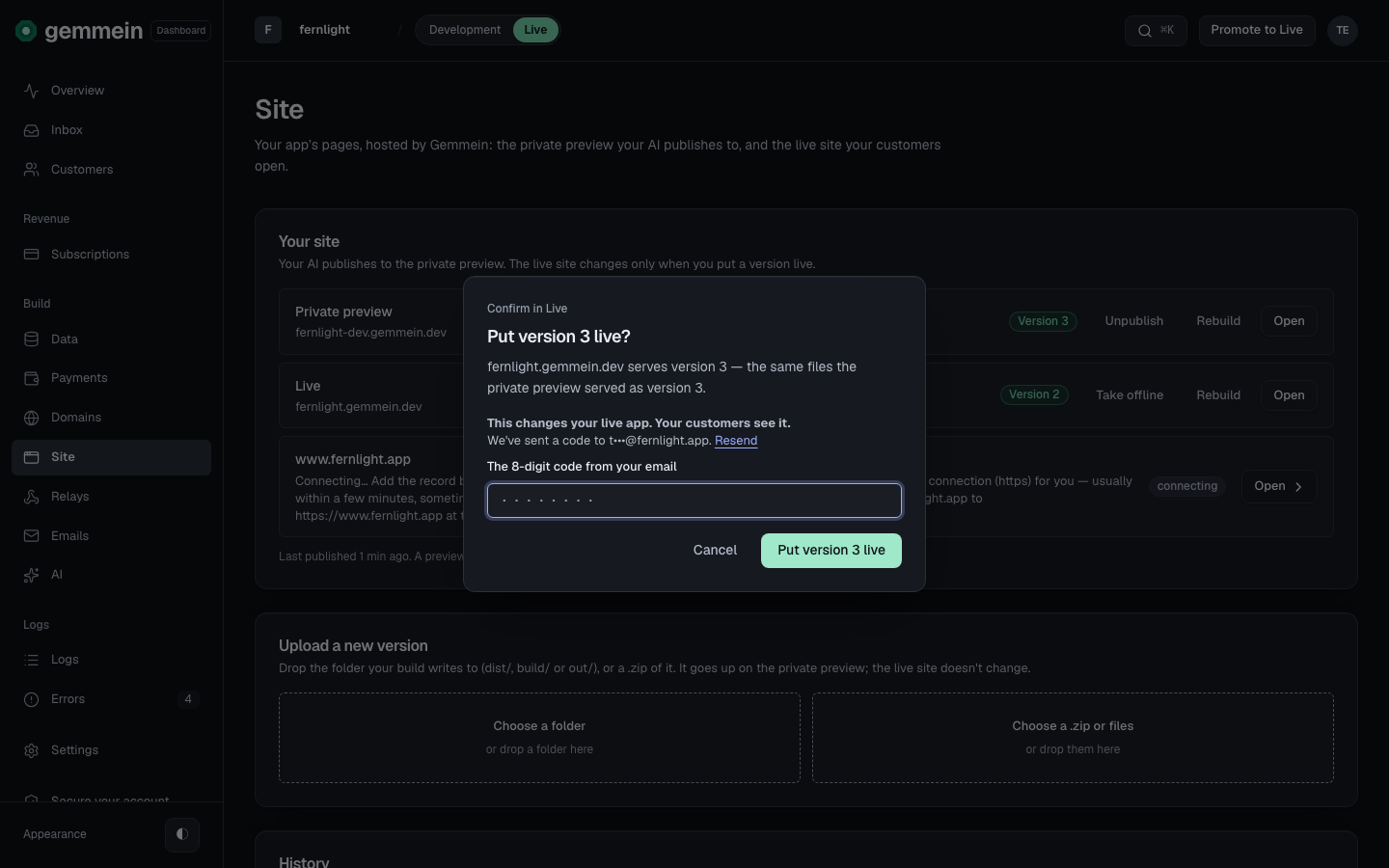
Open a version and choose Put live to show it to your customers. The live site gets the same files the private preview showed, after you enter the code we email you.
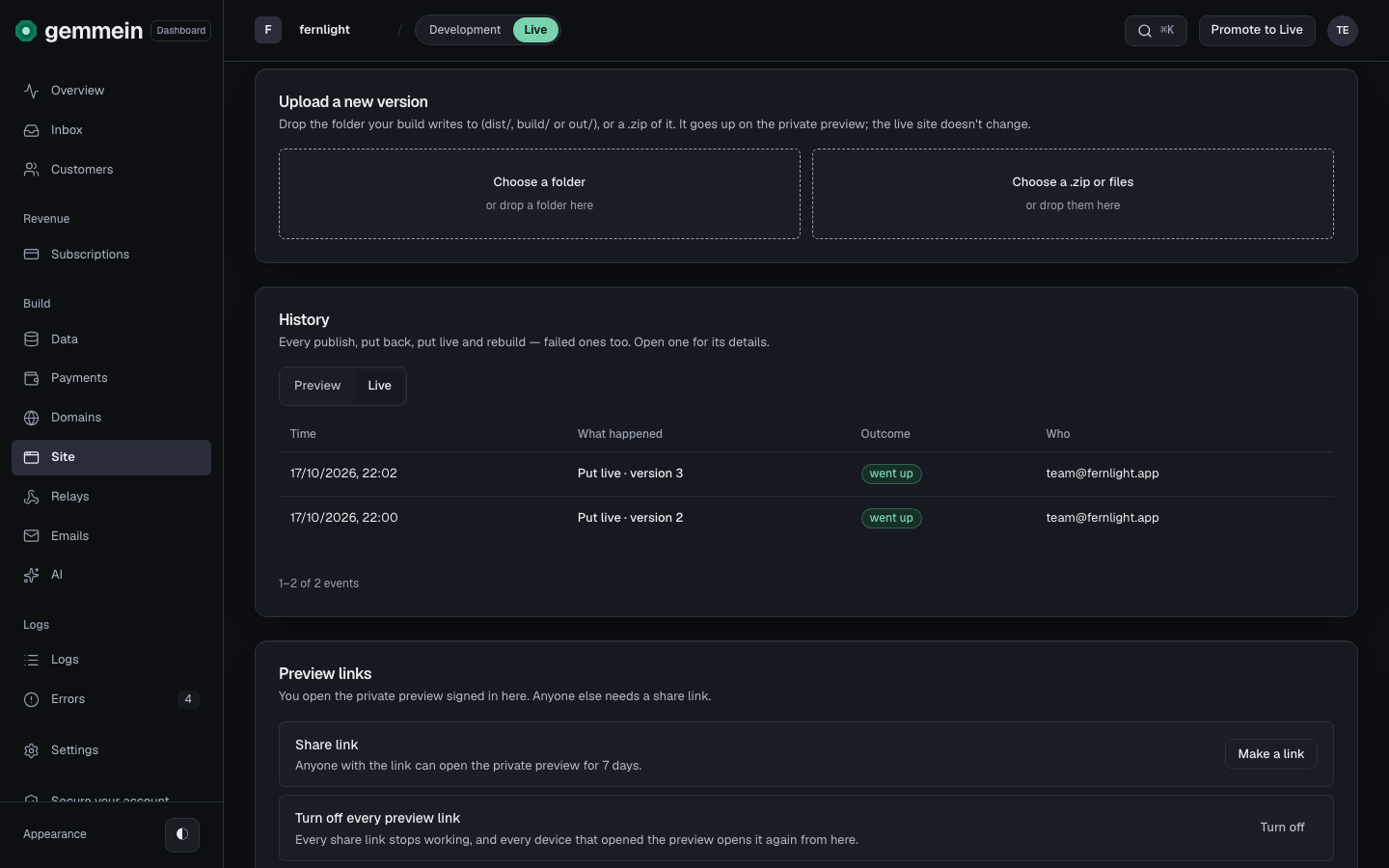
Choose Live above the history to see every version put live, newest first.
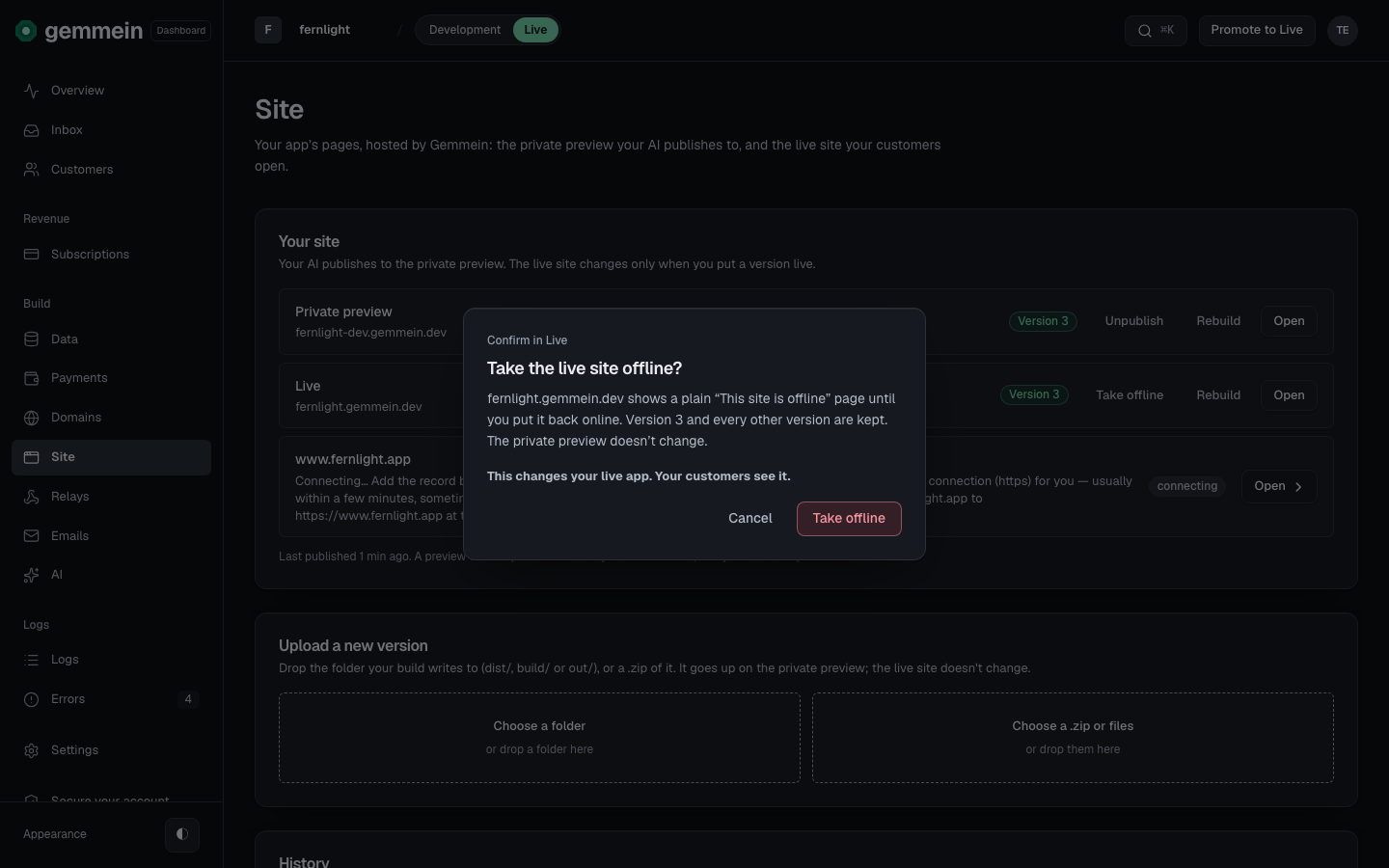
Choose Take offline to show a plain “This site is offline” page instead of your site. Every version is kept, and the private preview doesn't change.
While it's offline, Live says so, and your own addresses show the offline page too.
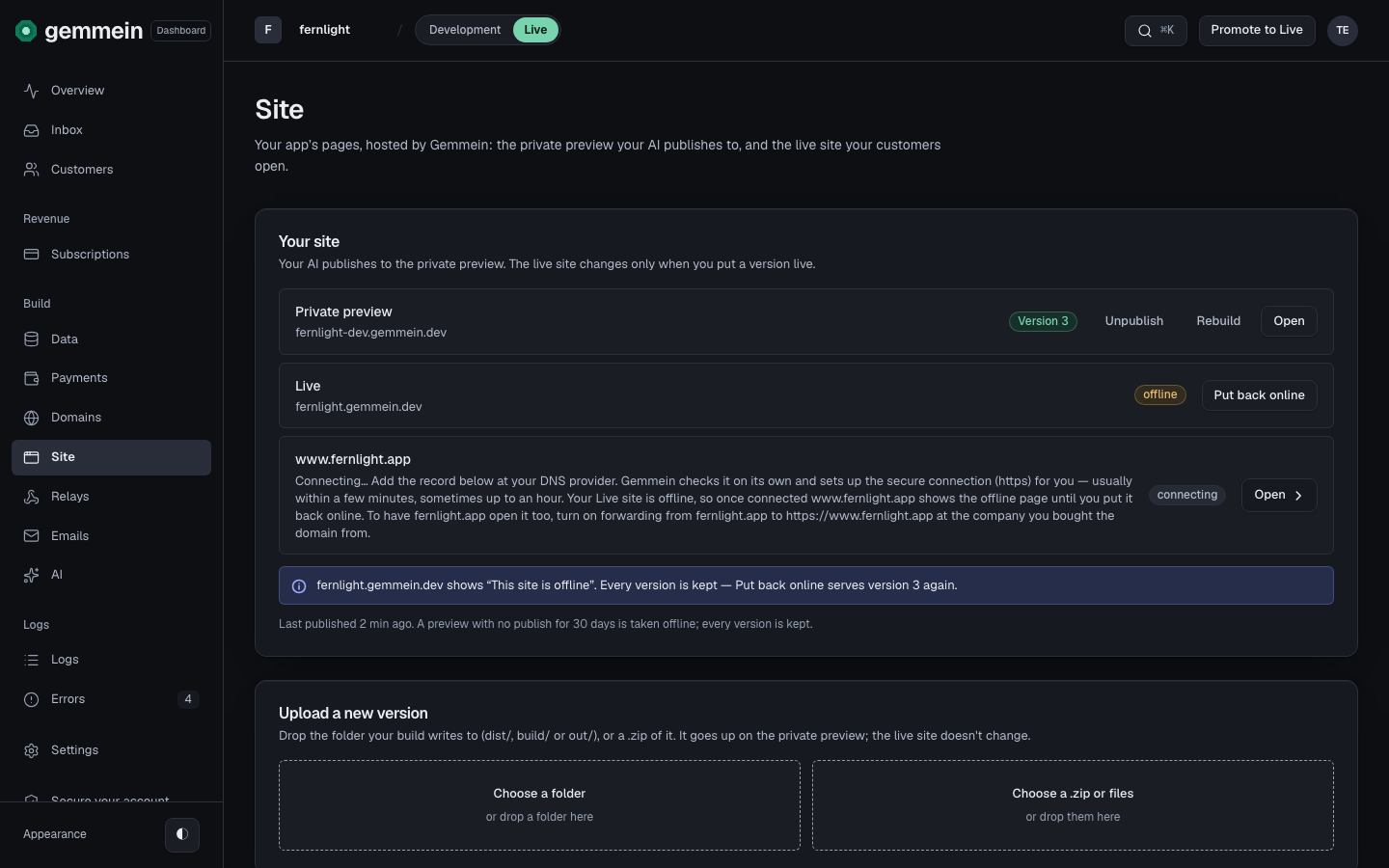
Choose Put back online to show the same version again.
Choose Rebuild beside the private preview or Live to put the same version up again with Gemmein's newest site template. No new version is made.
Errors
invalid or expired code
A change to the live site takes the newest code we emailed you. Type it again, or choose Resend for a new one.
How your site is published, previewed and put live: Your site.
Thanks for telling us.
Thanks for telling us.
Last updated