Inbox
Inbox collects the replies people send to your app's emails. Replies to sign-in codes, receipts and announcements land here, and your answer goes out from your own sender, so the conversation stays in one place for both of you.
Steps
Overview
Open Inbox to see what people have sent back, newest first, with four states across the top: needs a reply, open, closed and everything.
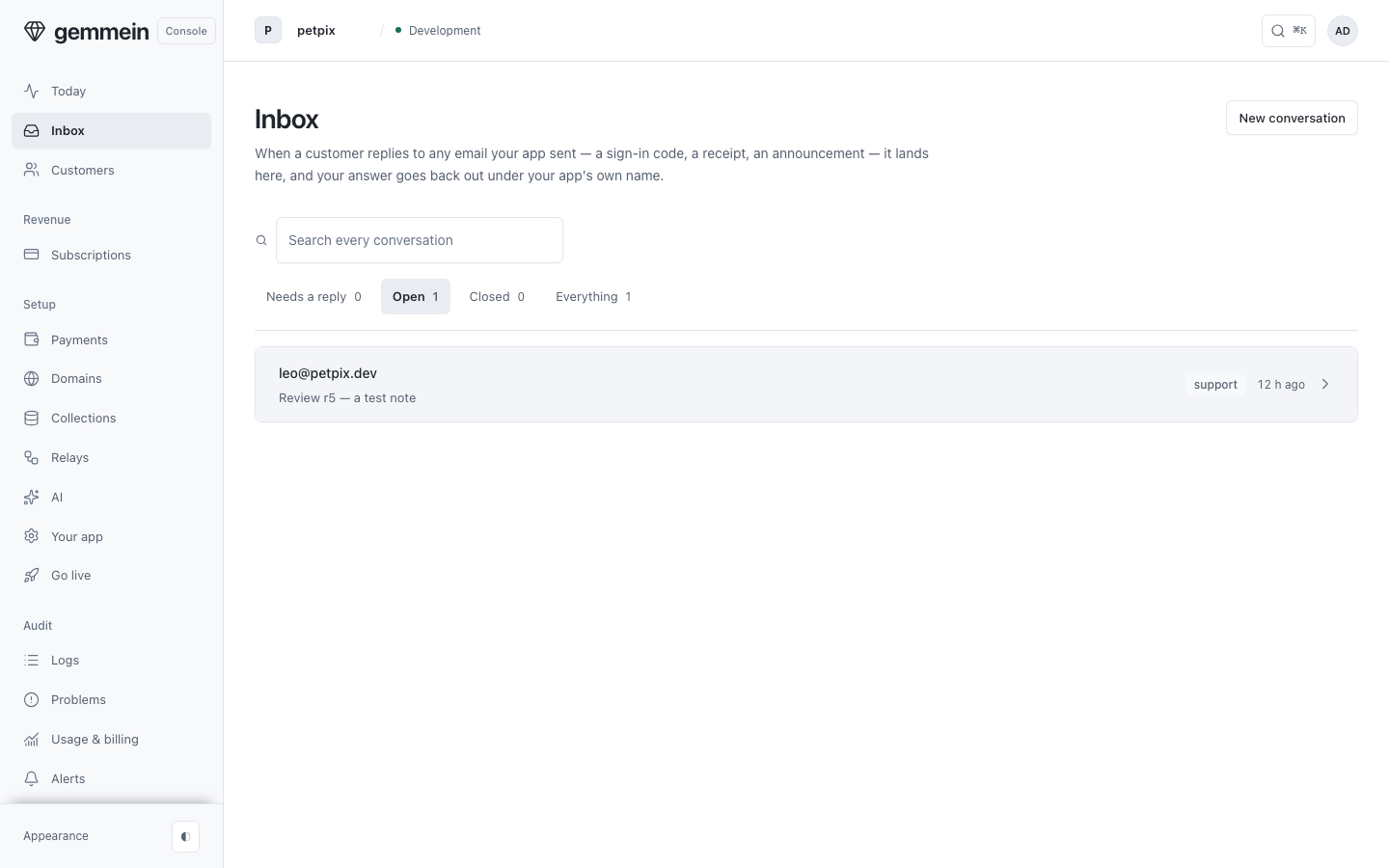
One conversation
Open a conversation to read it, with a link to the person's profile beside it.
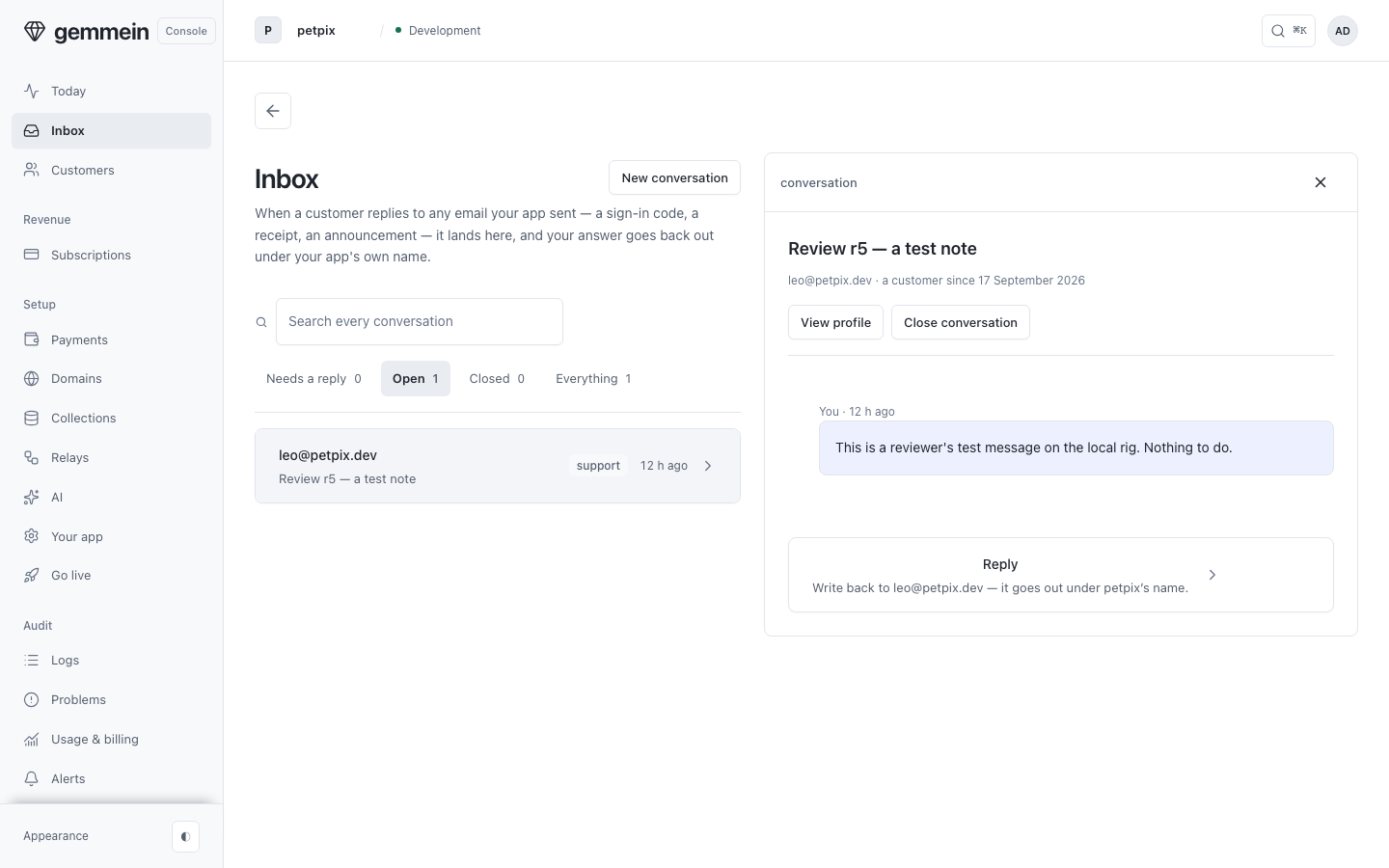
Write your answer in the reply box under the conversation. It goes out from your own sender, and the line under the box shows the address it's sent from.
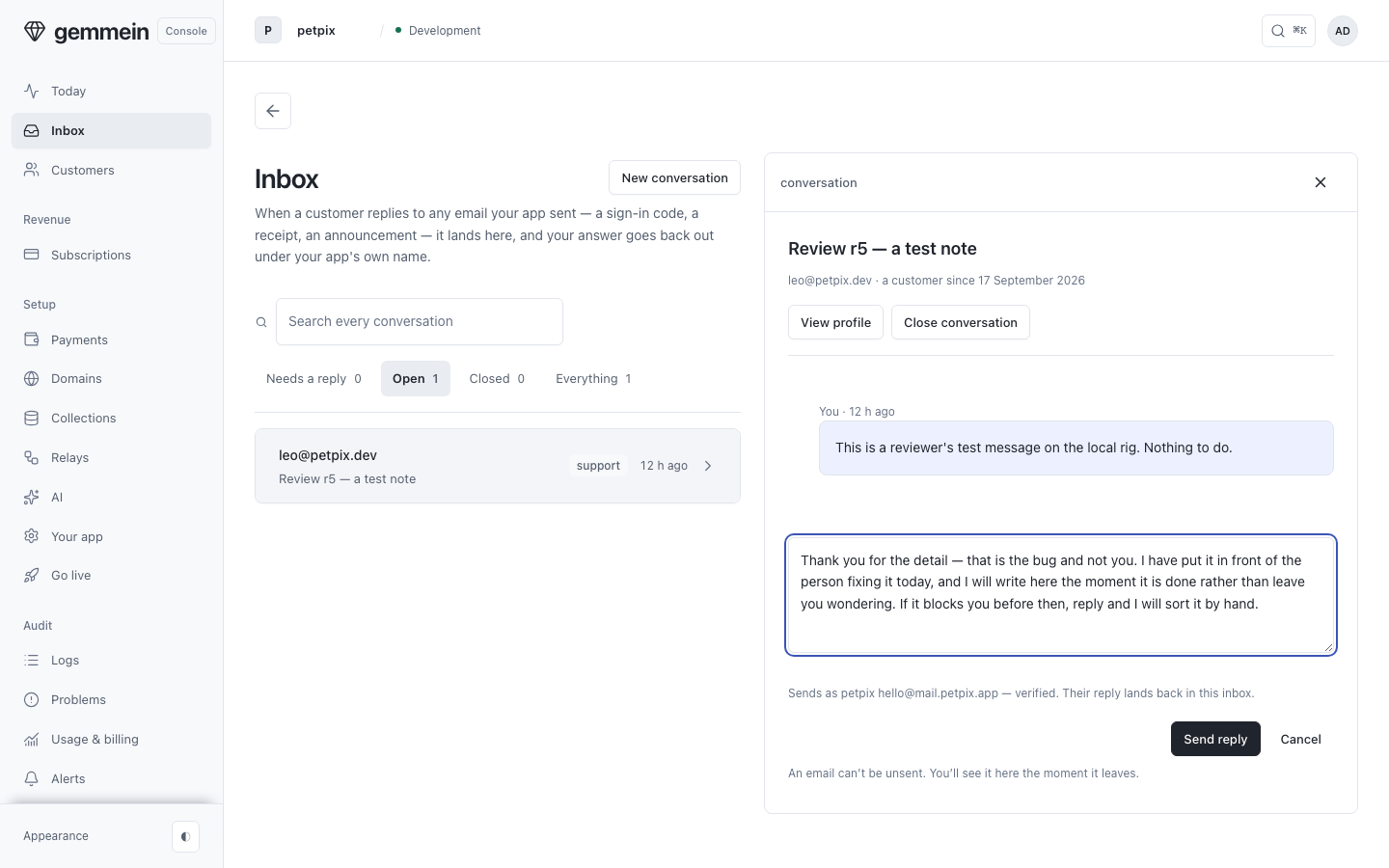
Choose Send reply to add it to the thread. An email can't be unsent, so the page says so before you press it.
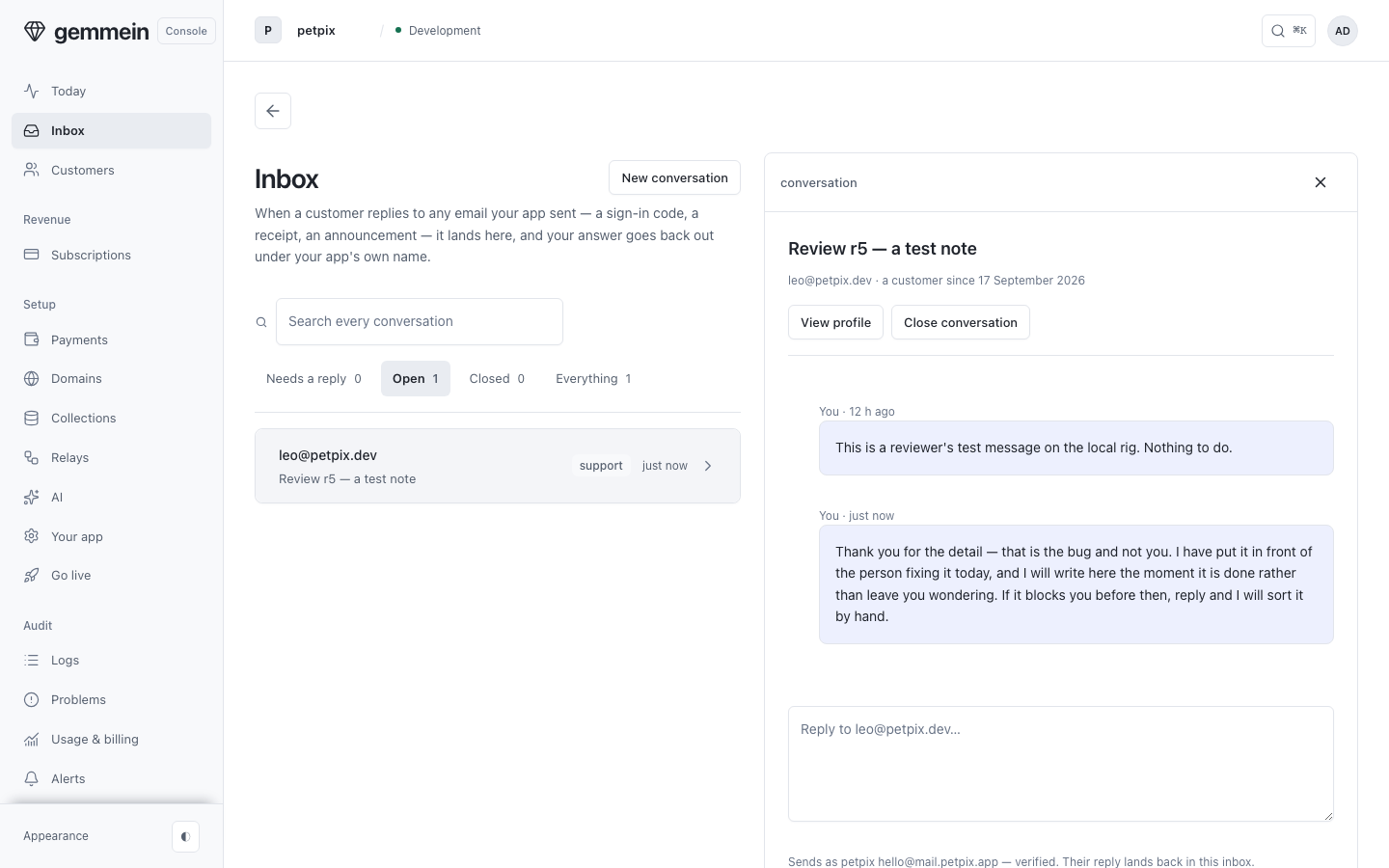
Choose Close conversation when it is finished. A new message from them opens it again.
Replies from your AI
A reply your AI sent shows whose it is: Sent by your AI, with the connection's name, or Sent by key, with the key's name. Your AI replies only to senders whose email passes DMARC; you can always reply yourself.
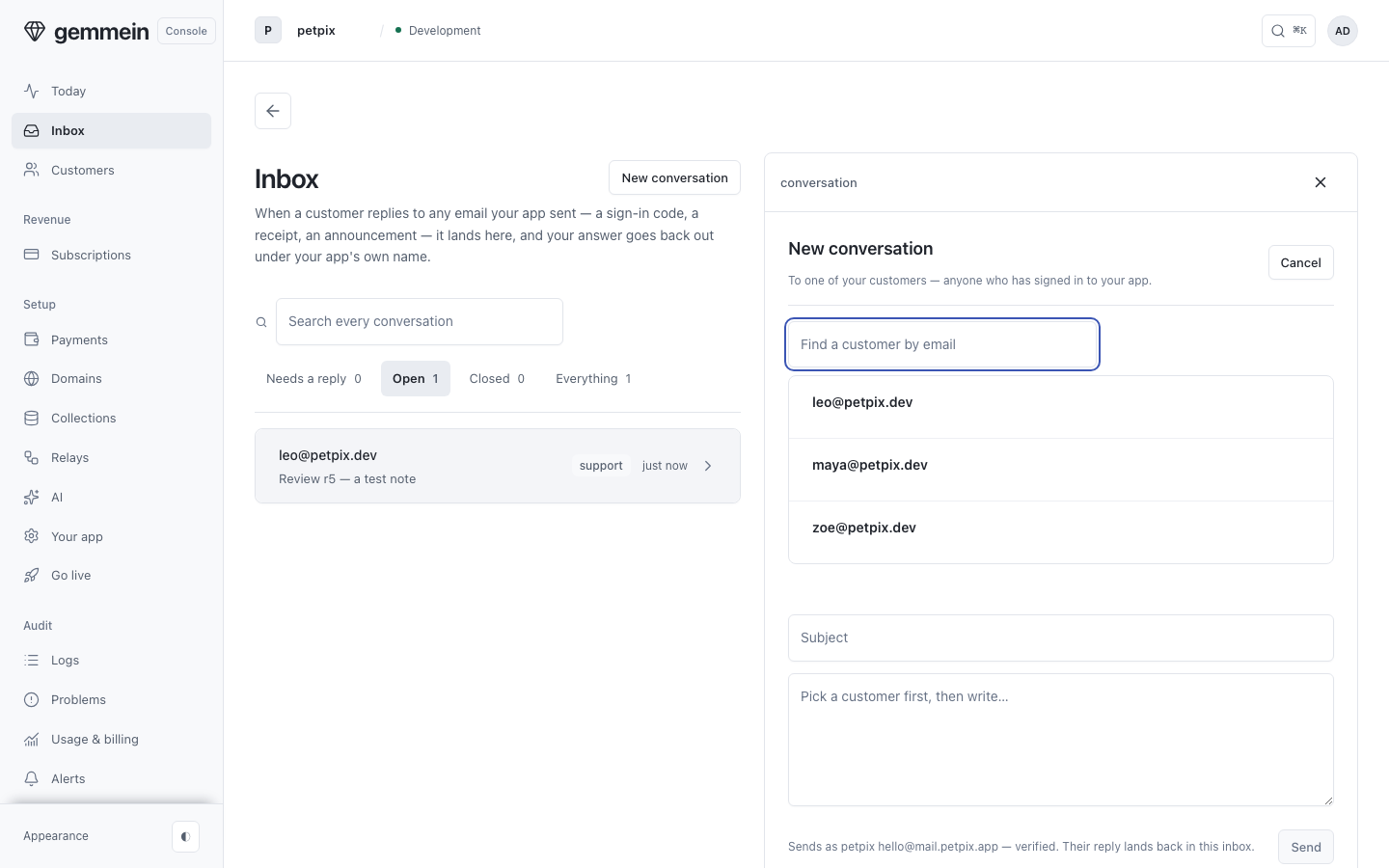
A new conversation
Choose New conversation to write first to anyone who has signed in to your app, picked from a list by name.
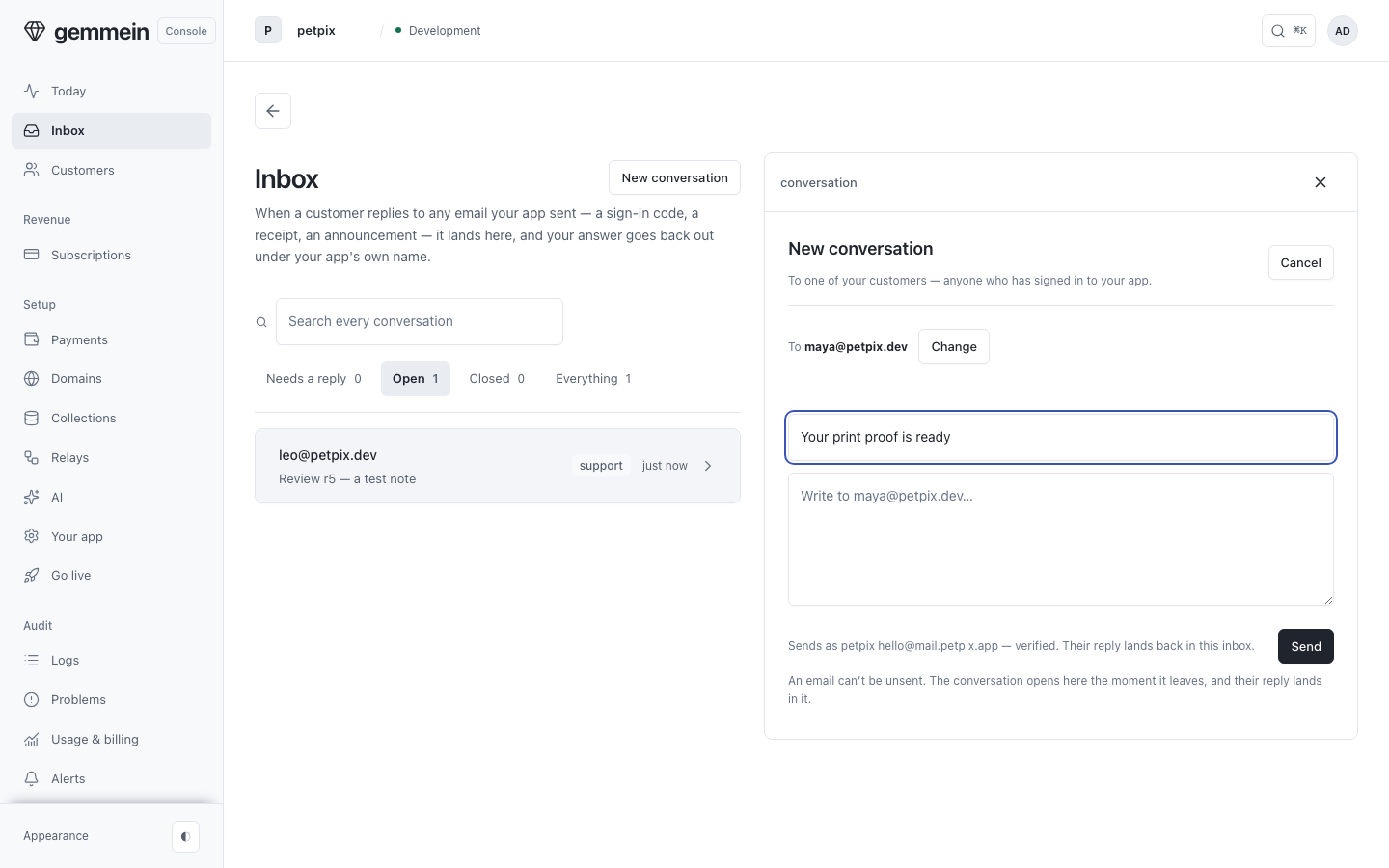
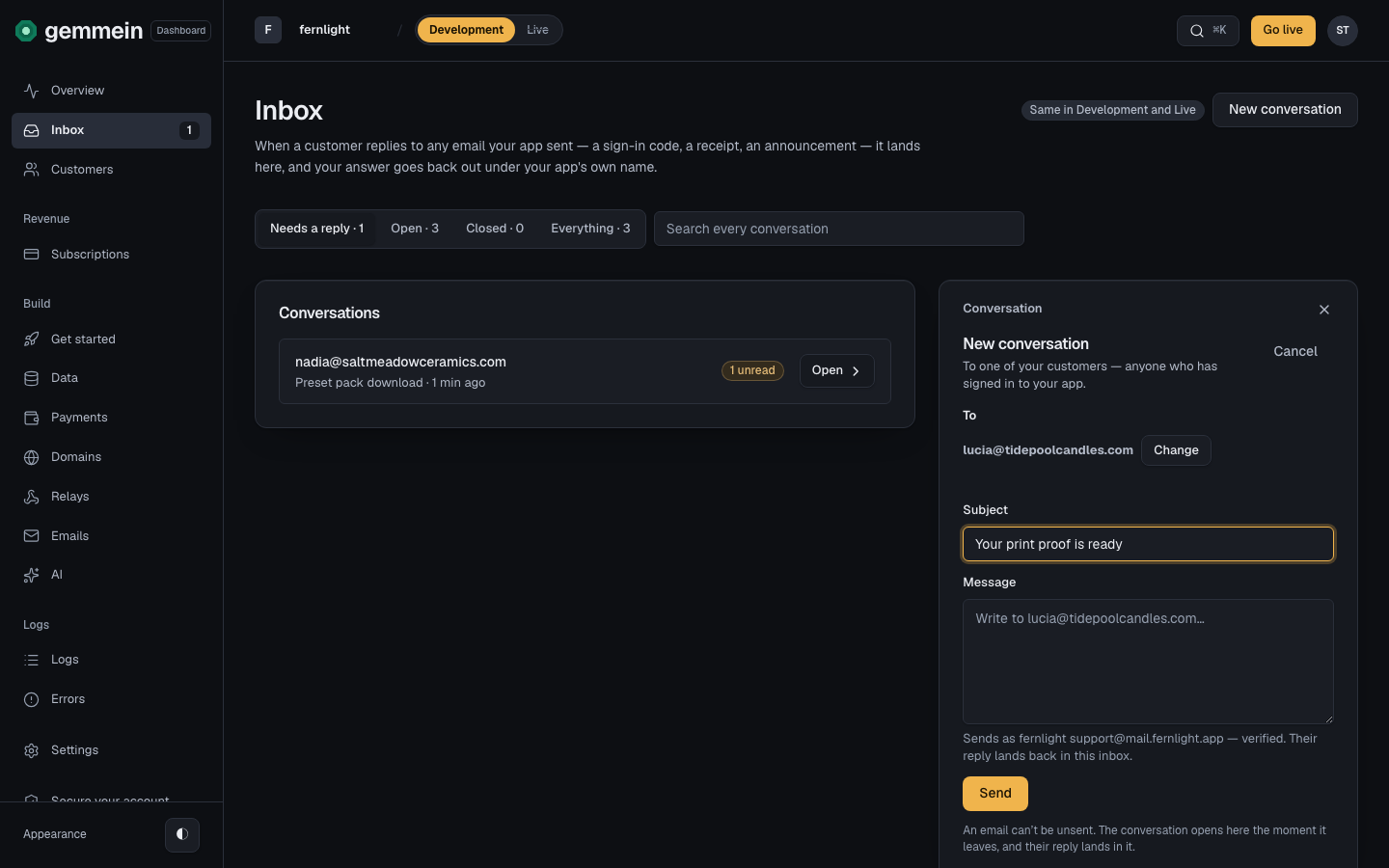
Pick who it's to, then write a subject and a message. Send asks for both before anything goes out.
How replies reach you, and what your app sends: Email.
Thanks for telling us.
Thanks for telling us.
Last updated