Views
Views are pages your AI, your CLI or you build over one collection: a table, cards, a calendar or a board, each with its own sort, filter, totals, action buttons and add or edit forms. A view is made in Development and reaches Live only once you promote it.
Steps
Overview
Open Views. Until you build one, it offers the words to ask your AI to build it for you.
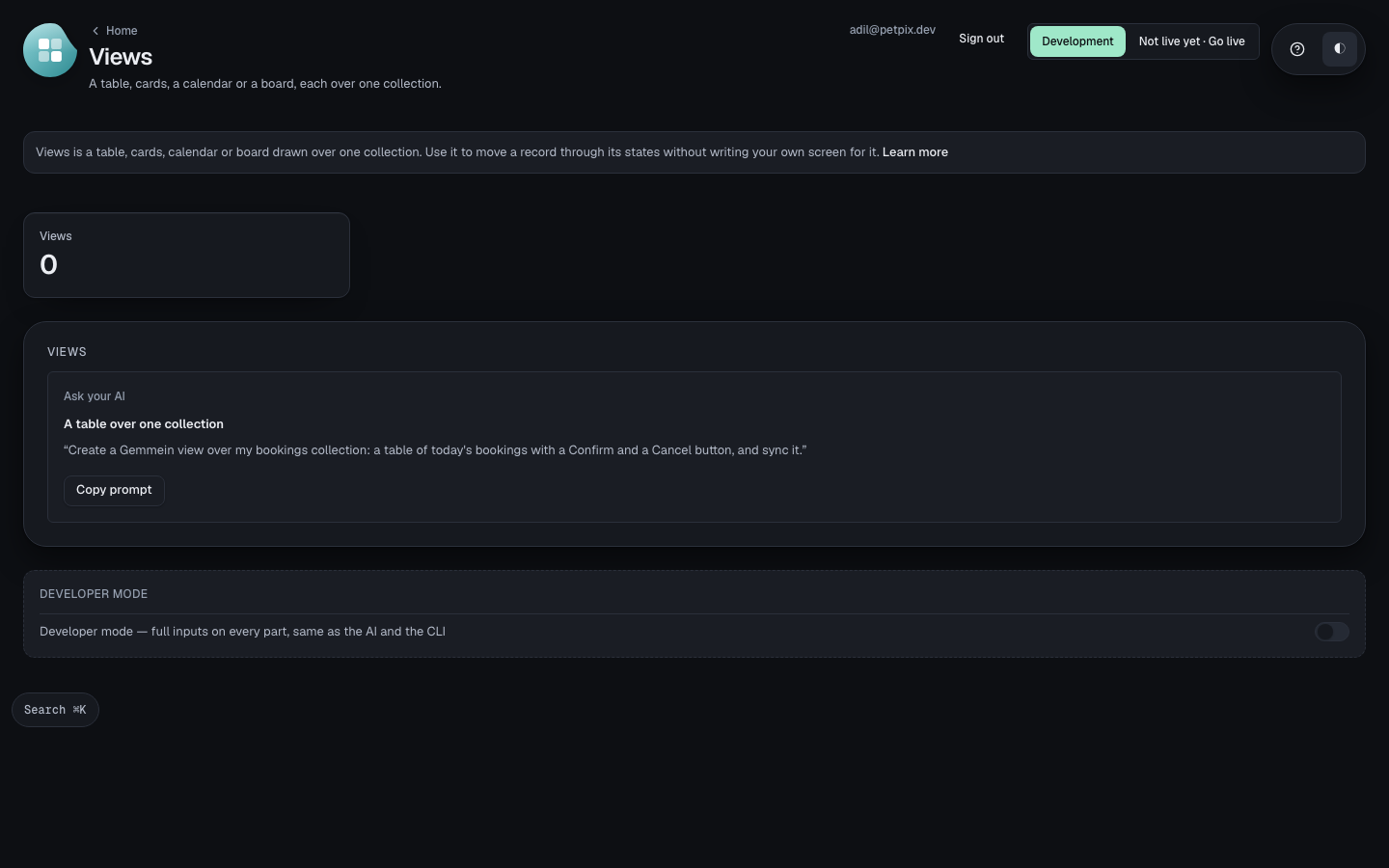
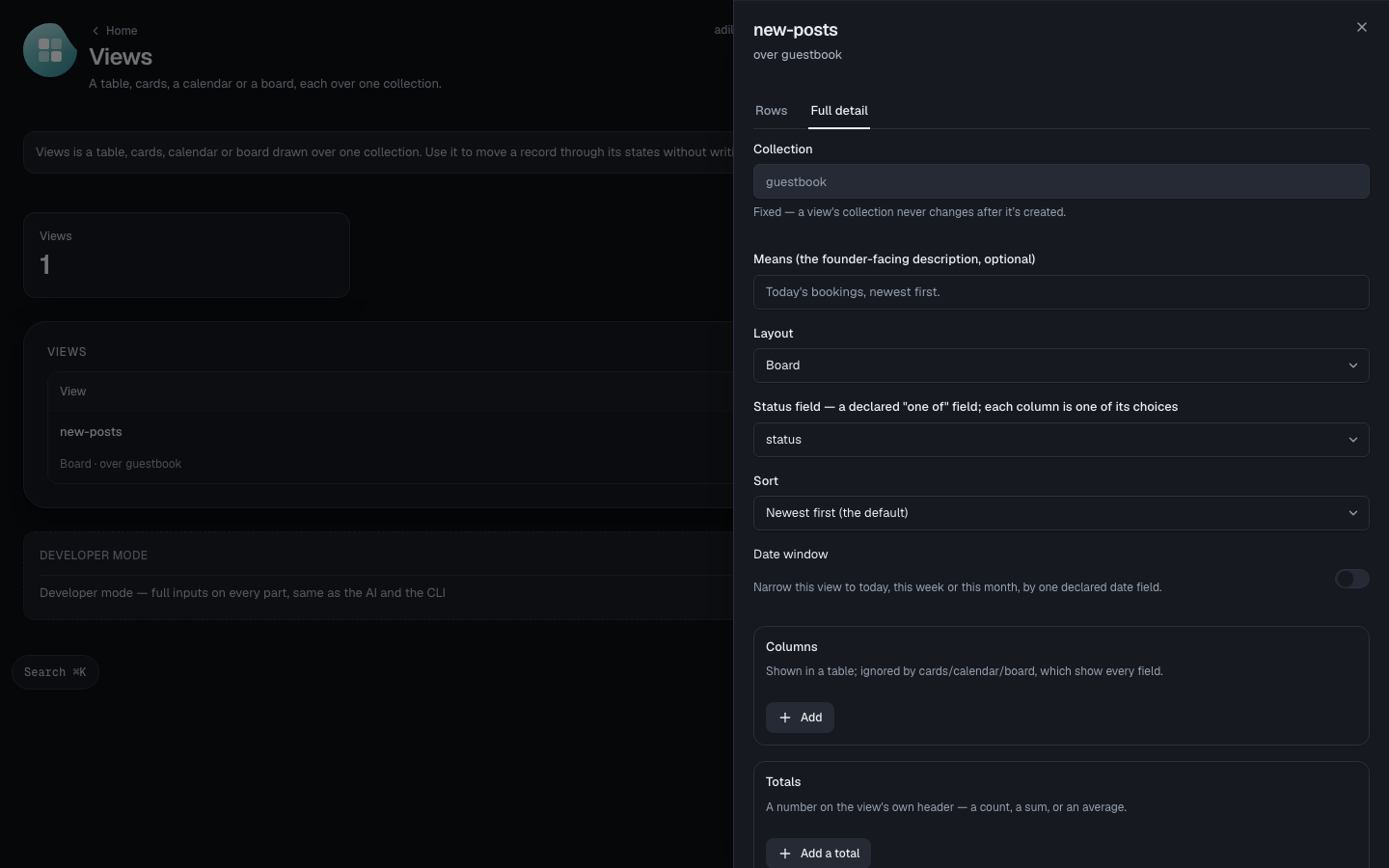
Turn on Developer mode to build a view here yourself — the same recipe your AI and your CLI write.
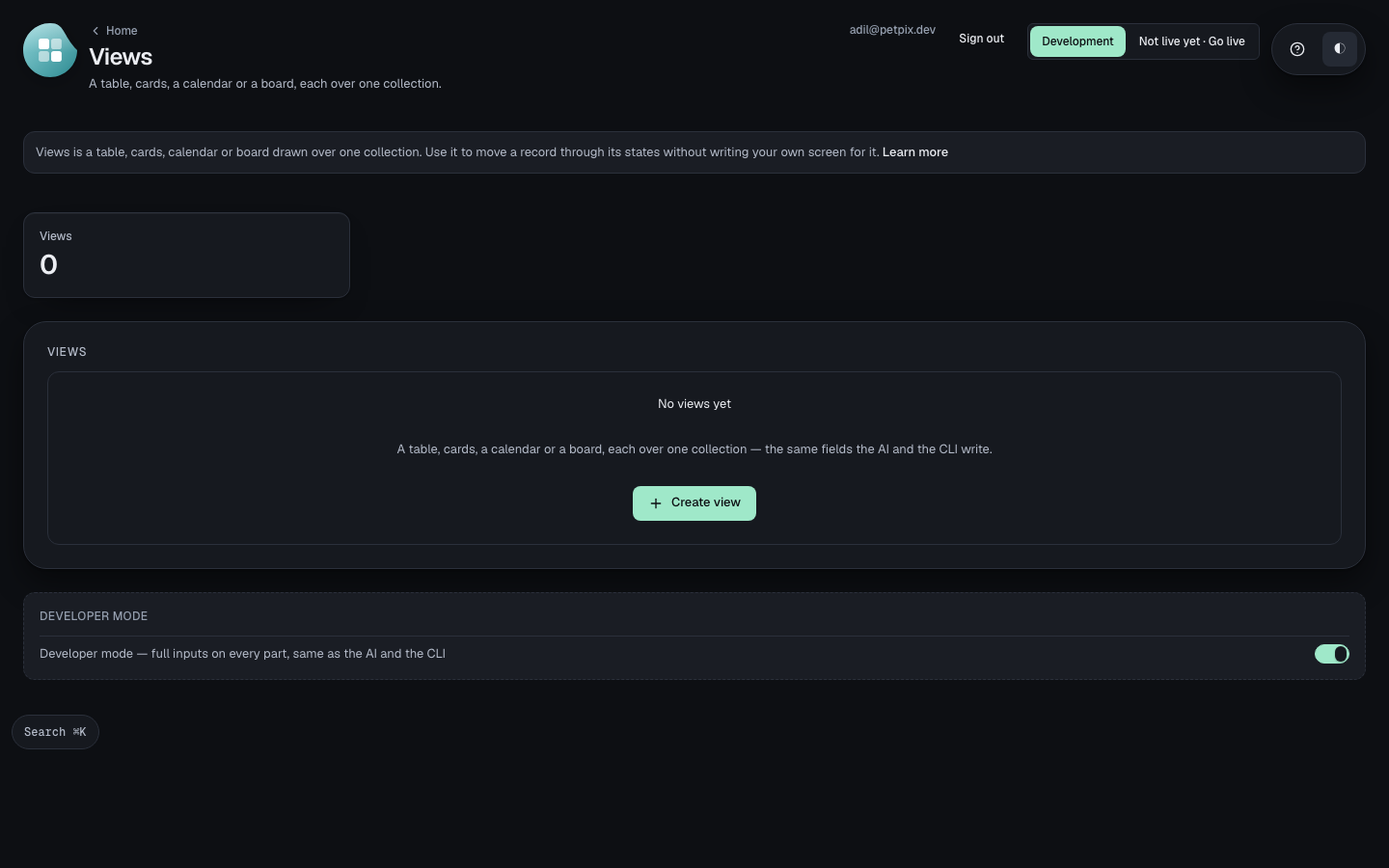
A new view
Choose Create view, name it and pick the collection it's over — fixed once created, a view's collection never changes after.
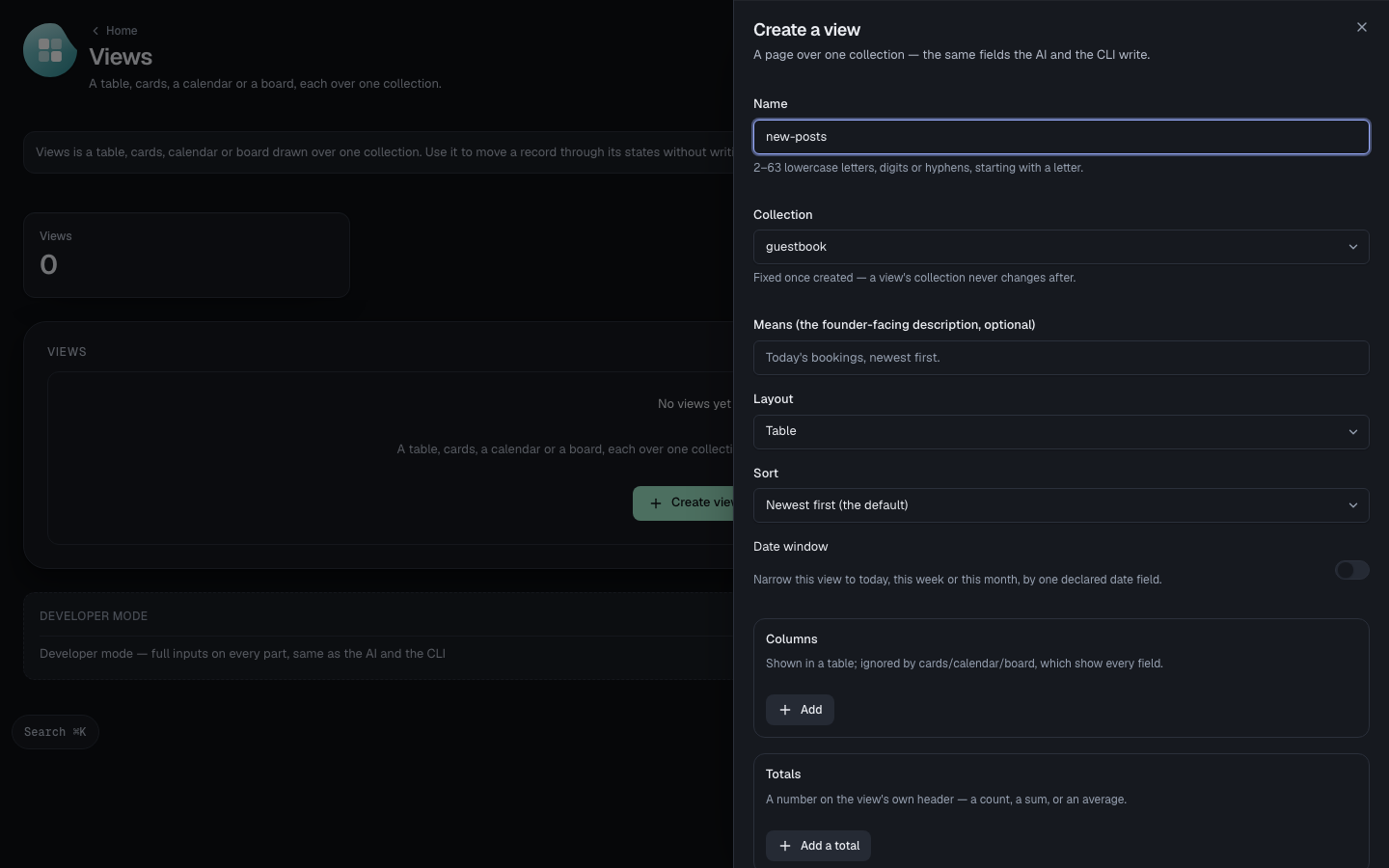
Pick a layout — Table, Cards, Calendar or Board. Board groups rows by a declared “one of” field, one column per choice.
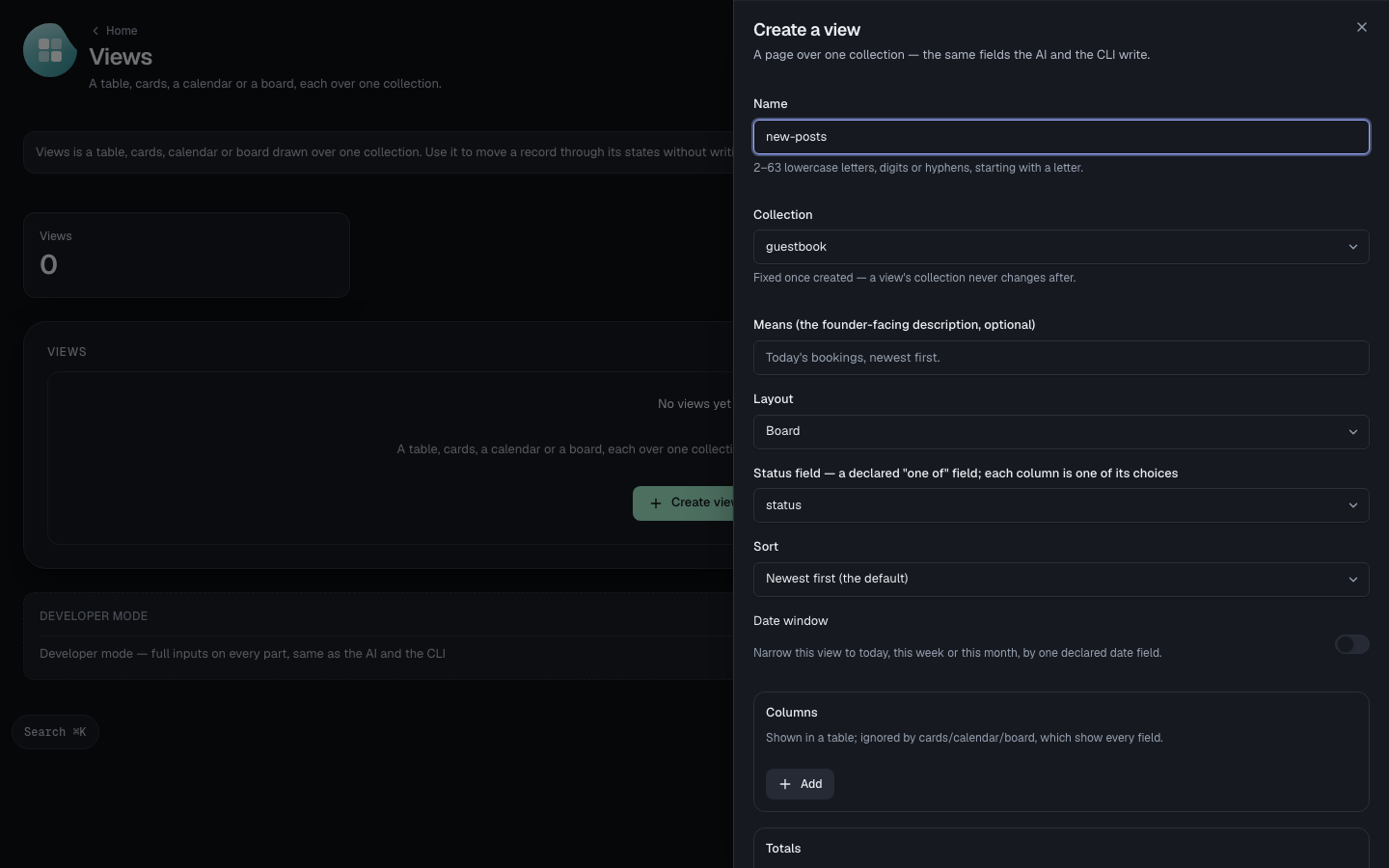
Choose Create view. It appears in the list immediately — open it to see its rows, grouped by status.
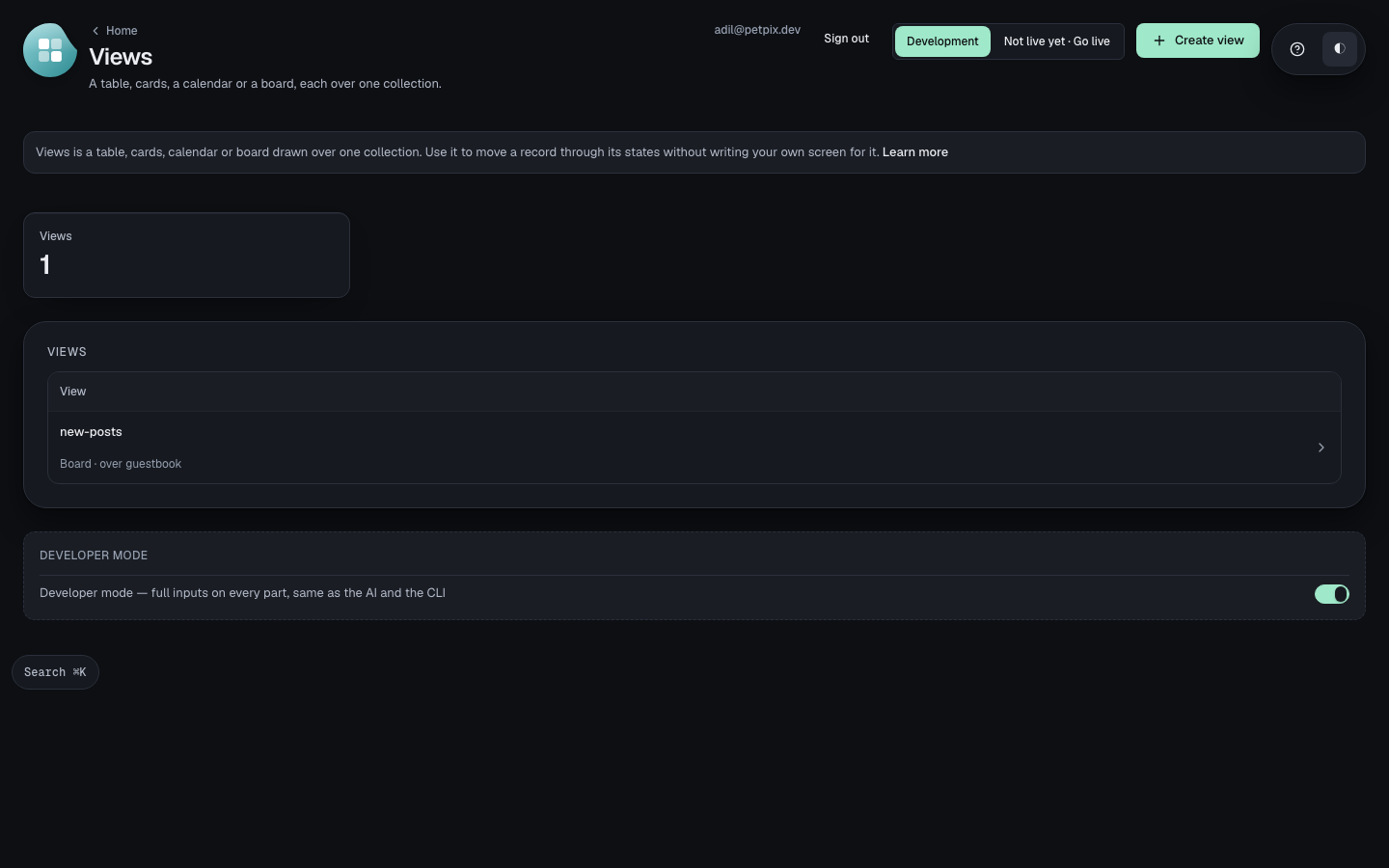
One view
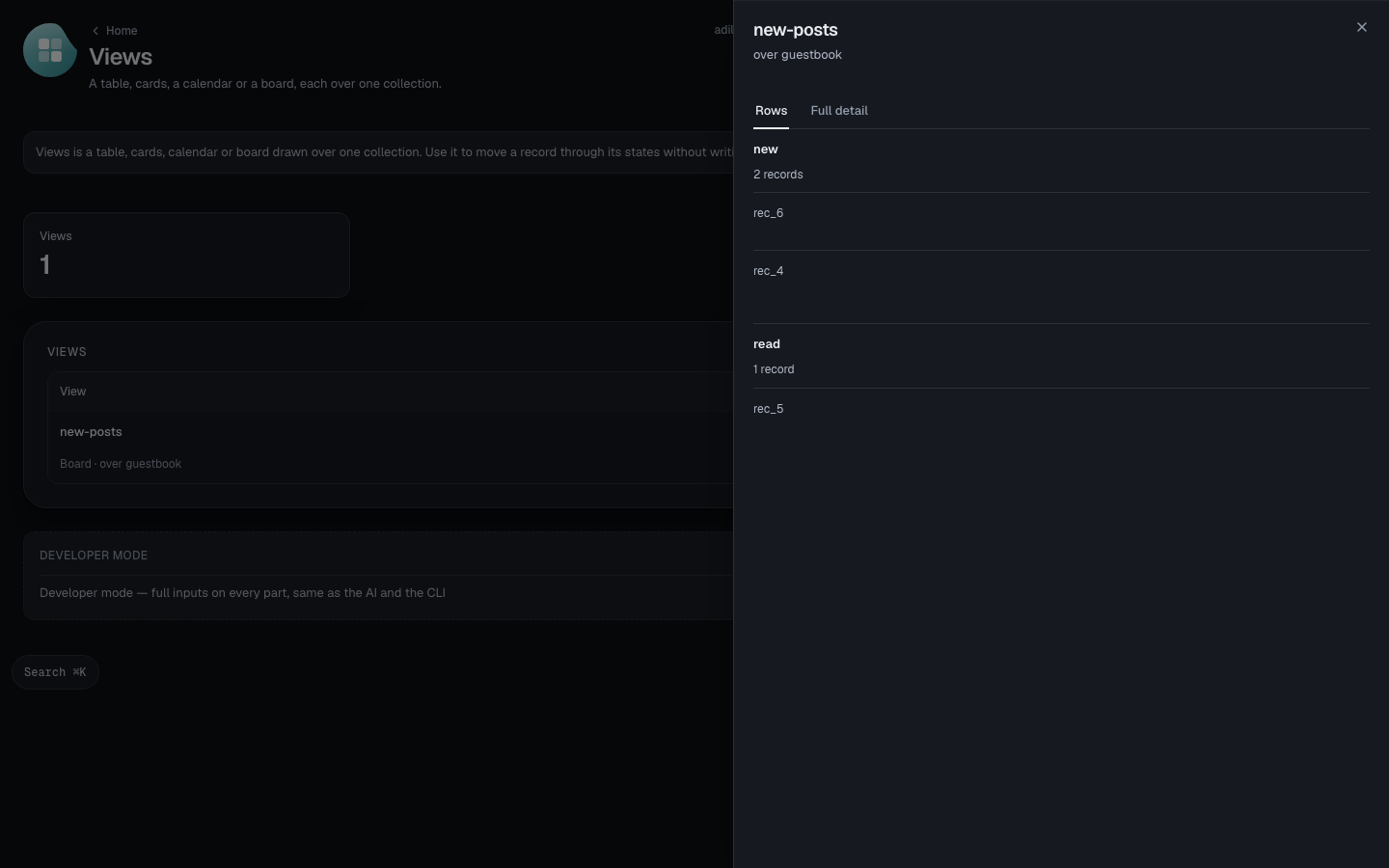
A view opens on its own Rows — here, one column per status, each post grouped under the choice it carries.
Full detail (Developer mode only) holds the view's whole recipe, and Delete — a view's recipe reaches Live only by promotion, which never removes one.
Errors
bad-calendar.json: layout "calendar" needs "field" — the declared date field each row is placed on
Calendar places each row by a declared date field — without one picked, there's nothing to place it on.
bad-board.json: layout "board" needs "field" — the declared "one of" status field each row's column comes from
Board groups rows by a declared “one of” field — without one picked, there's no column to put a row in.
How collections and their fields work: Collections, filters and totals.
Thanks for telling us.
Thanks for telling us.
Last updated