dashboard
Outside websites (hosts)
Outside websites — “Hosts” in Developer mode and to your AI — is every address outside Gemmein your app is allowed to call. One shows up here, waiting, the moment an automation, an AI tool or your code first names it — you allow it once, and it keeps running.
Steps
Overview
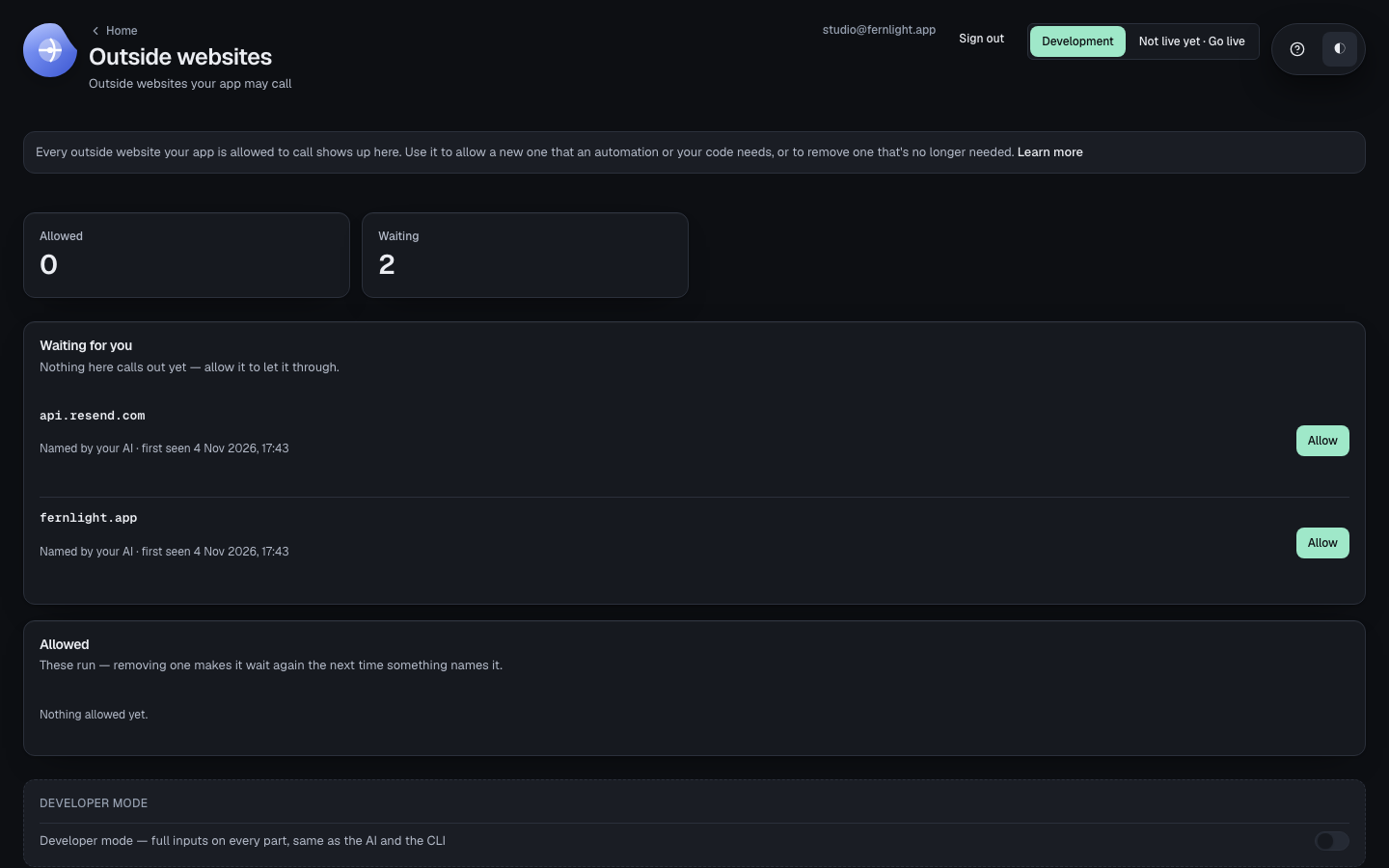
Open Outside websites to see what's waiting to be allowed, and what's already allowed to run.
Allowing one
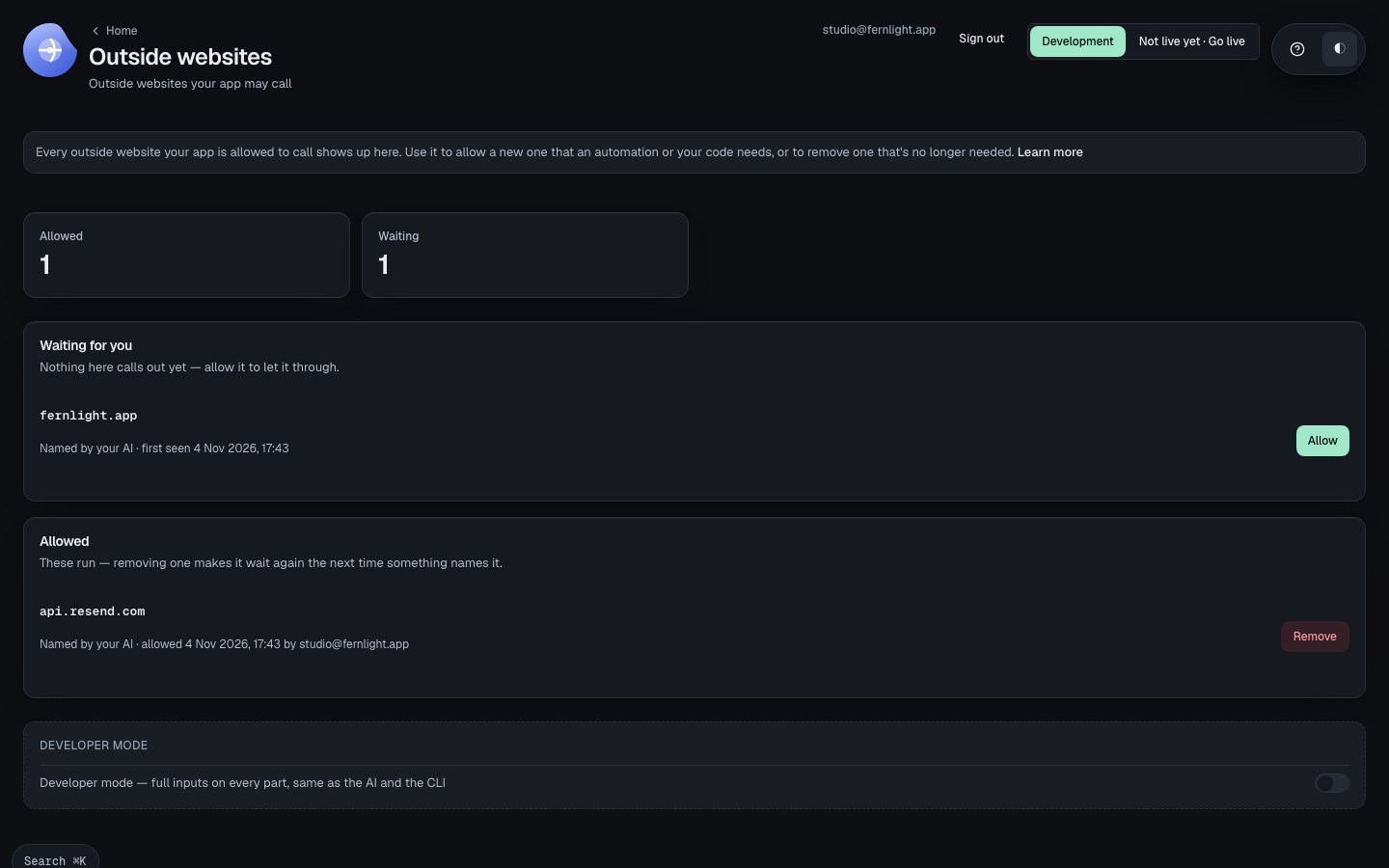
Choose Allow. Your press is the approval — no code, in Development or Live alike — and it runs from then on.
Removing one
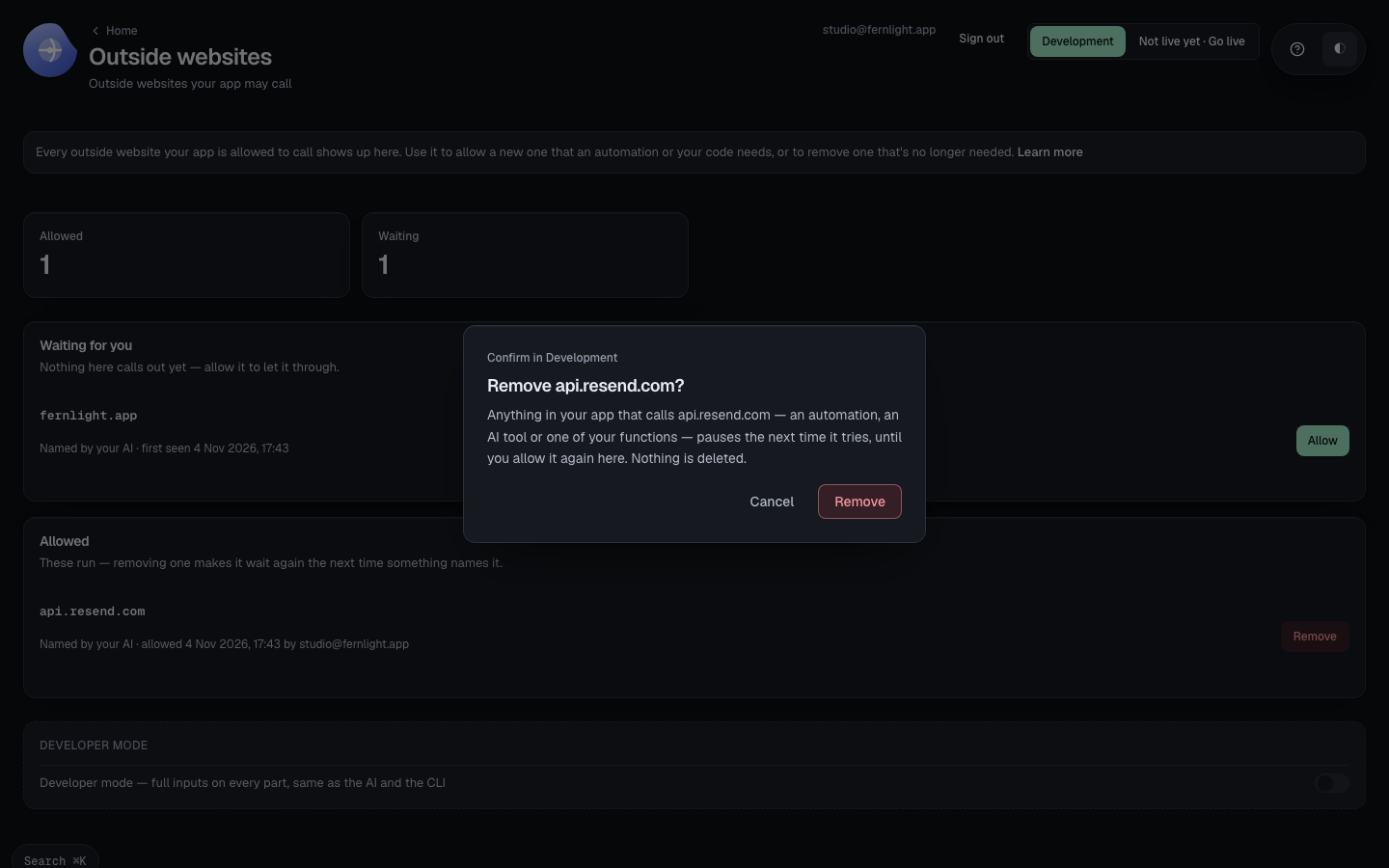
Choose Remove to take it off the list. Anything that calls it — an automation, an AI tool or a function — pauses the next time it tries, until you allow it again.
What calls out, and why it waits to be allowed: Relays.
Was this page helpful?
Thanks for telling us.
Thanks for telling us.
Last updated