Settings — General
Settings, General tab: your app's own identity — its name and where it lives — and, below it, the danger zone. Deleting an app takes everything with it: every record, customer, file, site, domain, automation, AI tool and link.
Steps
Overview
Open Settings, General tab, to see your app's own identity, then the danger zone below it.
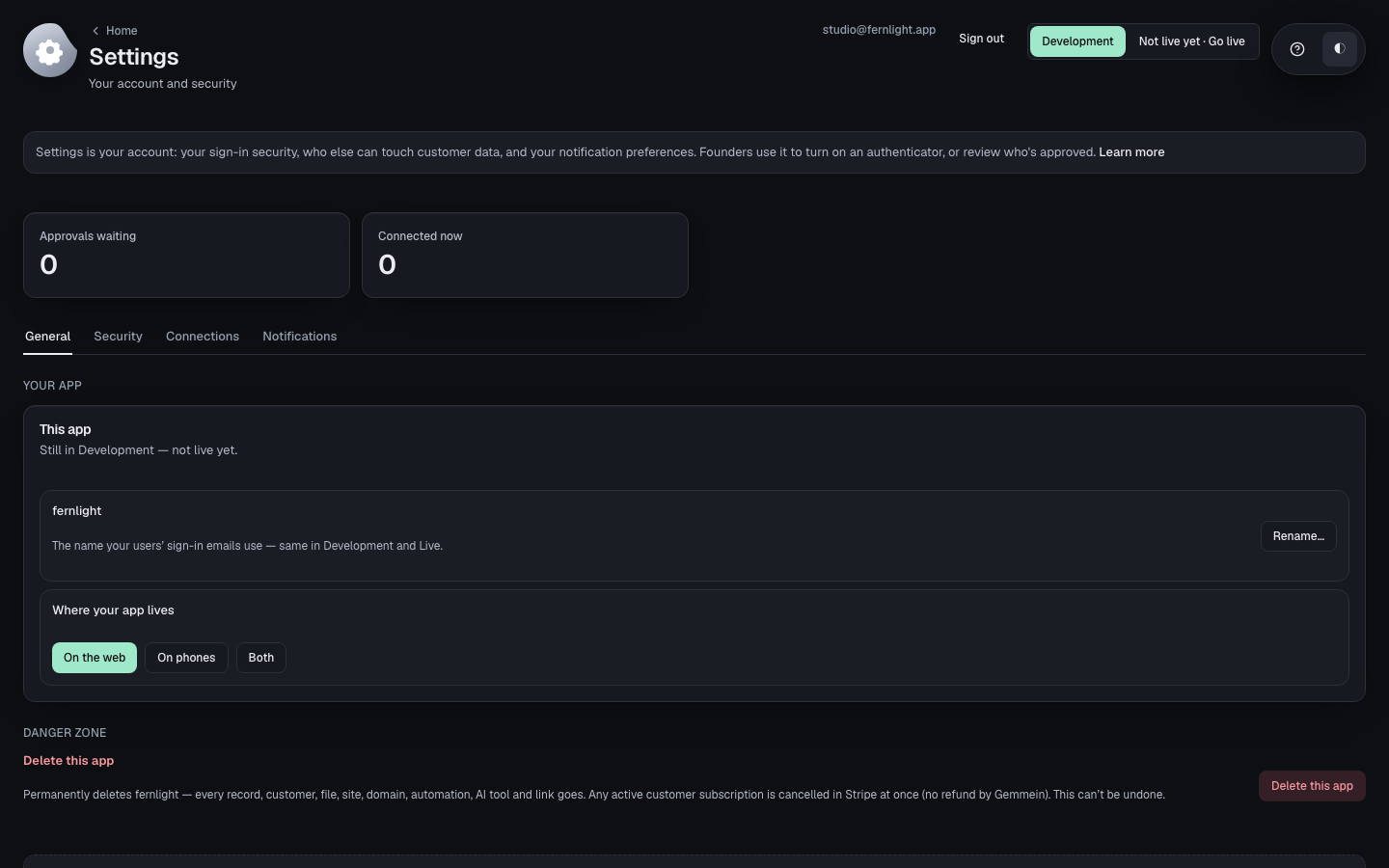
Your app
Choose Rename… to give your app a new name. It's what your customers and your Gemmein bill both see.
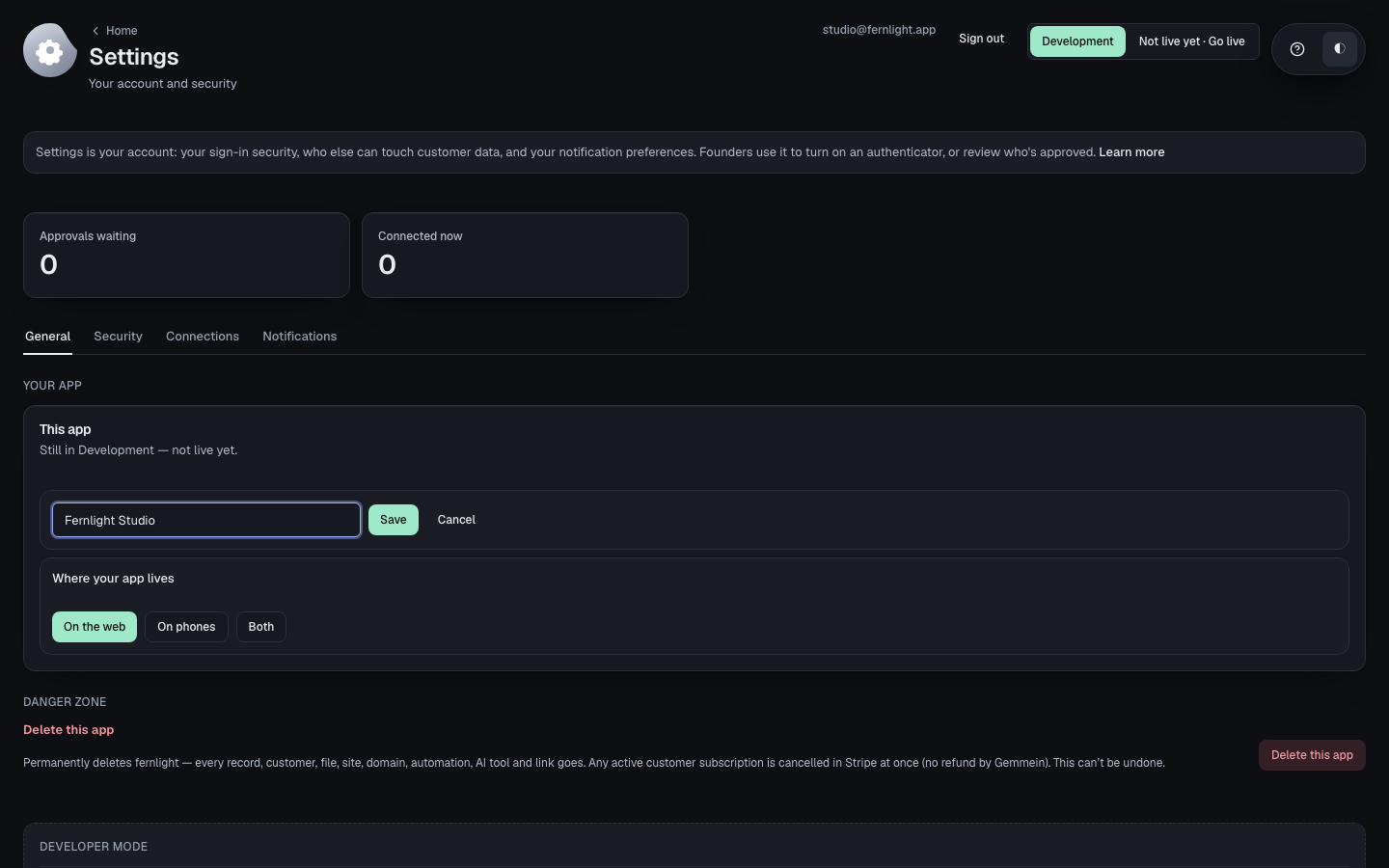
Where your app lives — on the web, on phones, or both — is set here too.
Danger zone
Choose Delete this app. It names exactly what goes, and asks you to type the app's name and enter the 8-digit code just emailed to you — nothing is deleted until both match.
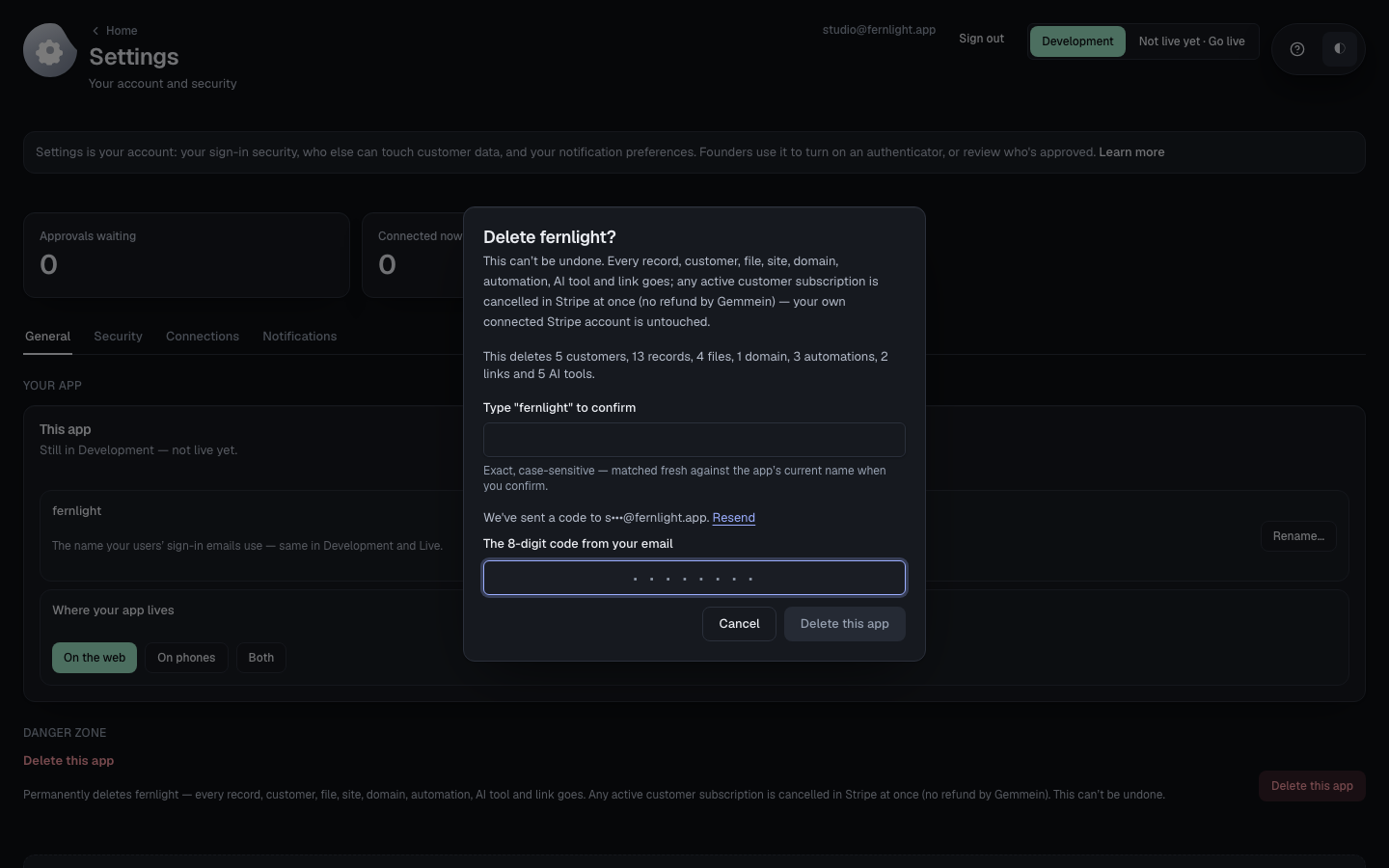
What goes with a deleted app, and how it is deleted: Your apps.
Thanks for telling us.
Thanks for telling us.
Last updated