Links (keys)
Links — “Keys” in Developer mode and to your AI — is every private link your own servers or scripts use to talk to Gemmein. Make one for each job, see how it's been used, and rotate or revoke it when you're done with it.
Steps
Overview
Open Links to see every private link your app uses, split into Active and Ended.
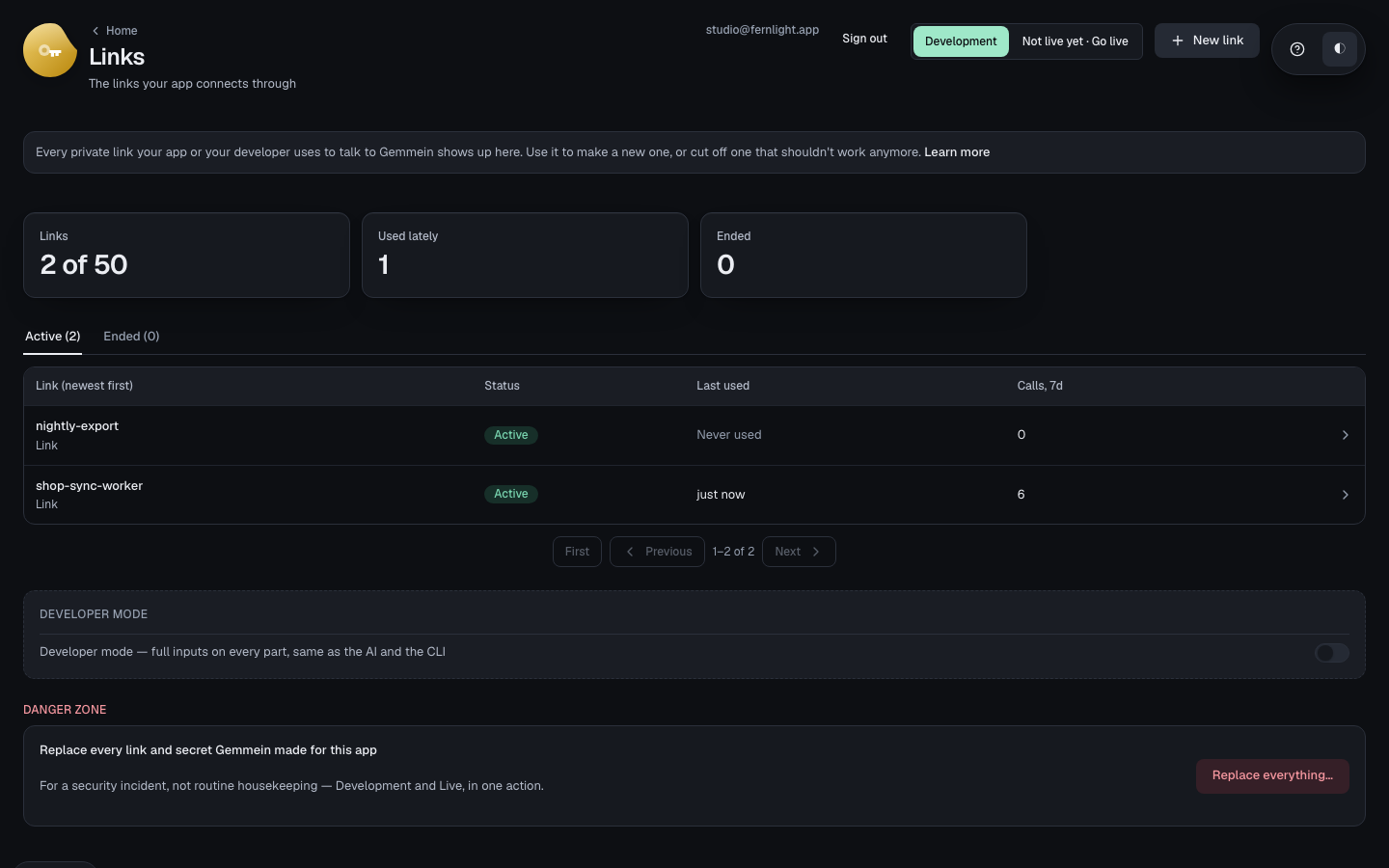
A new link
Choose New link, give it a name that says what it's for. This way, it reaches every collection, now and later — Developer mode's own form can scope one to specific collections instead.
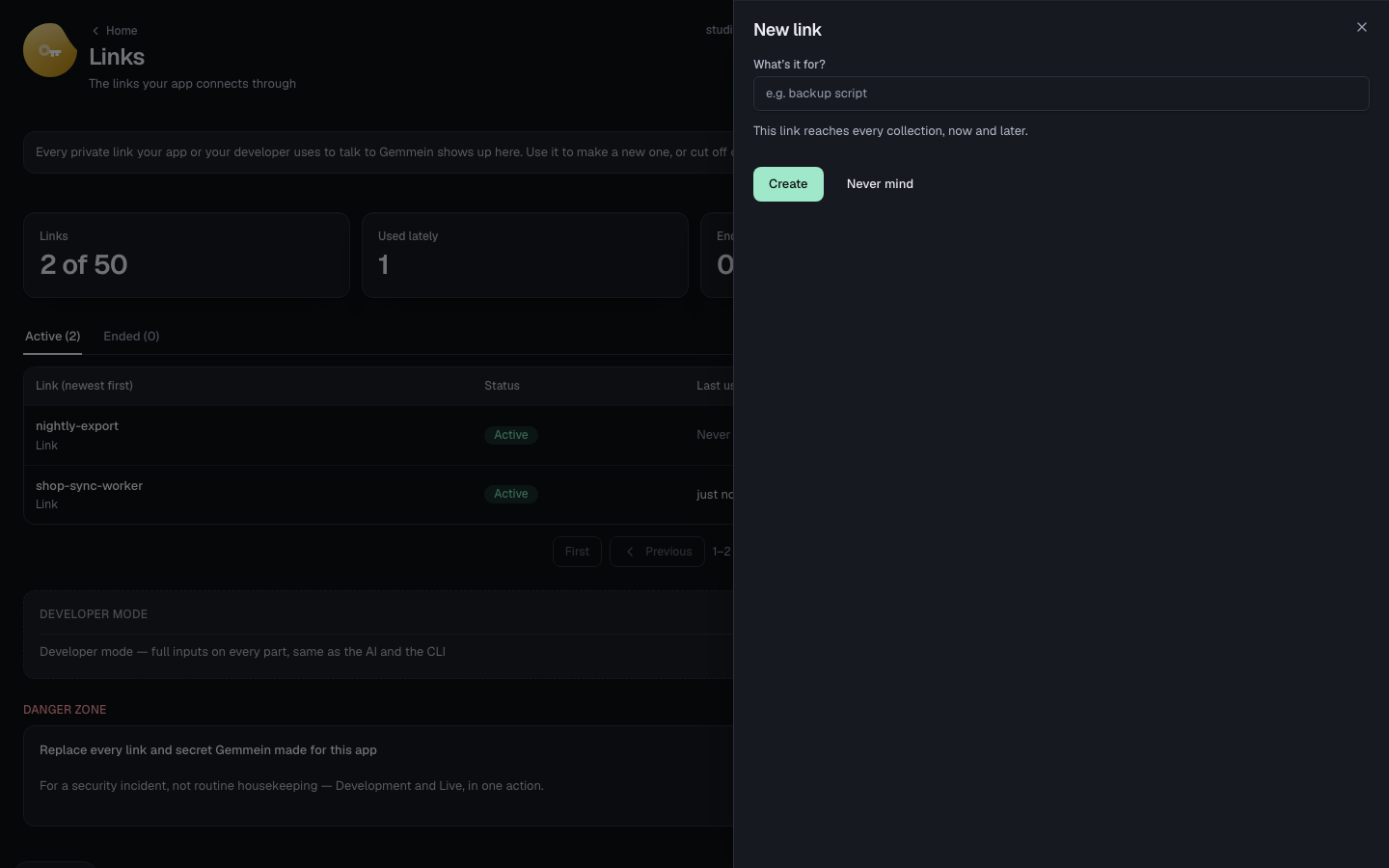
Choose Create and copy the link it shows — it's shown only once, and can't be shown again.
One link
Open a link to see what it may reach and when it was last used.
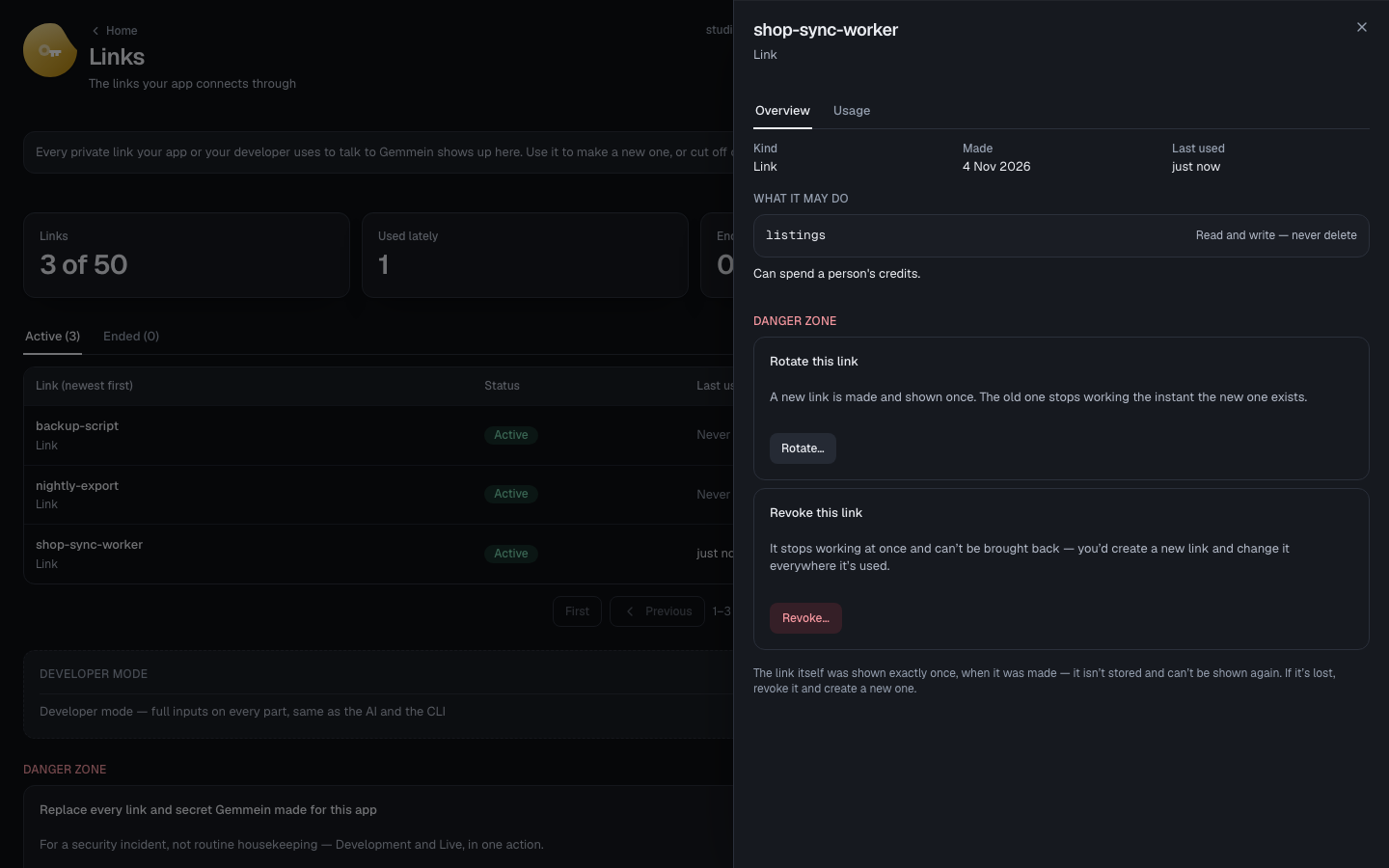
Usage shows every call made with the link over the last 7 days, by day, route and outcome.
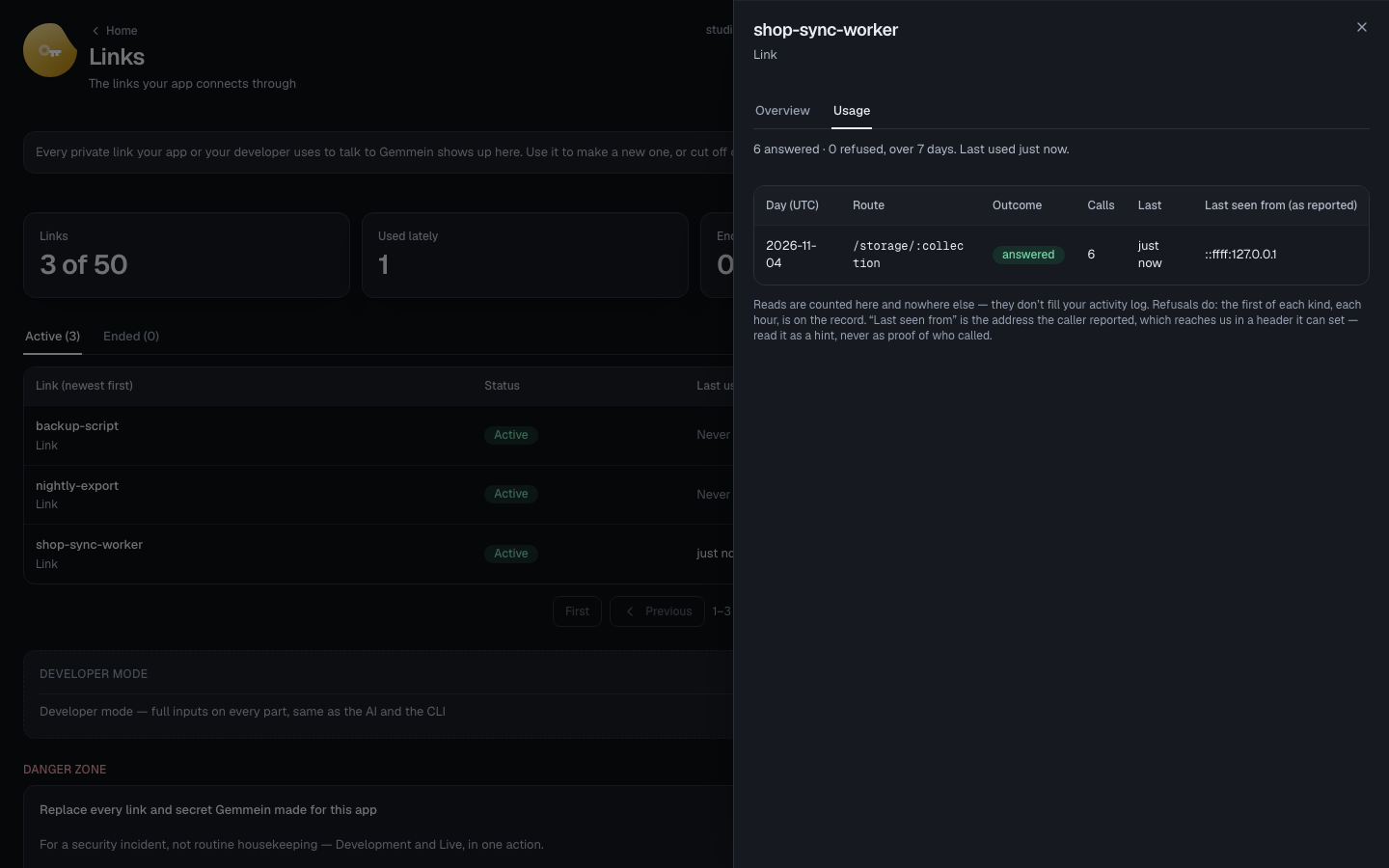
Choose Rotate… to make a new link and stop the old one at once — any server code still using it starts failing until you switch to the new one.
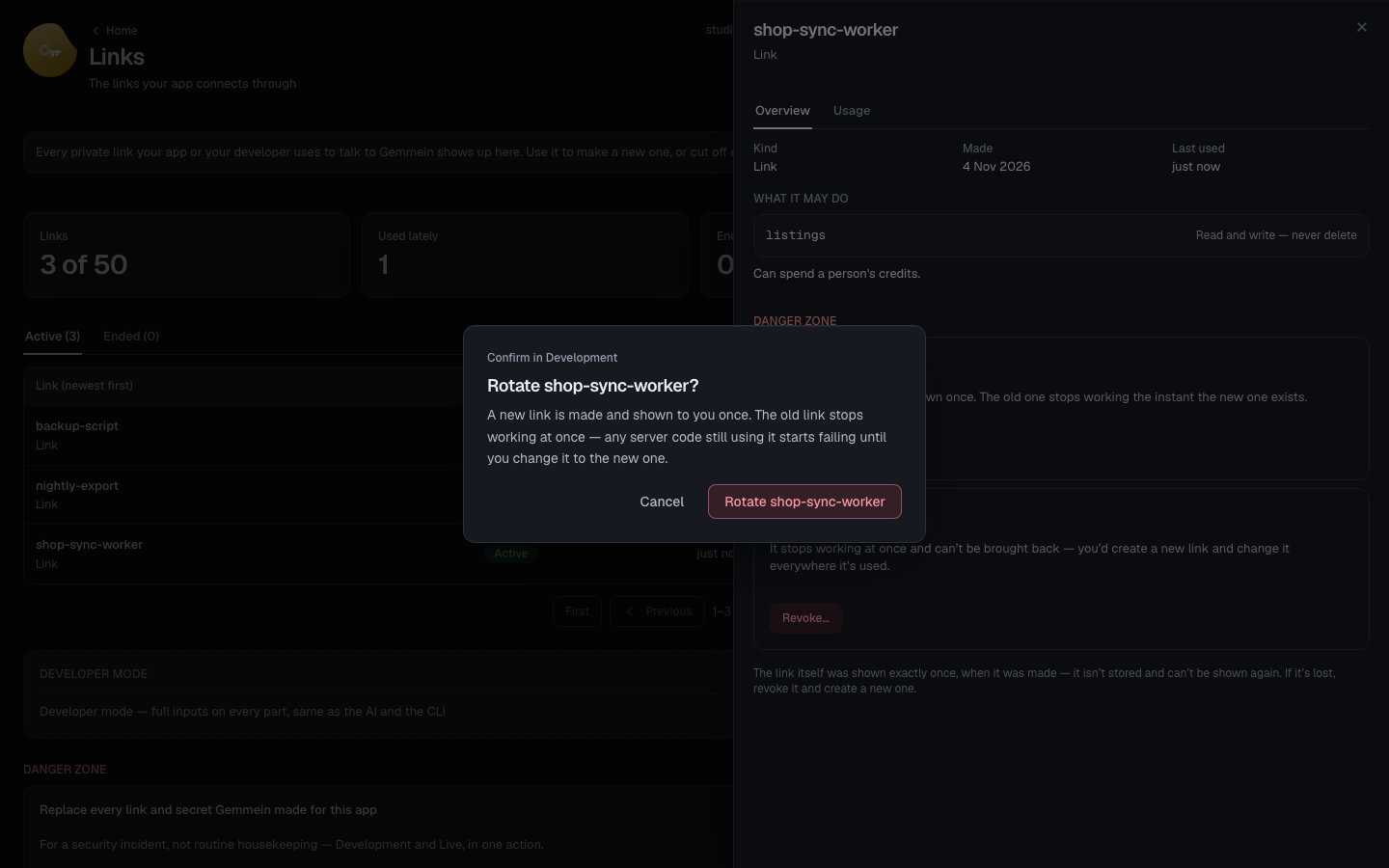
The new link is shown once, the same as a brand-new one. The old link stopped working the moment this one existed.
Ending a link
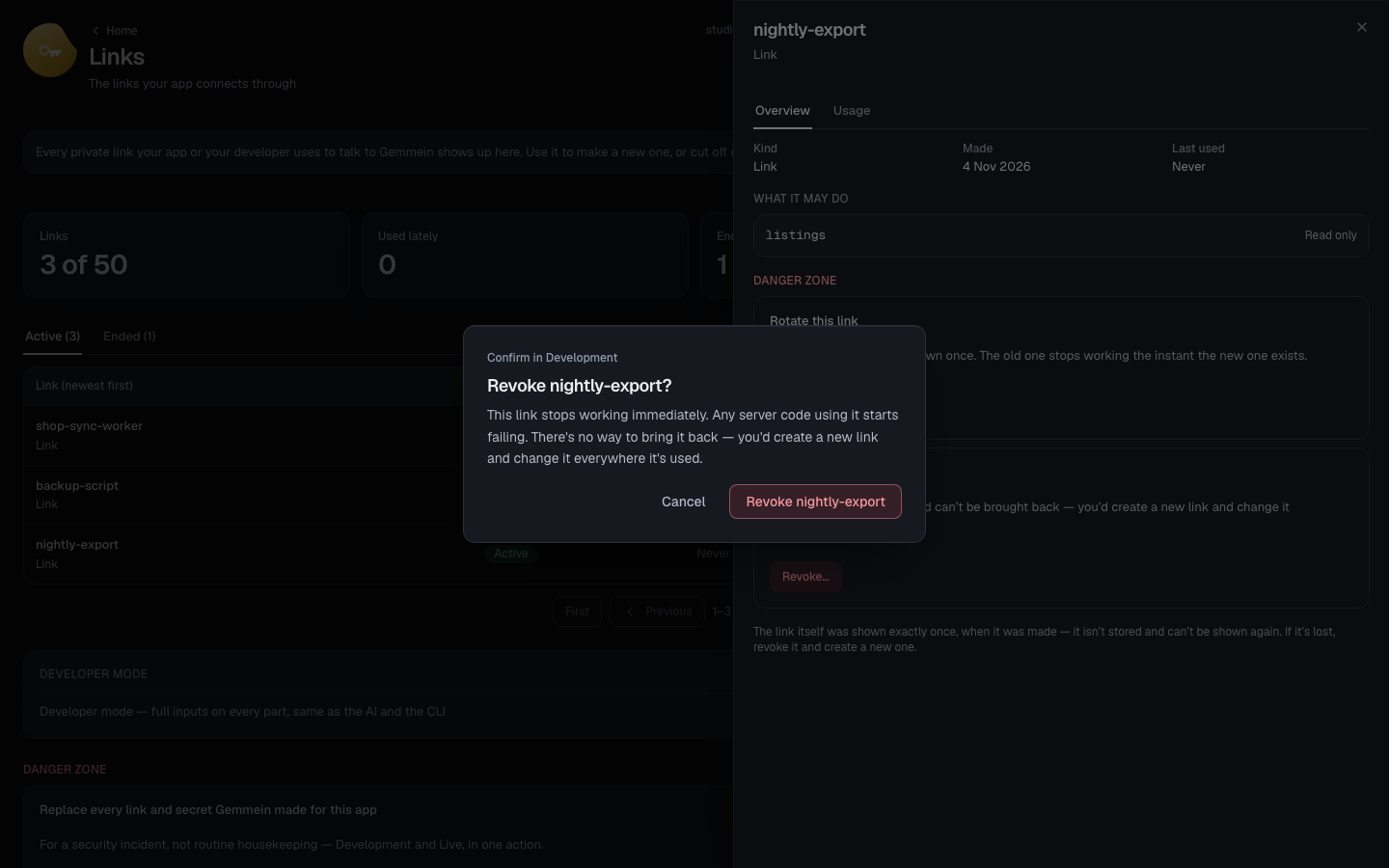
Choose Revoke… to stop a link for good. There's no way to bring it back — you'd make a new one and change it everywhere it's used.
Errors
Development already has a link named shop-sync-worker — pick another name.
A link's name is how you tell it apart in Logs months later — two links with the same name would be impossible to tell apart.
How server code uses a link: Keys & environments.
Thanks for telling us.
Thanks for telling us.
Last updated