Functions
Functions is your own code, hosted by Gemmein. Your AI writes and pushes one; here you set the private values it needs and check it's actually running.
Steps
Overview
Open Functions to see your own code, hosted by Gemmein, and whether each one's secrets are set.
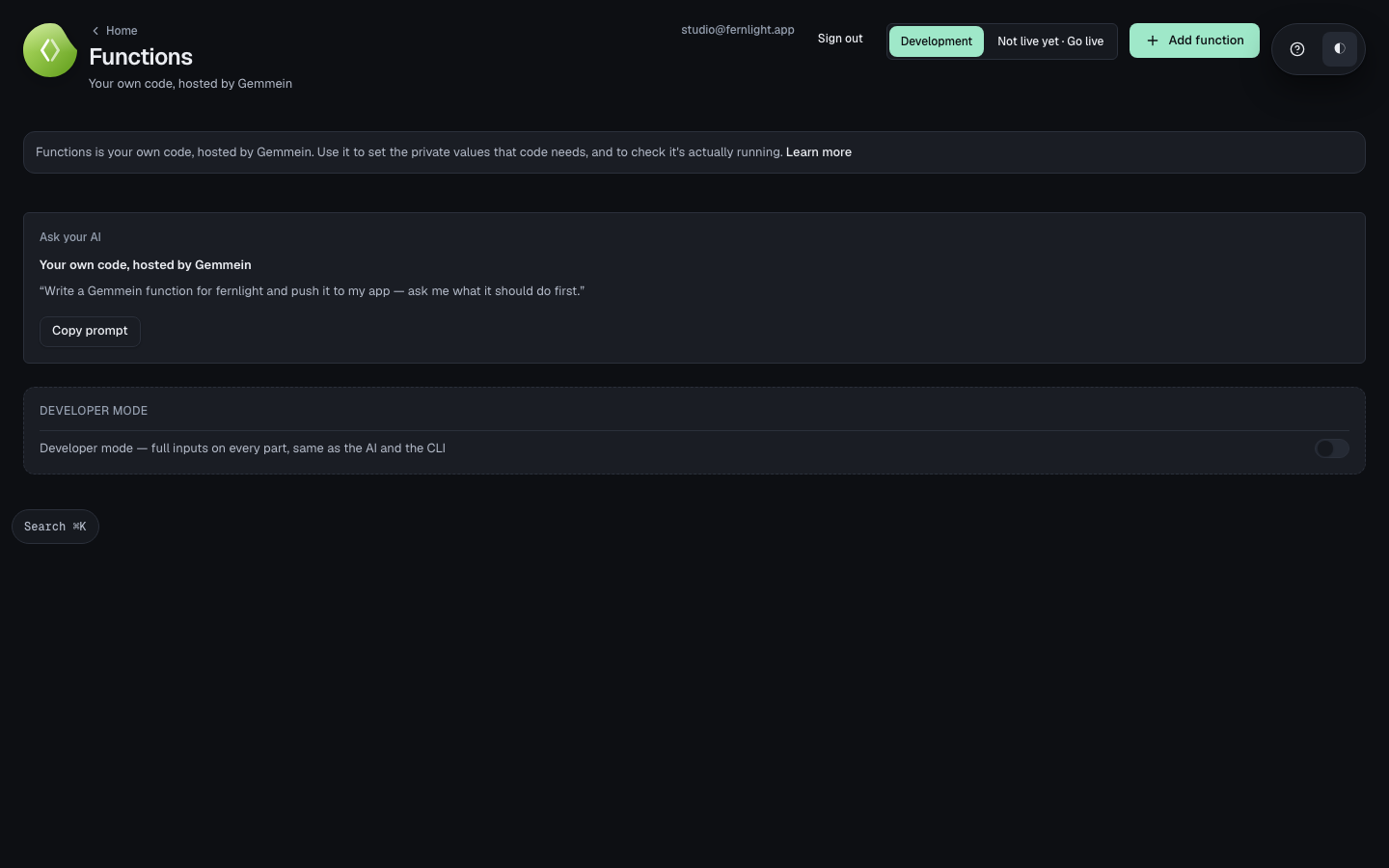
A new function
Choose Add function, pick the .js file your AI wrote, and name it.
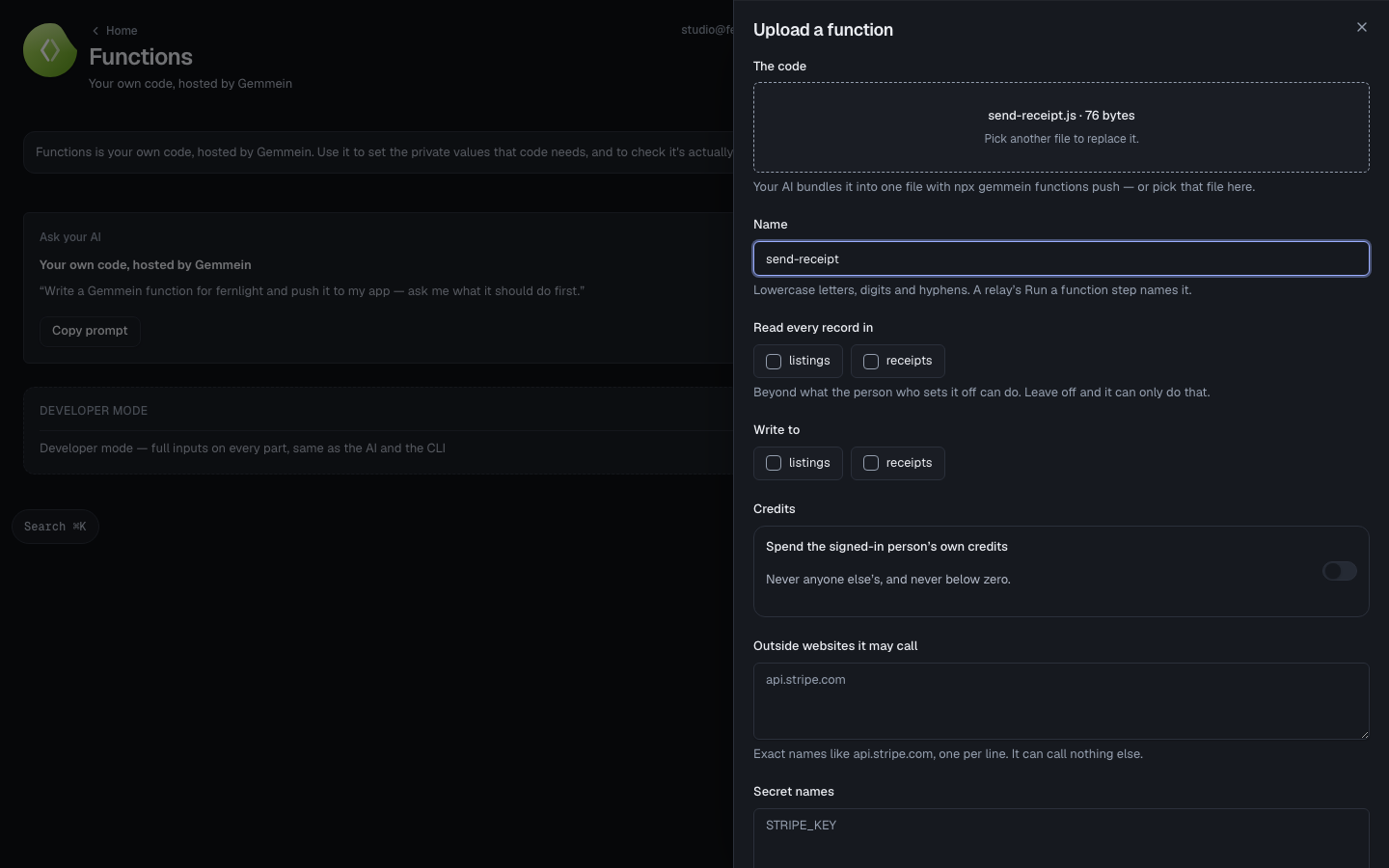
Say what it may call outside Gemmein, and the names of the private values it needs — the values themselves come next, never here.
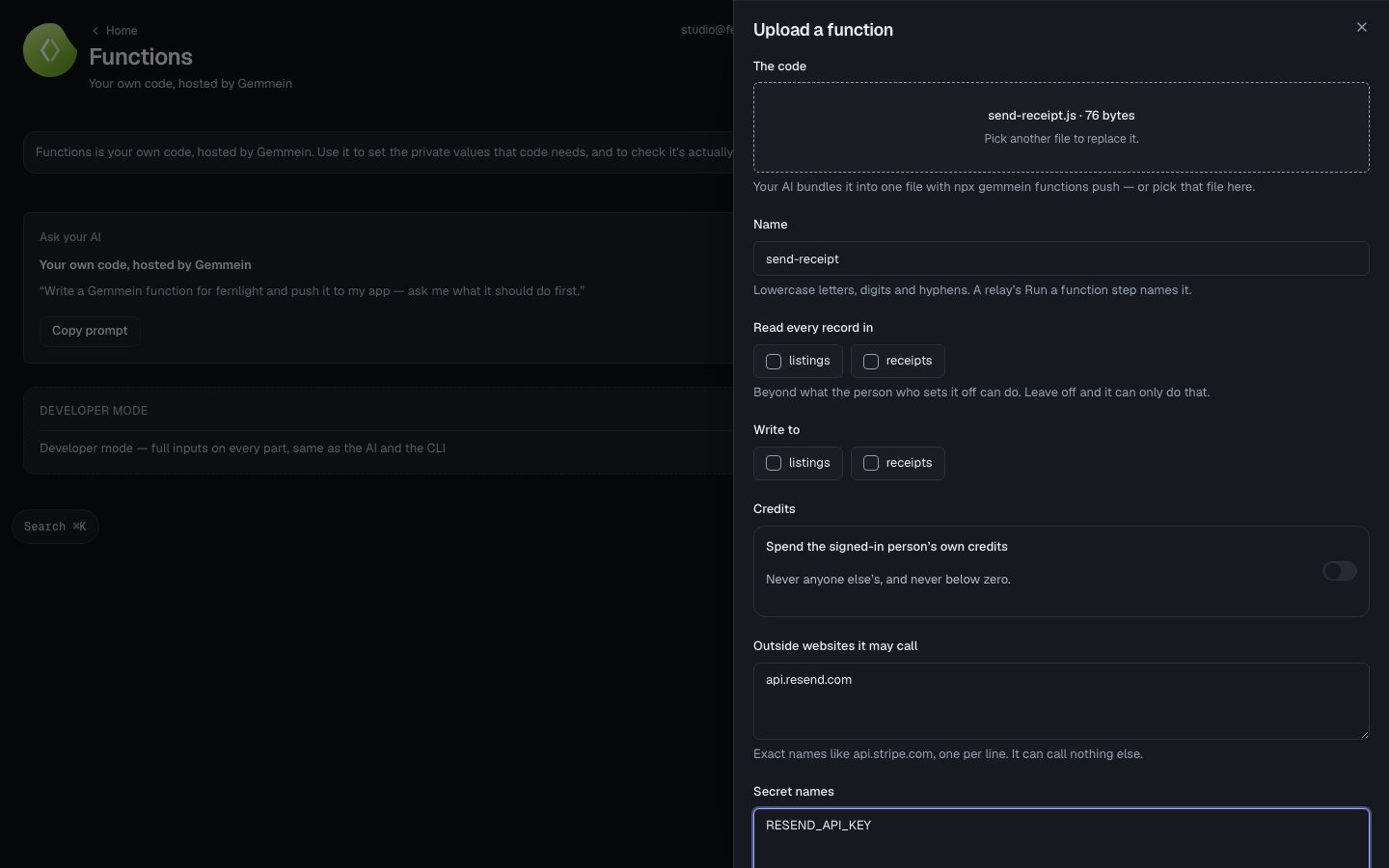
Choose Upload function. It runs in Development at once; a relay with a Run a function step can run it now.
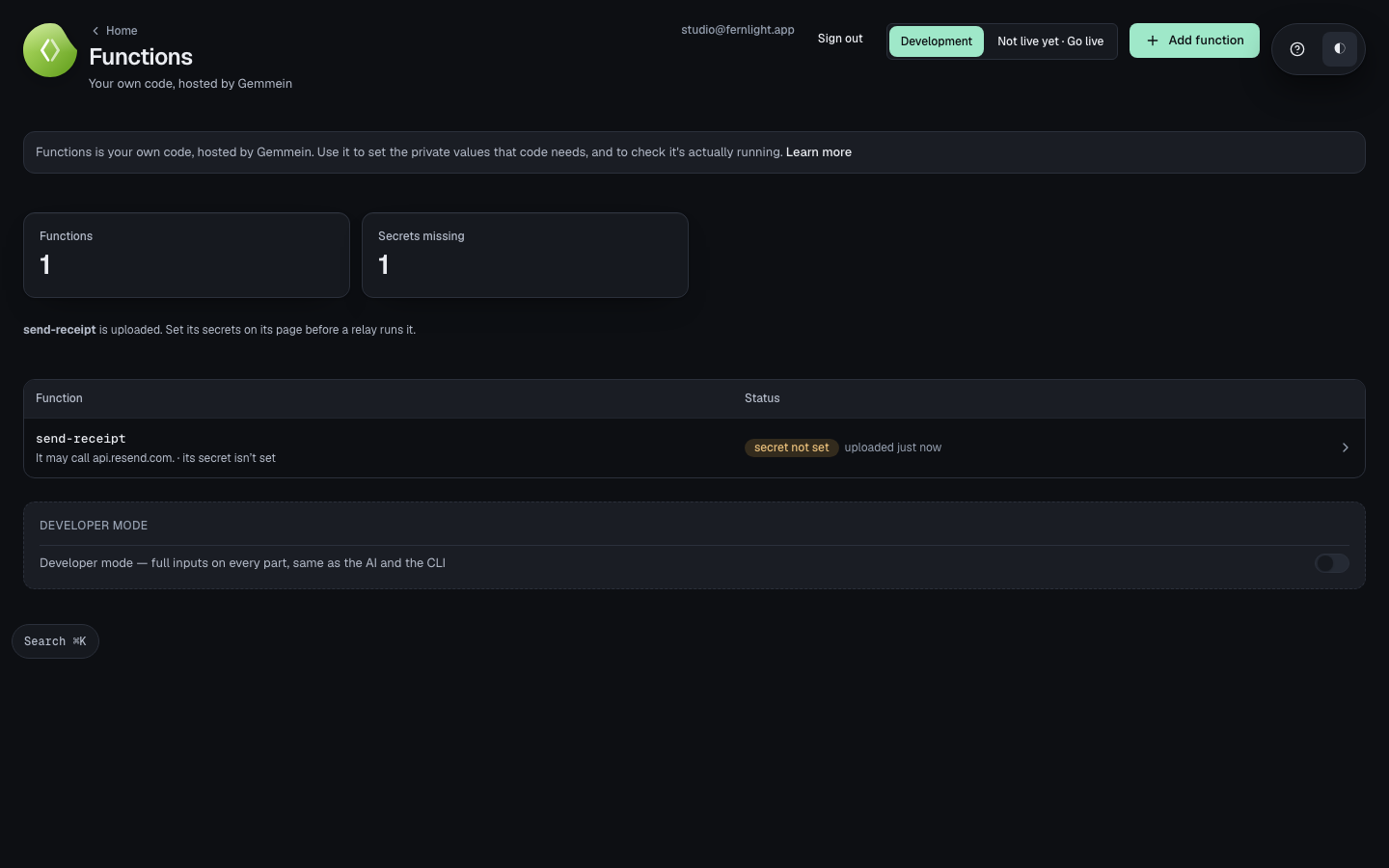
One function
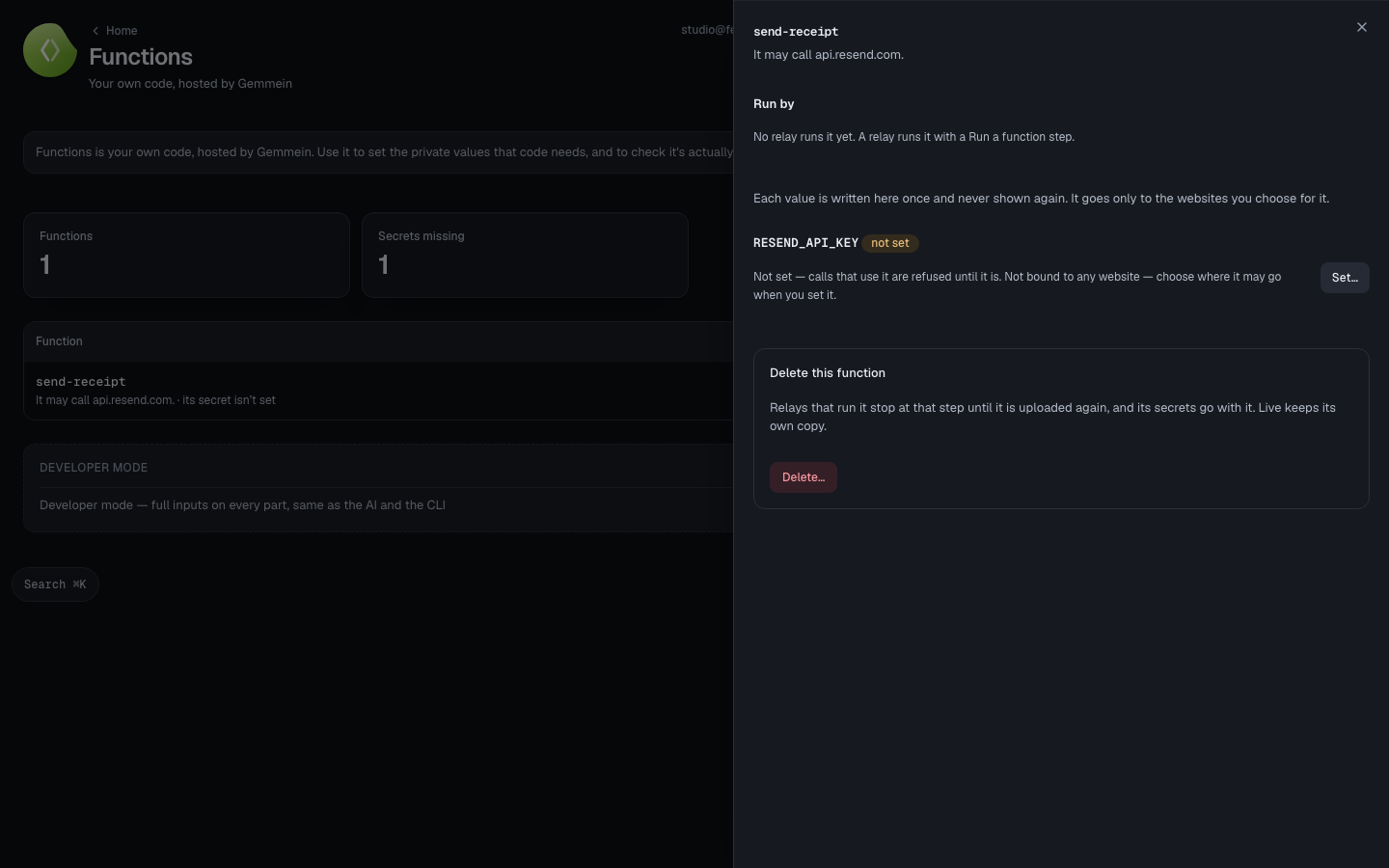
Open a function to see what it reaches and whether its secrets are set.
Secrets
Choose Set… to give a declared secret its value. The value is never shown back — only its name.
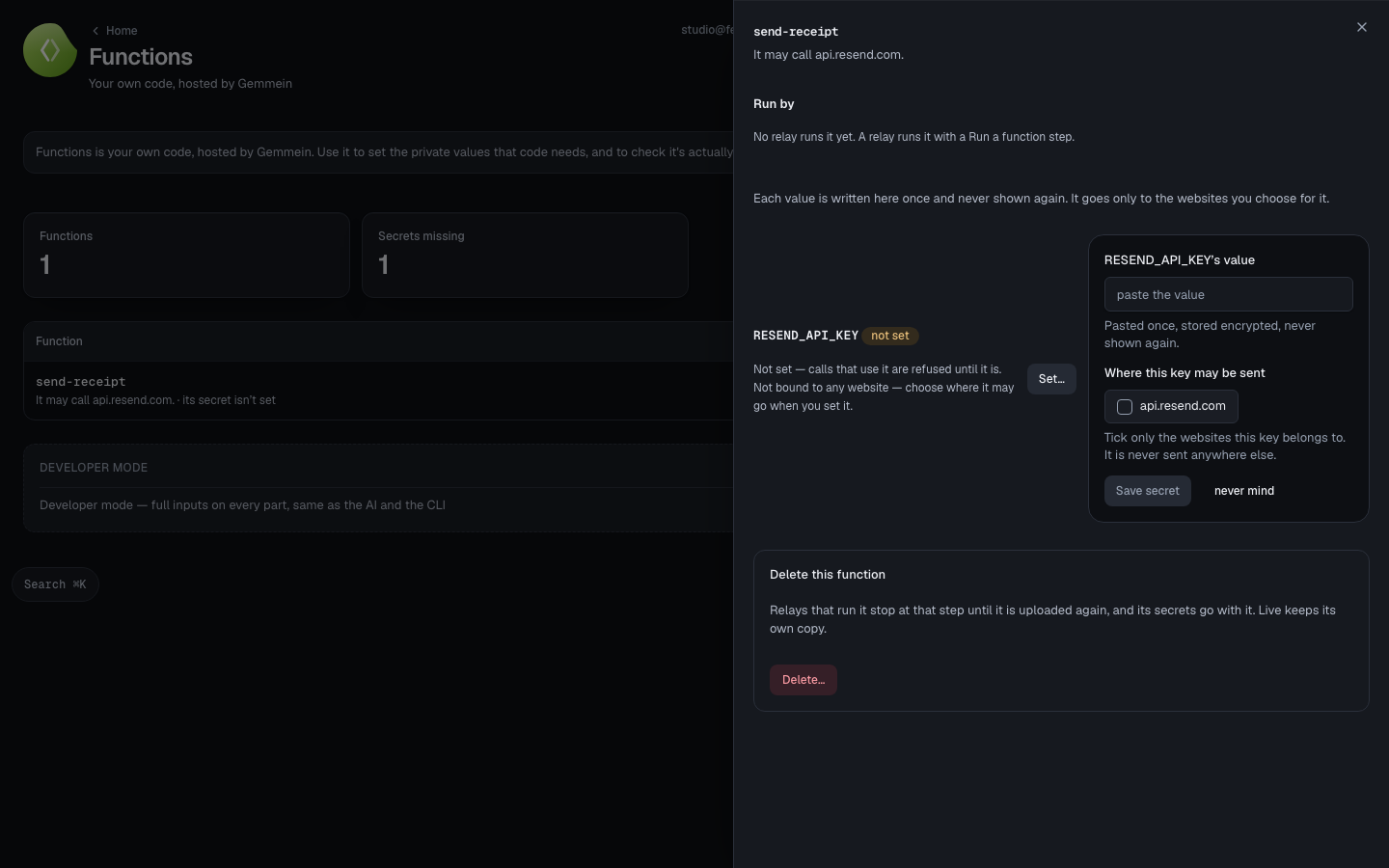
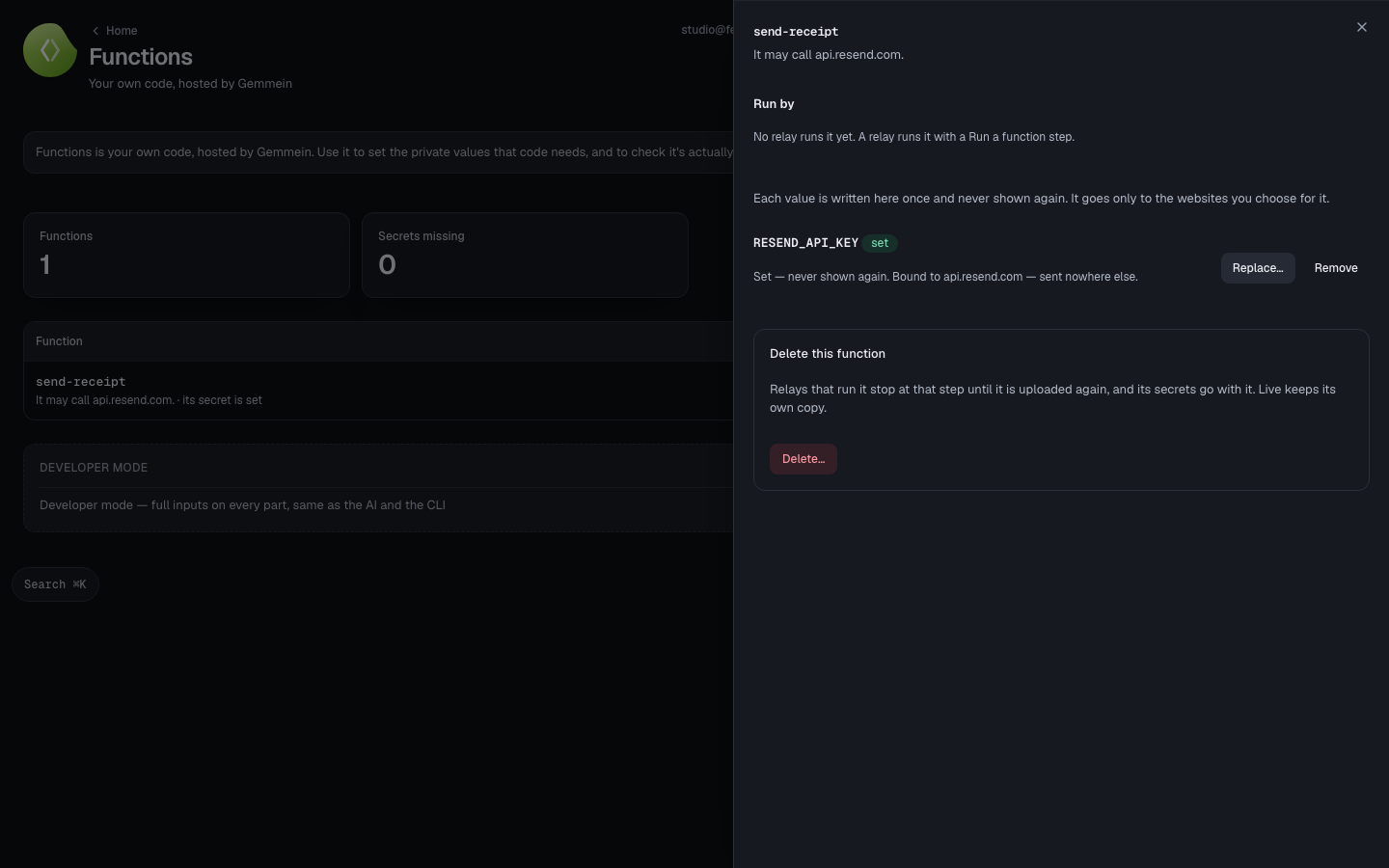
Choose which outside website the value may be sent to, then Save secret. It's stored, and the next run uses it.
Errors
A secret is one line of 8 to 4096 characters — nothing was stored.
A secret that's really just a placeholder is refused before it's saved, not after — so a function never runs on a value too short to be real.
What a function may reach and how it's pushed: Errors.
Thanks for telling us.
Thanks for telling us.
Last updated