Email holds what your app may email your customers: account notices and the updates your server asks Gemmein to send. It's the same in Development and Live. Below the two switches, your sending address, your own email design, and the eight emails your app can send — each with a preview, its delivery health and, in Development, its own edit.
Steps
Overview
Open Email. Your app can email your customers, and people can be told when they sign in from a new device — each its own switch.
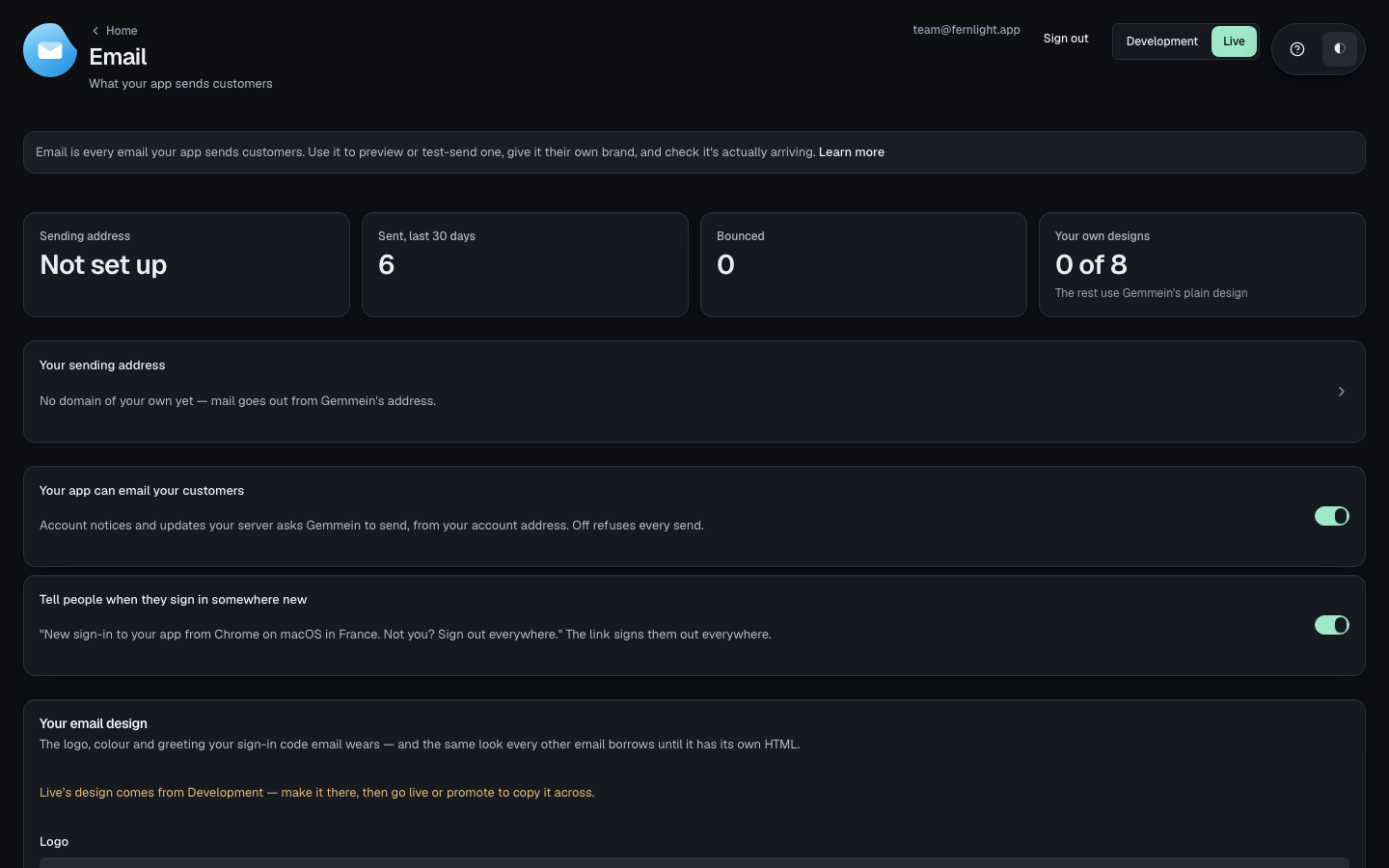
Your sending address shows where your app's mail comes from, with a link to Domains to change it.
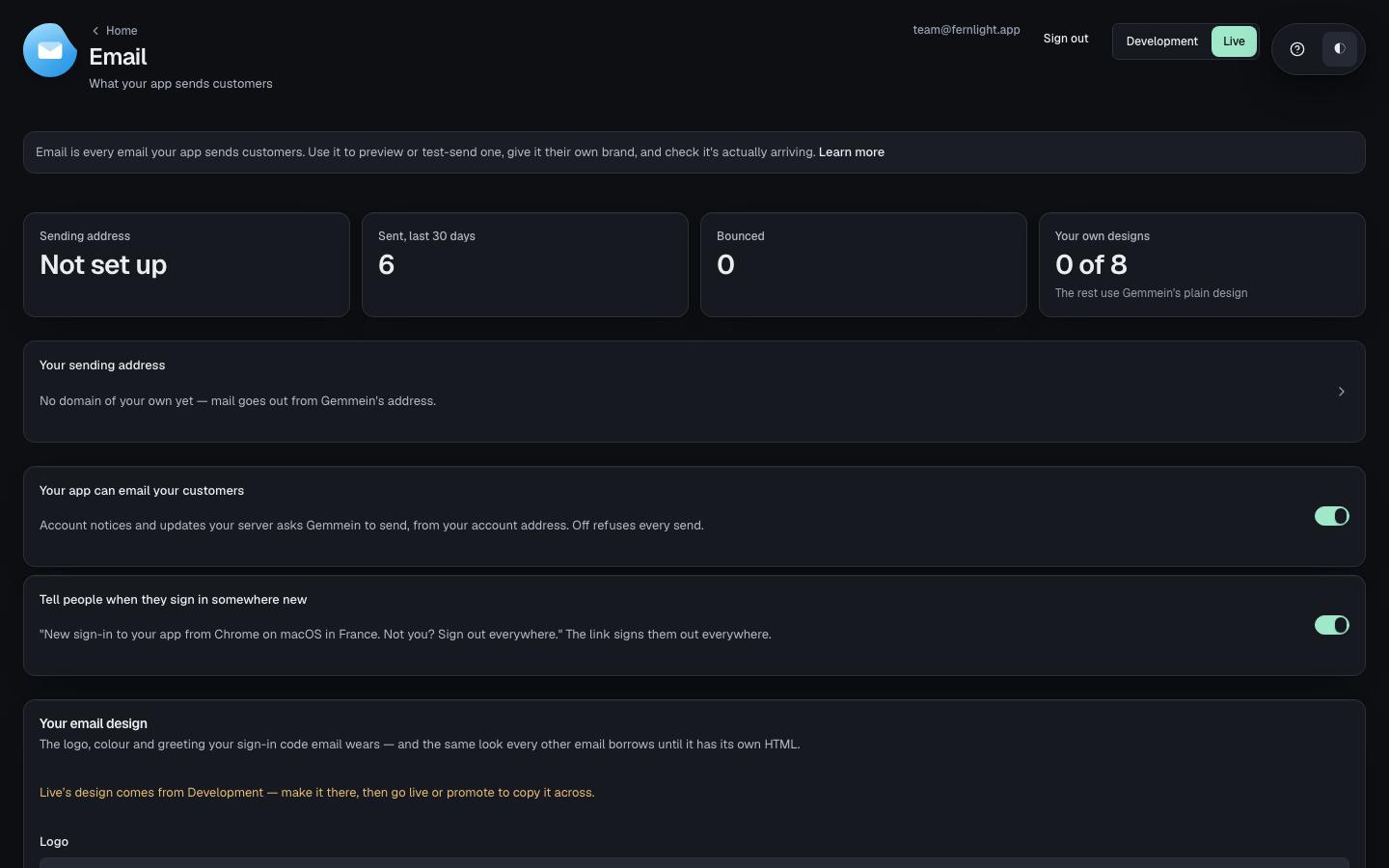
The emails your app sends lists all eight, each with its own design — your own, or Gemmein's plain one — and how many it sent in the last 30 days.
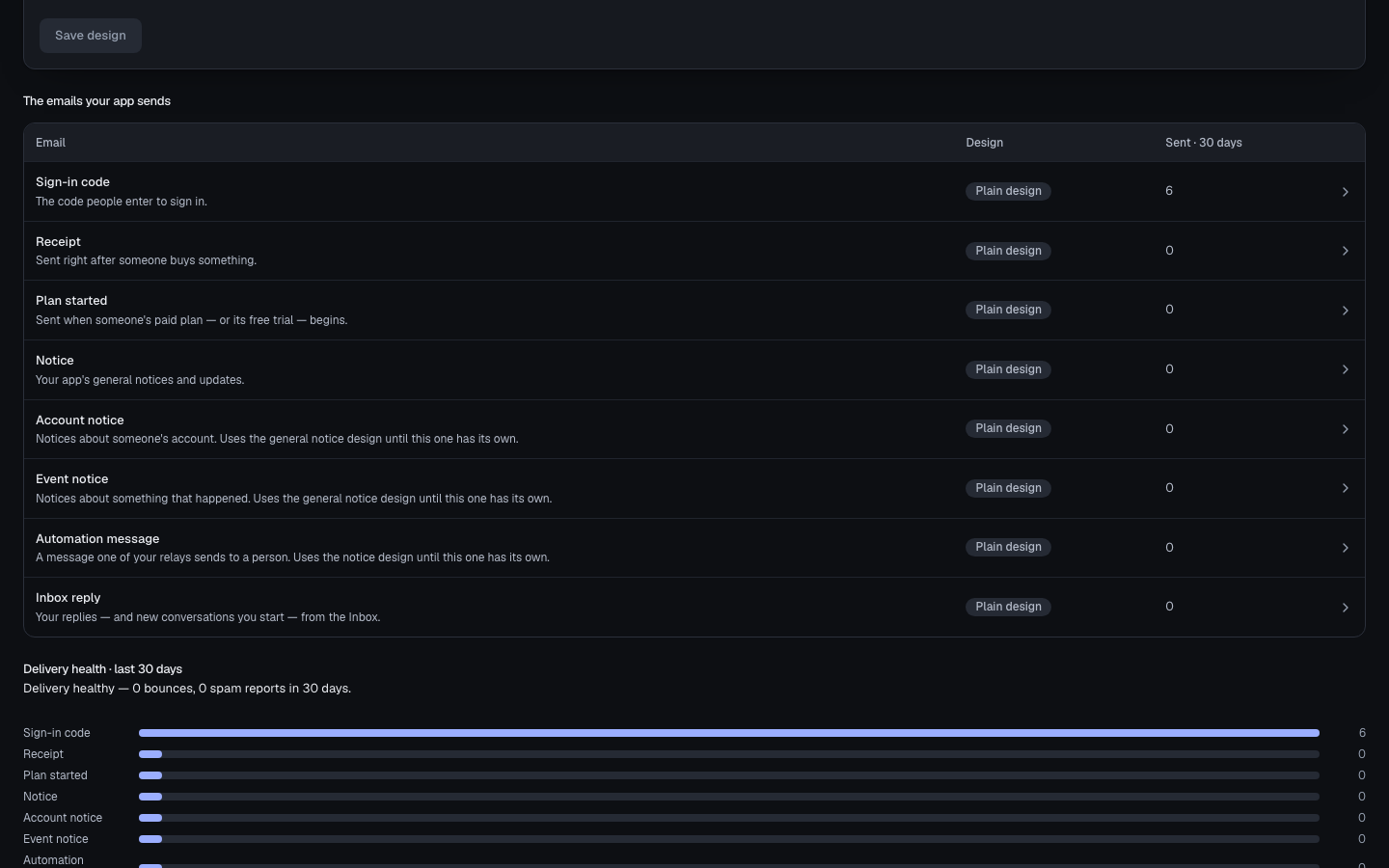
Turning a switch off
On a live app, flipping a switch asks for the code just emailed to you.
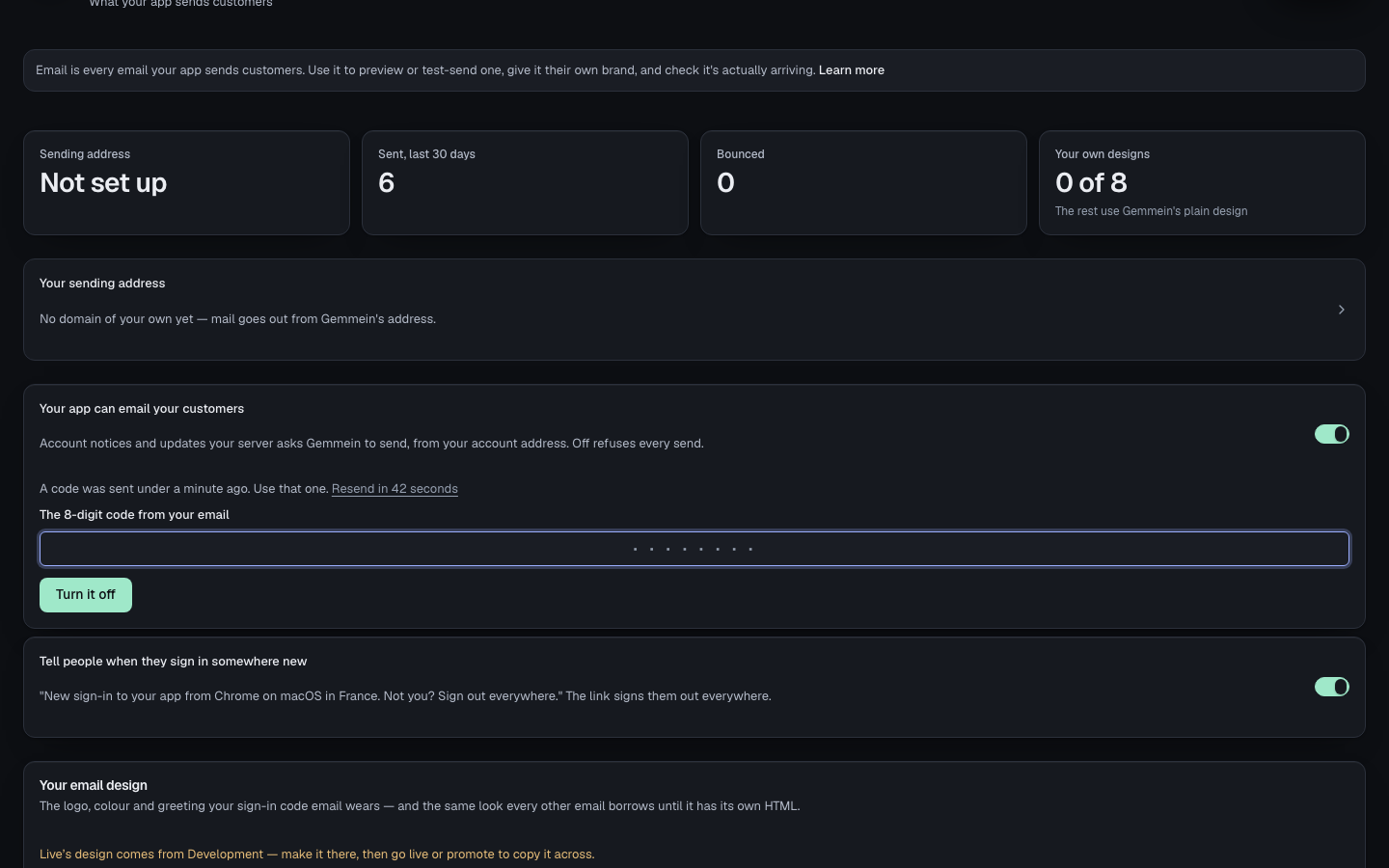
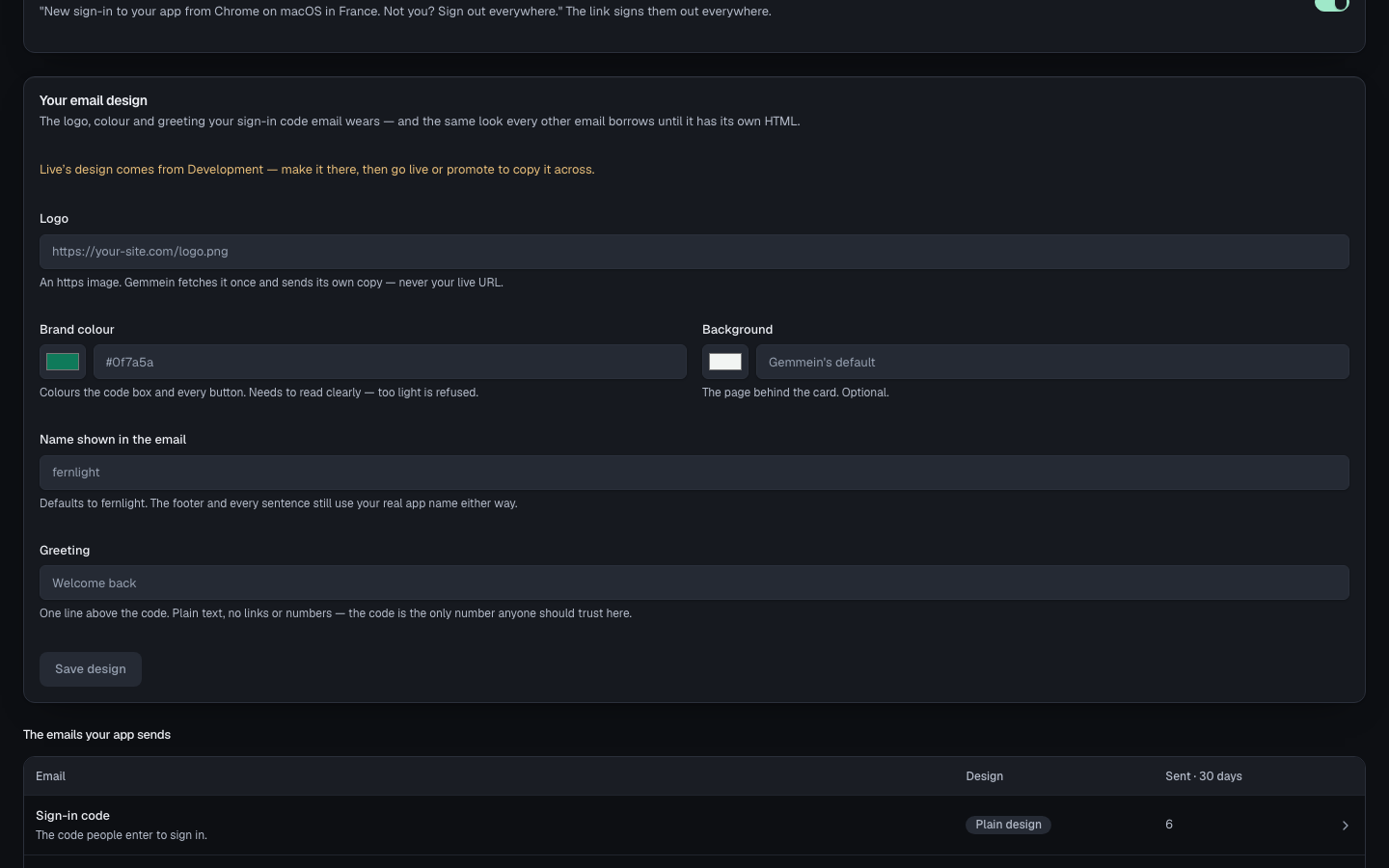
Your email design
Your email design sets the logo, colours, sender name and greeting every email you haven't customised falls back to.
One email
Open an email for its Preview, its Delivery health and, in Development, its own Edit.
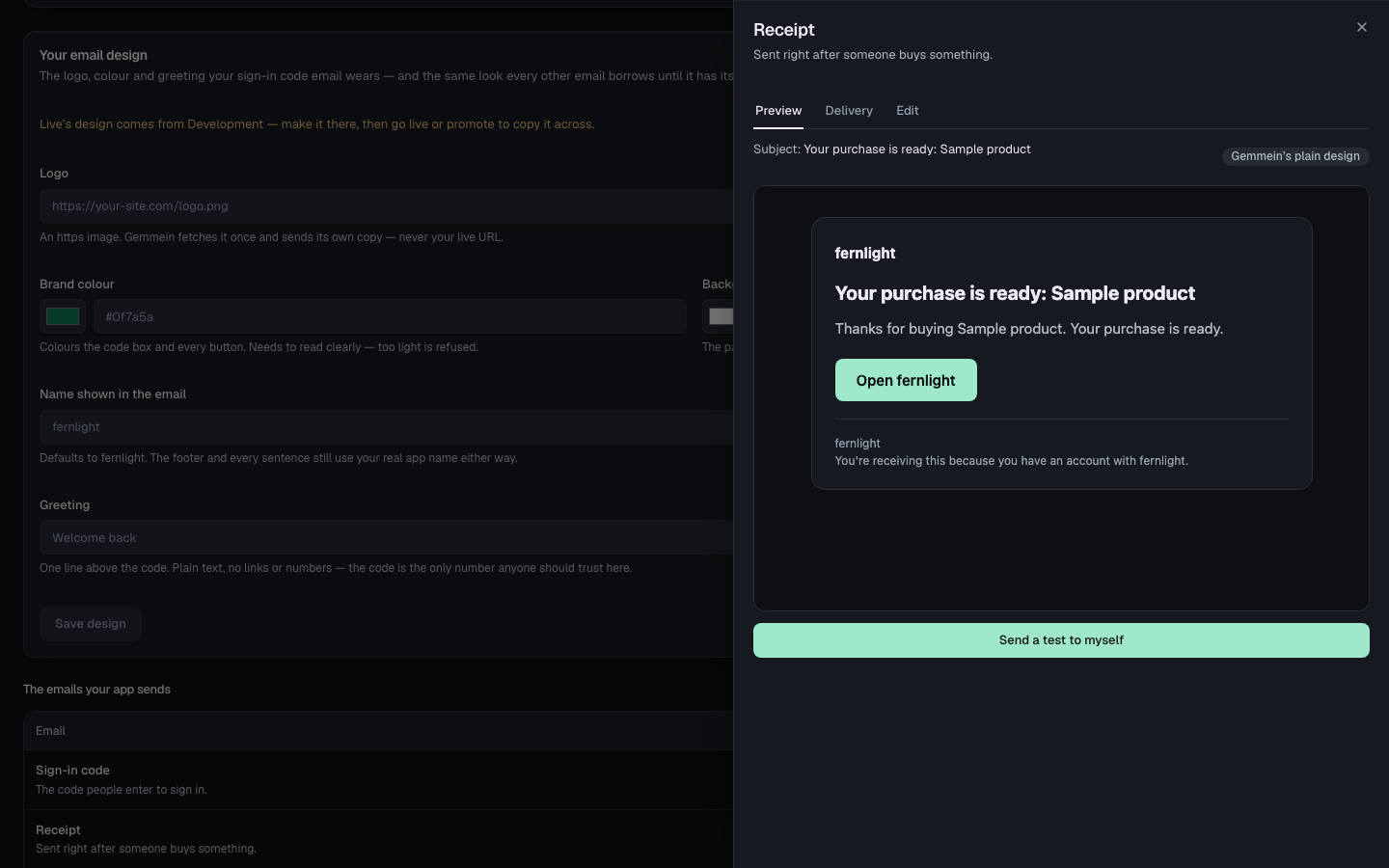
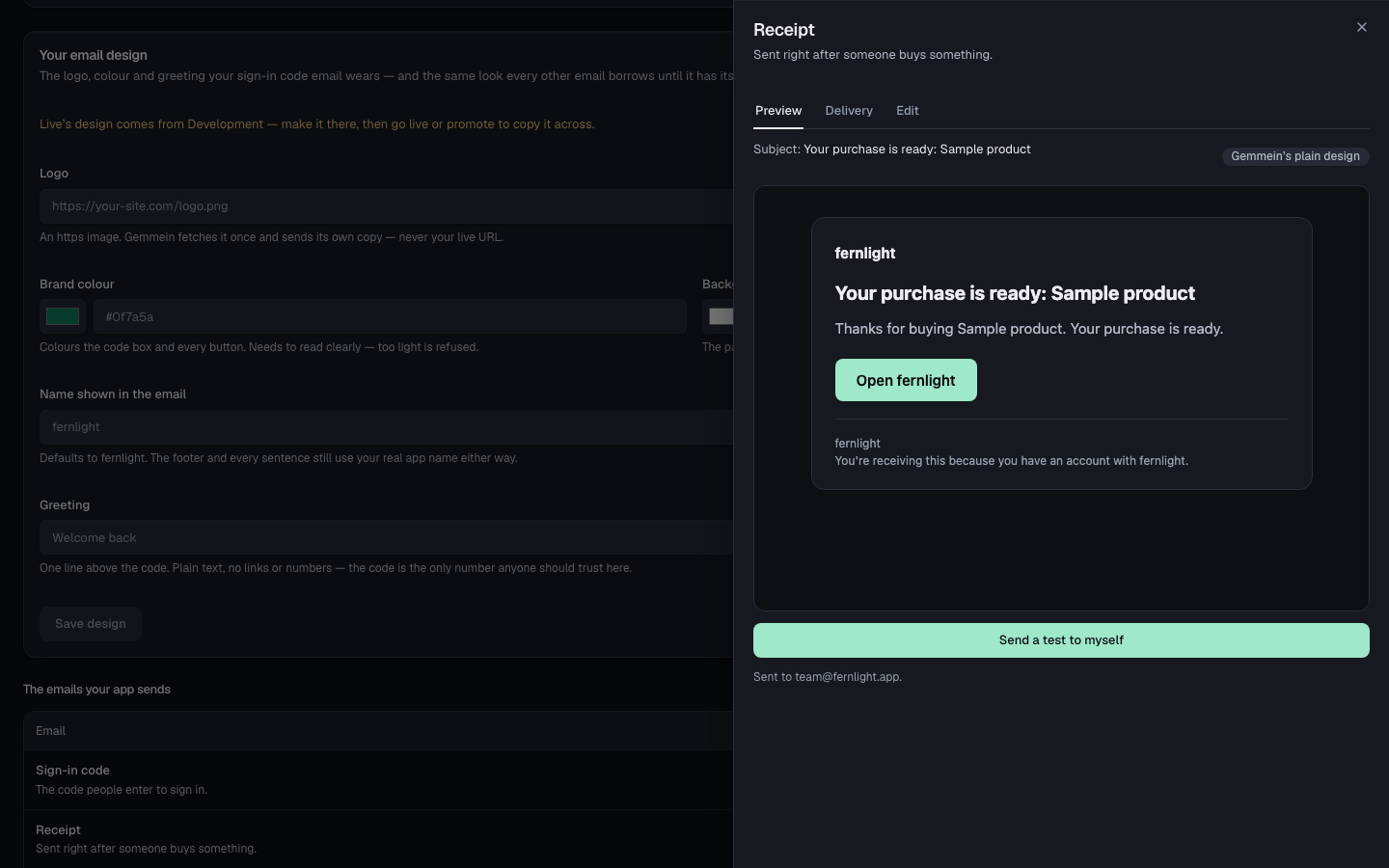
Choose Send a test to myself to see exactly what your customers get.
Errors
invalid or expired code
A switch this important needs the code from your own email, not just a click — so nobody who merely has your screen open can turn it off.
How your app sends email, and from which address: Email.
Thanks for telling us.
Thanks for telling us.
Last updated