Your app
Your app is the whole journey to going live on one page, with each step saying where it stands. It holds the key your code uses, the name your customers see, and the prompt that teaches your AI the SDK.
The walk
The room
Open Your app to see the whole journey to going live on one page; each step says where it stands.
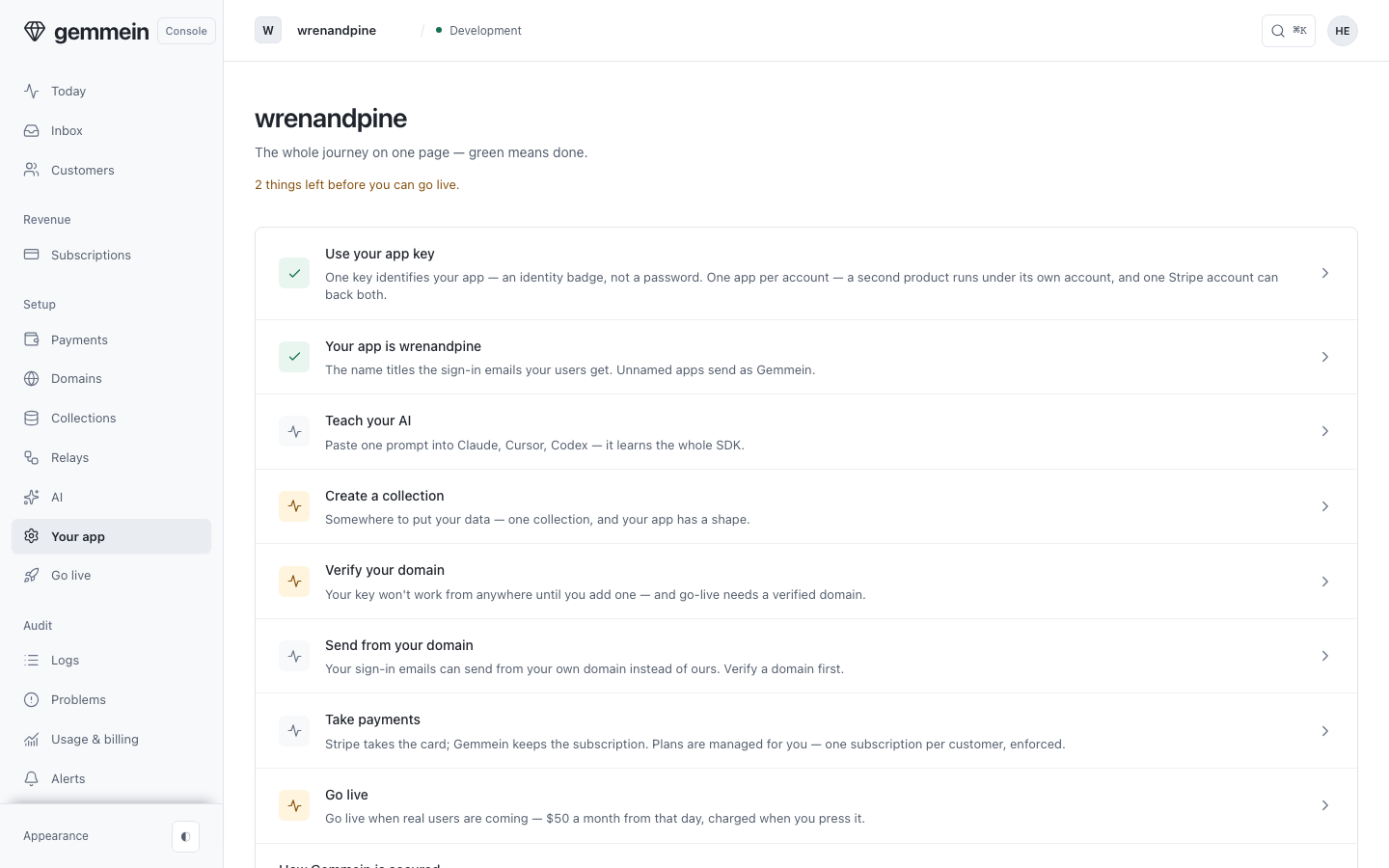
Each step opens the thing that finishes it — Verify your domain opens the four questions that add one, and Send from your domain is its own step once it's verified.
Your app key
Open Use your app key for the key your code sends to say which app is talking; it grants nothing, so it is safe in browser code and in a prompt.
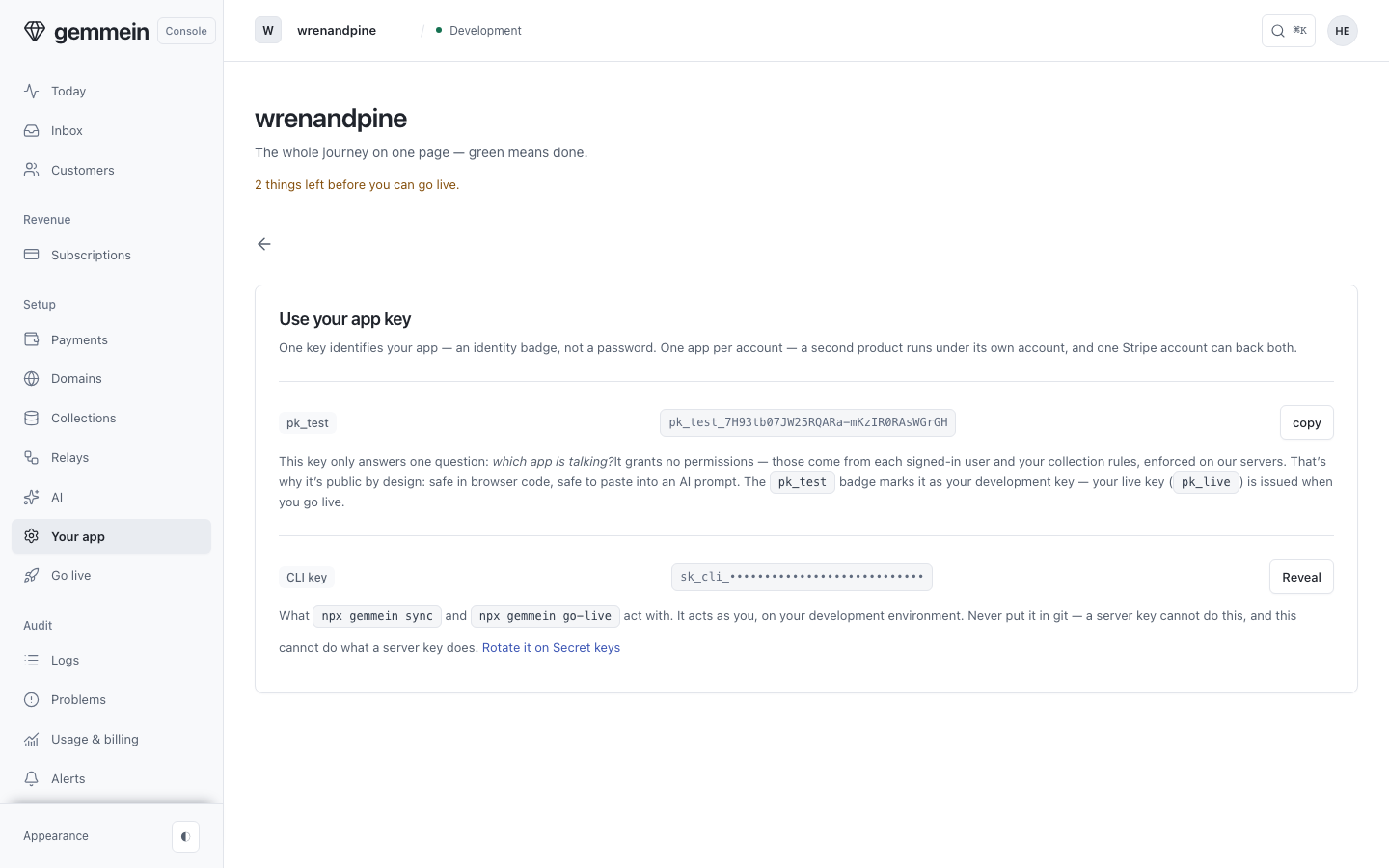
Choose Reveal beside the CLI key when npx gemmein sync asks for it; it acts as you on development, so it never goes in git.
Its name
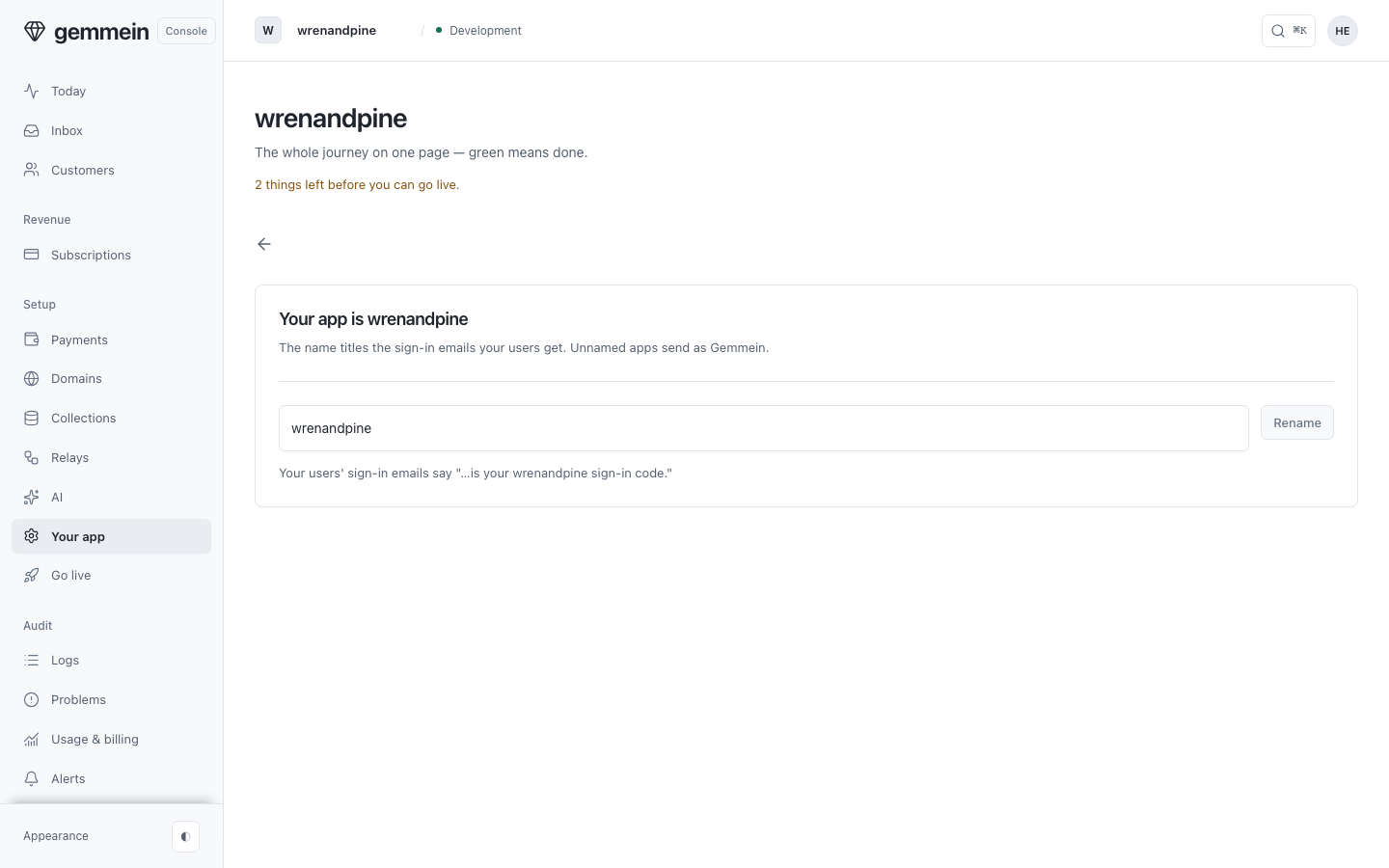
Open the name step to rename your app: the name titles the sign-in emails your customers get.
Teach your AI
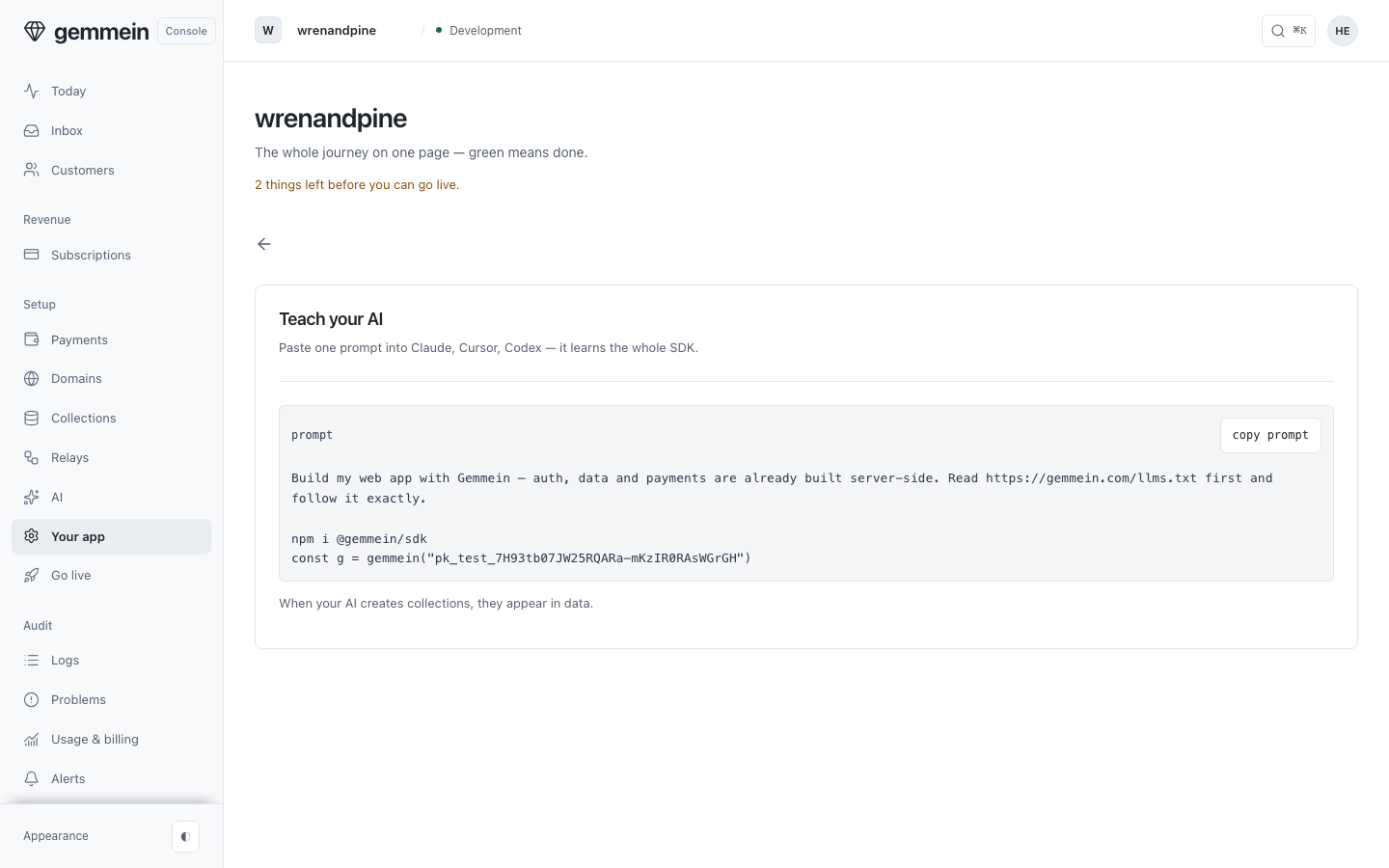
Open Teach your AI and copy the prompt into Claude, Cursor or Codex: it carries your app's key and sends your AI to the SDK's instructions.
The steps after it finish the journey: your domain, payments, what you sell once payments are on, and going live.
What it refuses and why
These are the console's own words when a change can't be saved or a request can't go through.
A name is letters, numbers, spaces, hyphens and underscores — up to 63 characters.
The name is printed in every sign-in email your customers get, so it keeps to characters every inbox shows the same way.
Your first app, from the key to a working sign-in: Quickstart.