Secret keys
Secret keys let your own servers and scripts reach your app's data, each key limited to the collections and the people powers you give it. Make one for each job, see how it's been used, and revoke it the moment you no longer need it.
The walk
The room
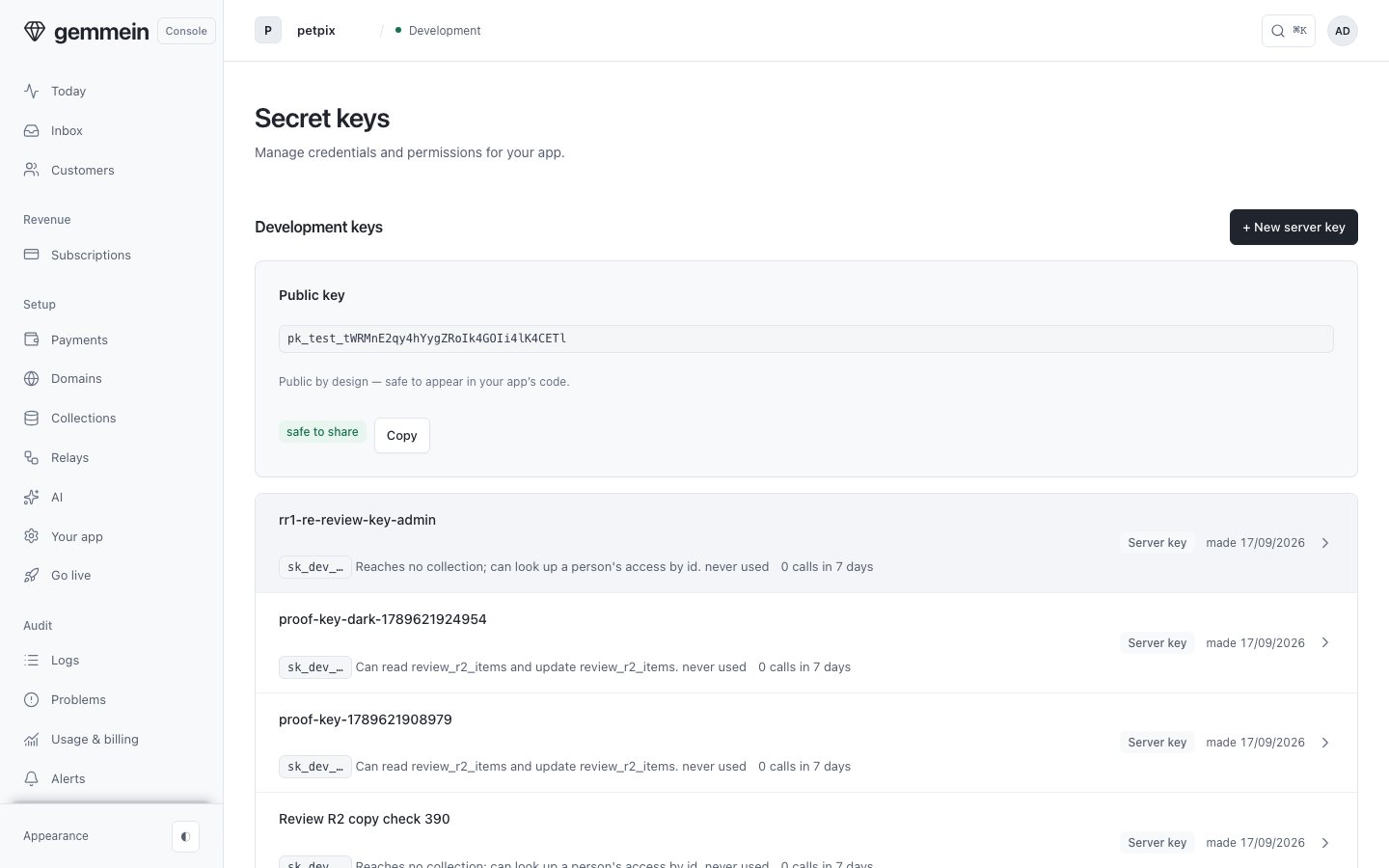
Open Secret keys to see the keys your servers use, and what each one may reach.
A new key
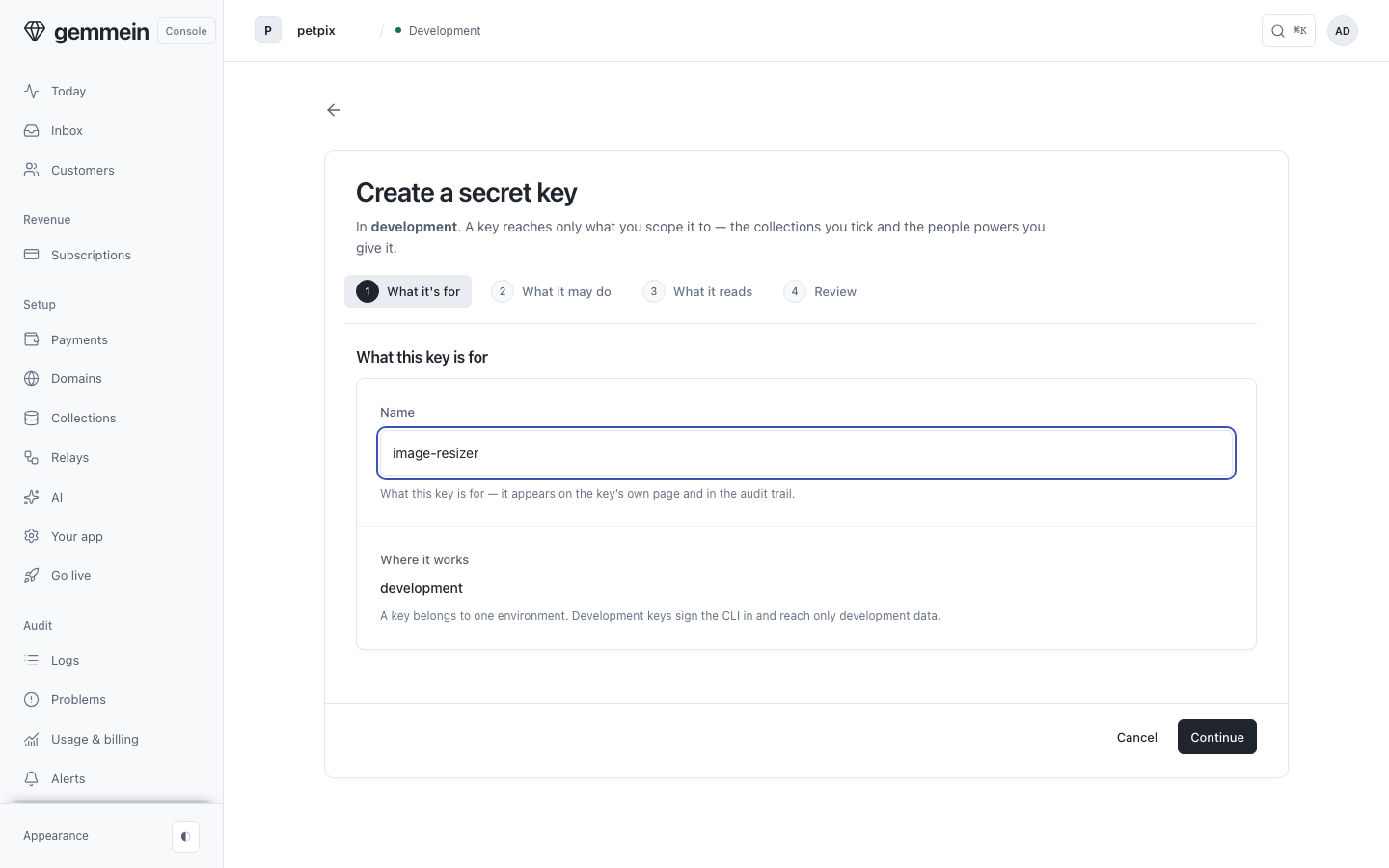
Choose New server key and name it for the job it does — the name is what you will recognise in the audit trail.
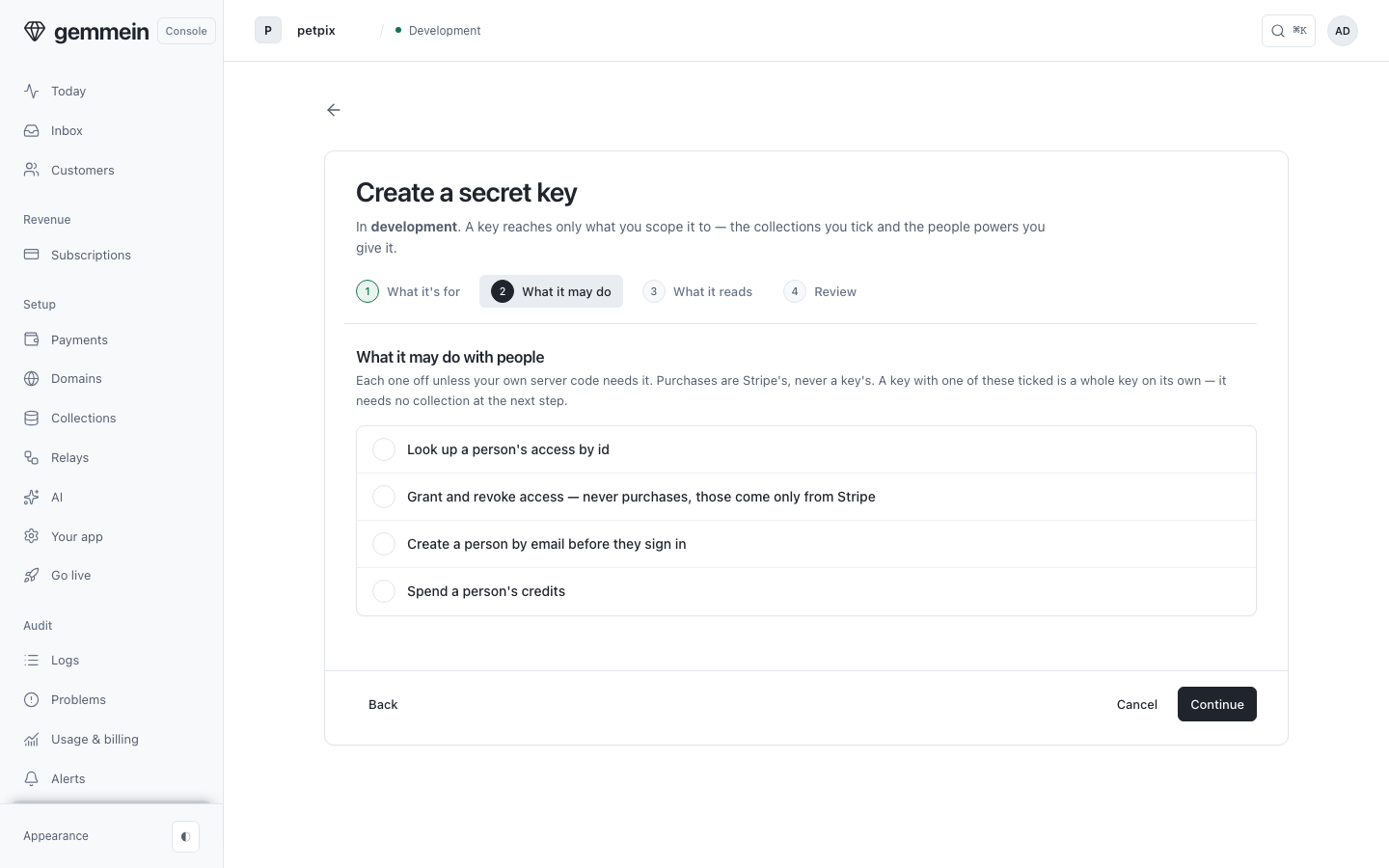
The powers that reach a person rather than a collection are their own question, and every one is off until you tick it. A key that holds one of these is a whole key on its own — it needs no collection at all.
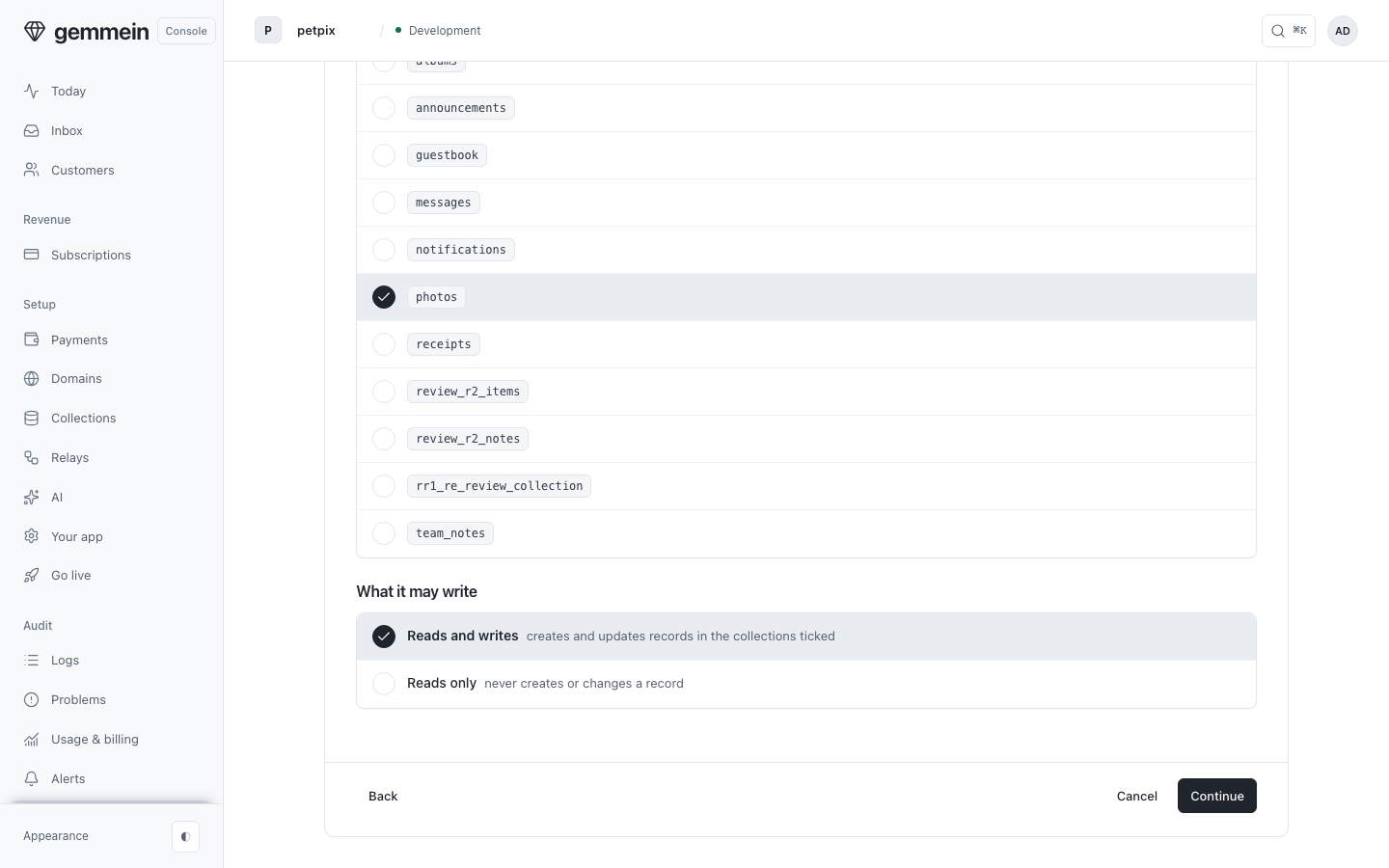
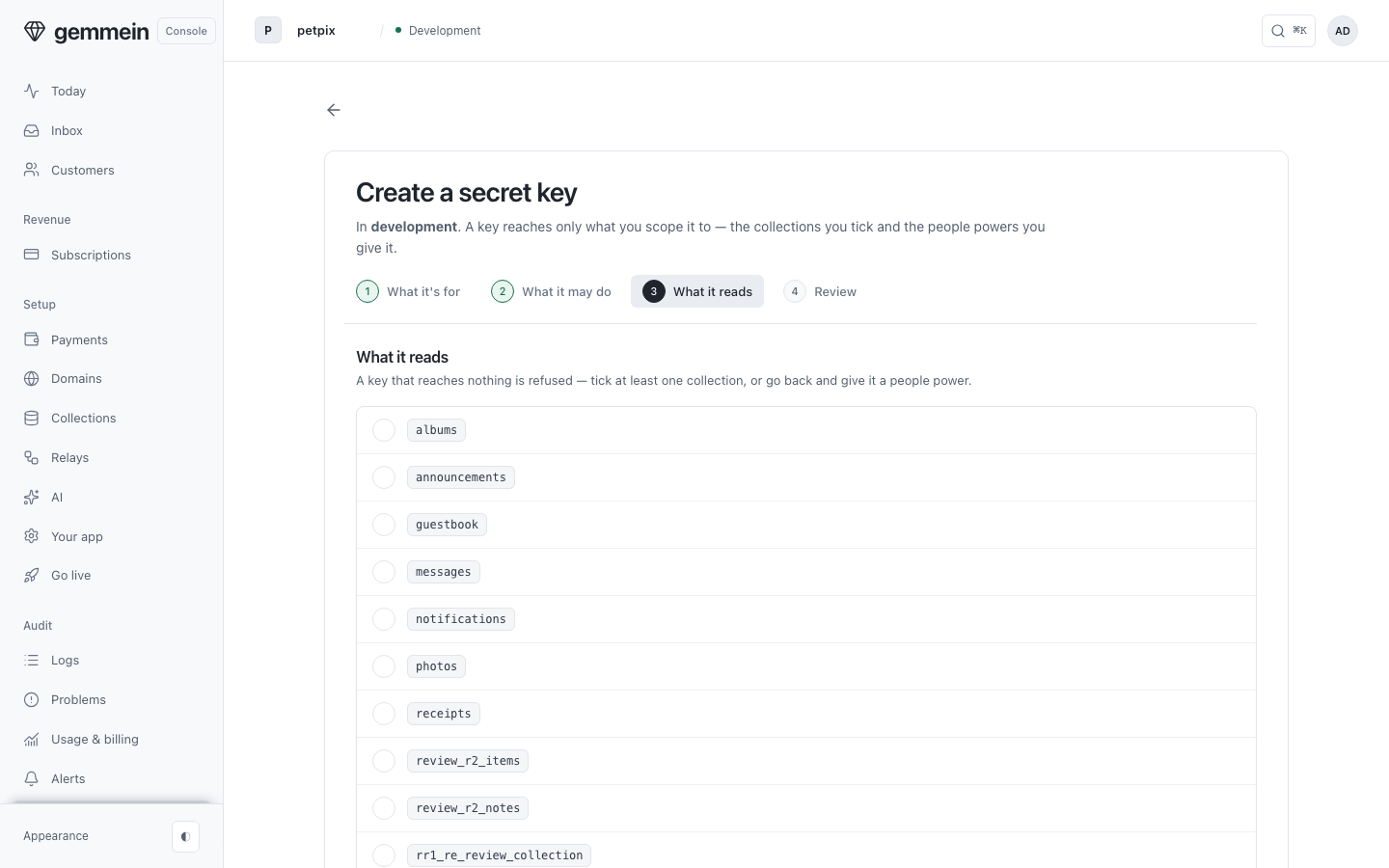
Choose the collections it may reach, and say whether it may write to them: a key reaches those, the powers you gave it, and nothing else.
Review says what the key will reach before it exists, with the two lines your server writes to use it.
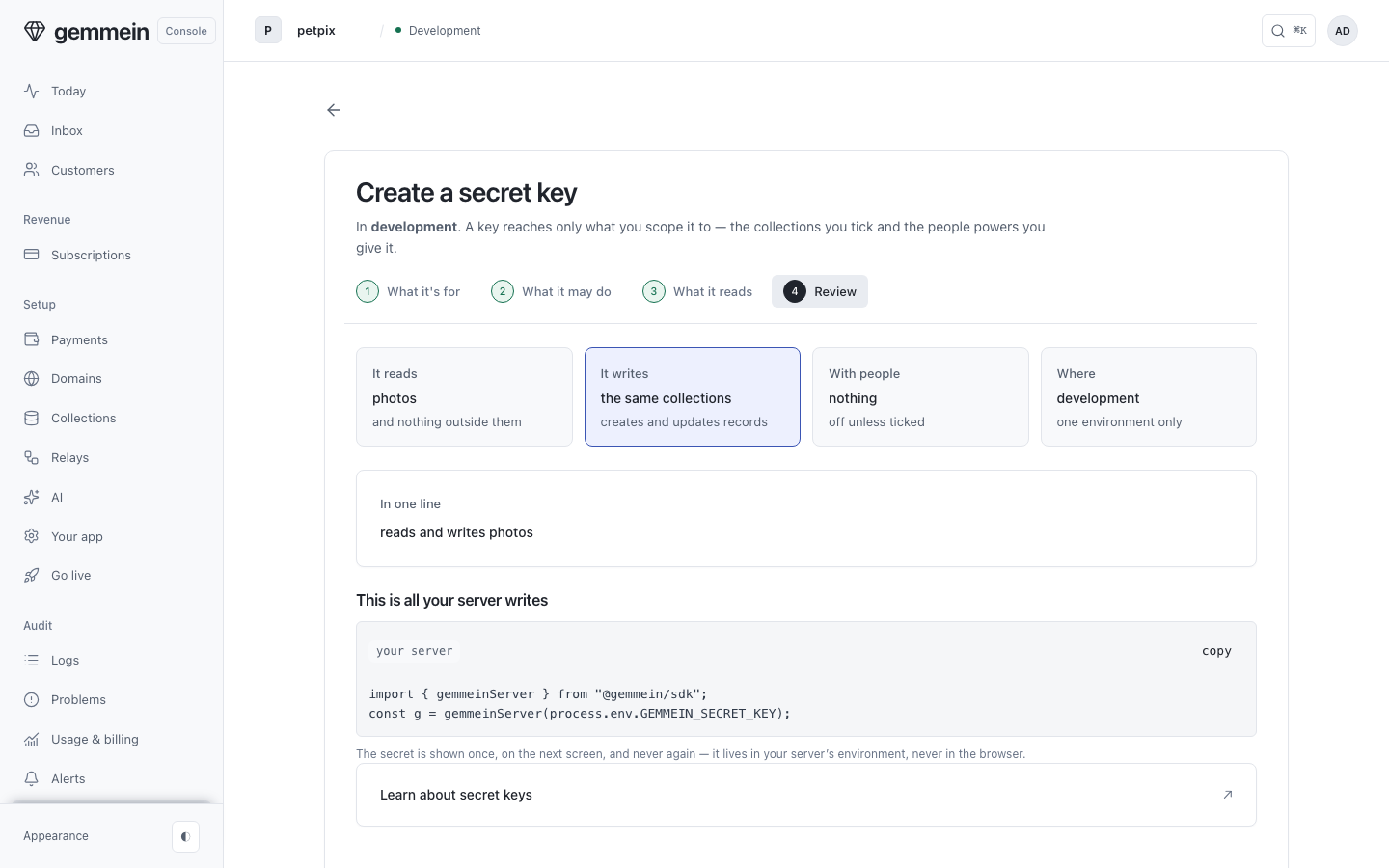
Choose Create key and copy the key it shows: it is shown once, and never again.
Continue stays dark until at least one collection is ticked or a people power is on — a key that would reach nothing at all can't be made.
One key
Open a key to see what it may reach and when it was last used.
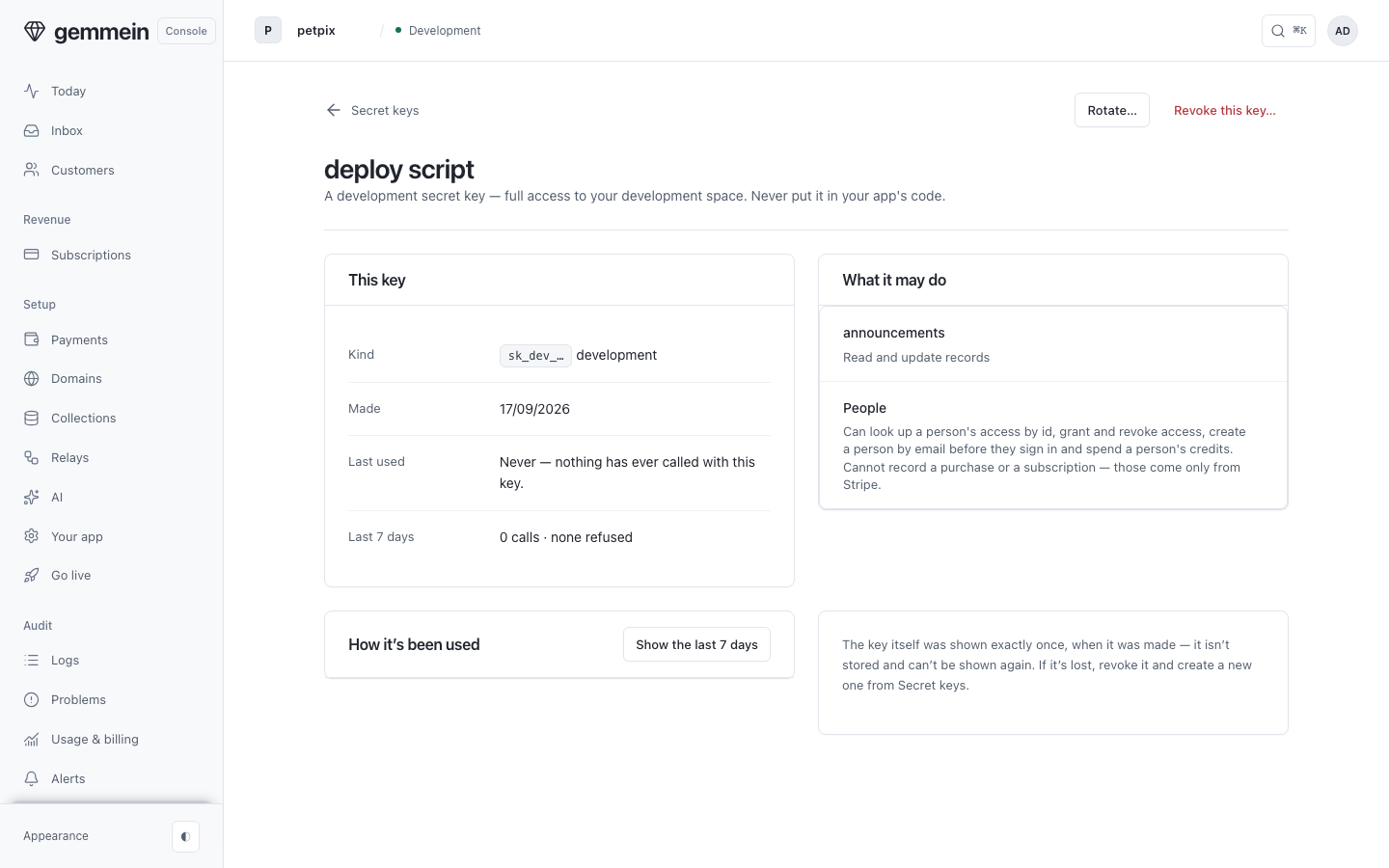
Choose Show the last 7 days to see how it's been used: every call, or, until the first one, its own honest empty state.
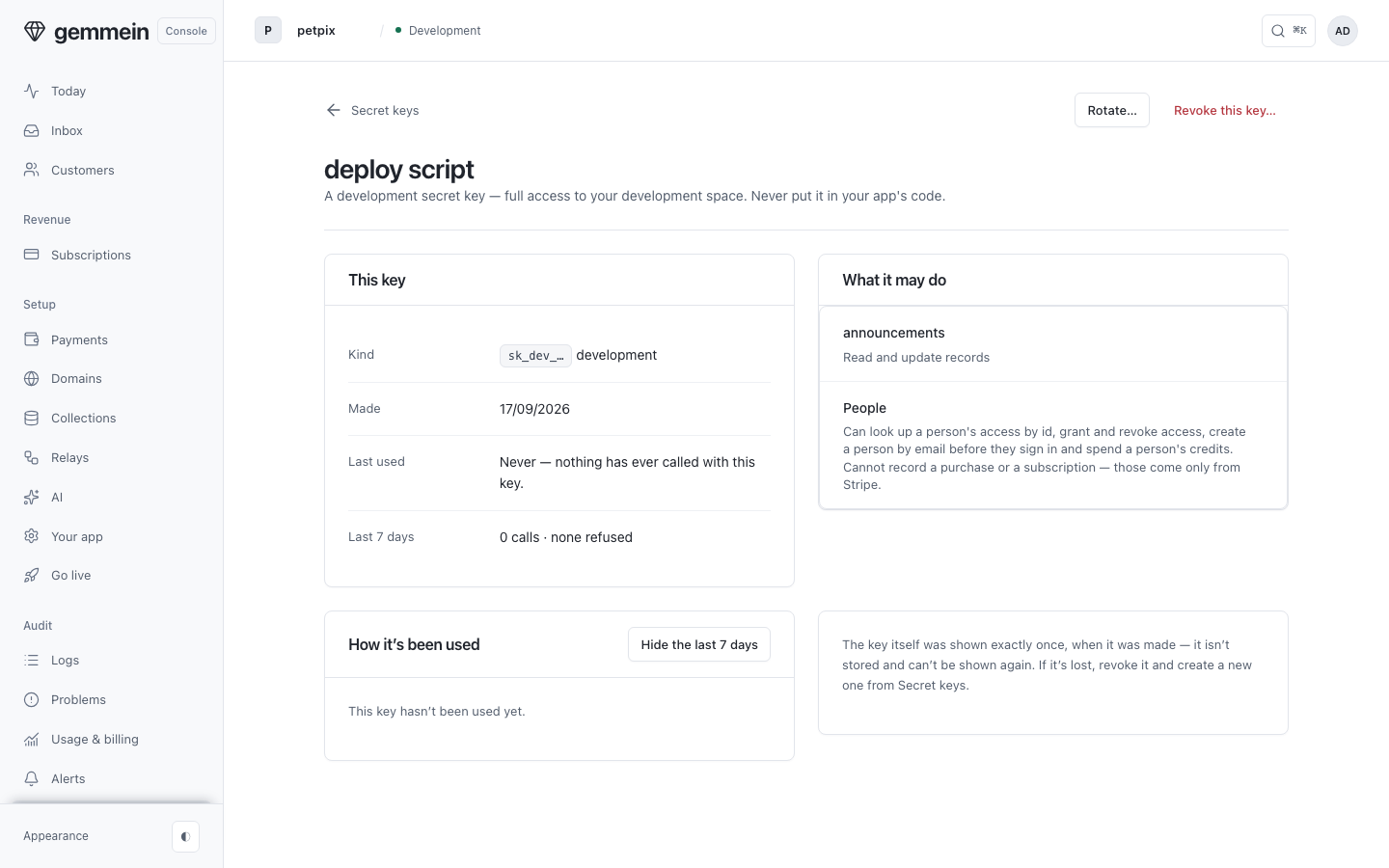
Choose Rotate to issue a new key, which stops the old one at once, or Revoke to stop it for good.
What it refuses and why
These are the console's own words when a change can't be saved or a request can't go through.
Give it a name you will recognise in the audit trail — two characters at least.
A key's name is how you recognise it in the audit trail months later, so it is never one character.
How server code uses a secret key: Keys & environments.