console
Problems
Problems is where your live app's mistakes show up: every write Gemmein refused, grouped by what went wrong. Each group says how often it happened and quotes the exact refusal your app was told, so you know what to change.
The walk
Before you go live
Before your app is live, Problems is empty: it only groups the writes your live app sends.
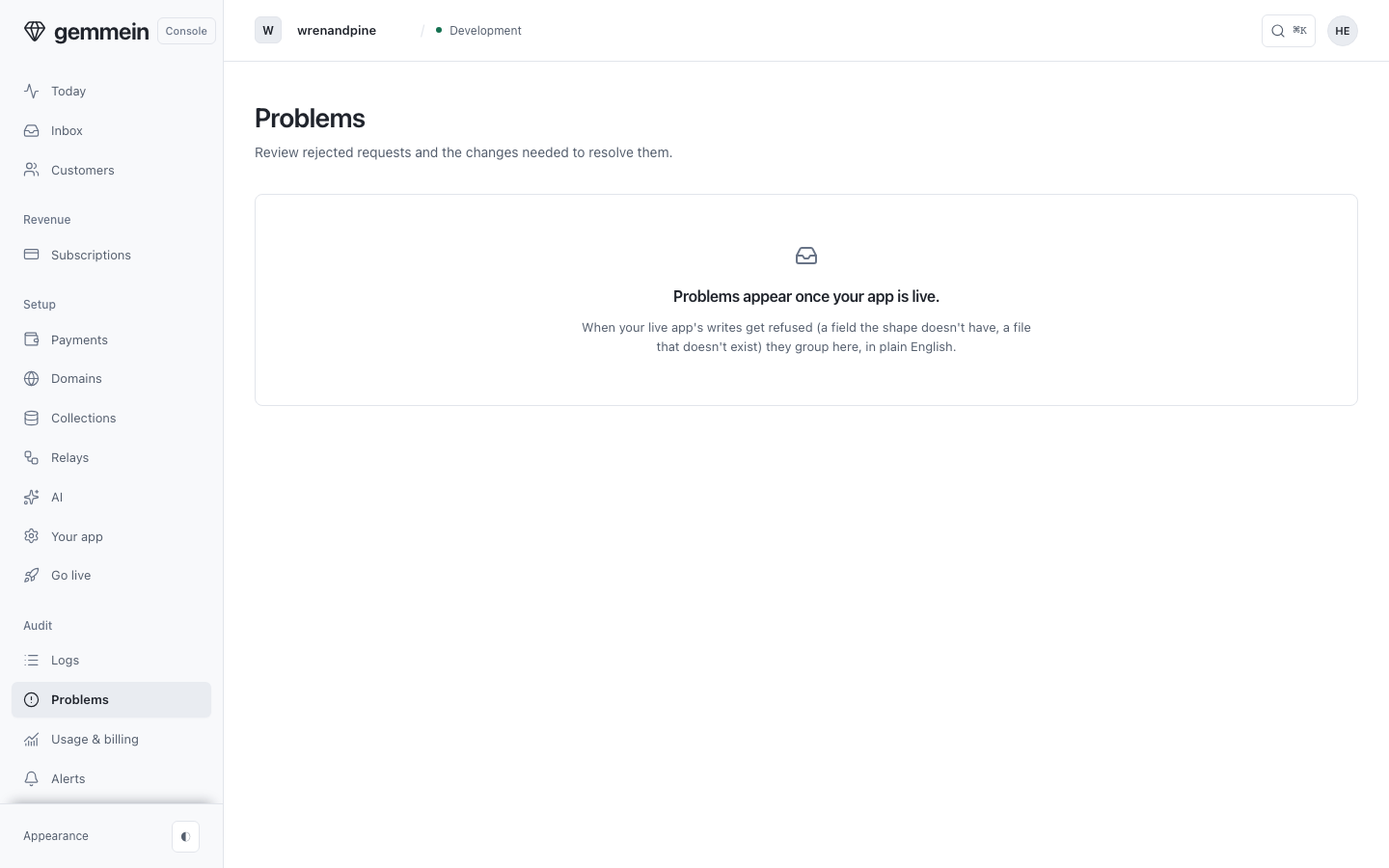
After you go live
After you go live, open Problems to see what kept going wrong, how often and how recently, and the exact refusal your app was told.
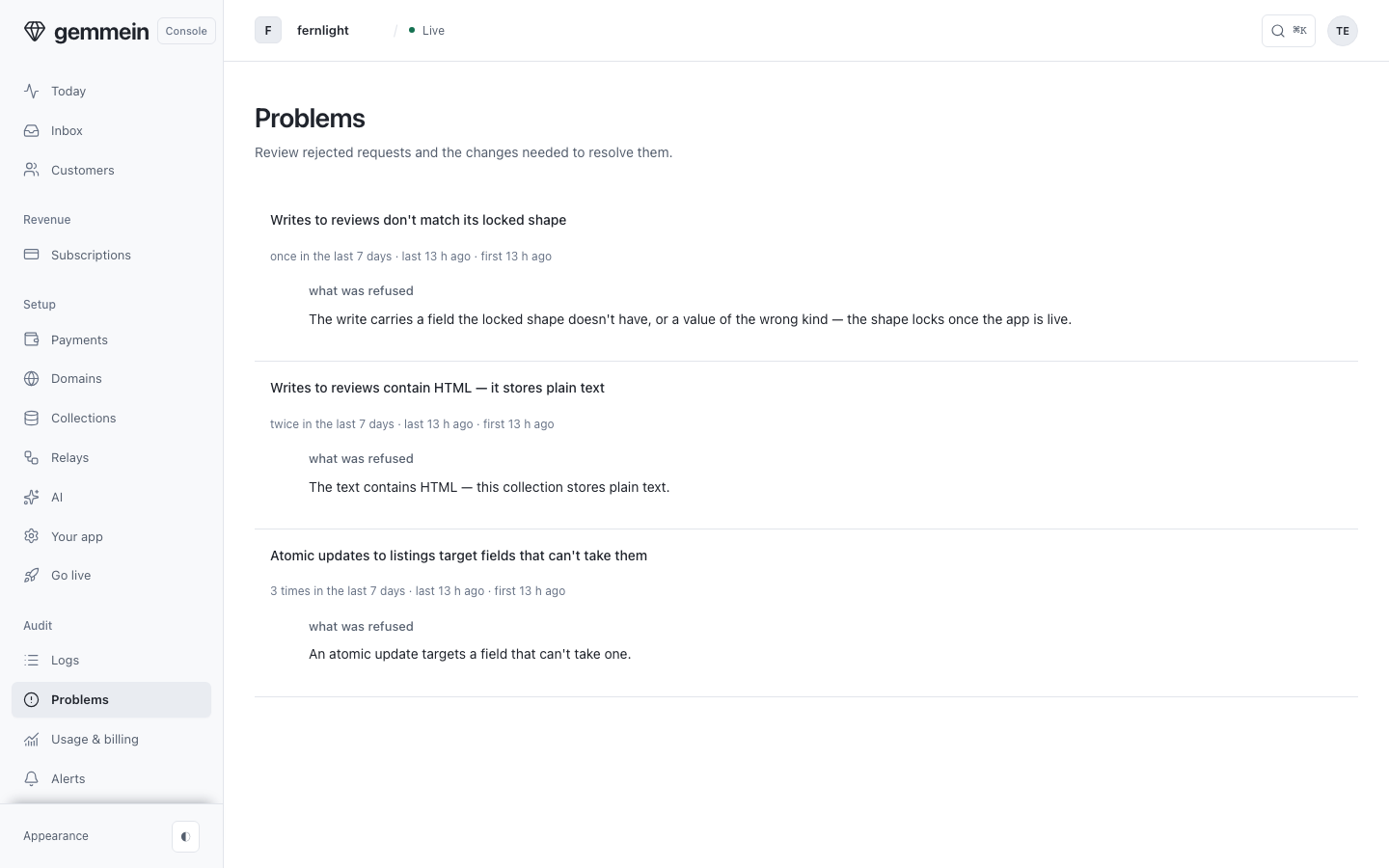
Change the write in your app's code: a refused write saved nothing, so there is nothing to undo.
Open Logs to see each refused write as it happened, and who sent it.
What it refuses and why
This room changes nothing, so it has nothing to refuse.
Every refusal code, and what your app should change: Errors.